0
Sign In

AI Background Blur

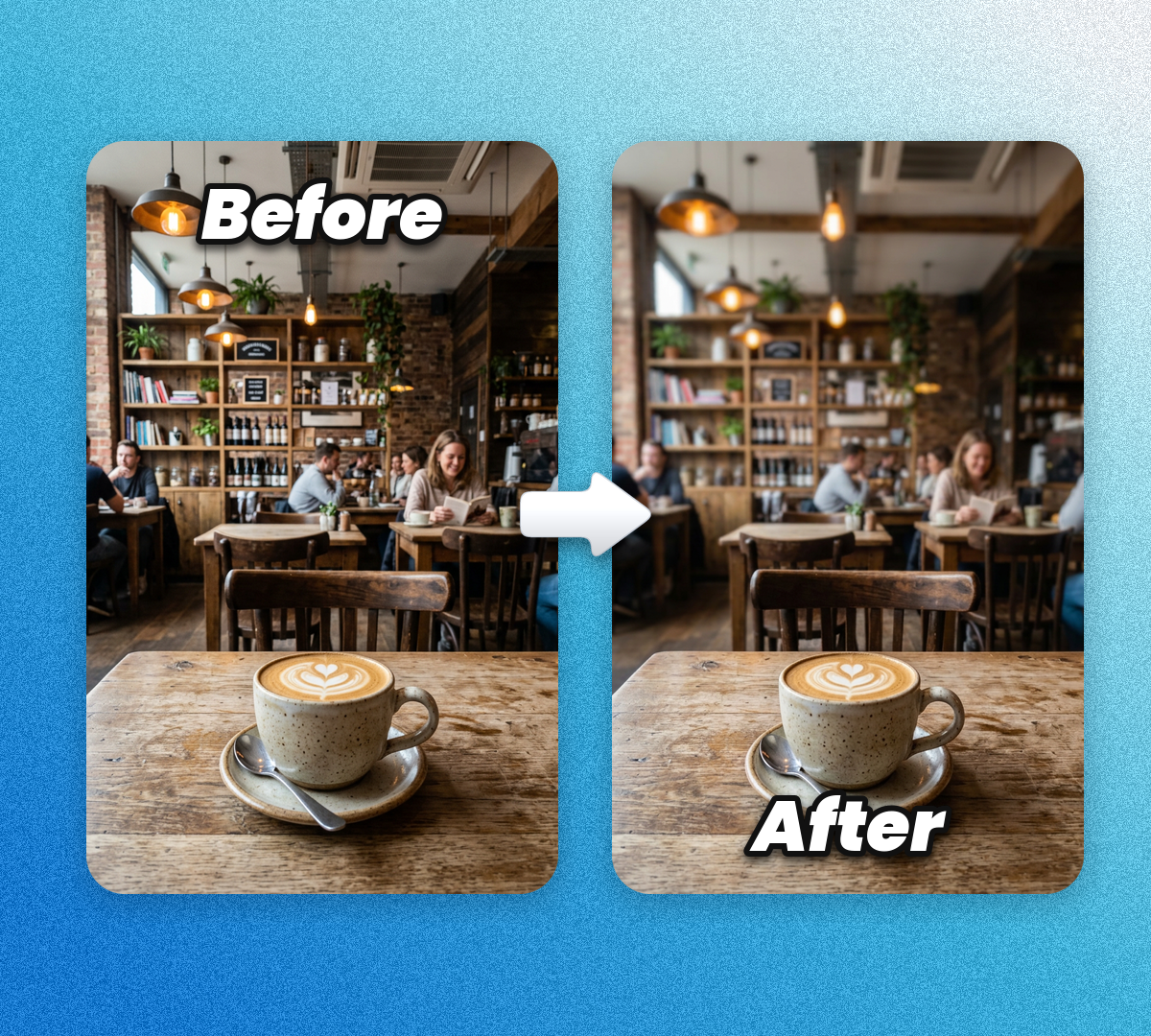
Give any photo a professional, creamy background blur with AI. Templix AI Background Blur keeps your subject tack-sharp and turns the background into soft, natural bokeh, just like a large-aperture portrait lens. No expensive camera, no masking, no editing software. Just upload your photo and get a pro portrait look in seconds.

How to Use the AI Background Blur Tool
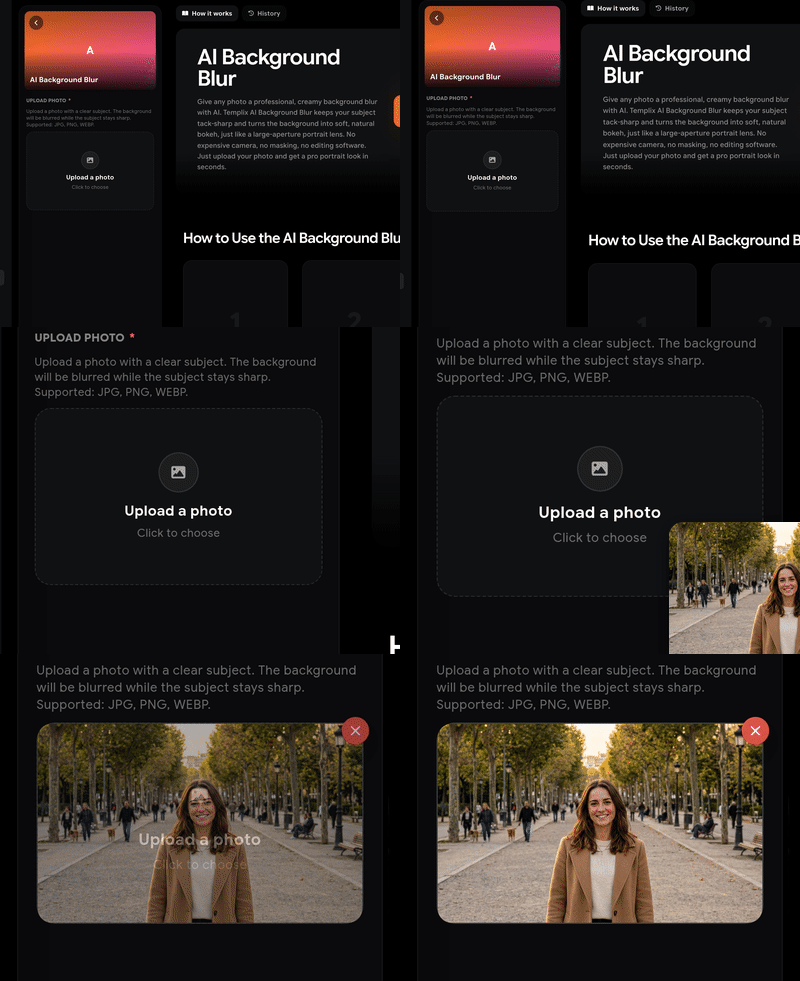
Upload Your Photo

Upload Your Photo

Add a photo with a clear main subject, such as a person, a pet, or a product. Templix AI Background Blur supports JPG, PNG, and WEBP files.
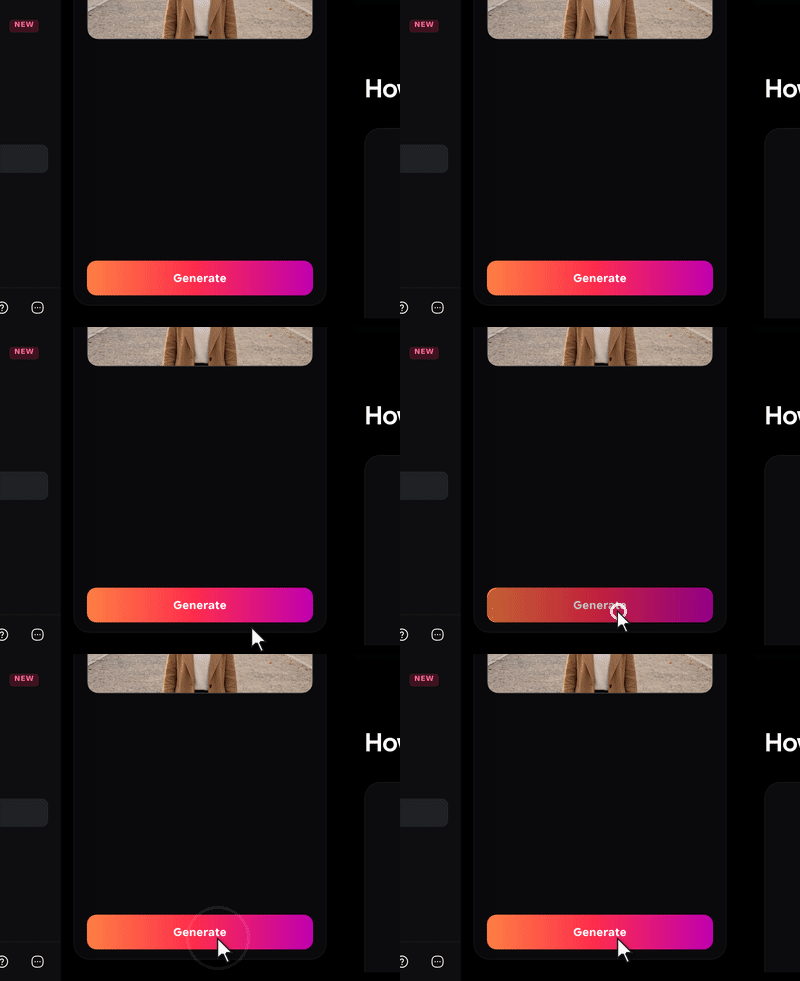
Generate the Blur

Generate the Blur

Click Generate, no prompt or brushing required. Templix detects your subject, estimates the depth of the scene, and blurs the background gradually so it falls off naturally behind them.
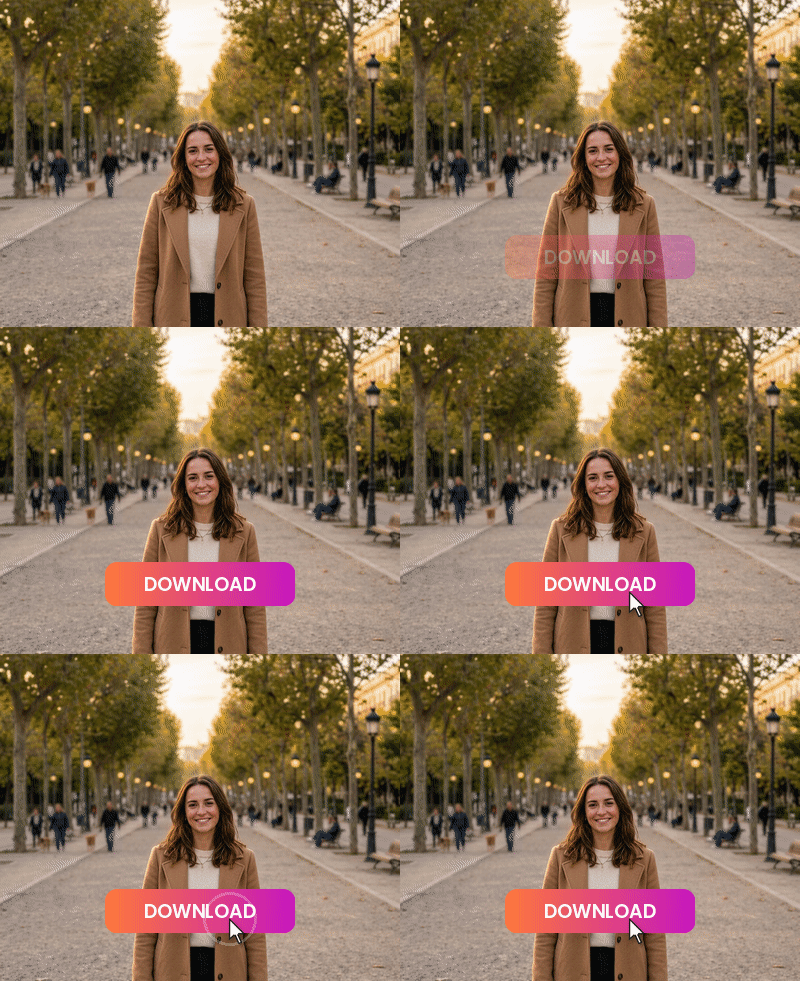
Download and Share

Download and Share

Save your photo in high quality with a sharp subject and smooth bokeh behind it, ready for profiles, posts, listings, and prints.
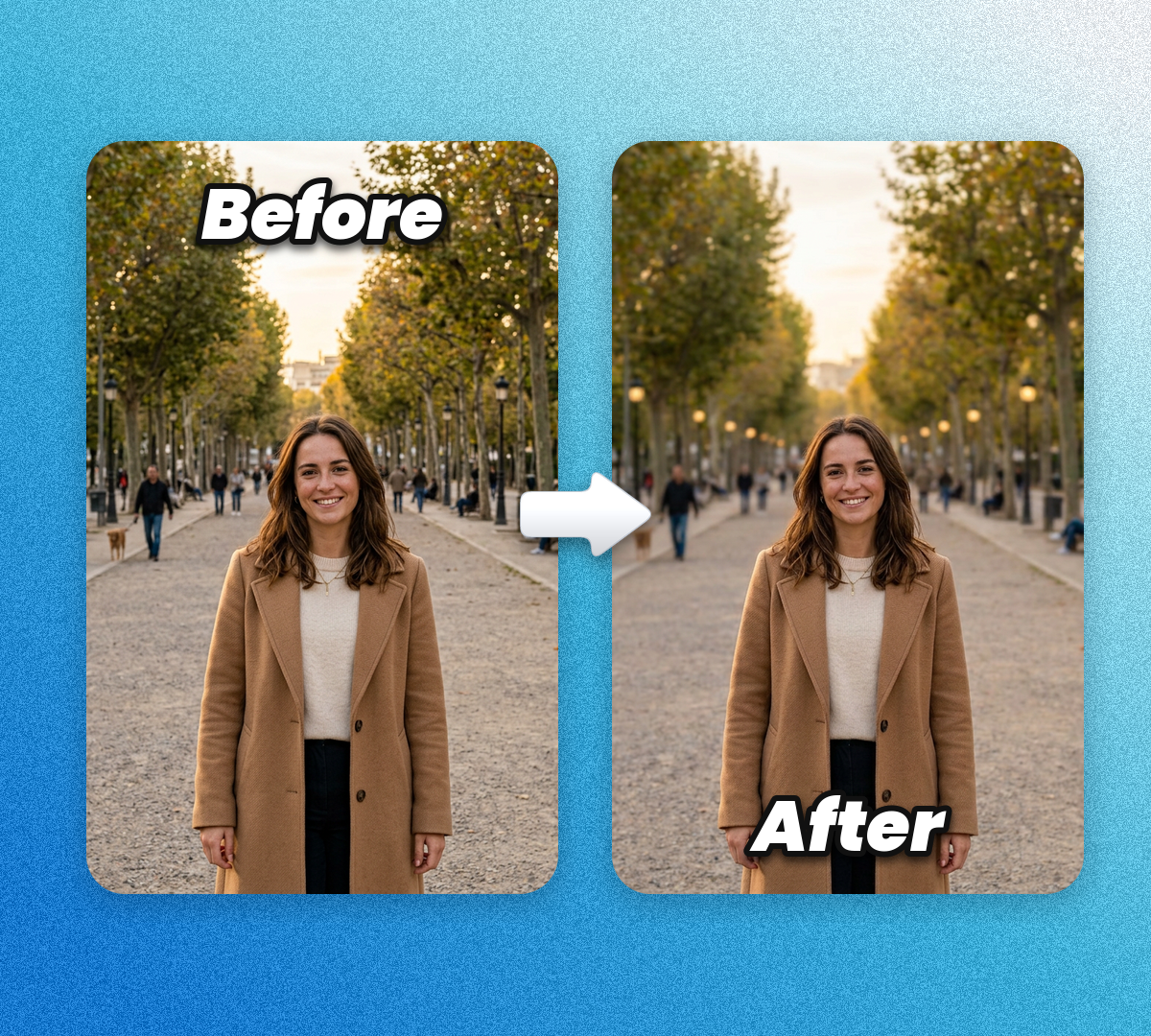
Real Lens Bokeh, Not a Flat Filter
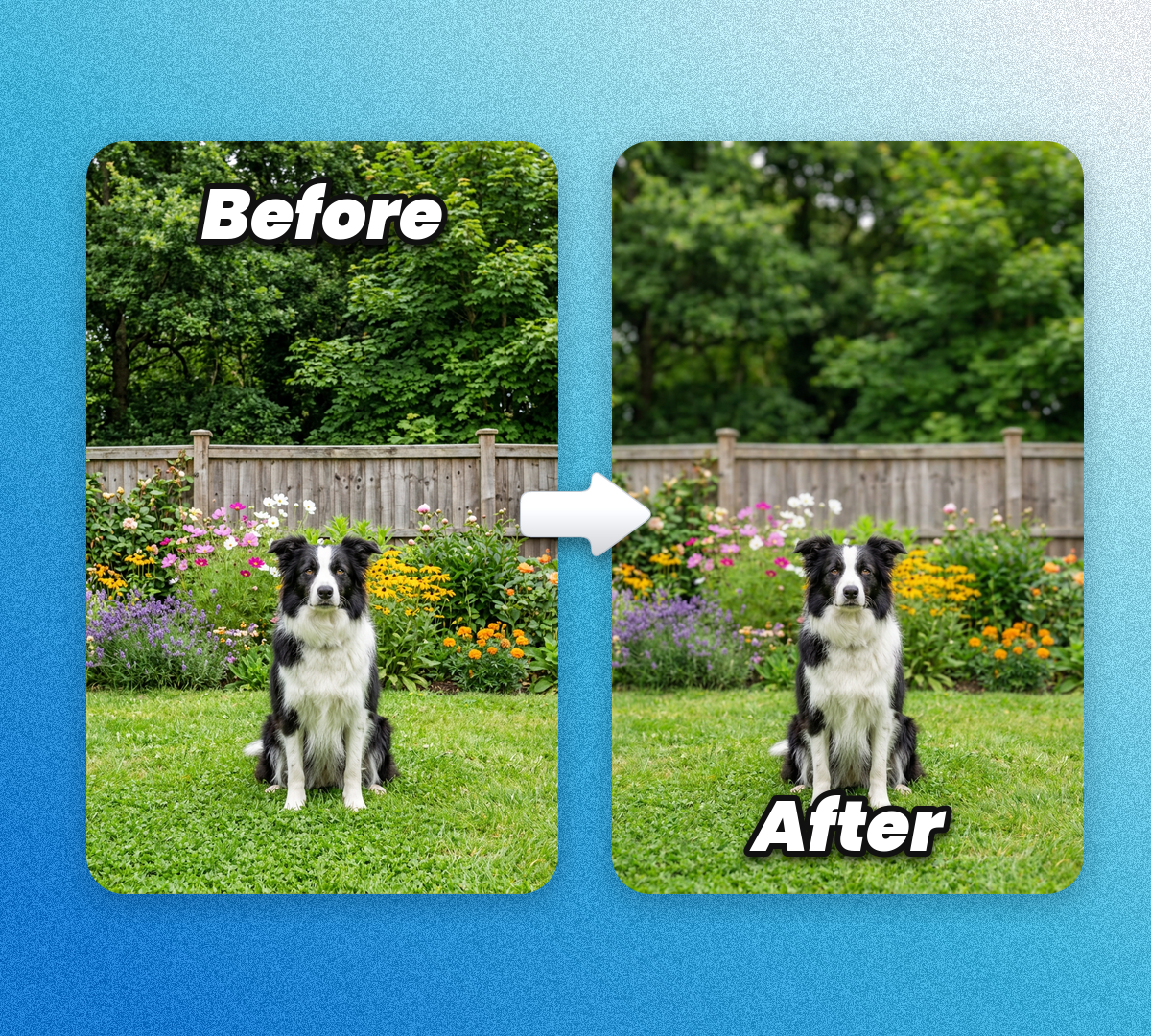
Real Lens Bokeh, Not a Flat Filter

Most blur tools add a flat, even blur that makes the subject look cut out. Templix AI Background Blur reads the depth of your scene and blurs it the way real camera glass does: things close to your subject stay crisp while the distance melts away, and points of light turn into soft, round bokeh. Edges around hair, fur, and fine details stay clean, so the result looks like it was shot wide open on a prime lens. Want to remove the background entirely? Use the AI Background Remover, or replace it with the AI Background Changer.
Portrait-Mode Photos From Any Camera

Portrait-Mode Photos From Any Camera

Shot on an older phone, a webcam, or in a busy place? Turn everyday photos into polished portraits for LinkedIn, dating profiles, headshots, and social media. A soft background removes distractions like people, signs, and clutter, and puts all the attention on you. Finish your portrait with Skin Retouch for a natural, camera-ready look.
Make Products and Pets the Hero

Make Products and Pets the Hero

A blurred background instantly makes a product or pet stand out. Sellers can give listing photos a professional depth-of-field look without a studio, and pet owners can turn quick snaps into frame-worthy shots. Food, coffee, flowers, and close-up details all benefit from the same pro look. Sharpen the result with the AI Image Upscaler for print-ready quality.

More Apps Tools

Face Swap

Video Background Changer

Remove Object from Video

Video Object Replace

Motion Control

AI Background Changer

Common Questions About AI Background Blur

Join the Community!

Subscribe to our Social Media for the latest updates,
features, and inspiration

©2026, All Right Reserved.