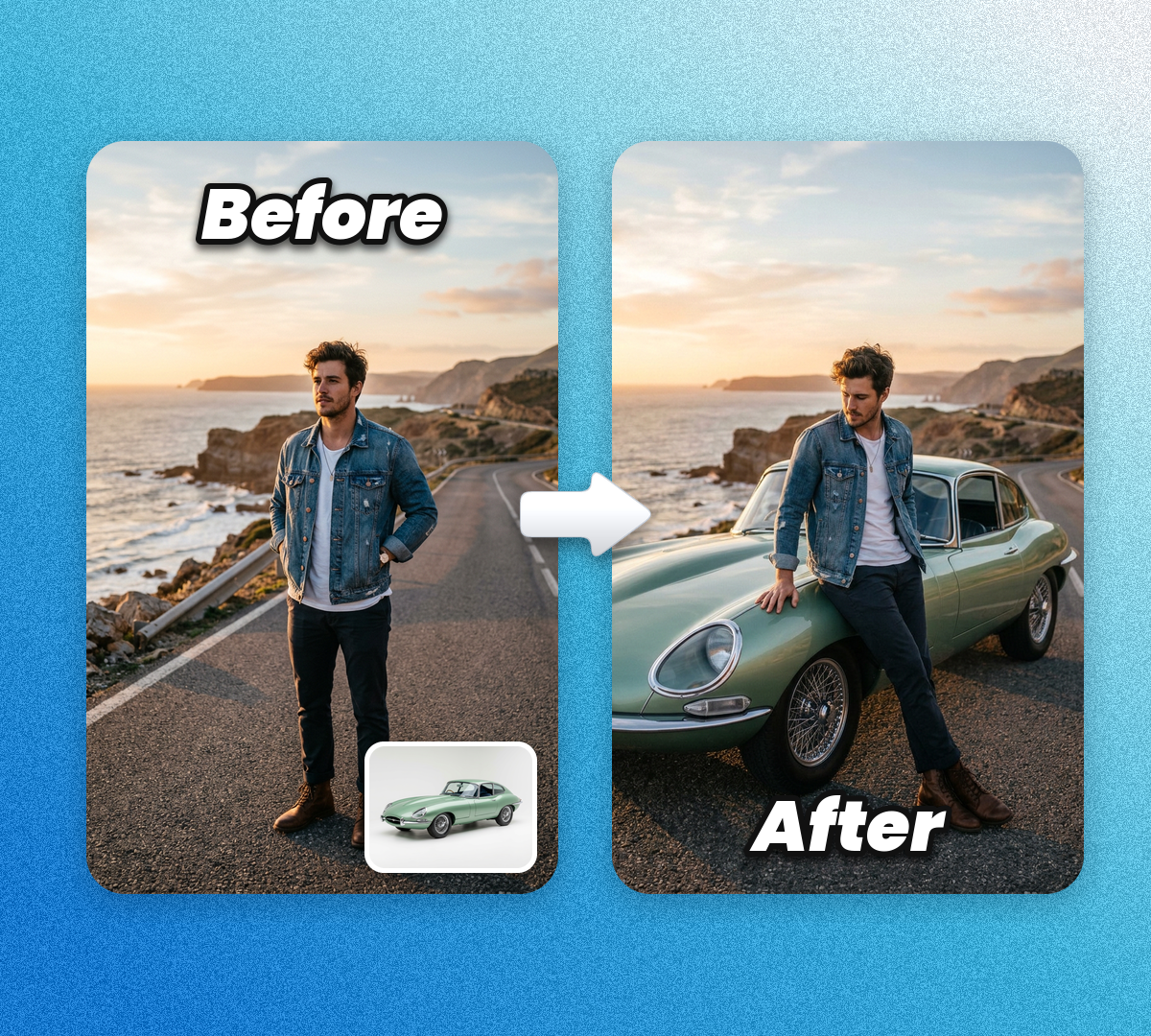
AI Image Combiner
Combine two photos into one natural scene with AI. Templix AI Image Combiner takes the subject from one photo and places it into the scene of another, matching pose, lighting, and shadows so everyone looks like they were photographed together. No cut-outs, no layers, no editing skills. Just upload two photos and get a believable result in seconds.
How to Use the AI Image Combiner Tool
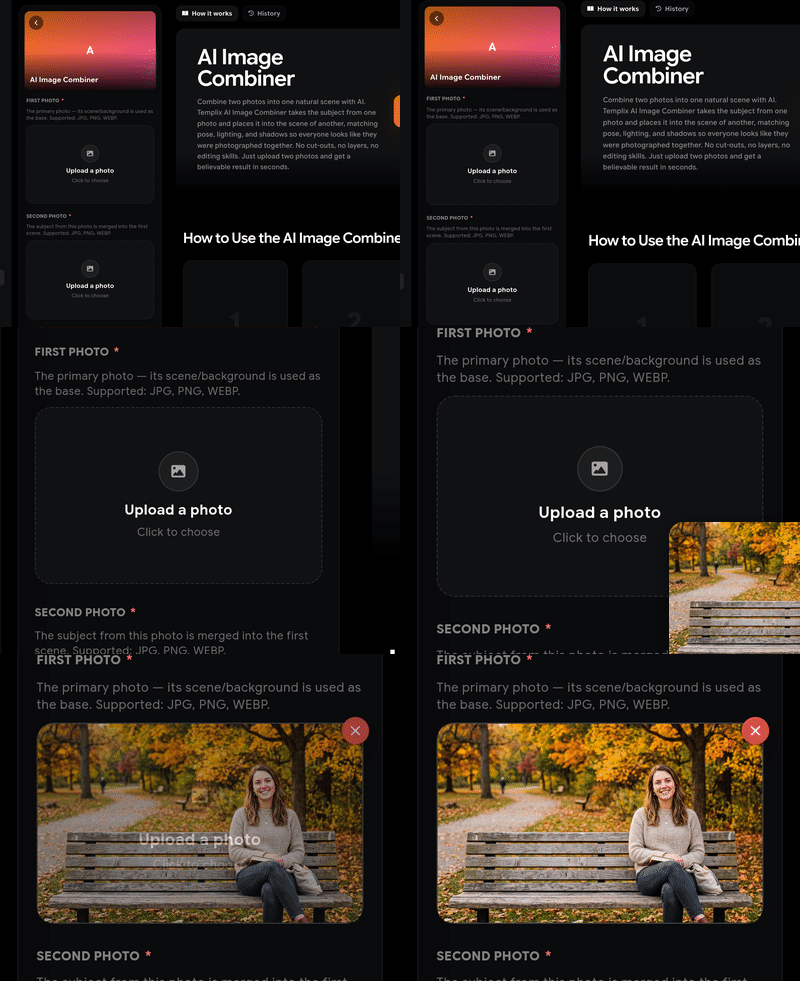
Upload Your First Photo
Add the main photo first. Its scene and background become the base of the final image, so choose the setting you want to keep. Templix AI Image Combiner supports JPG, PNG, and WEBP files.
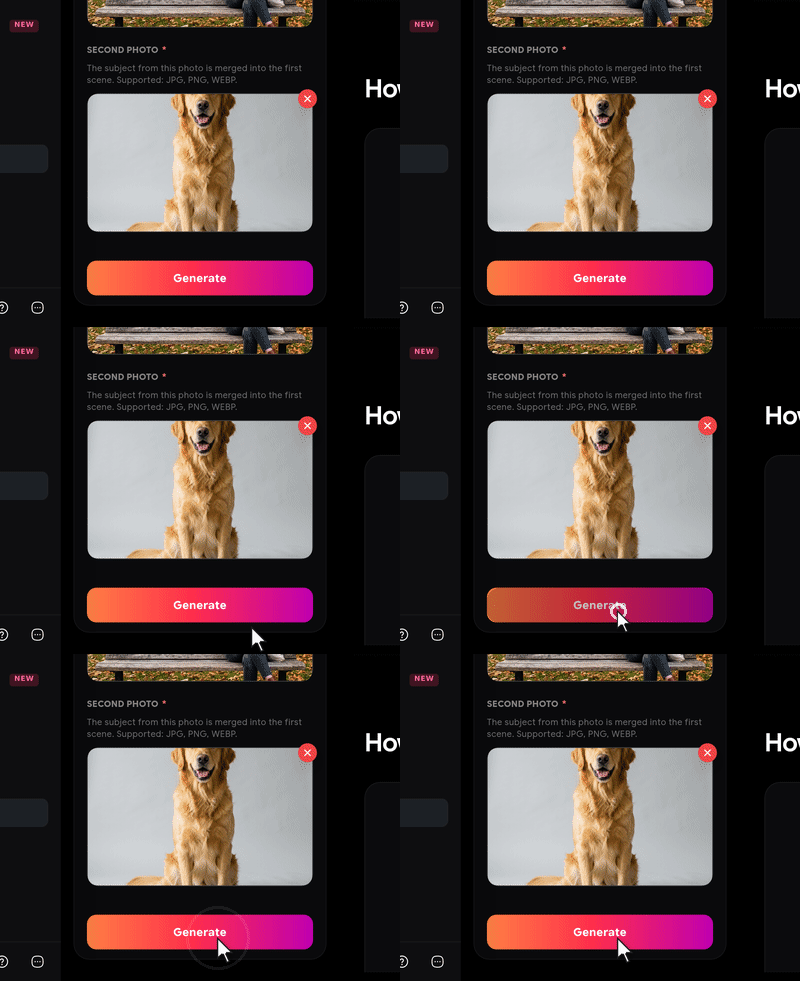
Add the Second Photo
Upload the photo with the person, pet, or object you want to bring into the scene. A clear, well-lit subject that is fully in frame gives the most natural result.
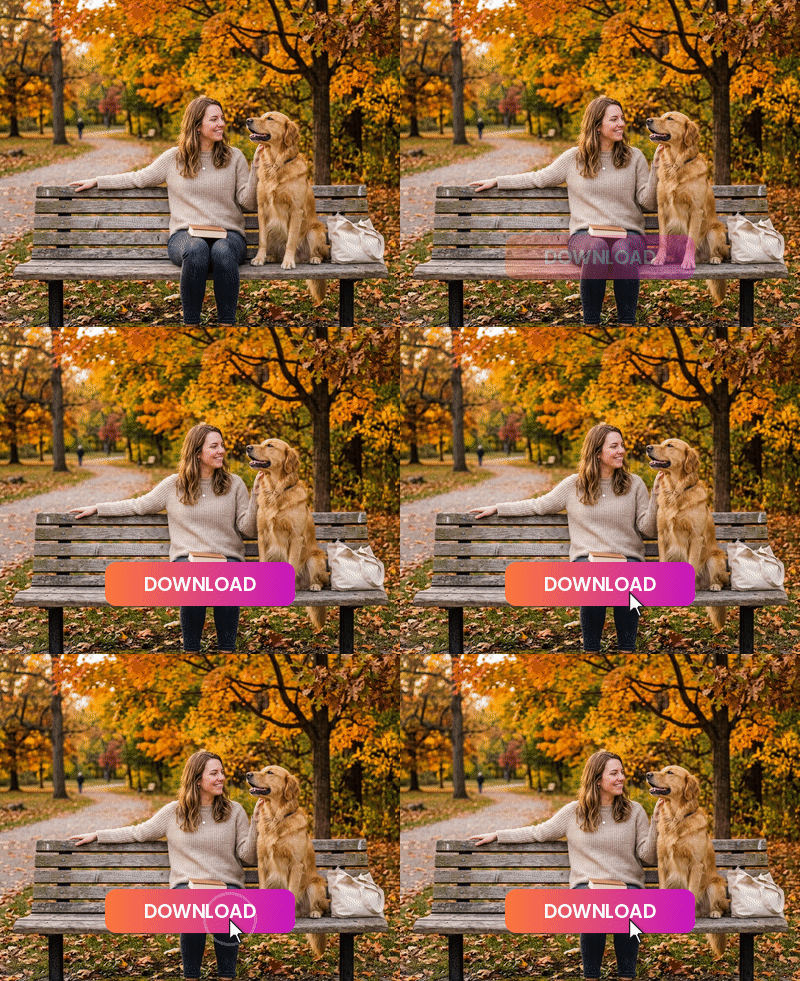
Generate and Download
Click Generate. Templix places both subjects together, adapts their poses and eye lines, and matches the lighting and shadows. Download your combined photo in high quality.
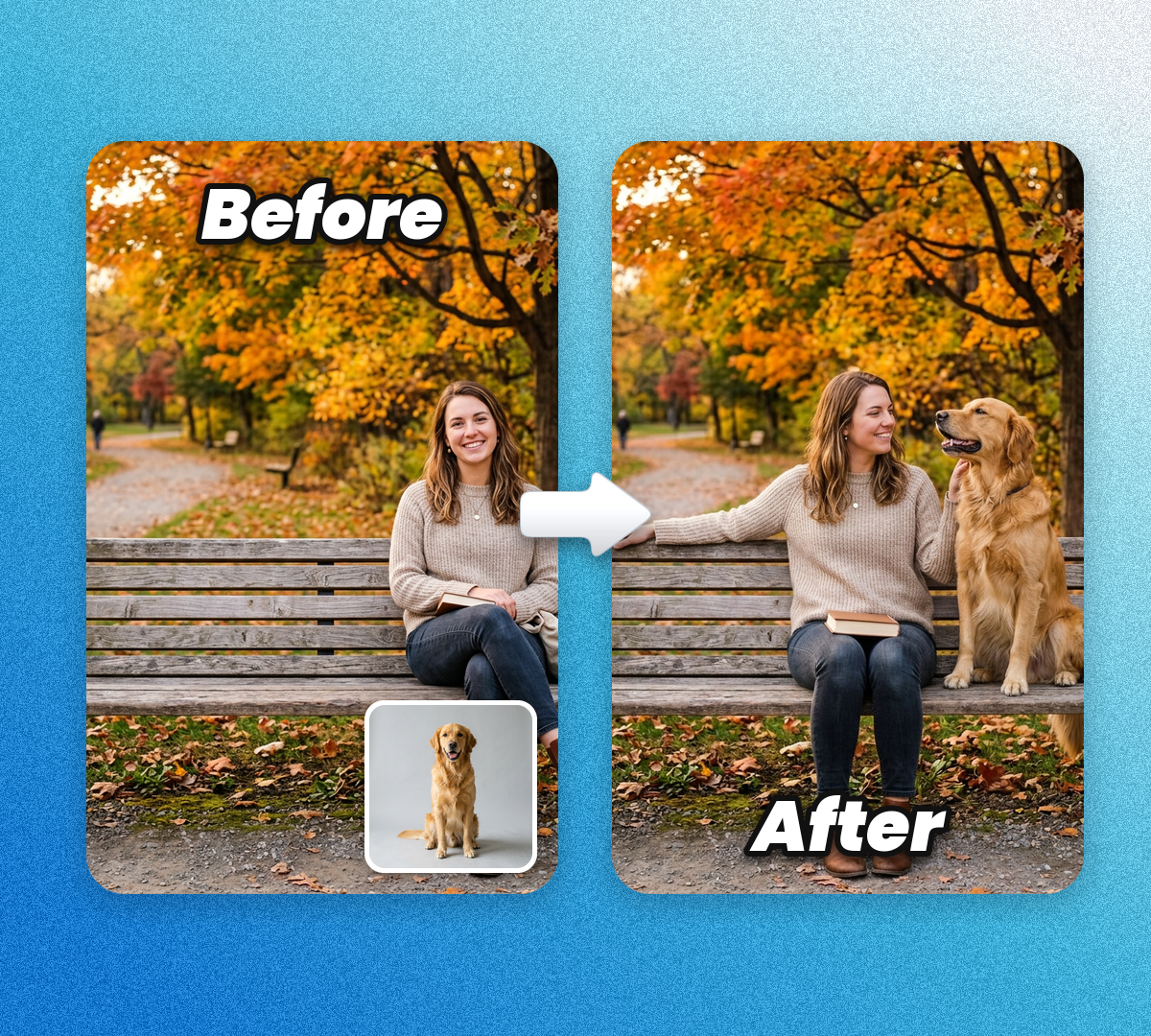
Natural Merges, Not Cut-and-Paste
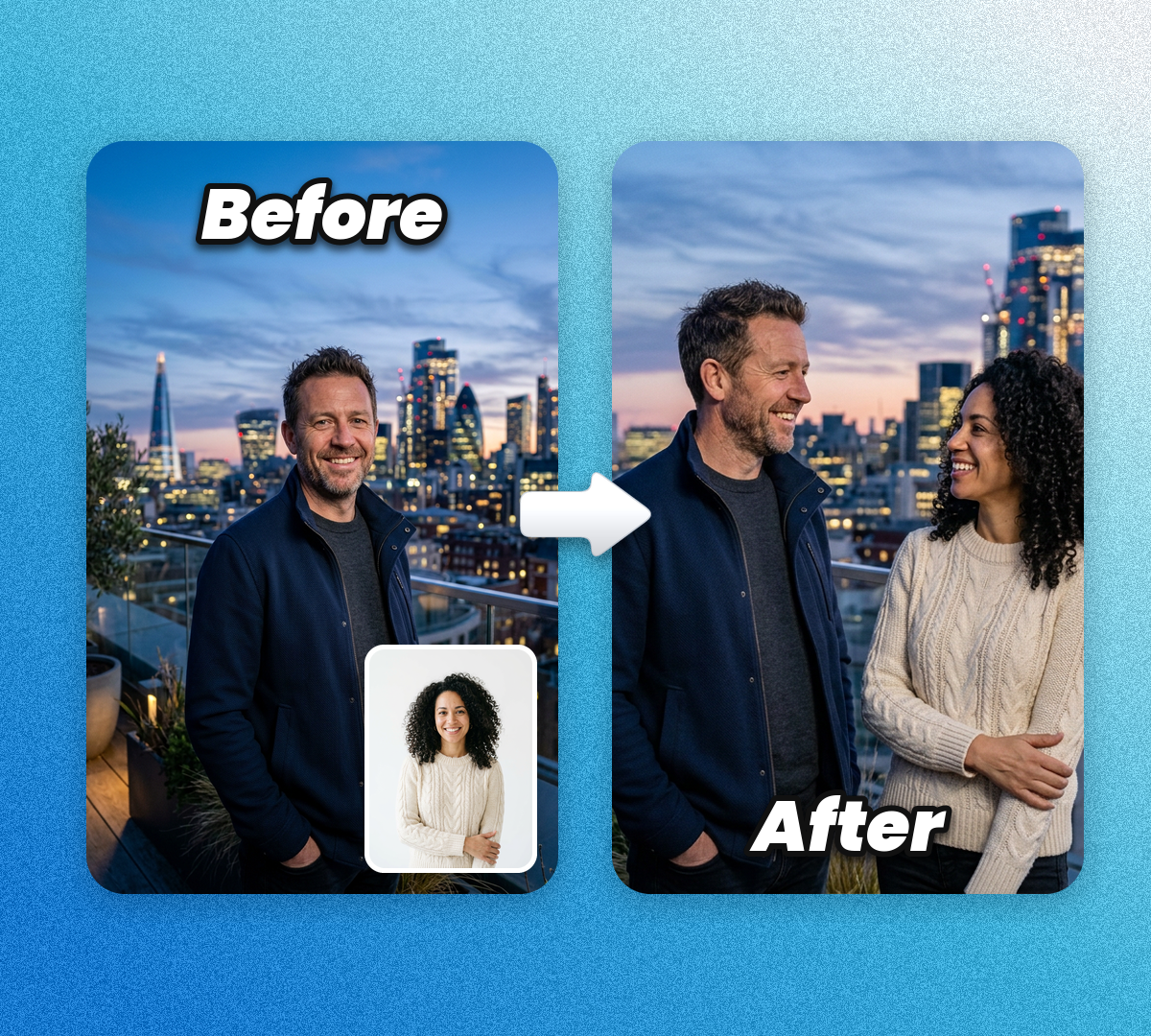
Bring People and Pets Together