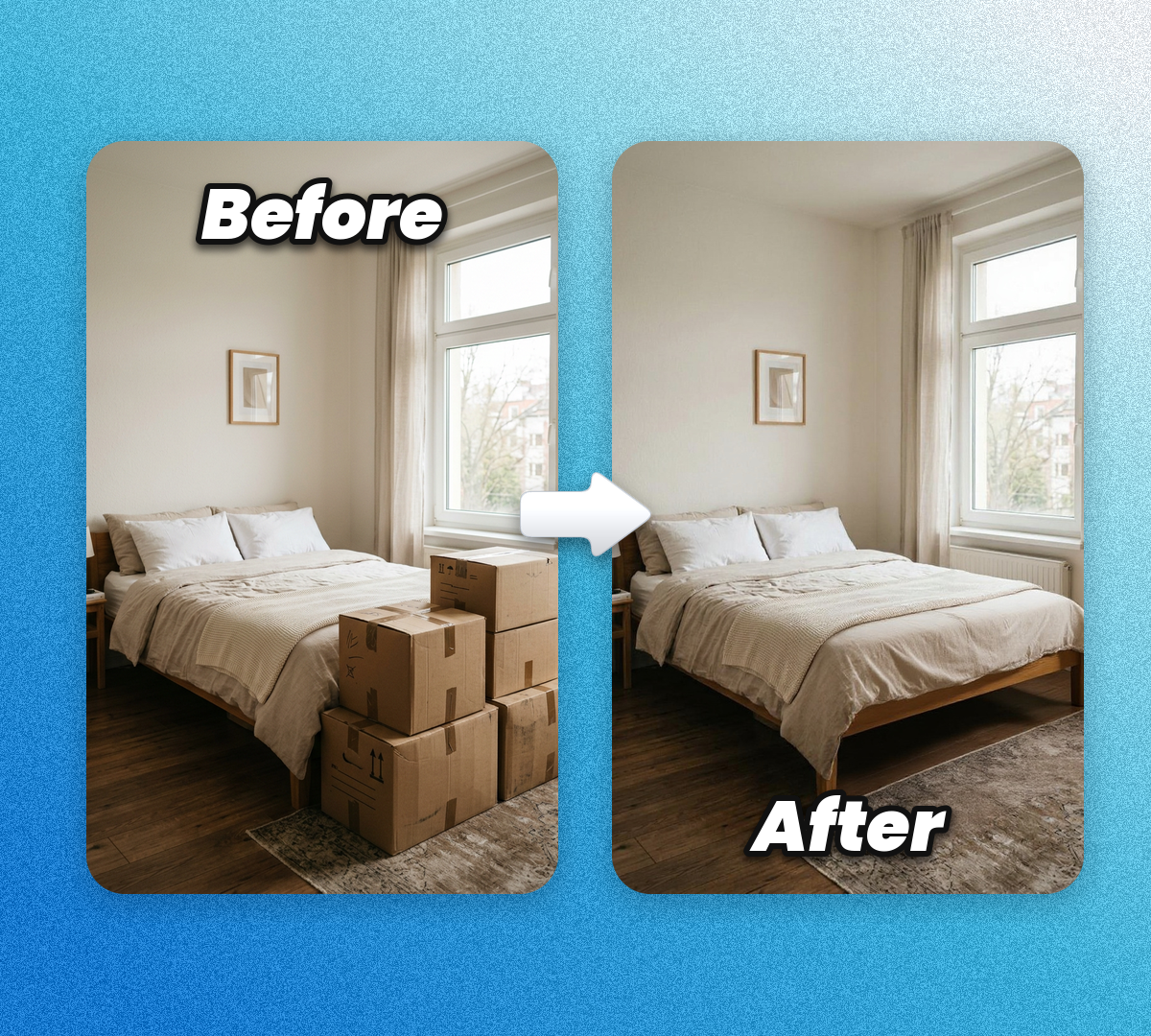
AI Object Remover
Remove unwanted objects from your photos with AI. Just describe what you want gone, like people in the background, a trash bin, or a parked car, and Templix AI Object Remover erases it and fills the space with the surrounding background. No brushes, no clone stamp, no editing skills. Just upload, describe, and get a clean photo in seconds.
How to Use the AI Object Remover Tool
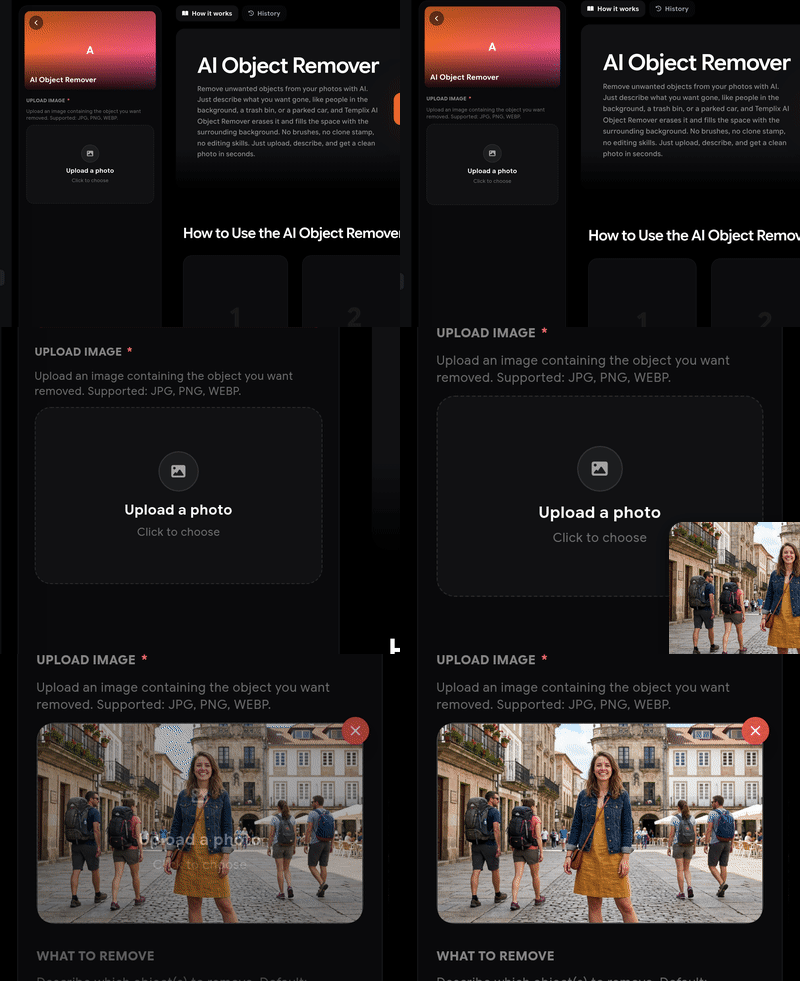
Upload Your Image
Add the photo that contains the object you want to remove. Templix AI Object Remover supports JPG, PNG, and WEBP files.

Describe What to Remove
Type what you want erased, for example "the people in the background" or "the trash bin on the sand". If you leave it empty, the tool removes people in the background by default.

Generate and Download
Click Generate. Templix removes the object, rebuilds the background behind it, and delivers a clean, high-quality photo ready to download.
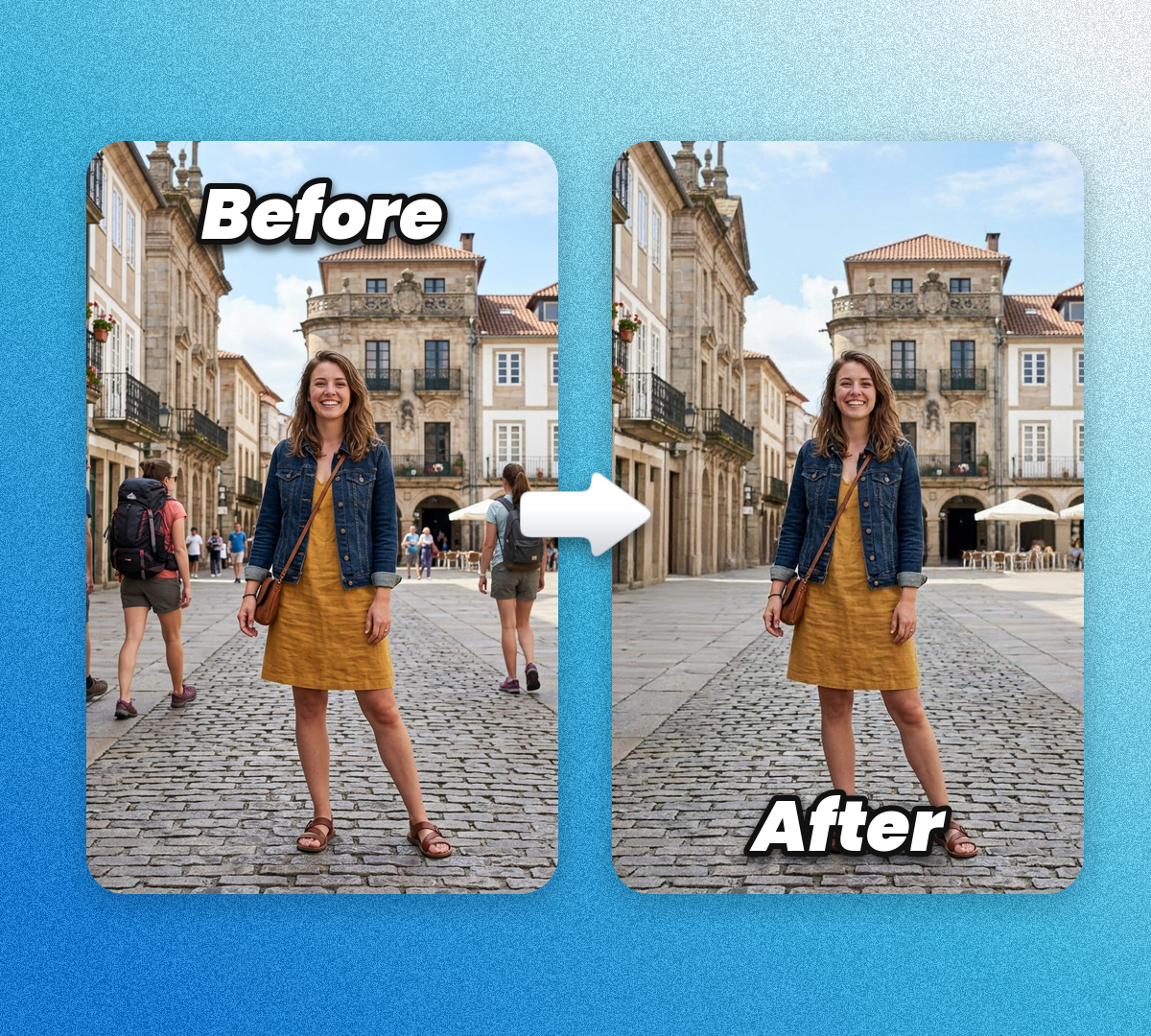
Erase Distractions Without the Clone Stamp
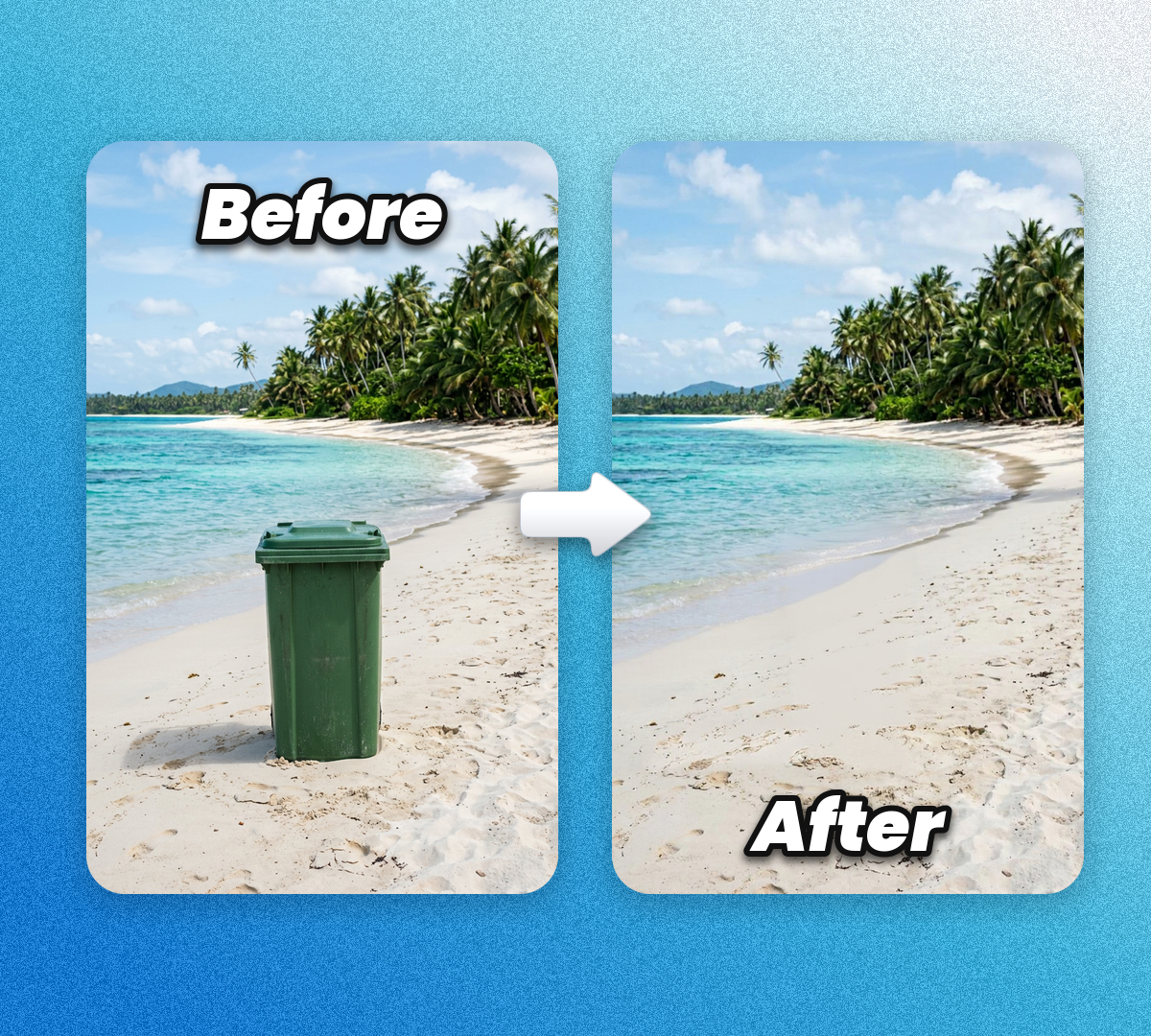
Travel Photos Without the Crowds