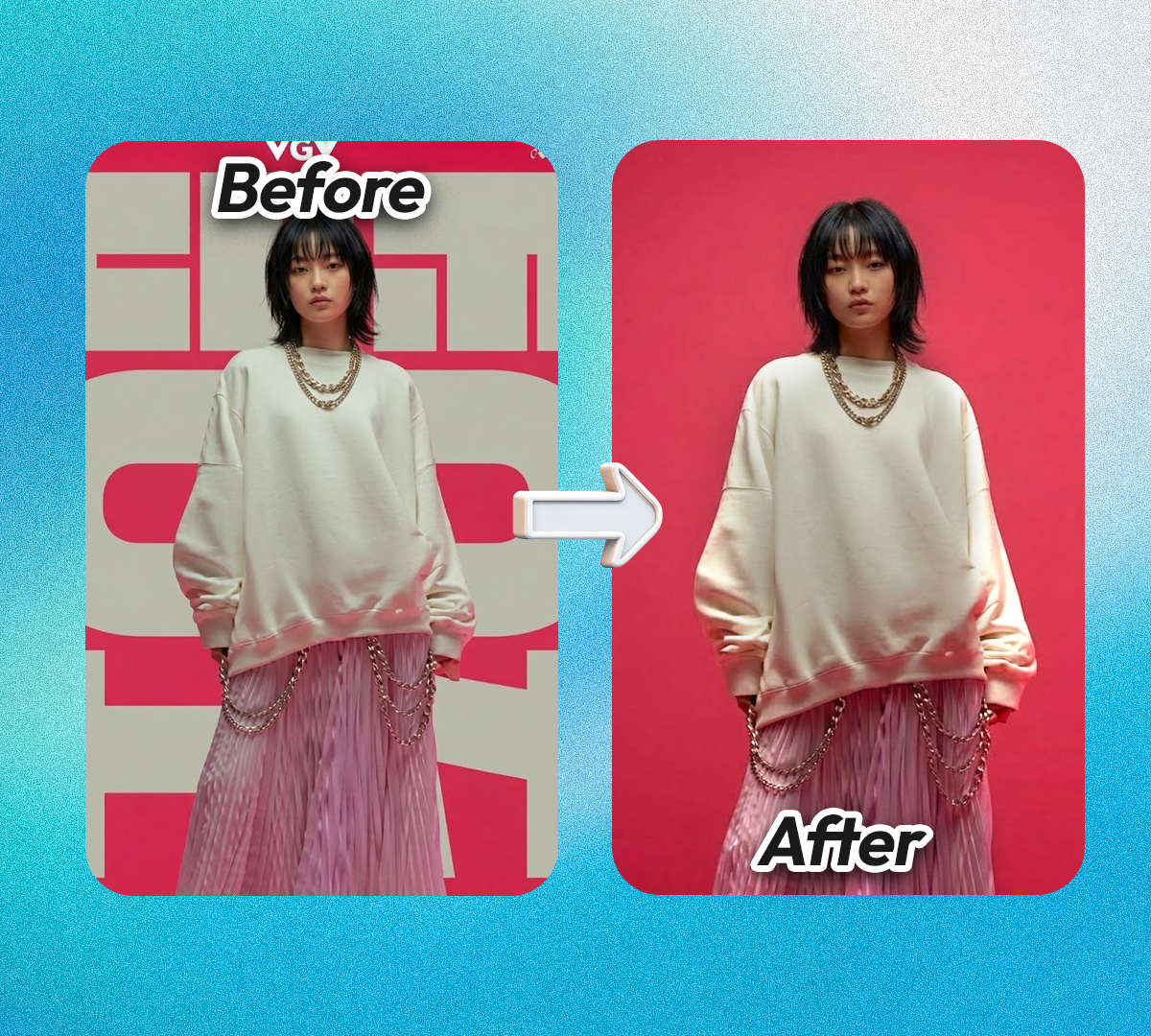
Remove Text From Image
Erase unwanted text, captions, watermarks, or overlays from any image with AI. Just upload your photo and Templix detects the text, removes it, and intelligently fills the area with the natural background so it looks like the words were never there. No brushing, no layers, no editing skills just upload and get a clean image in seconds.
How to Use the AI Text Remover Tool

Upload Your Image
Add the photo, screenshot, or graphic that contains the text you want gone. Templix Remove Text From Image supports JPG, PNG, and WEBP files, and works on everything from product photos to social graphics

Generate Your Clean Image
Click Generate no prompt or brushing required. Templix scans the image, finds every piece of text, erases it, and reconstructs the pixels underneath so edges, textures, and colors stay intact.

Download and Use
Save your text-free image in high quality, with the original resolution and sharpness preserved. It's ready for social media, e-commerce, presentations, or any personal or professional project.

Automatic Detection That Rebuilds the Background
Removing text by hand means cloning, masking, and carefully painting over each letter — slow work that often leaves smudges or blur behind. Templix Remove Text From Image is fully automatic: it detects all the text in your image, erases it, and analyzes the surrounding textures to fill the space naturally, keeping edges and detail sharp. There's no brushing, no prompt to type, and no guesswork — just consistent, clean results every time. Need to clear a bigger distraction like an object or person too? Try the Templix AI Image Replace tool, or clean up footage with Video Object Removal.
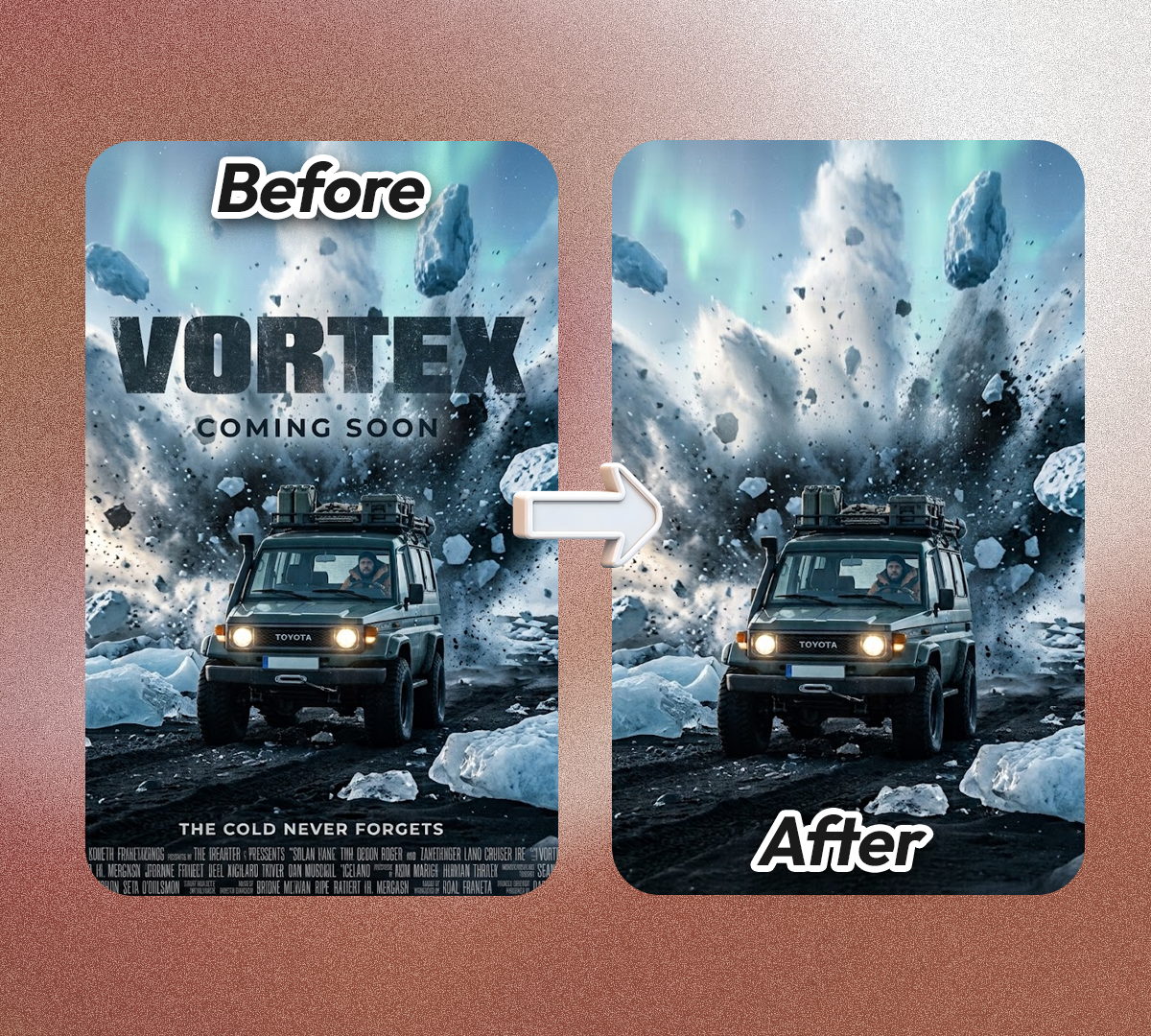
Repurpose and Refresh Your Visuals
Give existing images a second life. Marketers can strip outdated promo copy, old contact details, or campaign lines from flyers, ads, and graphics to prepare them for reuse — no need to rebuild the whole design. Social media creators can clear cluttered captions and overcrowded quote graphics so the visual speaks for itself, then add fresh, platform-specific text later. E-commerce sellers can remove promotional labels and stray words from product photos for clean, professional listings. It's the fast way to keep your content current without starting from scratch.