AI Recolor
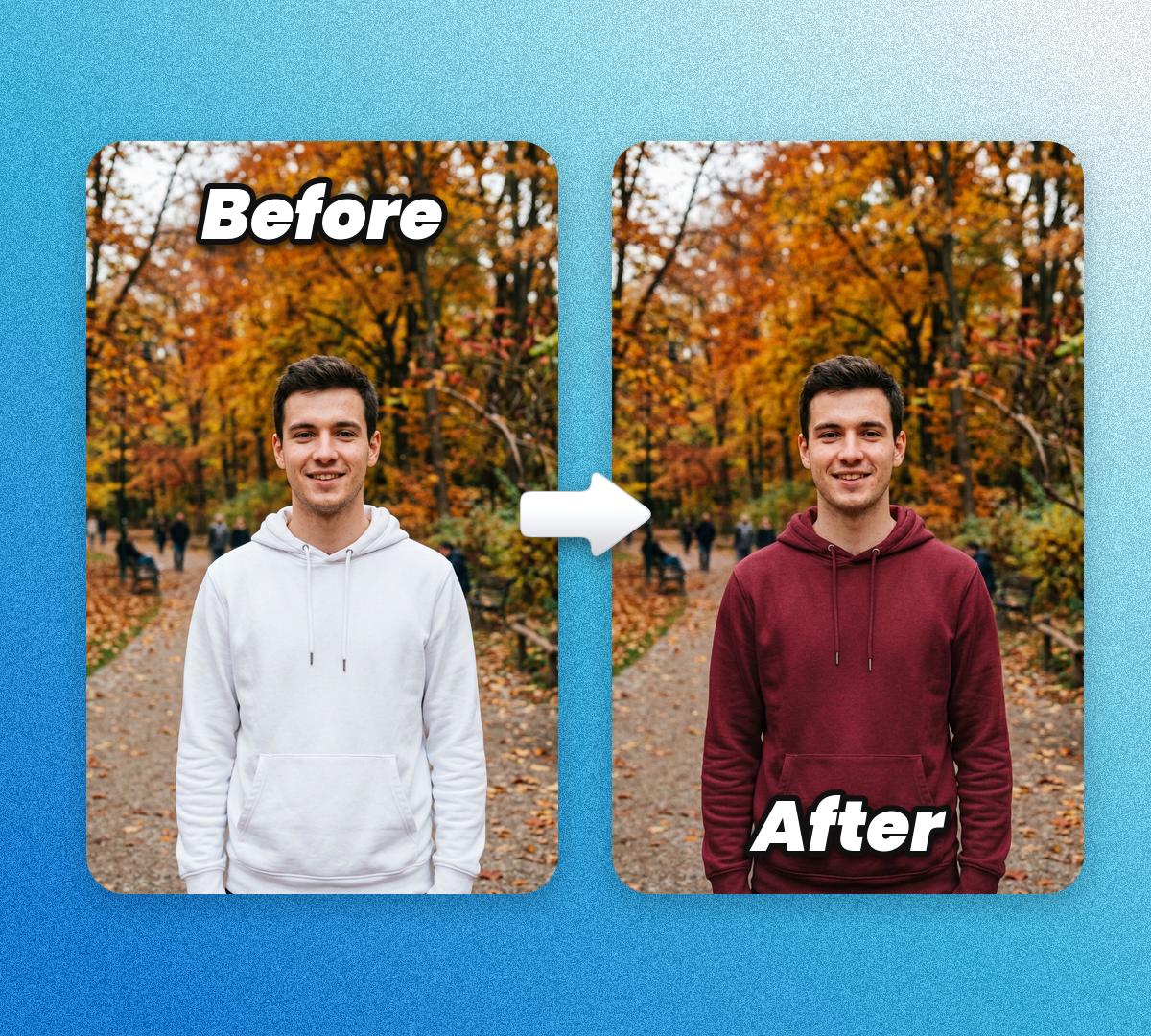
Recolor images online with AI. Name the object and its new color, and AI Recolor repaints only that object while keeping its texture, shadows and highlights. No masking or Photoshop needed. Explore more AI photo editing apps on Templix.
How to Use the AI Recolor Tool
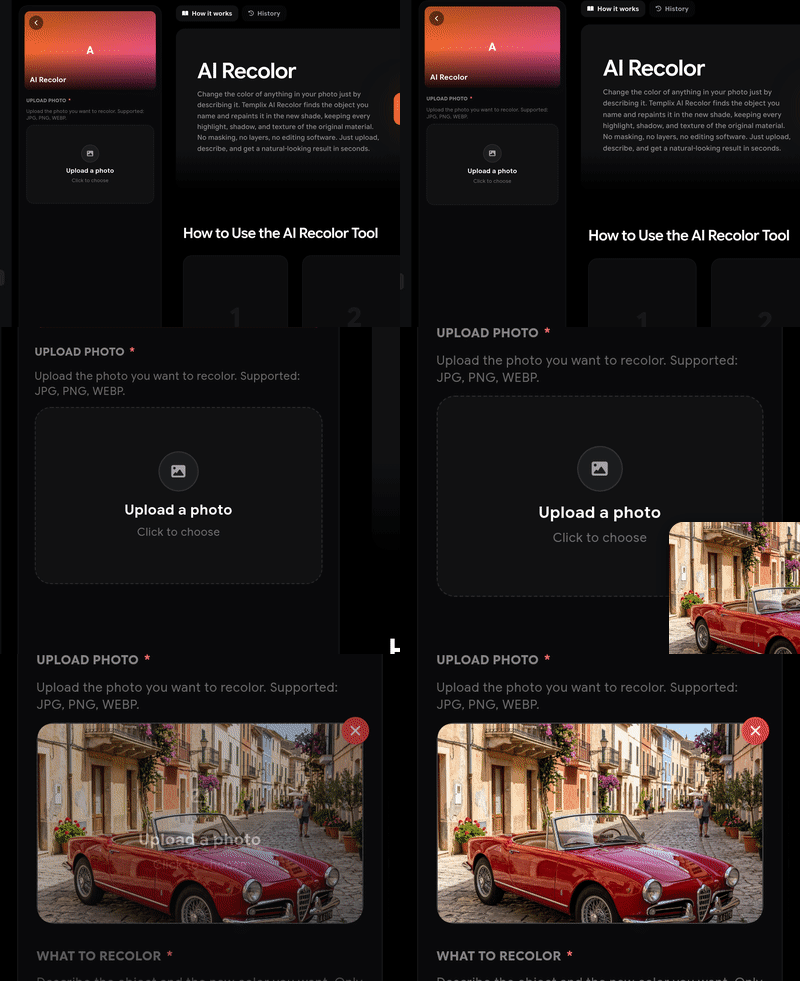
Upload Your Photo
Upload a JPG, PNG or WEBP image that shows the object you want to recolor. Clear, well-lit photos where the object is easy to see give the best results. If your photo is small or blurry, sharpen it first with the AI Image Upscaler.
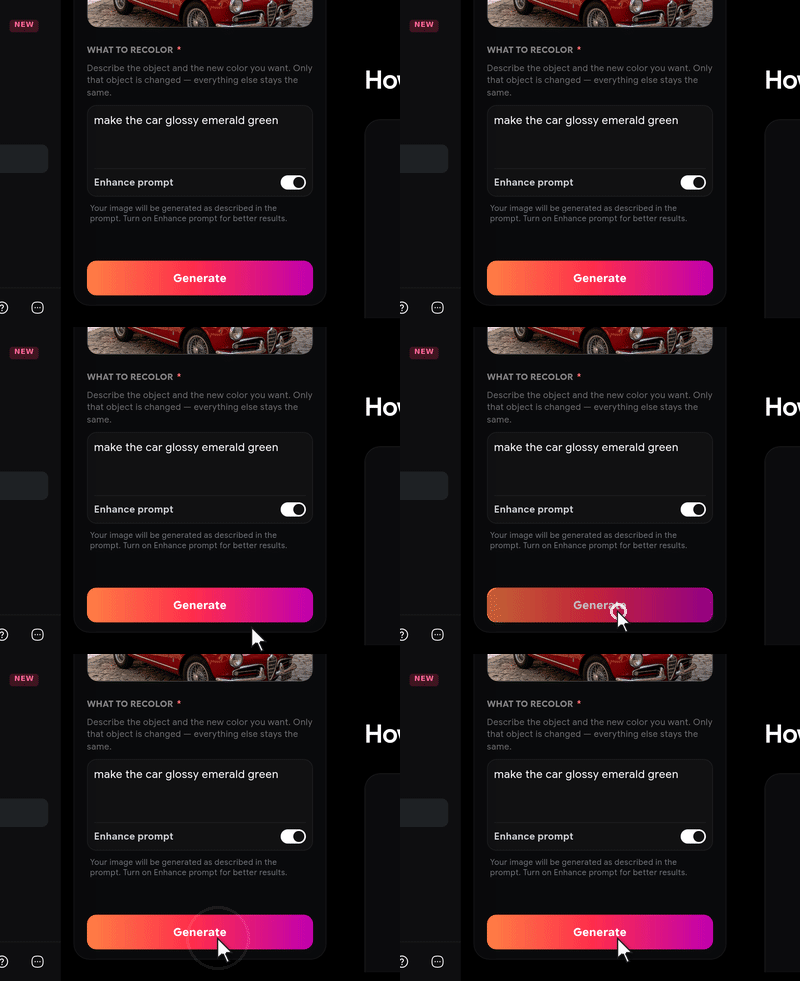
Describe the New Color
In the "What to recolor" box, name the object and the color you want, for example "change the jacket to navy blue" or "make the car matte black." Use one object and one color per edit for the cleanest result. Turn on Enhance prompt if you want the AI to improve your instruction.
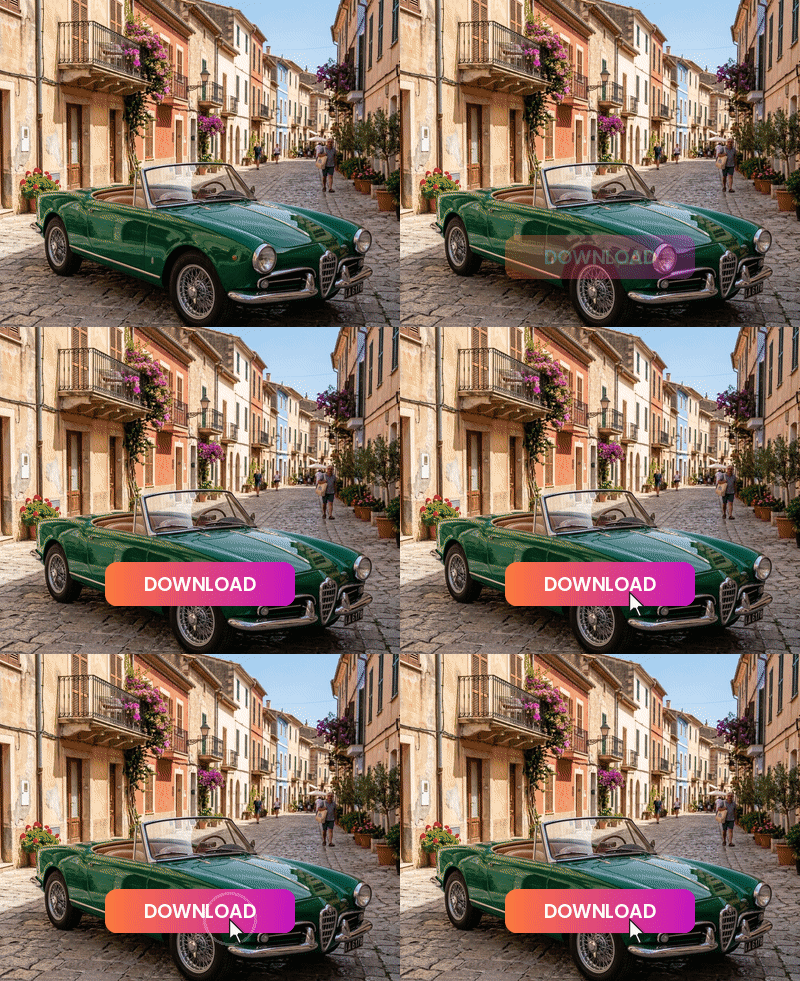
Generate and Download
Click Generate. AI Recolor changes the color of the object you named and leaves everything else in the photo as it was. Check the preview, then download your recolored image. Want another shade? Change the color in your prompt and generate again.
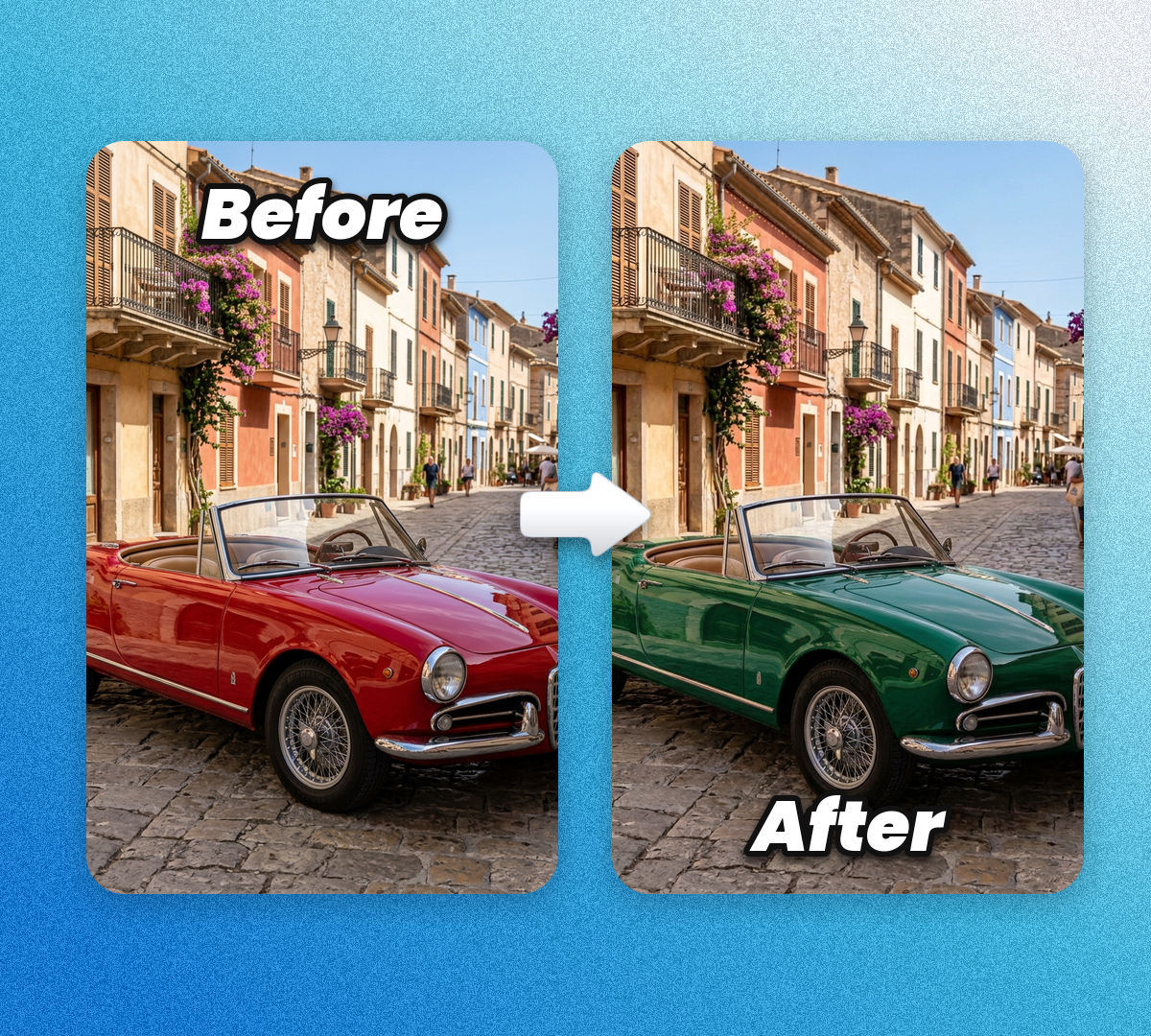
Realistic Color Changes That Keep Every Detail
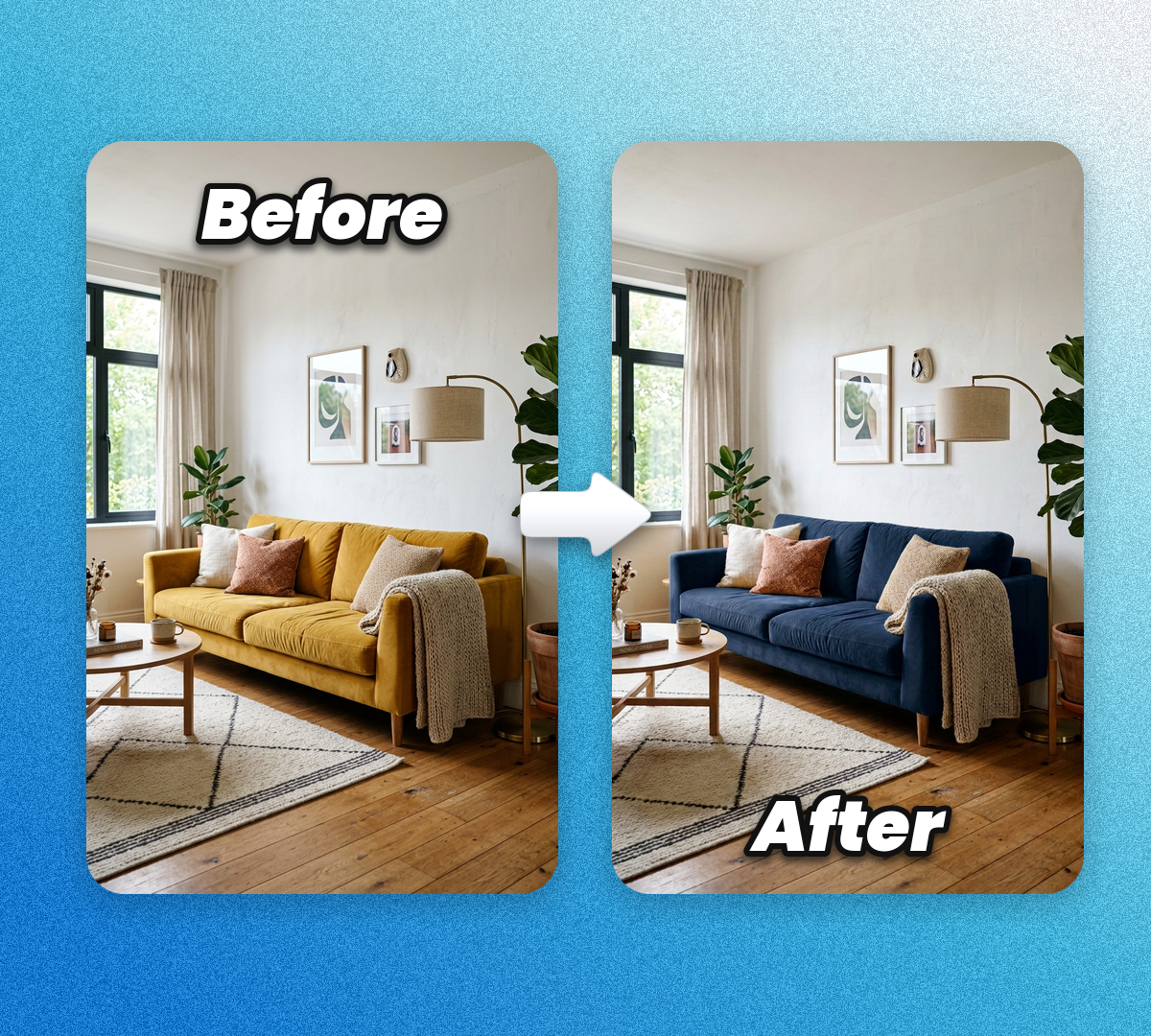
Preview Products in Every Colorway