An AI faceless video generator turns a written prompt into a finished video with visuals, voiceover, and pacing already assembled, and you never appear on camera. That part is now cheap and fast, which is exactly why it stopped being the hard part. On 15 July 2025, YouTube's monetisation policies renamed the "repetitious content" rule to "inauthentic content" and spelled out that mass-produced or repetitive uploads do not qualify for the Partner Program. Thousands of channels found out the expensive way.
So the question worth answering is not how to generate a faceless video. It is how to generate fifty of them that a platform reviewer, and a viewer, would treat as fifty separate pieces of work rather than one template run through a spreadsheet.
This guide walks through the full production loop: script, voice, visuals, export ratios for YouTube and TikTok, the disclosure rules on both platforms, and what monetisation actually requires. Every spec here comes from documented policy and vendor guidance, not from a third-party roundup.
What Is an AI Faceless Video Generator?
An AI faceless video generator is a tool that produces complete videos from a text description without a human presenter, generating the visuals, the voiceover, and the animation timing automatically. You describe the topic, the platform, the style, and the mood, and the model returns a video you can publish. No camera, no microphone, no on-screen talent.
That is broader than it sounds. A faceless video is defined by what it lacks rather than what it contains, so the category covers ambient loops, finance explainers, true crime narration, product demos, news recaps, and animated storytelling. The common thread is that attention rests on the script and the imagery instead of a presenter's face.
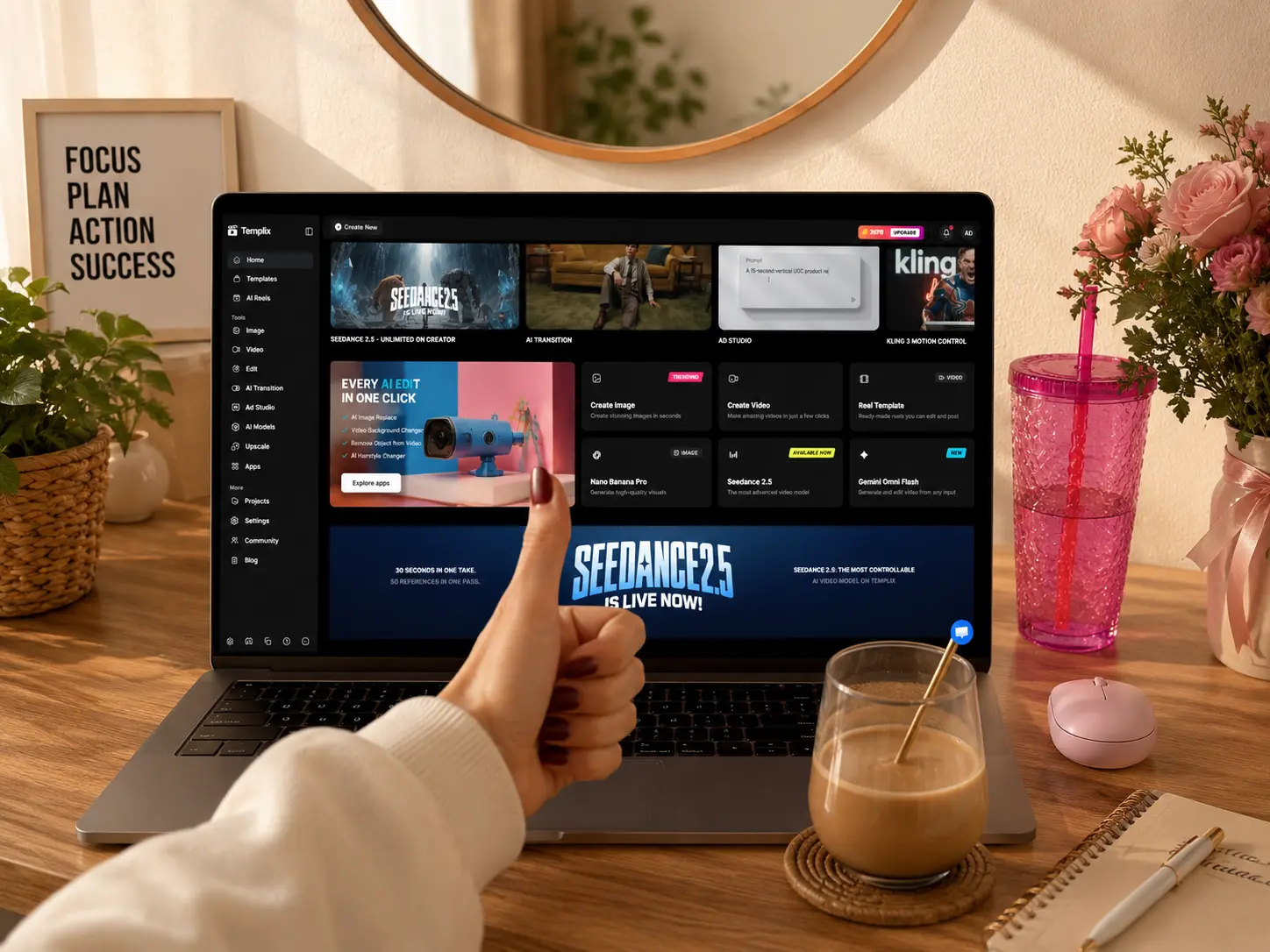
The AI Reel Generator handles the whole chain from a single prompt and typically returns a video in a few minutes, depending on how long and how complex the request is. You can add reference images if you want the output to match a specific look, and the platform runs on the same underlying video model stack (Seedance 2.5, MiniMax H3, Kling 3.0 Pro) used across the wider Templix suite, so switching models mid-project is a dropdown rather than a migration.
Why Most Faceless Channels Stall After Ten Uploads
The first ten videos are easy because each one still feels like a decision. By video eleven you have a format, and the format starts writing the videos for you. That is the moment the channel quietly becomes a template, and templates are the specific thing platforms penalise.
YouTube is unusually direct about this. Its generic or repetitive content rules say that content which looks like it was made from a template, or that feels interchangeable after a viewer watches several in a row, cannot monetise. The policy allows a repeated intro and outro, a recurring series, even a fixed review structure, as long as the substance of each video is materially varied. Same shell, different content: fine. Same shell, rotated nouns: not fine.
This is where a lot of YouTube automation advice goes wrong. It optimises for volume per hour, which is the metric the tools are good at, and ignores variance per upload, which is the metric the reviewer applies. A channel posting three near-identical videos a day is easier to flag than one posting three genuinely different videos a week.
The practical fix is boring and it works: vary the script structure, not just the topic. Change the opening move, the length, the number of beats, and the visual register between uploads. The generator will happily give you all of that. It just will not decide to.
For faceless channels in specific niches worth building around, our How to Start a True Crime YouTube Channel covers one of the highest-performing faceless formats in detail, and our How to Start a Successful Roblox YouTube Channel covers the other end of the audience spectrum. Both formats work well without a presenter face and share the discipline of varying structure across every upload.
Inside an AI Faceless Video Generator Workflow
The published workflow is three steps: enter the prompt, generate the video, download it. That is accurate as a description of the interface, and misleading as a description of the work, because almost everything that determines whether the video performs happens in how you write the prompt and what you do with the result.
Treat the generator as the middle of the process rather than the whole of it. The two sections below cover the part before you press generate and the part after.
Script and Voice Before Visuals
Write the script first, even a rough one, because the script decides the length and the length decides everything else. A faceless video is a piece of audio with pictures attached, and viewers leave when the narration loses them, not when a frame looks slightly off. Read your script aloud with a timer before you generate anything.
Prompt specificity is the difference between a usable first output and four wasted generations. Name the topic, the platform, the pacing, the visual style, and the mood in the prompt rather than hoping the model infers them, and add a reference image when you have a look in mind. Our JSON Prompting for AI Image Generation covers the structured prompt approach that produces predictable results across every generation.
Voice is where faceless channels either build a brand or sound like every other channel in the niche. Pick one voice and keep it across every upload, because the voice is the closest thing a faceless channel has to a face. Consistency matters more here than quality does: a distinctive voice that repeats reliably outperforms a technically better voice that changes between episodes.
Generate, Compare, Export
The generator often returns several variations of the same prompt. Compare them properly instead of taking the first one, because the cost of picking the second-best variation compounds across a hundred uploads. If none of them land, change the prompt rather than regenerating the same one and hoping.
Export is the step people get wrong most often, and it is the easiest to get right. Export in the aspect ratio your platform actually uses: 9:16 for Reels, TikTok, and Shorts, 16:9 for YouTube long-form. Both are available from the same prompt on Templix. Generating once and cropping later throws away framing the model deliberately composed for a specific aspect ratio.
For extending clips past the native model ceiling when a longer format needs continuous atmospheric footage, the wider Templix video generation stack including Seedance 2.5 and MiniMax H3 handles clips up to 30 seconds in a single pass. Anything longer moves through extension workflows rather than back through the base generator.
Try Templix for Faceless Video Free
YouTube vs TikTok: Length, Ratio, and Hook
The same script rarely works on both platforms, and the reason is structural rather than stylistic. A YouTube viewer arrives having clicked a title and a thumbnail, so they have already agreed to watch. A TikTok viewer arrives by accident and has agreed to nothing.
Here is how the two formats differ in practice for faceless content.
YouTube Long-Form | YouTube Shorts | TikTok | |
Aspect ratio | 16:9 | 9:16 | 9:16 |
Viewer arrives via | Title and thumbnail | Feed swipe | Feed swipe |
Hook window | First 15 seconds | First 2 seconds | First 2 seconds |
Script shape | Setup then payoff | Payoff then setup | Payoff then setup |
Reward for series consistency | High | Medium | Low |
Captions | Optional | Expected | Expected |
The practical consequence is that vertical scripts should open on the conclusion. Lead with the claim, the number, or the outcome, then spend the rest of the clip earning it. Long-form can afford a fifteen-second setup because the click already carries the intent.
Keep both feeds running from the same research rather than the same file. One topic, two scripts, two exports. That is the workflow behind most faceless channels that survive the past six months. Instagram and Facebook take the vertical version with no changes, so a single 9:16 generation covers three surfaces simultaneously.
Do Faceless AI Videos Make Money?
Yes, faceless AI videos can make money, but only once the channel clears the same monetisation bar as any other channel, and the bar is specific. The YouTube Partner Program eligibility thresholds require 1,000 subscribers plus either 4,000 qualified public watch hours in the past 12 months or 10 million qualified Shorts views in the past 90 days. Watch hours from the Shorts Feed do not count toward the 4,000, so the two routes are genuinely separate and you should pick one.
Clearing the threshold does not guarantee acceptance. Every application goes to a review queue where automated systems and human reviewers assess the channel as a whole, typically taking around a month, and they look at your main theme, your most-viewed videos, your newest videos, and your metadata. A rejected first application can be appealed within 21 days or reapplied after 30.
This is where the July 2025 policy change bites. The update targeted mass-produced and repetitious uploads specifically. A faceless channel is not disqualified for being faceless. It is disqualified for being interchangeable.
Budget accordingly. Reaching either threshold takes months of consistent output, so the real question is cost per upload while you get there. Generation costs on credit-based plans are predictable per video, which makes the runway easy to calculate before you start. Free credits on signup let you build the first several uploads at no cost while you validate whether your specific niche and format have real audience demand.
Once monetised, faceless channels tend to earn on the lower end of the CPM range for their category simply because they cannot run integrations that require a presenter on camera. The offset is that they scale better: a presenter-led channel is capped by how much time one human can commit to filming, and a faceless channel is capped only by how many scripts you can write and generate. For creators building at consistent cadence, the ceiling difference tends to matter more than the CPM difference. Sponsorship deals are also increasingly available for faceless channels once they cross around 100,000 subscribers, since brands have learned that presenter-free content converts as well as presenter-led content in many verticals.
Is It Illegal to Make AI Videos on YouTube?
No, making AI videos on YouTube is not illegal and is not against the rules, but you have to disclose the ones that look real enough to mislead someone. That is the entire obligation, and it is narrower than most creators assume.
YouTube's GenAI disclosure requirements apply to three situations: content that makes a real person appear to say or do something they did not, content that alters footage of a real event or place, and content that generates a realistic scene which never occurred. You declare it during upload by setting the "AI use" attribute in YouTube Studio, and YouTube then adds a label. Disclosing does not shrink your audience or affect your ability to earn.
Plenty of what a faceless channel produces falls outside that. YouTube explicitly exempts clearly unrealistic content, minor aesthetic edits, caption generation, production assistance such as AI-written outlines, scripts, titles, and thumbnails, and cloning your own voice for narration or dubbing. An animated explainer or an ambient loop needs no label. A photorealistic clip of a real city flooding does.
TikTok reaches a similar place by a different route. The TikTok AI-generated content label is a toggle creators apply to anything wholly generated or significantly edited with AI, sitting under the platform's synthetic media policy, and it is applied more broadly than YouTube's realism test.
The safe operating rule across both: if a reasonable viewer could mistake your output for a recording of something that happened, label it. If they could not, publish it and move on.
A few edge cases come up regularly and deserve specific treatment. Reenactments of historical events using AI-generated visuals typically need the label because they present as documentary footage even when the source is generated. Product demos showing your own product in AI-generated scenarios usually do not need the label, because the product itself is real and the setting is clearly stylised. News commentary using AI-generated B-roll needs the label if the B-roll depicts specific events, and does not if it is generic thematic footage that any editor could reasonably describe as illustrative rather than documentary.
Documentation of the label itself is worth cultivating. Keep a simple spreadsheet noting which uploads carried the AI disclosure label and why. If a reviewer flags a video, having that documentation ready shortens the appeals process considerably, and it protects you if the policy shifts and older uploads need retroactive review.
Prompt Patterns for a Consistent Faceless Series
Consistency across a series comes from fixing some variables and deliberately changing others. Lock the visual register and the voice, then vary the structure. The pattern below fixes the look and leaves the subject open.
Cinematic 9:16 vertical clip, muted teal and amber palette, slow push-in on a rain-streaked office window, shallow depth of field, no people in frame, ambient city sound, 8 seconds
Naming the palette and the camera move rather than a genre keeps successive generations recognisably related. "Cinematic" alone drifts. "Muted teal and amber, slow push-in" does not. Swap the subject line each episode and leave every other clause untouched.
When a recurring character carries the series, generate them once and reuse the reference rather than re-describing them each time. The AI Face Swap locks a consistent character face across every generation in the series, which removes the most common source of episode-to-episode drift.
Same character and wardrobe as reference image, new setting: rain-lit train platform at night, character reads a folded letter, camera static at eye level, 6 seconds
Model choice affects how literally the prompt is read, so a phrasing that works well in one model may need rewriting in another. Our Seedance 2.5 Viral Prompts covers 30 tested prompts across five categories that pair directly with faceless content production, and each prompt is written to take advantage of specific model strengths.
Faceless Video Generator Questions, Answered
A few questions come up on every faceless channel thread, and the answers are more concrete than the discussion usually suggests. The three below cover starting out, cost, and which niches actually suit an AI faceless video generator rather than merely tolerating one.
Two things worth settling first. Faceless does not mean anonymous: your channel still needs a recognisable point of view, and viewers subscribe to that rather than to a rendering style. And the output ceiling is set by your script, not your model, so upgrading the generator will not rescue writing that has nothing to say.
How Do I Become a Faceless Content Creator?
Pick one niche, commit to a posting rhythm you can sustain for six months, and build a repeatable production loop rather than a repeatable video. Those three decisions matter more than any tool choice.
Niche first, because it determines format. Storytelling and true crime need narration that holds for minutes at a time. Motivation and self-improvement need short, punchy vertical cuts. Educational and how-to content sits between, with 3 to 5 minute videos that expand or condense based on the specific topic.
Rhythm second. Three uploads a week you actually hit beats seven you abandon in month two, and the review process rewards a channel with a coherent recent history over one with a burst and a gap.
Loop third. Write four scripts in one sitting, generate all four, edit all four, schedule all four. Batching by task rather than by video roughly halves the time per upload, and it keeps the visual language consistent because you made the style decisions once.
Is There a Free Faceless Video Maker Available?
Yes, several tools offer free faceless video generation, though free tiers almost always cap resolution, length, or output volume, and many add a watermark. Free is genuinely useful for testing a niche before you commit. It is rarely enough to run a channel on.
Templix offers free credits on signup so you can test the AI Reel Generator, Seedance 2.5, MiniMax H3, and every other tool on the platform at no cost. This is enough to build the first several videos in your niche and validate whether the format actually finds an audience before paying for higher-volume plans. Paid tiers unlock the credit volumes needed for weekly or daily publishing schedules.
The trade-off with cheaper tools that use stock footage libraries is that your visuals are real clips other channels can also use, which matters directly under the interchangeable-content rules covered earlier. AI-generated visuals cost more per video and give you footage nobody else has. Choose on that trade-off rather than on price alone.
Niche tools sit in between. A daily current-affairs channel using a purpose-built news video format gets specialised structure instead of a general one, which usually beats a broader tool at the same cost. Storytelling channels benefit from tools that specifically handle narration timing and scene transitions differently from ambient loop generators. The pattern to look for is whether a tool understands your specific format at a structural level rather than just producing generic AI video that you then have to shape yourself in post-production.
Conclusion
Three things decide whether a faceless channel works. The script, because a faceless video is narration with pictures attached. The variance between uploads, because interchangeable content is the specific thing that blocks monetisation. And the export discipline of generating 9:16 and 16:9 from the same idea instead of cropping one into the other.
The generator handles the part that used to cost money and days. What it will not do is decide what your channel is about or make each episode worth watching on its own, and those remain the jobs that separate a channel from a feed of output.
Start with one script, one voice, and one visual register, then post for a month before changing anything. Templix runs the full production stack in one subscription, from prompt-to-video generation through short-form packaging to character consistency, so the entire workflow lives in one platform rather than fragmenting across five different tools. Free credits on signup mean you can build and validate the first several uploads at no cost before committing to a paid plan.
Generate Your First Faceless Video Free
Frequently Asked Questions
What is an AI faceless video generator?
An AI faceless video generator is a tool that produces complete videos from text prompts without a human presenter. It generates visuals, voiceover, and pacing automatically. The category covers ambient loops, finance explainers, true crime narration, product demos, news recaps, and animated storytelling: anything where the attention rests on the script and imagery rather than a presenter's face.
Is Templix free to use for faceless videos?
Yes. Templix offers free credits on signup so you can test the AI Reel Generator, Seedance 2.5, MiniMax H3, and every other tool on the platform at no cost. Paid plans unlock higher credit volumes and priority processing once you are producing at consistent weekly or daily cadence.
Can I make money from AI faceless videos on YouTube?
Yes, once your channel meets YouTube Partner Program thresholds (1,000 subscribers plus 4,000 watch hours in 12 months, or 10 million Shorts views in 90 days) and passes the human review that follows. The July 2025 policy update targets mass-produced and repetitious uploads specifically, so faceless channels need materially varied content across uploads rather than templated repetition.
Do I need to disclose AI-generated video content?
On YouTube, disclosure applies to three situations: content that makes real people appear to say or do something they did not, altered footage of real events or places, and photorealistic generated scenes that could pass as real recordings. Clearly unrealistic content, minor edits, captions, and AI-assisted scripts do not require disclosure. TikTok applies its AI content label more broadly across any wholly generated or significantly edited content.
What kinds of niches work best for faceless AI video channels?
Storytelling and true crime work well because narration holds attention for long stretches. Motivation and self-improvement fit short vertical cuts. Educational and how-to content sits between 3-5 minute videos. Ambient content, news recaps, finance explainers, and product-review formats all support the faceless workflow. Any niche where the audience returns for content substance rather than personality can work.
How long does it take to grow a faceless YouTube channel to monetisation?
Reaching the 1,000-subscriber and 4,000-watch-hour threshold typically takes 4 to 12 months of consistent weekly uploads, depending on niche competitiveness and content quality. Shorts-only channels aiming for 10 million views in 90 days can hit the threshold faster if a video goes viral, but faster monetisation timing is less predictable than the long-form watch-hour route.
What is the best aspect ratio for faceless videos?
Match the platform. YouTube long-form uses 16:9, YouTube Shorts uses 9:16, TikTok uses 9:16, and Instagram Reels uses 9:16. Generate in the target aspect ratio directly rather than cropping afterward, because cropping degrades the framing the model composed and often loses key visual elements.
Can I use Templix output commercially on my faceless channel?
Yes. Videos generated on Templix are available for commercial use across monetised YouTube channels, sponsorship-supported content, ad creative, and any other commercial application. This applies to output from every model on the platform including Seedance 2.5, MiniMax H3, Kling 3.0 Pro, and the AI Reel Generator.
How do I keep visual consistency across a faceless series?
Lock the visual register and voice, then vary the structure. Name the colour palette and camera behaviour in every prompt (like "muted teal and amber palette, slow push-in") rather than a genre word (like "cinematic") that drifts between generations. For character-based series, generate the character once and reuse the reference image across every subsequent episode using the Templix Face Swap.
What is the biggest mistake new faceless channel creators make?
Optimising for volume over variance. Publishing three near-identical videos daily gets flagged faster than publishing three genuinely different videos weekly. YouTube's automated review specifically penalises interchangeable content, so the discipline that separates monetisation-ready channels from templated feeds is variance per upload rather than count per week.

Mahnoor Asad
Mahnoor Asad blends design sensibility with AI video expertise at Templix, crafting content on visual creativity, motion generation, and high-converting ad concepts.