Free AI Image Generator: Turn Text into Images in Seconds
Describe a scene, a character, a mood, or a style, and Templix turns it into a finished image. Pick from the top AI image models, set your aspect ratio, and start creating with free coins. No credit card and no design skills required.
Community Creations
Made with AI Image Generator — start from any of them.
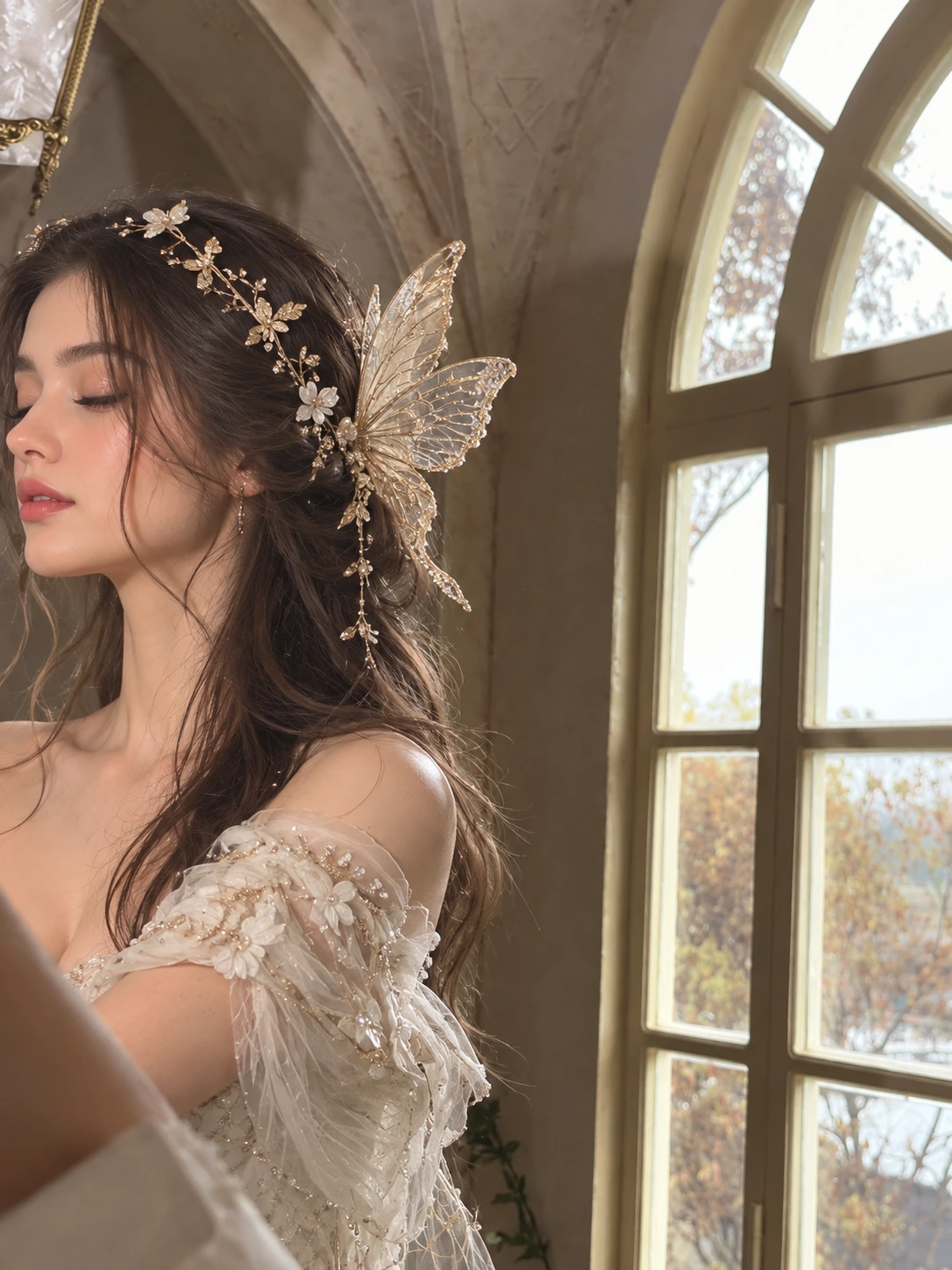

“Ethereal fairy portrait of a beautiful young woman in profile with eyes closed, long wavy brown hair with loose strands, wearing a delicate gold floral leaf headpiece and a translucent lace butterfly wing hair ornament, dressed in an off-shoulder ivory gown with beaded pearl flowers and sheer embroidered tulle sleeves, standing beside a tall arched window in an old stone room, soft diffused daylight, blurred autumn trees outside, dreamy romantic pastel tones, shallow depth of field, photorealistic, ultra detailed,”


“Epic fantasy scene of a majestic red dragon perched on a jagged rocky mountain peak, detailed scaled skin, ivory horns and spines, large torn leathery wings spread down the cliff, long tail curling around the rock, snow-capped mountain range in the background, huge pale moon rising, glowing orange and pink sunset sky with dramatic clouds, warm rim lighting on the scales, cinematic wide shot, photorealistic CGI, ultra detailed,”


“Majestic silver-blue dragon soaring high above the clouds, enormous translucent membrane wings raised and backlit by a glowing golden sun, long sinuous neck and spiked tail trailing behind, sleek scaled body, dramatic blue sky with layered sunlit clouds, warm rim light glowing through the wing membranes, epic fantasy concept art, cinematic low angle, ultra detailed, 5:7”
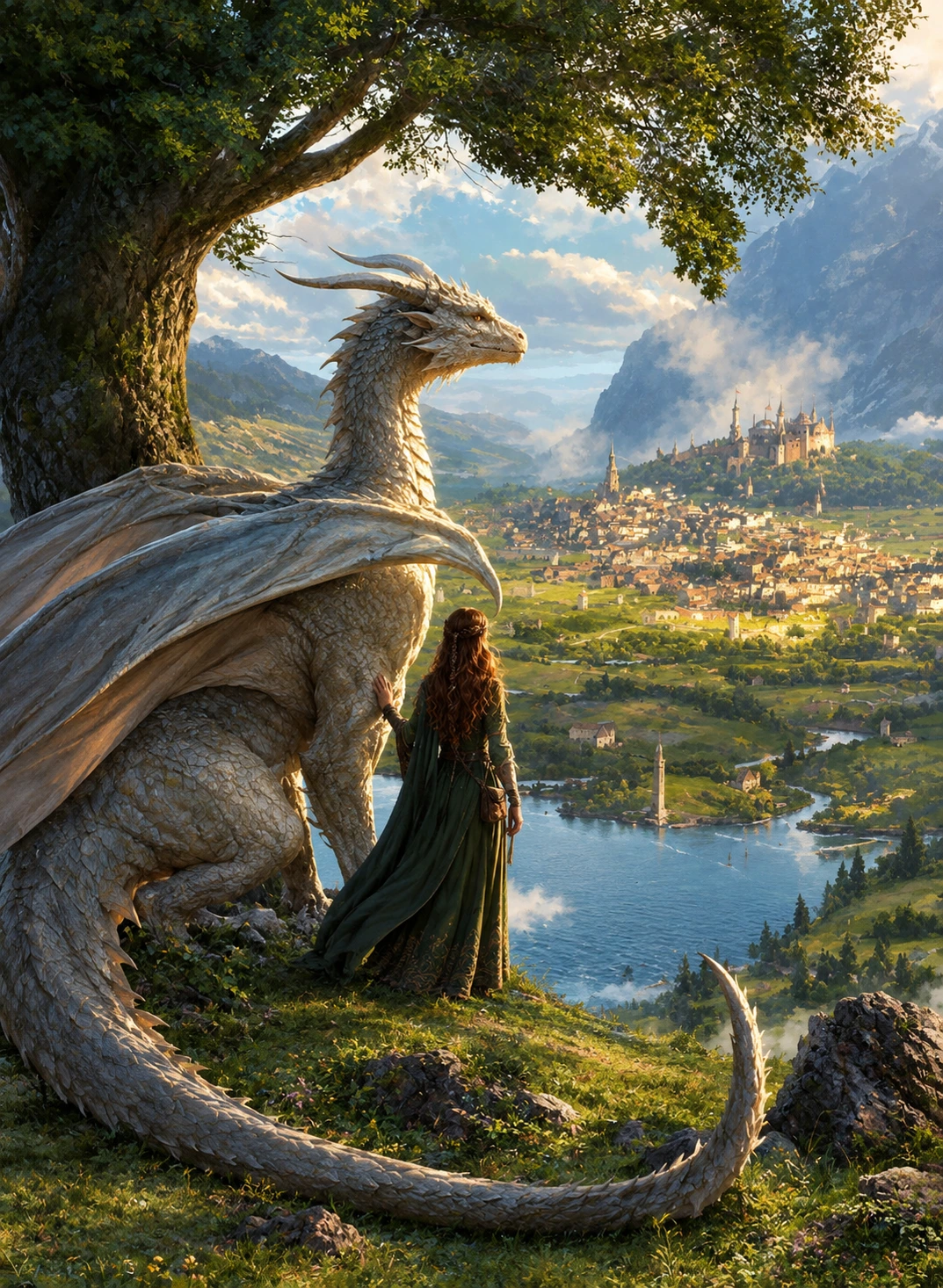

“Epic fantasy illustration, a woman with long auburn braided hair in a flowing green medieval gown standing on a grassy hilltop with her hand resting on a huge white scaled dragon with ivory horns and folded wings, both looking out over a vast valley with a medieval city, a river, sailing boats and a castle on a cliff, misty mountains and sunlit clouds in the distance, large oak tree overhead, warm golden daylight, painterly digital art, highly detailed, 3:4”
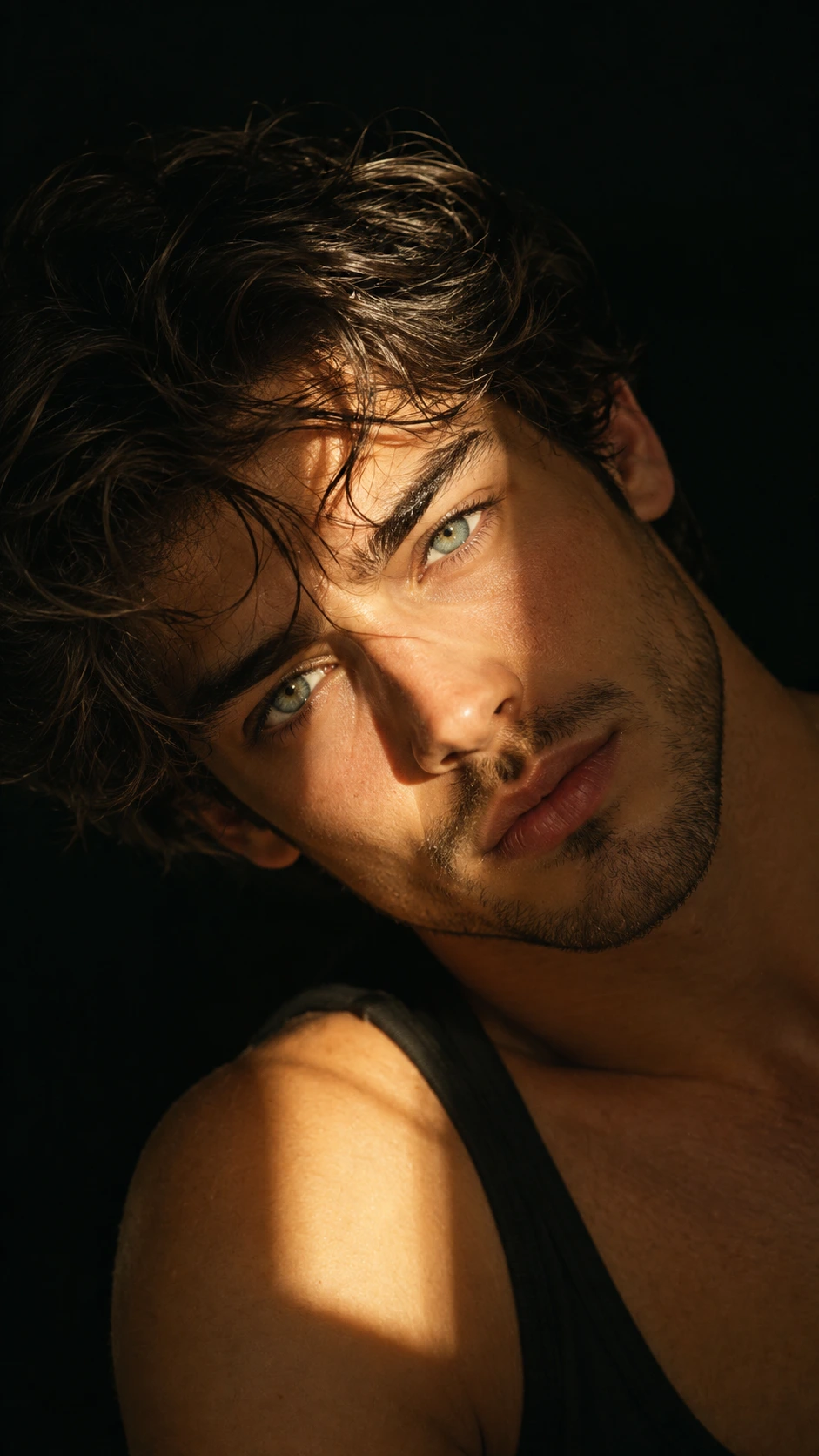

“Dramatic low-key portrait of a handsome young man with messy wavy dark hair, pale green eyes and light stubble, head tilted back looking into the camera, wearing a black tank top, bare shoulder catching the light, single warm hard light source carving highlights across his face and shoulder, deep black background, strong chiaroscuro shadows, moody cinematic editorial photography, sharp skin detail, 9:16”
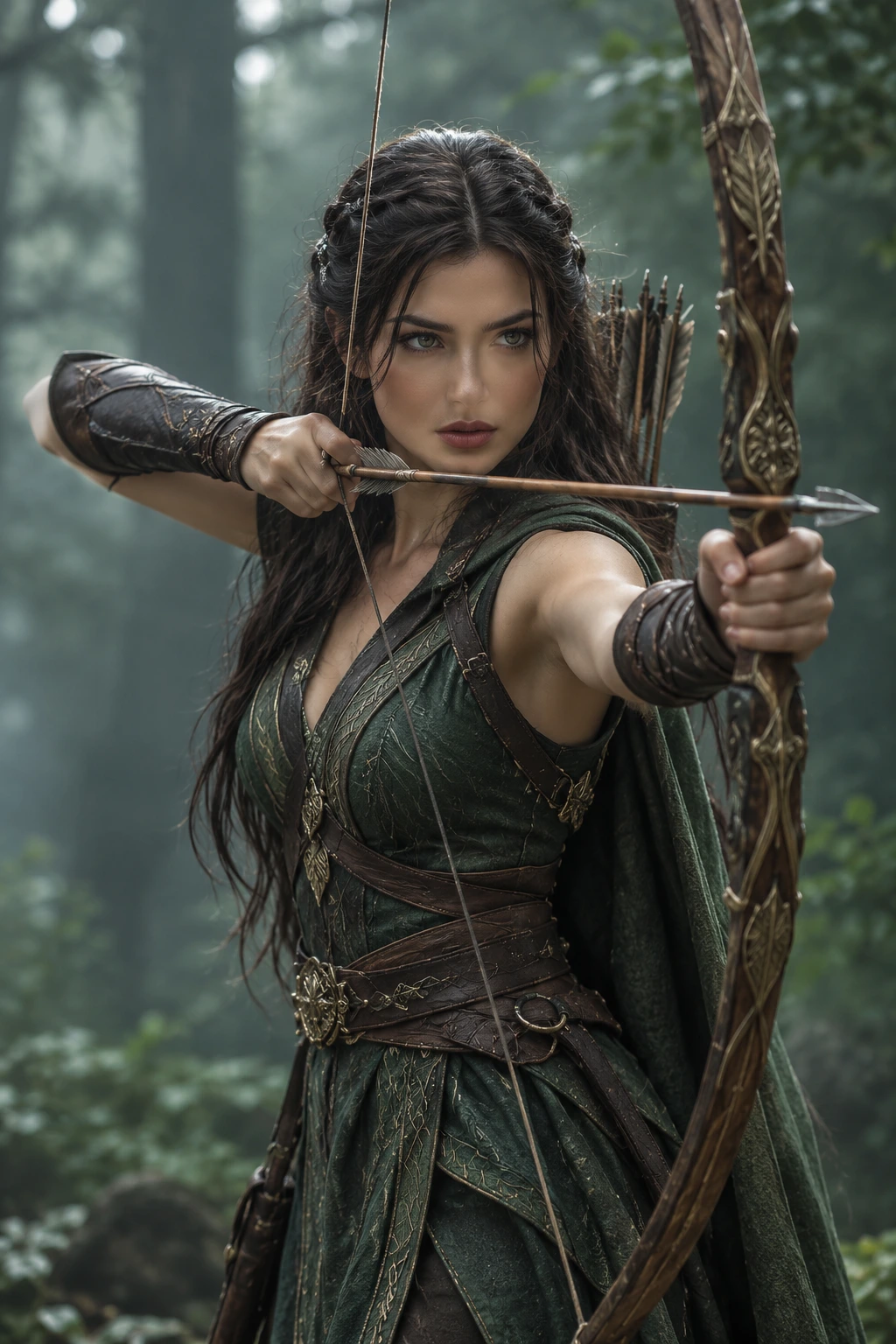
“Cinematic fantasy portrait of a beautiful elven archer woman with long dark braided hair and piercing green eyes, drawing a large ornate carved wooden longbow with gold engravings, intense focused expression, wearing a dark green sleeveless leather-accented dress with gold embroidery, brown leather bracers, wide belt and cloak, quiver of feathered arrows on her back, standing in a misty dark forest, moody atmospheric fog, soft rim lighting, shallow depth of field, photorealistic, ultra detailed, 2:3”
“Ethereal fairy portrait of a beautiful young woman in profile with eyes closed, long wavy brown hair with loose strands, wearing a delicate gold floral leaf headpiece and a translucent lace butterfly wing hair ornament, dressed in an off-shoulder ivory gown with beaded pearl flowers and sheer embroidered tulle sleeves, standing beside a tall arched window in an old stone room, soft diffused daylight, blurred autumn trees outside, dreamy romantic pastel tones, shallow depth of field, photorealistic, ultra detailed,”
“Epic fantasy scene of a majestic red dragon perched on a jagged rocky mountain peak, detailed scaled skin, ivory horns and spines, large torn leathery wings spread down the cliff, long tail curling around the rock, snow-capped mountain range in the background, huge pale moon rising, glowing orange and pink sunset sky with dramatic clouds, warm rim lighting on the scales, cinematic wide shot, photorealistic CGI, ultra detailed,”
“Majestic silver-blue dragon soaring high above the clouds, enormous translucent membrane wings raised and backlit by a glowing golden sun, long sinuous neck and spiked tail trailing behind, sleek scaled body, dramatic blue sky with layered sunlit clouds, warm rim light glowing through the wing membranes, epic fantasy concept art, cinematic low angle, ultra detailed, 5:7”
“Epic fantasy illustration, a woman with long auburn braided hair in a flowing green medieval gown standing on a grassy hilltop with her hand resting on a huge white scaled dragon with ivory horns and folded wings, both looking out over a vast valley with a medieval city, a river, sailing boats and a castle on a cliff, misty mountains and sunlit clouds in the distance, large oak tree overhead, warm golden daylight, painterly digital art, highly detailed, 3:4”
“Dramatic low-key portrait of a handsome young man with messy wavy dark hair, pale green eyes and light stubble, head tilted back looking into the camera, wearing a black tank top, bare shoulder catching the light, single warm hard light source carving highlights across his face and shoulder, deep black background, strong chiaroscuro shadows, moody cinematic editorial photography, sharp skin detail, 9:16”
“Cinematic fantasy portrait of a beautiful elven archer woman with long dark braided hair and piercing green eyes, drawing a large ornate carved wooden longbow with gold engravings, intense focused expression, wearing a dark green sleeveless leather-accented dress with gold embroidery, brown leather bracers, wide belt and cloak, quiver of feathered arrows on her back, standing in a misty dark forest, moody atmospheric fog, soft rim lighting, shallow depth of field, photorealistic, ultra detailed, 2:3”
“Ethereal fairy portrait of a beautiful young woman in profile with eyes closed, long wavy brown hair with loose strands, wearing a delicate gold floral leaf headpiece and a translucent lace butterfly wing hair ornament, dressed in an off-shoulder ivory gown with beaded pearl flowers and sheer embroidered tulle sleeves, standing beside a tall arched window in an old stone room, soft diffused daylight, blurred autumn trees outside, dreamy romantic pastel tones, shallow depth of field, photorealistic, ultra detailed,”
“Epic fantasy scene of a majestic red dragon perched on a jagged rocky mountain peak, detailed scaled skin, ivory horns and spines, large torn leathery wings spread down the cliff, long tail curling around the rock, snow-capped mountain range in the background, huge pale moon rising, glowing orange and pink sunset sky with dramatic clouds, warm rim lighting on the scales, cinematic wide shot, photorealistic CGI, ultra detailed,”
“Majestic silver-blue dragon soaring high above the clouds, enormous translucent membrane wings raised and backlit by a glowing golden sun, long sinuous neck and spiked tail trailing behind, sleek scaled body, dramatic blue sky with layered sunlit clouds, warm rim light glowing through the wing membranes, epic fantasy concept art, cinematic low angle, ultra detailed, 5:7”
“Epic fantasy illustration, a woman with long auburn braided hair in a flowing green medieval gown standing on a grassy hilltop with her hand resting on a huge white scaled dragon with ivory horns and folded wings, both looking out over a vast valley with a medieval city, a river, sailing boats and a castle on a cliff, misty mountains and sunlit clouds in the distance, large oak tree overhead, warm golden daylight, painterly digital art, highly detailed, 3:4”
“Dramatic low-key portrait of a handsome young man with messy wavy dark hair, pale green eyes and light stubble, head tilted back looking into the camera, wearing a black tank top, bare shoulder catching the light, single warm hard light source carving highlights across his face and shoulder, deep black background, strong chiaroscuro shadows, moody cinematic editorial photography, sharp skin detail, 9:16”
“Cinematic fantasy portrait of a beautiful elven archer woman with long dark braided hair and piercing green eyes, drawing a large ornate carved wooden longbow with gold engravings, intense focused expression, wearing a dark green sleeveless leather-accented dress with gold embroidery, brown leather bracers, wide belt and cloak, quiver of feathered arrows on her back, standing in a misty dark forest, moody atmospheric fog, soft rim lighting, shallow depth of field, photorealistic, ultra detailed, 2:3”
“Ethereal fairy portrait of a beautiful young woman in profile with eyes closed, long wavy brown hair with loose strands, wearing a delicate gold floral leaf headpiece and a translucent lace butterfly wing hair ornament, dressed in an off-shoulder ivory gown with beaded pearl flowers and sheer embroidered tulle sleeves, standing beside a tall arched window in an old stone room, soft diffused daylight, blurred autumn trees outside, dreamy romantic pastel tones, shallow depth of field, photorealistic, ultra detailed,”
“Epic fantasy scene of a majestic red dragon perched on a jagged rocky mountain peak, detailed scaled skin, ivory horns and spines, large torn leathery wings spread down the cliff, long tail curling around the rock, snow-capped mountain range in the background, huge pale moon rising, glowing orange and pink sunset sky with dramatic clouds, warm rim lighting on the scales, cinematic wide shot, photorealistic CGI, ultra detailed,”
“Majestic silver-blue dragon soaring high above the clouds, enormous translucent membrane wings raised and backlit by a glowing golden sun, long sinuous neck and spiked tail trailing behind, sleek scaled body, dramatic blue sky with layered sunlit clouds, warm rim light glowing through the wing membranes, epic fantasy concept art, cinematic low angle, ultra detailed, 5:7”
“Epic fantasy illustration, a woman with long auburn braided hair in a flowing green medieval gown standing on a grassy hilltop with her hand resting on a huge white scaled dragon with ivory horns and folded wings, both looking out over a vast valley with a medieval city, a river, sailing boats and a castle on a cliff, misty mountains and sunlit clouds in the distance, large oak tree overhead, warm golden daylight, painterly digital art, highly detailed, 3:4”
“Dramatic low-key portrait of a handsome young man with messy wavy dark hair, pale green eyes and light stubble, head tilted back looking into the camera, wearing a black tank top, bare shoulder catching the light, single warm hard light source carving highlights across his face and shoulder, deep black background, strong chiaroscuro shadows, moody cinematic editorial photography, sharp skin detail, 9:16”
“Cinematic fantasy portrait of a beautiful elven archer woman with long dark braided hair and piercing green eyes, drawing a large ornate carved wooden longbow with gold engravings, intense focused expression, wearing a dark green sleeveless leather-accented dress with gold embroidery, brown leather bracers, wide belt and cloak, quiver of feathered arrows on her back, standing in a misty dark forest, moody atmospheric fog, soft rim lighting, shallow depth of field, photorealistic, ultra detailed, 2:3”
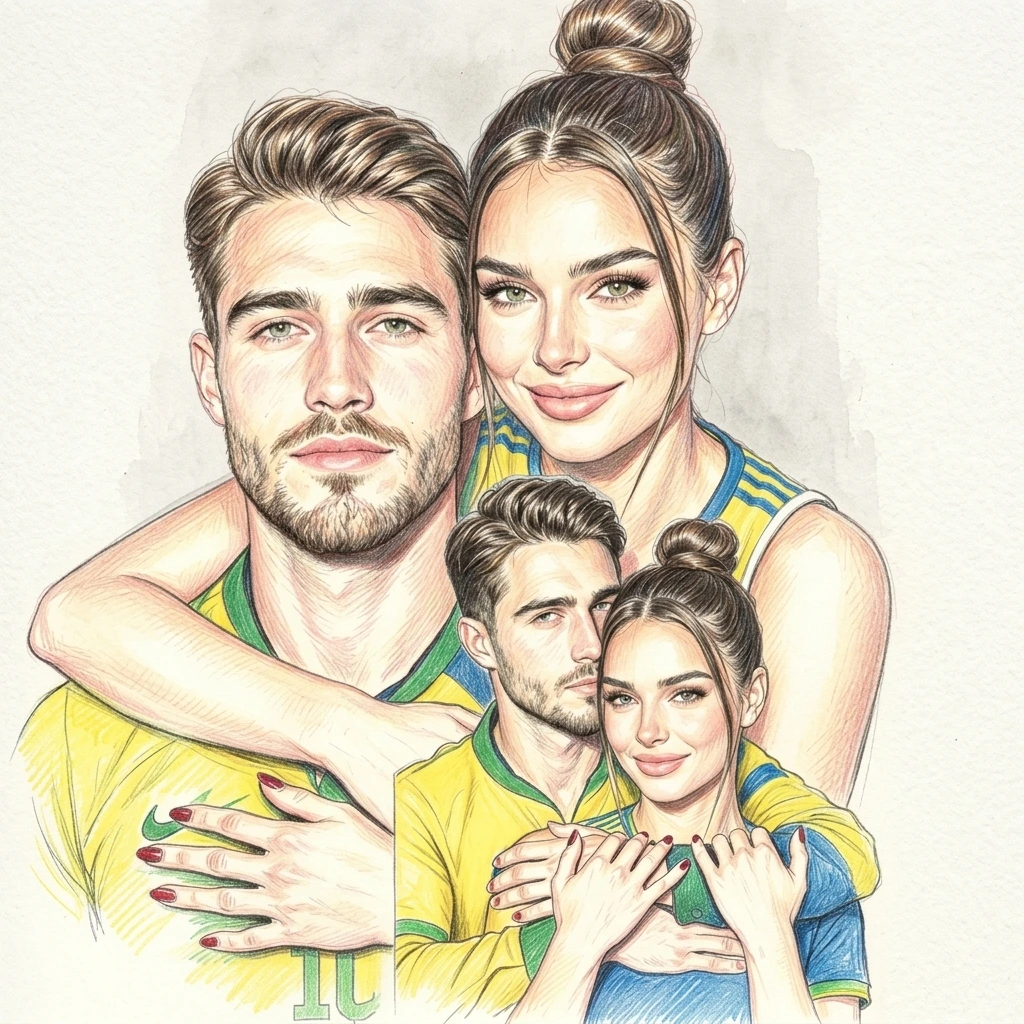

“Colored pencil portrait illustration of a romantic couple in yellow and green football jerseys with blue accents, large close-up of the woman with a high top bun and green eyes hugging the man from behind, man with styled brown hair, stubble and green eyes, a smaller inset of the same couple cuddling cheek to cheek in the lower right, red painted nails, soft warm skin tones, visible pencil strokes and cross-hatching, light watercolor wash, white textured paper background, highly detailed,”
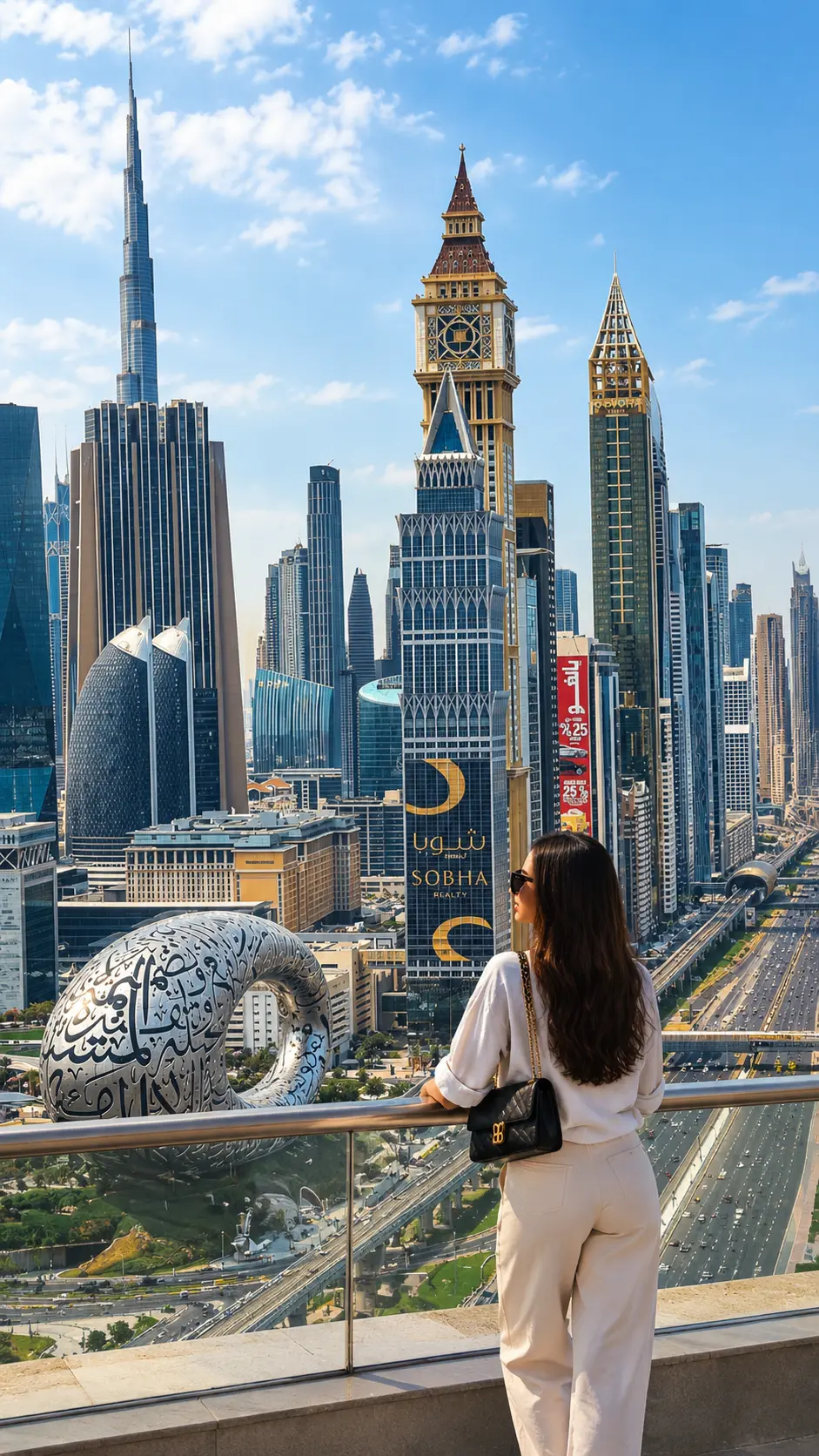
“Back view of a woman with long dark hair in a white shirt, beige wide-leg trousers and sunglasses, leaning on a glass railing of a high rooftop terrace, overlooking a modern Dubai skyline with skyscrapers, a ring-shaped landmark building and a busy highway below, bright blue sky with white clouds, sunny daytime, luxury travel photography, ultra detailed, 9:16”
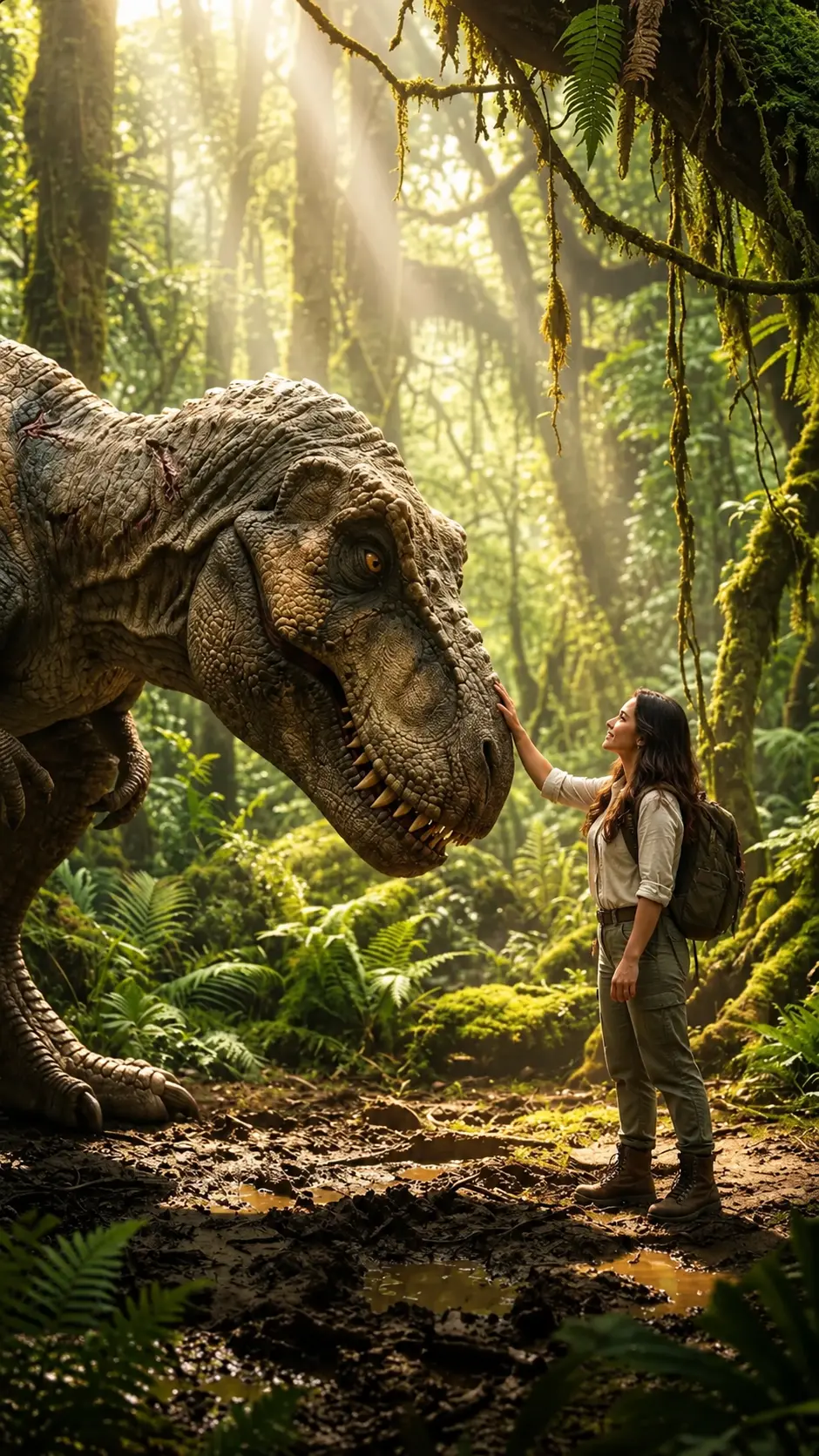

“Cinematic scene of a woman explorer in a beige shirt, cargo pants, boots and backpack gently touching the snout of a massive T-rex, standing in a lush misty prehistoric rainforest, moss-covered trees, ferns and hanging vines, sunbeams cutting through the canopy, muddy ground with puddles, warm golden light, awe and wonder, photorealistic, highly detailed,”
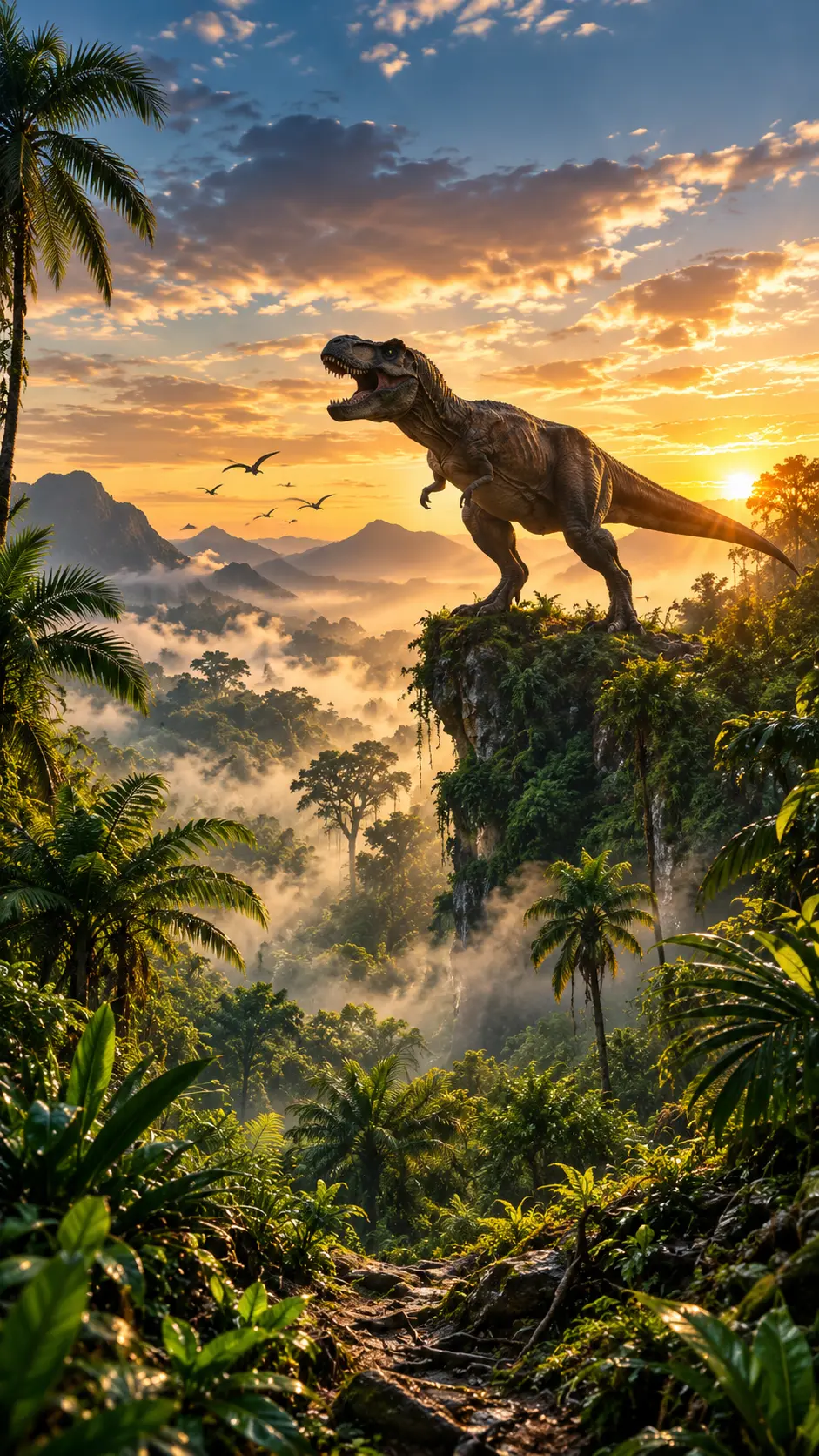
“Epic wide shot of a T-rex roaring on a mossy cliff edge above a vast misty prehistoric jungle, pterosaurs flying in the distance, golden sunrise breaking through dramatic clouds, palm trees and dense tropical foliage in the foreground, layers of fog over mountains, cinematic warm lighting, photorealistic, ultra detailed,”
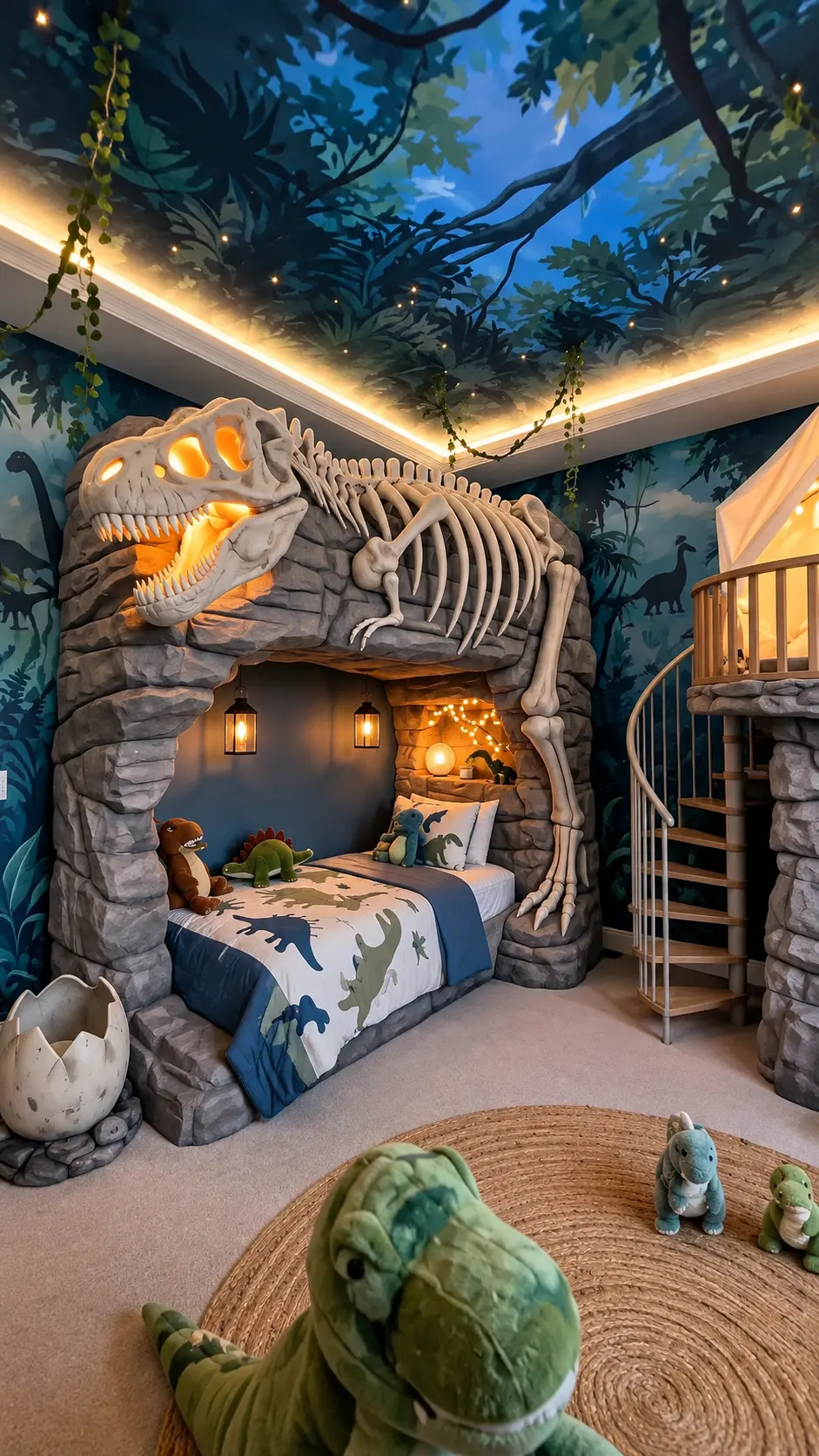
“Themed children's dinosaur bedroom, bed built inside a stone cave archway with a giant glowing T-rex skeleton mounted above it, painted jungle mural walls and ceiling with stars and tree branches, warm hidden LED cove lighting, lanterns, fairy lights, dinosaur bedding and plush toys, cracked dinosaur egg decor, wooden spiral staircase to a loft play area, jute round rug, cozy magical atmosphere, interior design photography, ultra detailed,”
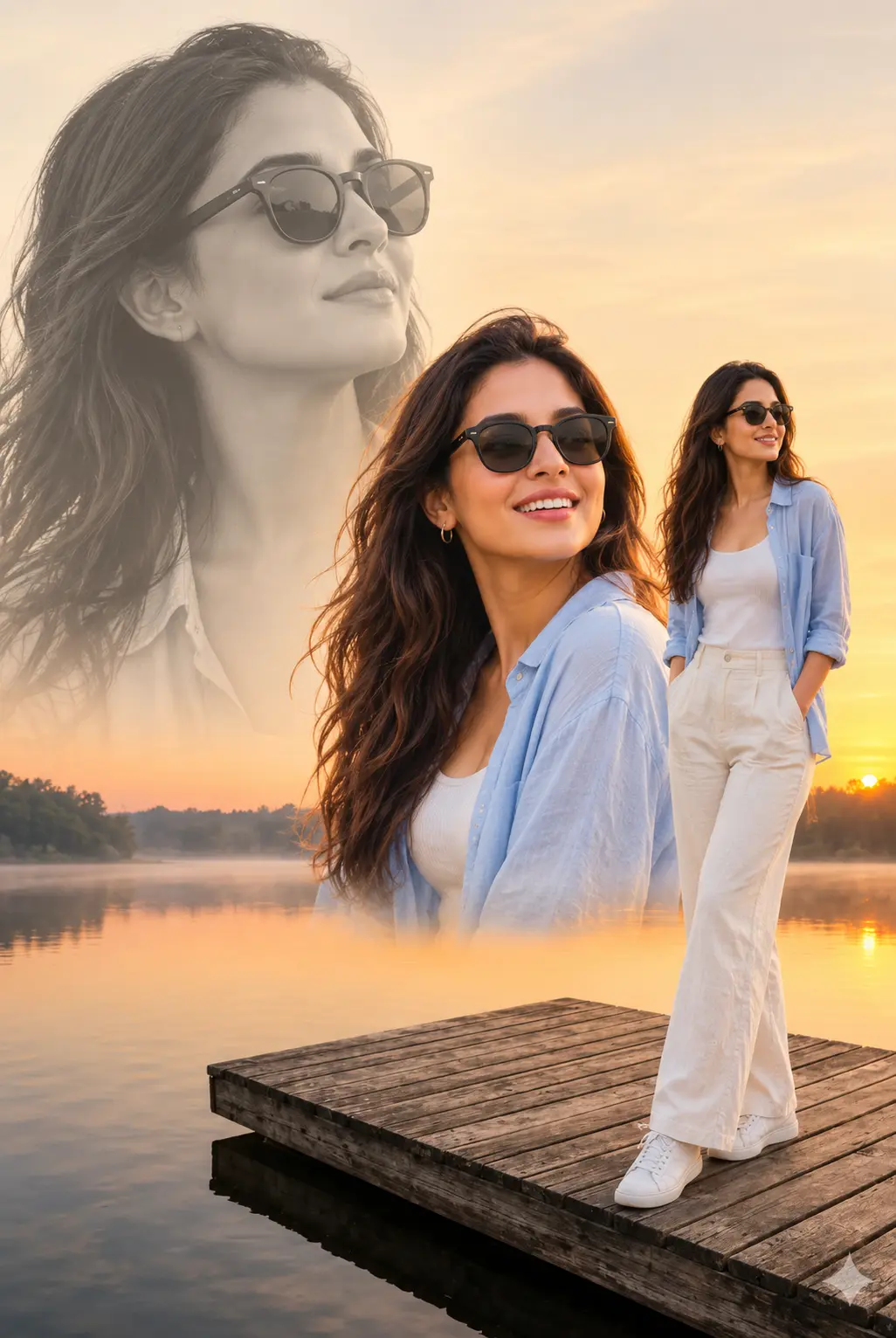
“Creative double exposure portrait poster, a woman with long wavy brown hair and black sunglasses smiling, shown three times in one frame: a large faded black and white portrait in the background, a warm close-up in the center, and a full-body shot standing on a wooden dock, wearing a light blue open shirt, white tank top, cream wide-leg trousers and white sneakers, misty lake at golden sunrise, soft warm tones, cinematic photo collage, ultra detailed,”

“Colored pencil sketch illustration, young woman with messy brown bun and round glasses resting her chin on her hand, gazing upward dreamily, wearing a cozy oversized cream knit sweater, sitting at a wooden table beside a tall stack of old books, library bookshelves in background, soft sunlight rays streaming in, steam rising gently, warm muted tones, visible cross-hatching and pencil strokes, white paper texture with sketchy edges, highly detailed,”
“Colored pencil portrait illustration of a romantic couple in yellow and green football jerseys with blue accents, large close-up of the woman with a high top bun and green eyes hugging the man from behind, man with styled brown hair, stubble and green eyes, a smaller inset of the same couple cuddling cheek to cheek in the lower right, red painted nails, soft warm skin tones, visible pencil strokes and cross-hatching, light watercolor wash, white textured paper background, highly detailed,”
“Back view of a woman with long dark hair in a white shirt, beige wide-leg trousers and sunglasses, leaning on a glass railing of a high rooftop terrace, overlooking a modern Dubai skyline with skyscrapers, a ring-shaped landmark building and a busy highway below, bright blue sky with white clouds, sunny daytime, luxury travel photography, ultra detailed, 9:16”
“Cinematic scene of a woman explorer in a beige shirt, cargo pants, boots and backpack gently touching the snout of a massive T-rex, standing in a lush misty prehistoric rainforest, moss-covered trees, ferns and hanging vines, sunbeams cutting through the canopy, muddy ground with puddles, warm golden light, awe and wonder, photorealistic, highly detailed,”
“Epic wide shot of a T-rex roaring on a mossy cliff edge above a vast misty prehistoric jungle, pterosaurs flying in the distance, golden sunrise breaking through dramatic clouds, palm trees and dense tropical foliage in the foreground, layers of fog over mountains, cinematic warm lighting, photorealistic, ultra detailed,”
“Themed children's dinosaur bedroom, bed built inside a stone cave archway with a giant glowing T-rex skeleton mounted above it, painted jungle mural walls and ceiling with stars and tree branches, warm hidden LED cove lighting, lanterns, fairy lights, dinosaur bedding and plush toys, cracked dinosaur egg decor, wooden spiral staircase to a loft play area, jute round rug, cozy magical atmosphere, interior design photography, ultra detailed,”
“Creative double exposure portrait poster, a woman with long wavy brown hair and black sunglasses smiling, shown three times in one frame: a large faded black and white portrait in the background, a warm close-up in the center, and a full-body shot standing on a wooden dock, wearing a light blue open shirt, white tank top, cream wide-leg trousers and white sneakers, misty lake at golden sunrise, soft warm tones, cinematic photo collage, ultra detailed,”
“Colored pencil sketch illustration, young woman with messy brown bun and round glasses resting her chin on her hand, gazing upward dreamily, wearing a cozy oversized cream knit sweater, sitting at a wooden table beside a tall stack of old books, library bookshelves in background, soft sunlight rays streaming in, steam rising gently, warm muted tones, visible cross-hatching and pencil strokes, white paper texture with sketchy edges, highly detailed,”
“Colored pencil portrait illustration of a romantic couple in yellow and green football jerseys with blue accents, large close-up of the woman with a high top bun and green eyes hugging the man from behind, man with styled brown hair, stubble and green eyes, a smaller inset of the same couple cuddling cheek to cheek in the lower right, red painted nails, soft warm skin tones, visible pencil strokes and cross-hatching, light watercolor wash, white textured paper background, highly detailed,”
“Back view of a woman with long dark hair in a white shirt, beige wide-leg trousers and sunglasses, leaning on a glass railing of a high rooftop terrace, overlooking a modern Dubai skyline with skyscrapers, a ring-shaped landmark building and a busy highway below, bright blue sky with white clouds, sunny daytime, luxury travel photography, ultra detailed, 9:16”
“Cinematic scene of a woman explorer in a beige shirt, cargo pants, boots and backpack gently touching the snout of a massive T-rex, standing in a lush misty prehistoric rainforest, moss-covered trees, ferns and hanging vines, sunbeams cutting through the canopy, muddy ground with puddles, warm golden light, awe and wonder, photorealistic, highly detailed,”
“Epic wide shot of a T-rex roaring on a mossy cliff edge above a vast misty prehistoric jungle, pterosaurs flying in the distance, golden sunrise breaking through dramatic clouds, palm trees and dense tropical foliage in the foreground, layers of fog over mountains, cinematic warm lighting, photorealistic, ultra detailed,”
“Themed children's dinosaur bedroom, bed built inside a stone cave archway with a giant glowing T-rex skeleton mounted above it, painted jungle mural walls and ceiling with stars and tree branches, warm hidden LED cove lighting, lanterns, fairy lights, dinosaur bedding and plush toys, cracked dinosaur egg decor, wooden spiral staircase to a loft play area, jute round rug, cozy magical atmosphere, interior design photography, ultra detailed,”
“Creative double exposure portrait poster, a woman with long wavy brown hair and black sunglasses smiling, shown three times in one frame: a large faded black and white portrait in the background, a warm close-up in the center, and a full-body shot standing on a wooden dock, wearing a light blue open shirt, white tank top, cream wide-leg trousers and white sneakers, misty lake at golden sunrise, soft warm tones, cinematic photo collage, ultra detailed,”
“Colored pencil sketch illustration, young woman with messy brown bun and round glasses resting her chin on her hand, gazing upward dreamily, wearing a cozy oversized cream knit sweater, sitting at a wooden table beside a tall stack of old books, library bookshelves in background, soft sunlight rays streaming in, steam rising gently, warm muted tones, visible cross-hatching and pencil strokes, white paper texture with sketchy edges, highly detailed,”
“Colored pencil portrait illustration of a romantic couple in yellow and green football jerseys with blue accents, large close-up of the woman with a high top bun and green eyes hugging the man from behind, man with styled brown hair, stubble and green eyes, a smaller inset of the same couple cuddling cheek to cheek in the lower right, red painted nails, soft warm skin tones, visible pencil strokes and cross-hatching, light watercolor wash, white textured paper background, highly detailed,”
“Back view of a woman with long dark hair in a white shirt, beige wide-leg trousers and sunglasses, leaning on a glass railing of a high rooftop terrace, overlooking a modern Dubai skyline with skyscrapers, a ring-shaped landmark building and a busy highway below, bright blue sky with white clouds, sunny daytime, luxury travel photography, ultra detailed, 9:16”
“Cinematic scene of a woman explorer in a beige shirt, cargo pants, boots and backpack gently touching the snout of a massive T-rex, standing in a lush misty prehistoric rainforest, moss-covered trees, ferns and hanging vines, sunbeams cutting through the canopy, muddy ground with puddles, warm golden light, awe and wonder, photorealistic, highly detailed,”
“Epic wide shot of a T-rex roaring on a mossy cliff edge above a vast misty prehistoric jungle, pterosaurs flying in the distance, golden sunrise breaking through dramatic clouds, palm trees and dense tropical foliage in the foreground, layers of fog over mountains, cinematic warm lighting, photorealistic, ultra detailed,”
“Themed children's dinosaur bedroom, bed built inside a stone cave archway with a giant glowing T-rex skeleton mounted above it, painted jungle mural walls and ceiling with stars and tree branches, warm hidden LED cove lighting, lanterns, fairy lights, dinosaur bedding and plush toys, cracked dinosaur egg decor, wooden spiral staircase to a loft play area, jute round rug, cozy magical atmosphere, interior design photography, ultra detailed,”
“Creative double exposure portrait poster, a woman with long wavy brown hair and black sunglasses smiling, shown three times in one frame: a large faded black and white portrait in the background, a warm close-up in the center, and a full-body shot standing on a wooden dock, wearing a light blue open shirt, white tank top, cream wide-leg trousers and white sneakers, misty lake at golden sunrise, soft warm tones, cinematic photo collage, ultra detailed,”
“Colored pencil sketch illustration, young woman with messy brown bun and round glasses resting her chin on her hand, gazing upward dreamily, wearing a cozy oversized cream knit sweater, sitting at a wooden table beside a tall stack of old books, library bookshelves in background, soft sunlight rays streaming in, steam rising gently, warm muted tones, visible cross-hatching and pencil strokes, white paper texture with sketchy edges, highly detailed,”

“Cute 3D animated baby dinosaur with green scaly skin, soft cream belly, small spikes along its back, big round brown eyes, rosy cheeks and tongue sticking out, a monarch butterfly resting on its snout, standing on mossy ground in a meadow of small white and yellow wildflowers, golden sunset over a calm lake with mountains and a waterfall behind, warm cinematic lighting, shallow depth of field, Pixar style, ultra detailed”

“Back view of a woman with long dark hair blowing in the wind, hand running through her hair, wearing a cream off-shoulder knit sweater, leaning on a stone terrace wall overlooking a Mediterranean coastal town at sunset, glowing orange sun setting over the calm sea with a long light reflection, dramatic pink, purple and orange clouds, pink bougainvillea flowers and a warm lantern in the foreground, cliffside village lights and hills on the right, golden hour, cinematic travel photography, ultra detailed, 9:16”
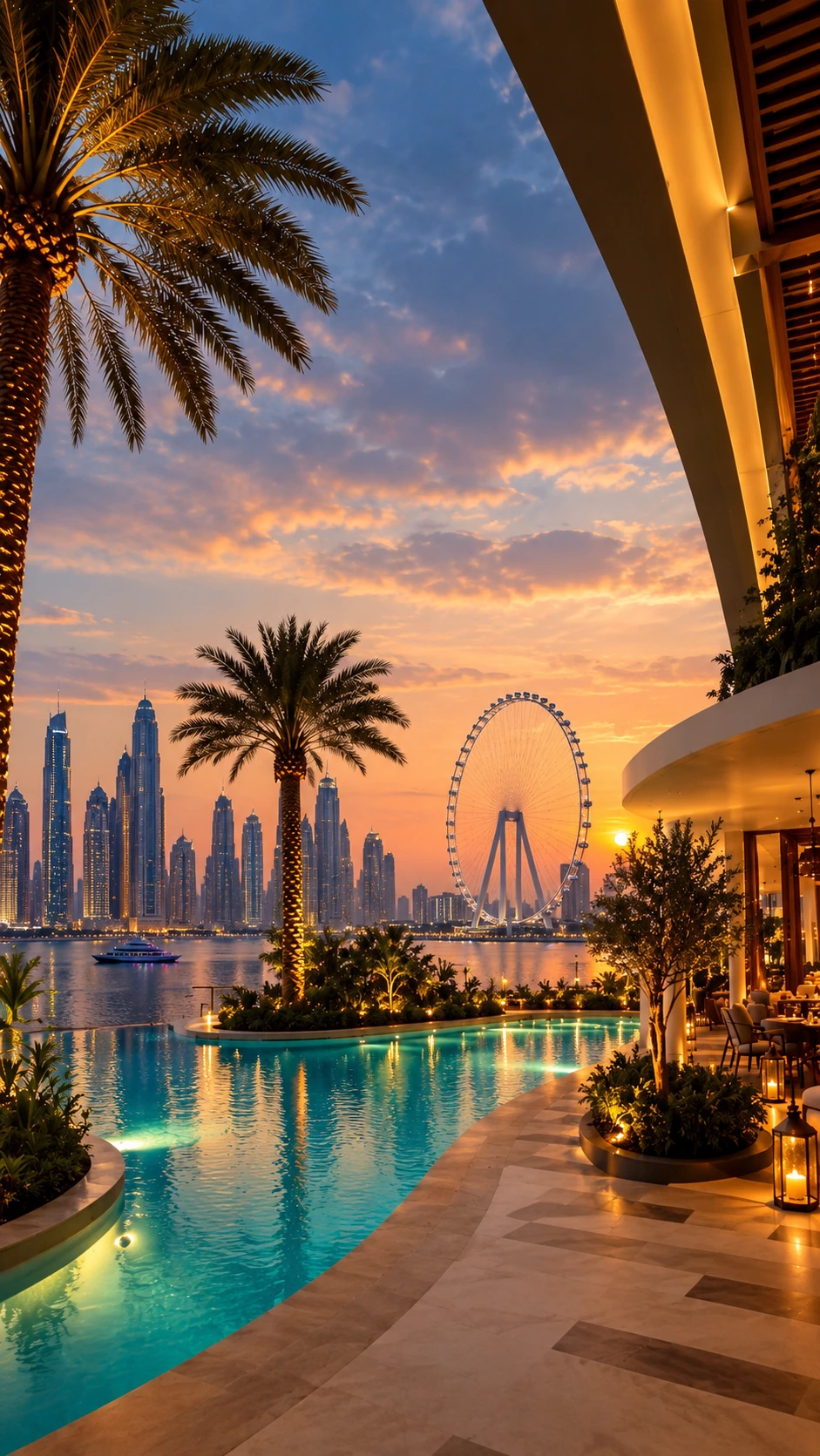
“Luxury waterfront resort terrace at sunset, curved infinity pool with glowing turquoise water and underwater lights, tall date palm trees with uplighting, marble patterned deck, warm lanterns and an outdoor lounge with seating, modern skyscraper skyline and a giant ferris wheel across the bay, yacht on calm water, dramatic orange, pink and blue sunset clouds, golden reflections on the water, ultra realistic architectural photography, highly detailed, 9:16”


“Front view of a white high-performance sports coupe with an aggressive wide body, vertical slat grille, sharp LED headlights, hood vents and carbon fiber front splitter, parked in a modern minimalist concrete showroom with polished reflective floor, a large backlit circular emblem glowing on the stone wall behind it, vertical warm LED strip lighting, open side wall showing a golden sunset over mountains and water, potted plant in the corner, cinematic warm lighting, automotive commercial photography, ultra detailed,”


“Adorable 3D animated baby panda standing upright on a mossy rock, holding a fresh green bamboo shoot with both paws, huge glossy green eyes, soft fluffy black and white fur, rosy cheeks and a gentle smile, blurred bamboo forest background with soft green foliage, warm sunlight, shallow depth of field, Pixar style, ultra detailed,”
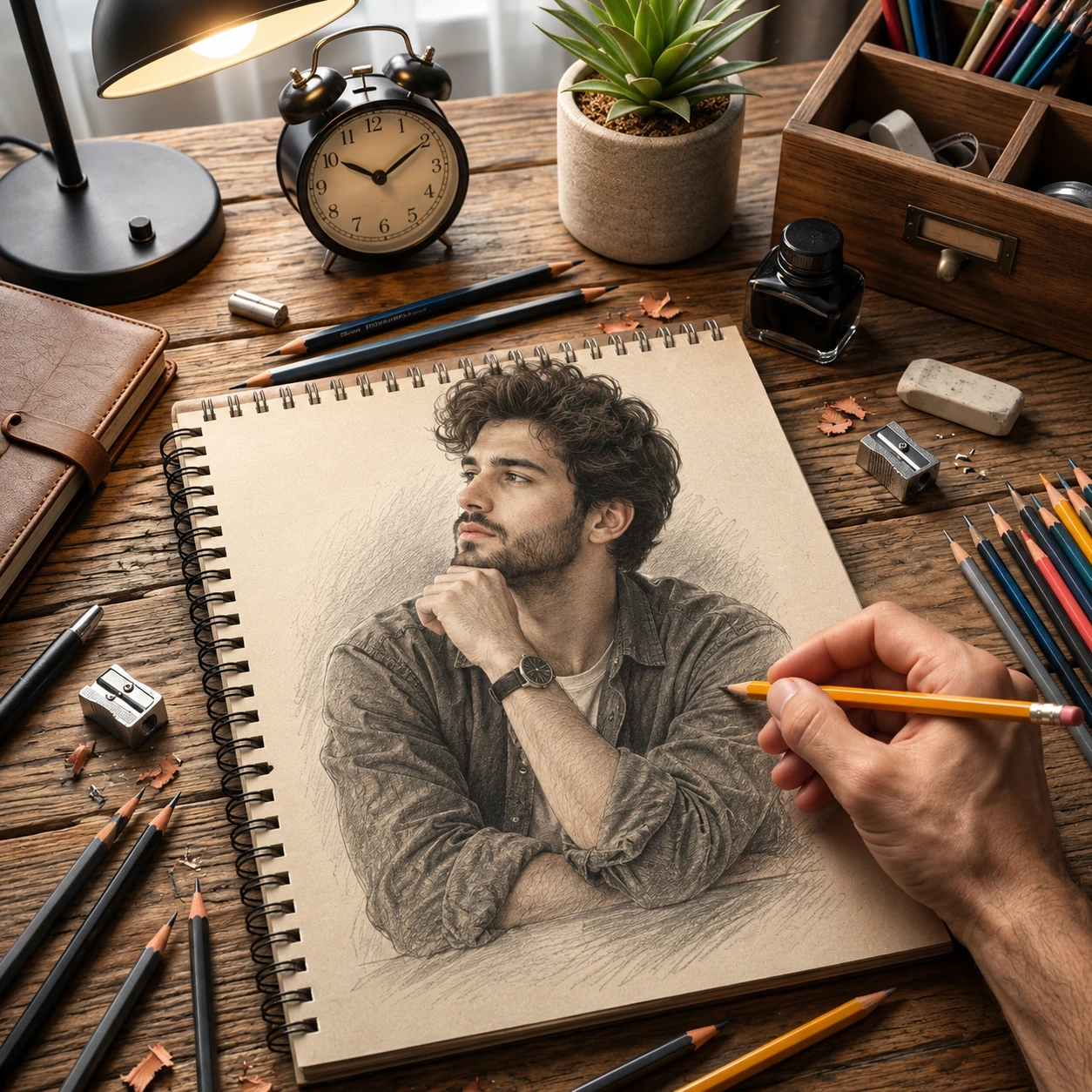
“Top-down photo of a realistic graphite pencil portrait on a spiral sketchbook, drawing of a young man with curly brown hair and beard, chin resting on his hand, wearing a rolled-sleeve shirt and wristwatch, artist's hand holding a yellow pencil finishing the sketch, rustic wooden desk with scattered pencils, colored pencils, sharpeners, shavings, eraser, ink bottle, vintage alarm clock, potted succulent, leather notebook, wooden pencil organizer and black desk lamp, warm cozy lighting, photorealistic, highly detailed,”
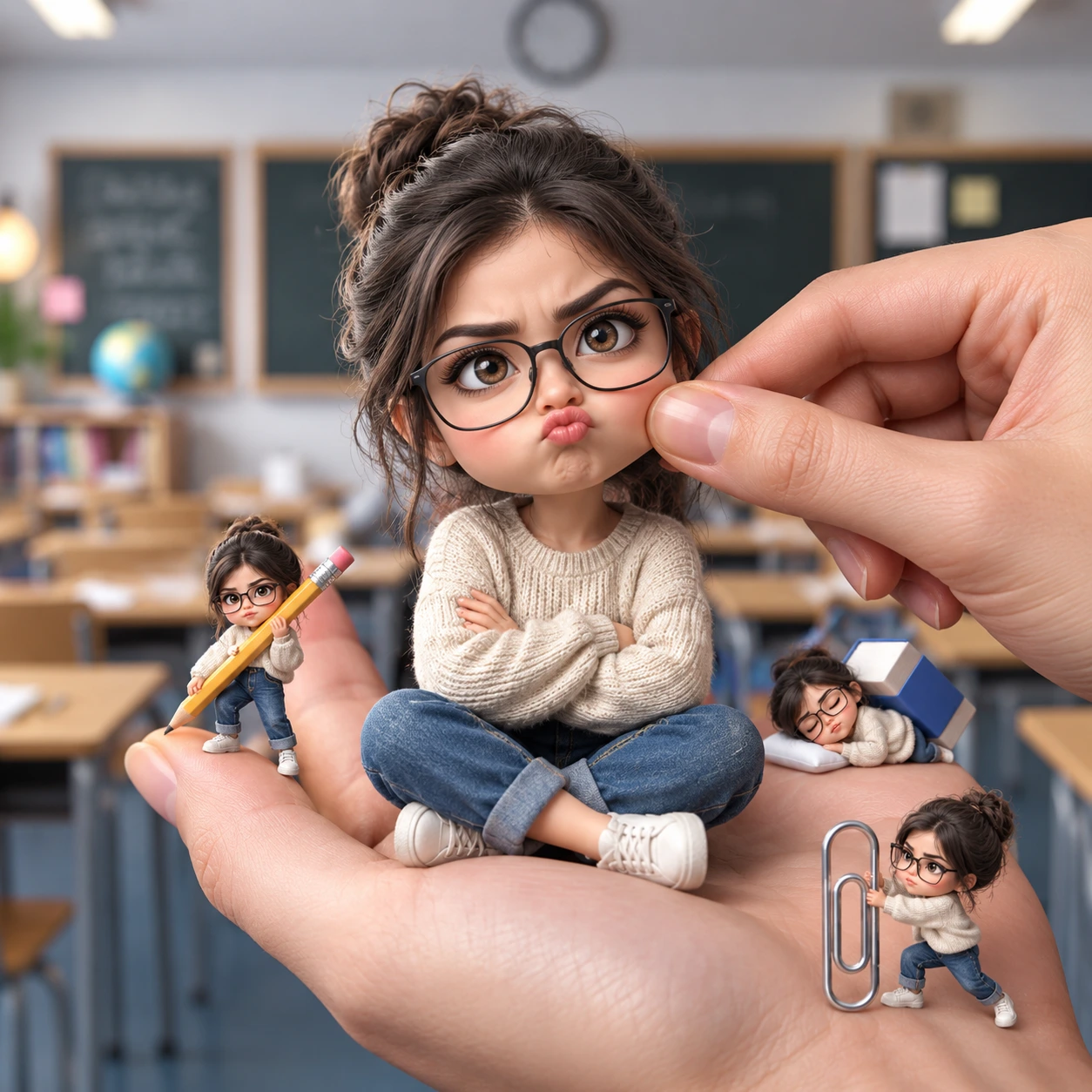
“Hyper-realistic 3D chibi miniature figurine of a cute girl with a messy brown bun, big brown eyes and black glasses, sitting cross-legged on a human palm with arms crossed and a pouty grumpy face, wearing a cream knit sweater, rolled blue jeans and white sneakers, another hand's fingers gently pinching her cheek, three smaller versions of her around: one carrying a giant yellow pencil, one sleeping on a tiny pillow with an eraser, one pushing a big silver paperclip, blurred classroom background with chalkboards, desks and globe, soft natural lighting, shallow depth of field, Pixar-style, highly detailed”
“Cute 3D animated baby dinosaur with green scaly skin, soft cream belly, small spikes along its back, big round brown eyes, rosy cheeks and tongue sticking out, a monarch butterfly resting on its snout, standing on mossy ground in a meadow of small white and yellow wildflowers, golden sunset over a calm lake with mountains and a waterfall behind, warm cinematic lighting, shallow depth of field, Pixar style, ultra detailed”
“Back view of a woman with long dark hair blowing in the wind, hand running through her hair, wearing a cream off-shoulder knit sweater, leaning on a stone terrace wall overlooking a Mediterranean coastal town at sunset, glowing orange sun setting over the calm sea with a long light reflection, dramatic pink, purple and orange clouds, pink bougainvillea flowers and a warm lantern in the foreground, cliffside village lights and hills on the right, golden hour, cinematic travel photography, ultra detailed, 9:16”
“Luxury waterfront resort terrace at sunset, curved infinity pool with glowing turquoise water and underwater lights, tall date palm trees with uplighting, marble patterned deck, warm lanterns and an outdoor lounge with seating, modern skyscraper skyline and a giant ferris wheel across the bay, yacht on calm water, dramatic orange, pink and blue sunset clouds, golden reflections on the water, ultra realistic architectural photography, highly detailed, 9:16”
“Front view of a white high-performance sports coupe with an aggressive wide body, vertical slat grille, sharp LED headlights, hood vents and carbon fiber front splitter, parked in a modern minimalist concrete showroom with polished reflective floor, a large backlit circular emblem glowing on the stone wall behind it, vertical warm LED strip lighting, open side wall showing a golden sunset over mountains and water, potted plant in the corner, cinematic warm lighting, automotive commercial photography, ultra detailed,”
“Adorable 3D animated baby panda standing upright on a mossy rock, holding a fresh green bamboo shoot with both paws, huge glossy green eyes, soft fluffy black and white fur, rosy cheeks and a gentle smile, blurred bamboo forest background with soft green foliage, warm sunlight, shallow depth of field, Pixar style, ultra detailed,”
“Top-down photo of a realistic graphite pencil portrait on a spiral sketchbook, drawing of a young man with curly brown hair and beard, chin resting on his hand, wearing a rolled-sleeve shirt and wristwatch, artist's hand holding a yellow pencil finishing the sketch, rustic wooden desk with scattered pencils, colored pencils, sharpeners, shavings, eraser, ink bottle, vintage alarm clock, potted succulent, leather notebook, wooden pencil organizer and black desk lamp, warm cozy lighting, photorealistic, highly detailed,”
“Hyper-realistic 3D chibi miniature figurine of a cute girl with a messy brown bun, big brown eyes and black glasses, sitting cross-legged on a human palm with arms crossed and a pouty grumpy face, wearing a cream knit sweater, rolled blue jeans and white sneakers, another hand's fingers gently pinching her cheek, three smaller versions of her around: one carrying a giant yellow pencil, one sleeping on a tiny pillow with an eraser, one pushing a big silver paperclip, blurred classroom background with chalkboards, desks and globe, soft natural lighting, shallow depth of field, Pixar-style, highly detailed”
“Cute 3D animated baby dinosaur with green scaly skin, soft cream belly, small spikes along its back, big round brown eyes, rosy cheeks and tongue sticking out, a monarch butterfly resting on its snout, standing on mossy ground in a meadow of small white and yellow wildflowers, golden sunset over a calm lake with mountains and a waterfall behind, warm cinematic lighting, shallow depth of field, Pixar style, ultra detailed”
“Back view of a woman with long dark hair blowing in the wind, hand running through her hair, wearing a cream off-shoulder knit sweater, leaning on a stone terrace wall overlooking a Mediterranean coastal town at sunset, glowing orange sun setting over the calm sea with a long light reflection, dramatic pink, purple and orange clouds, pink bougainvillea flowers and a warm lantern in the foreground, cliffside village lights and hills on the right, golden hour, cinematic travel photography, ultra detailed, 9:16”
“Luxury waterfront resort terrace at sunset, curved infinity pool with glowing turquoise water and underwater lights, tall date palm trees with uplighting, marble patterned deck, warm lanterns and an outdoor lounge with seating, modern skyscraper skyline and a giant ferris wheel across the bay, yacht on calm water, dramatic orange, pink and blue sunset clouds, golden reflections on the water, ultra realistic architectural photography, highly detailed, 9:16”
“Front view of a white high-performance sports coupe with an aggressive wide body, vertical slat grille, sharp LED headlights, hood vents and carbon fiber front splitter, parked in a modern minimalist concrete showroom with polished reflective floor, a large backlit circular emblem glowing on the stone wall behind it, vertical warm LED strip lighting, open side wall showing a golden sunset over mountains and water, potted plant in the corner, cinematic warm lighting, automotive commercial photography, ultra detailed,”
“Adorable 3D animated baby panda standing upright on a mossy rock, holding a fresh green bamboo shoot with both paws, huge glossy green eyes, soft fluffy black and white fur, rosy cheeks and a gentle smile, blurred bamboo forest background with soft green foliage, warm sunlight, shallow depth of field, Pixar style, ultra detailed,”
“Top-down photo of a realistic graphite pencil portrait on a spiral sketchbook, drawing of a young man with curly brown hair and beard, chin resting on his hand, wearing a rolled-sleeve shirt and wristwatch, artist's hand holding a yellow pencil finishing the sketch, rustic wooden desk with scattered pencils, colored pencils, sharpeners, shavings, eraser, ink bottle, vintage alarm clock, potted succulent, leather notebook, wooden pencil organizer and black desk lamp, warm cozy lighting, photorealistic, highly detailed,”
“Hyper-realistic 3D chibi miniature figurine of a cute girl with a messy brown bun, big brown eyes and black glasses, sitting cross-legged on a human palm with arms crossed and a pouty grumpy face, wearing a cream knit sweater, rolled blue jeans and white sneakers, another hand's fingers gently pinching her cheek, three smaller versions of her around: one carrying a giant yellow pencil, one sleeping on a tiny pillow with an eraser, one pushing a big silver paperclip, blurred classroom background with chalkboards, desks and globe, soft natural lighting, shallow depth of field, Pixar-style, highly detailed”
“Cute 3D animated baby dinosaur with green scaly skin, soft cream belly, small spikes along its back, big round brown eyes, rosy cheeks and tongue sticking out, a monarch butterfly resting on its snout, standing on mossy ground in a meadow of small white and yellow wildflowers, golden sunset over a calm lake with mountains and a waterfall behind, warm cinematic lighting, shallow depth of field, Pixar style, ultra detailed”
“Back view of a woman with long dark hair blowing in the wind, hand running through her hair, wearing a cream off-shoulder knit sweater, leaning on a stone terrace wall overlooking a Mediterranean coastal town at sunset, glowing orange sun setting over the calm sea with a long light reflection, dramatic pink, purple and orange clouds, pink bougainvillea flowers and a warm lantern in the foreground, cliffside village lights and hills on the right, golden hour, cinematic travel photography, ultra detailed, 9:16”
“Luxury waterfront resort terrace at sunset, curved infinity pool with glowing turquoise water and underwater lights, tall date palm trees with uplighting, marble patterned deck, warm lanterns and an outdoor lounge with seating, modern skyscraper skyline and a giant ferris wheel across the bay, yacht on calm water, dramatic orange, pink and blue sunset clouds, golden reflections on the water, ultra realistic architectural photography, highly detailed, 9:16”
“Front view of a white high-performance sports coupe with an aggressive wide body, vertical slat grille, sharp LED headlights, hood vents and carbon fiber front splitter, parked in a modern minimalist concrete showroom with polished reflective floor, a large backlit circular emblem glowing on the stone wall behind it, vertical warm LED strip lighting, open side wall showing a golden sunset over mountains and water, potted plant in the corner, cinematic warm lighting, automotive commercial photography, ultra detailed,”
“Adorable 3D animated baby panda standing upright on a mossy rock, holding a fresh green bamboo shoot with both paws, huge glossy green eyes, soft fluffy black and white fur, rosy cheeks and a gentle smile, blurred bamboo forest background with soft green foliage, warm sunlight, shallow depth of field, Pixar style, ultra detailed,”
“Top-down photo of a realistic graphite pencil portrait on a spiral sketchbook, drawing of a young man with curly brown hair and beard, chin resting on his hand, wearing a rolled-sleeve shirt and wristwatch, artist's hand holding a yellow pencil finishing the sketch, rustic wooden desk with scattered pencils, colored pencils, sharpeners, shavings, eraser, ink bottle, vintage alarm clock, potted succulent, leather notebook, wooden pencil organizer and black desk lamp, warm cozy lighting, photorealistic, highly detailed,”
“Hyper-realistic 3D chibi miniature figurine of a cute girl with a messy brown bun, big brown eyes and black glasses, sitting cross-legged on a human palm with arms crossed and a pouty grumpy face, wearing a cream knit sweater, rolled blue jeans and white sneakers, another hand's fingers gently pinching her cheek, three smaller versions of her around: one carrying a giant yellow pencil, one sleeping on a tiny pillow with an eraser, one pushing a big silver paperclip, blurred classroom background with chalkboards, desks and globe, soft natural lighting, shallow depth of field, Pixar-style, highly detailed”

Generate Images Using A Reference Image

AI Text-to-image Generator
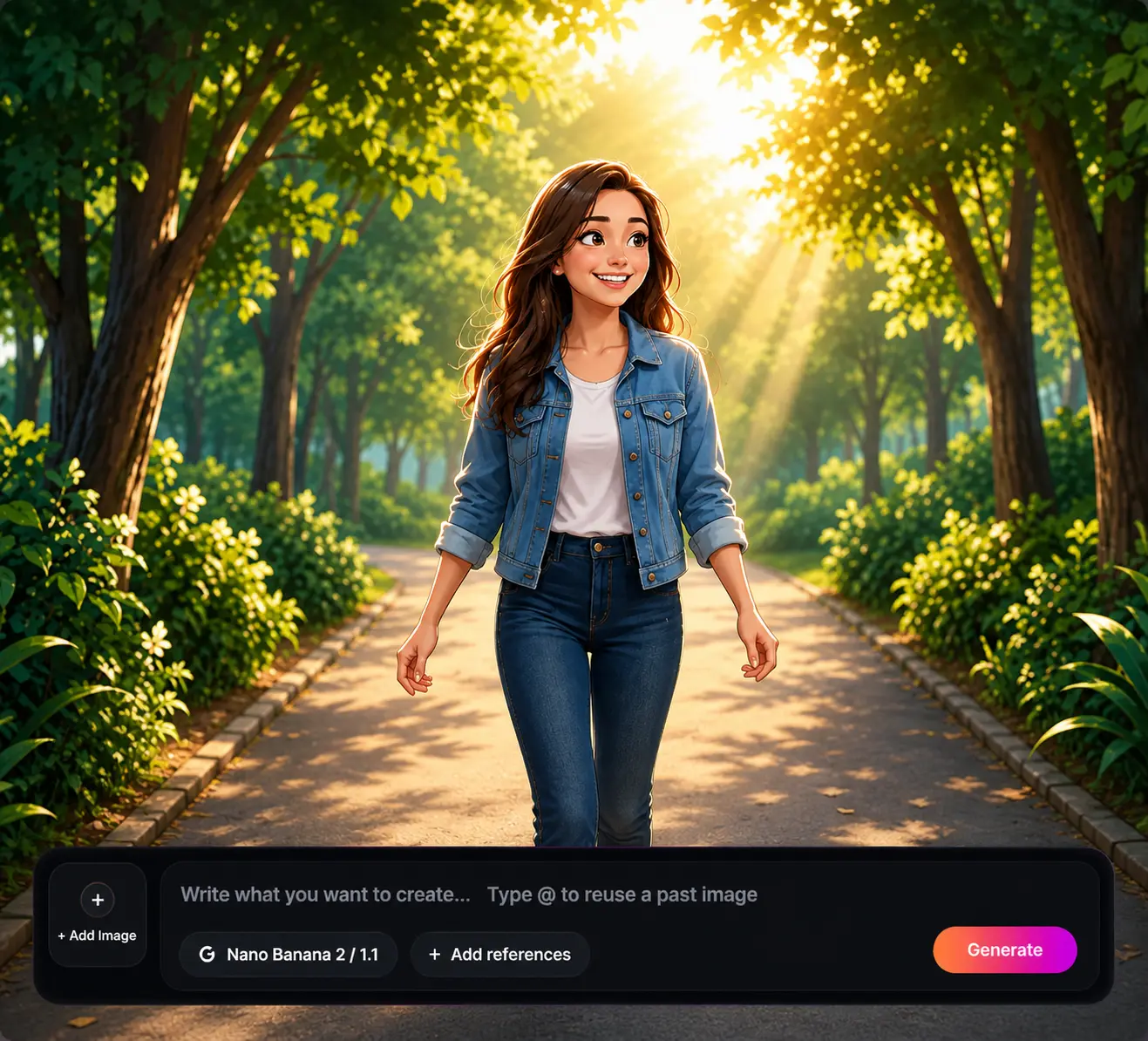
Choose Your Unique Image Style
Pick the Camera Angle You Want
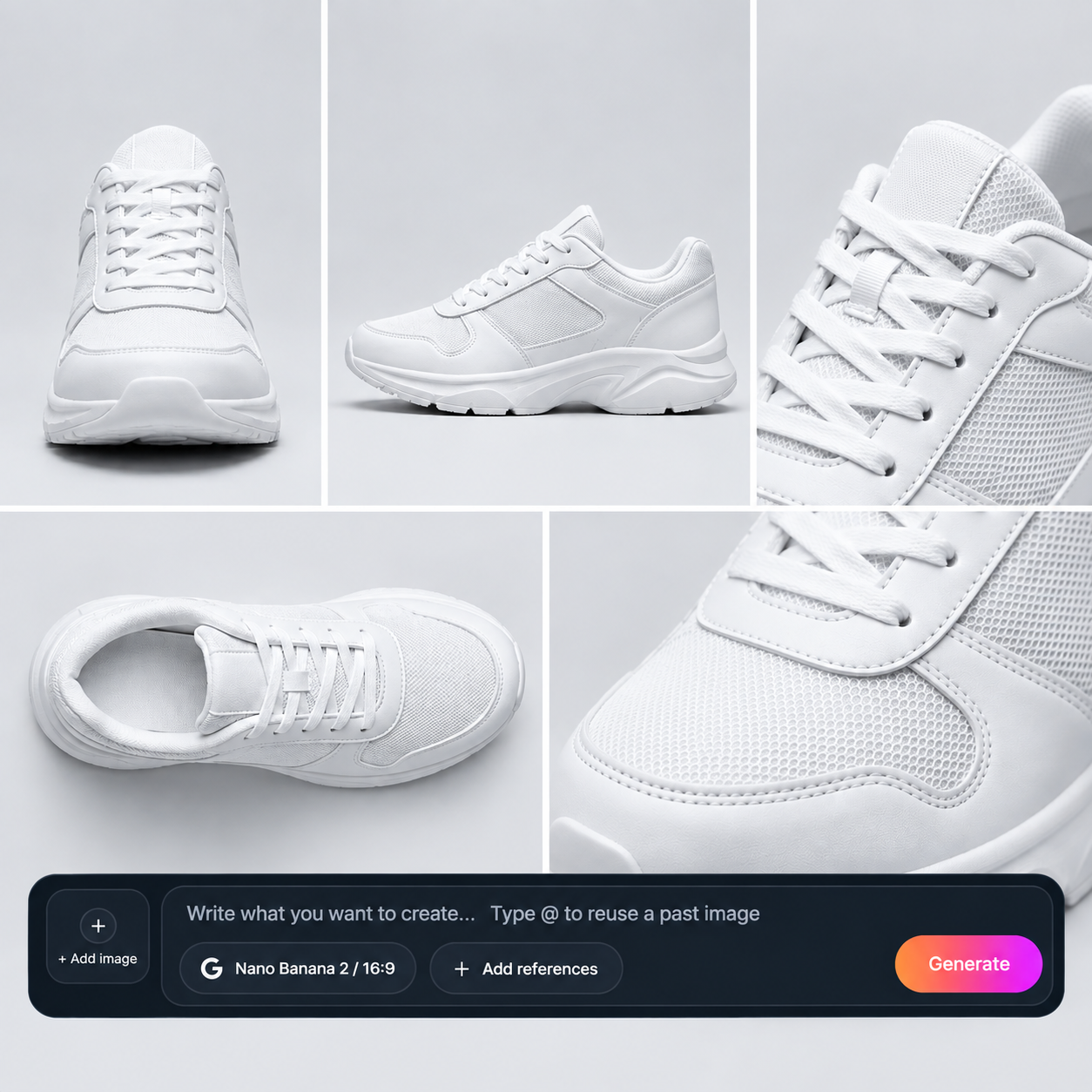
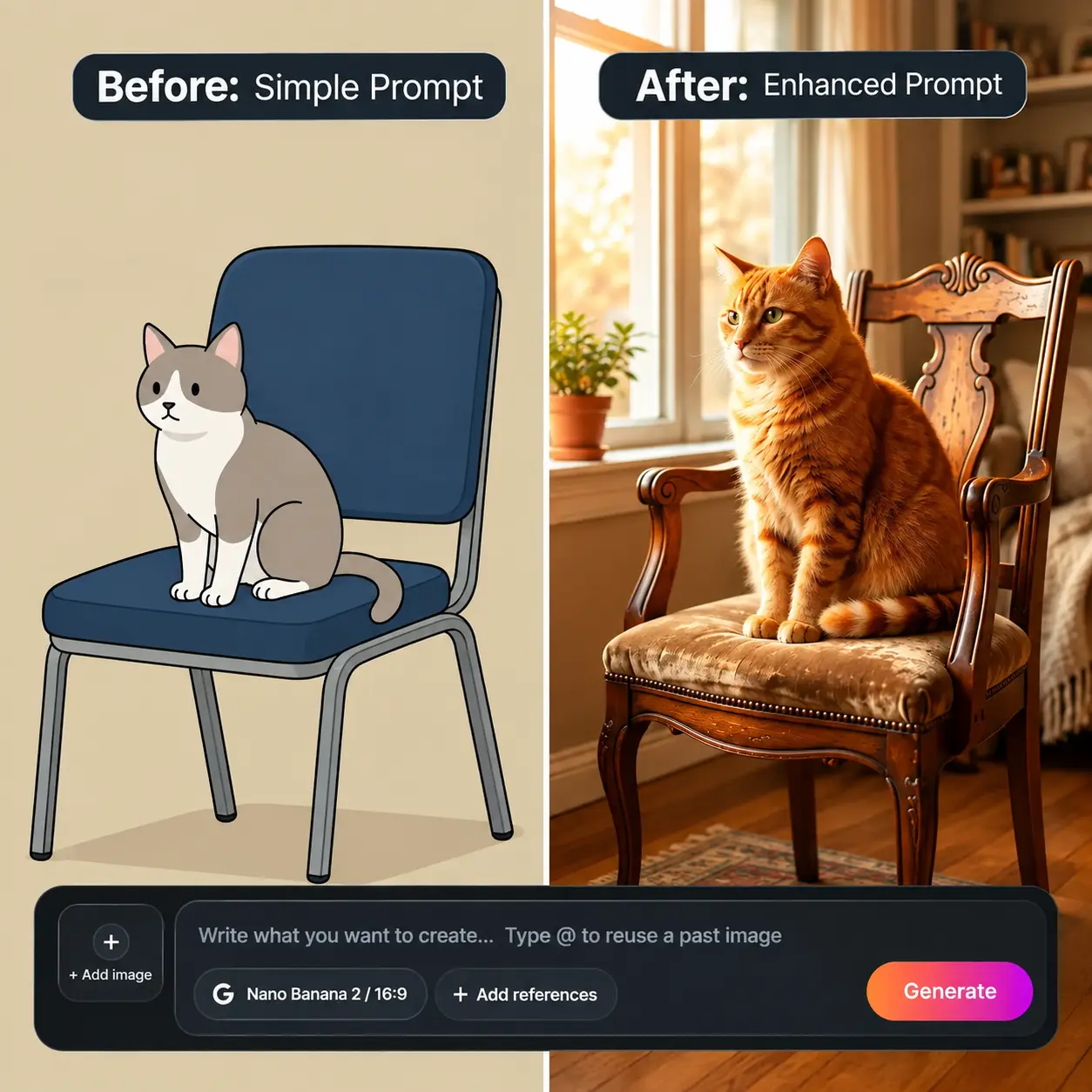
Enhance Your Prompt With Templix Bot
Common questions about AI Image Generator
Is the Templix AI image generator free?
Yes. You can sign up and start generating with free coins, and no credit card is required. Each image uses coins based on the model you choose. When you need more volume or every model, paid plans add a monthly coin balance.
Can I use AI generated images commercially?
Commercial use on Templix is governed by the Commercial Terms, which set out what each plan permits. Whatever tool you use, check that your image does not include real people, protected characters, or trademarks before using it in ads or products.
What is the best AI image generator?
It depends on the task. For photorealism, Flux 2 Pro and Nano Banana Pro are strong choices. For text and logos, Ideogram v3 stands out. That is why Templix offers several models in one place, so you can choose per image instead of committing to one engine.
How do I write a good AI image prompt?
Cover five things: subject, setting, style, lighting, and mood. "A golden retriever puppy in a sunny park, watercolor style, soft light, joyful" will beat "a dog" every time. If you are unsure, switch on Enhance prompt and let Templix add the detail.
Can I generate images from a reference photo?
Yes. Upload a reference image to guide the composition, style, or subject, then describe what you want to change. It is the easiest way to keep a product or character consistent across several images.
Can it create readable text inside images?
Yes. Ideogram v3, Nano Banana Pro, and GPT Image handle short text well, which makes them suitable for posters, thumbnails, and logo concepts. Put the exact words in quotation marks and keep them brief for the best accuracy.
How does a text to image generator work?
The model has learned the relationship between words and visuals from a very large set of images and descriptions. When you enter a prompt, it builds a new image step by step that matches your description. It does not copy and paste from existing pictures.
Can I turn my AI image into a video?
Yes. Send your image to the Templix video generator to animate it, or use Motion Control to apply movement from another clip. It is a quick way to turn one strong visual into a Reel or an ad.
More resources
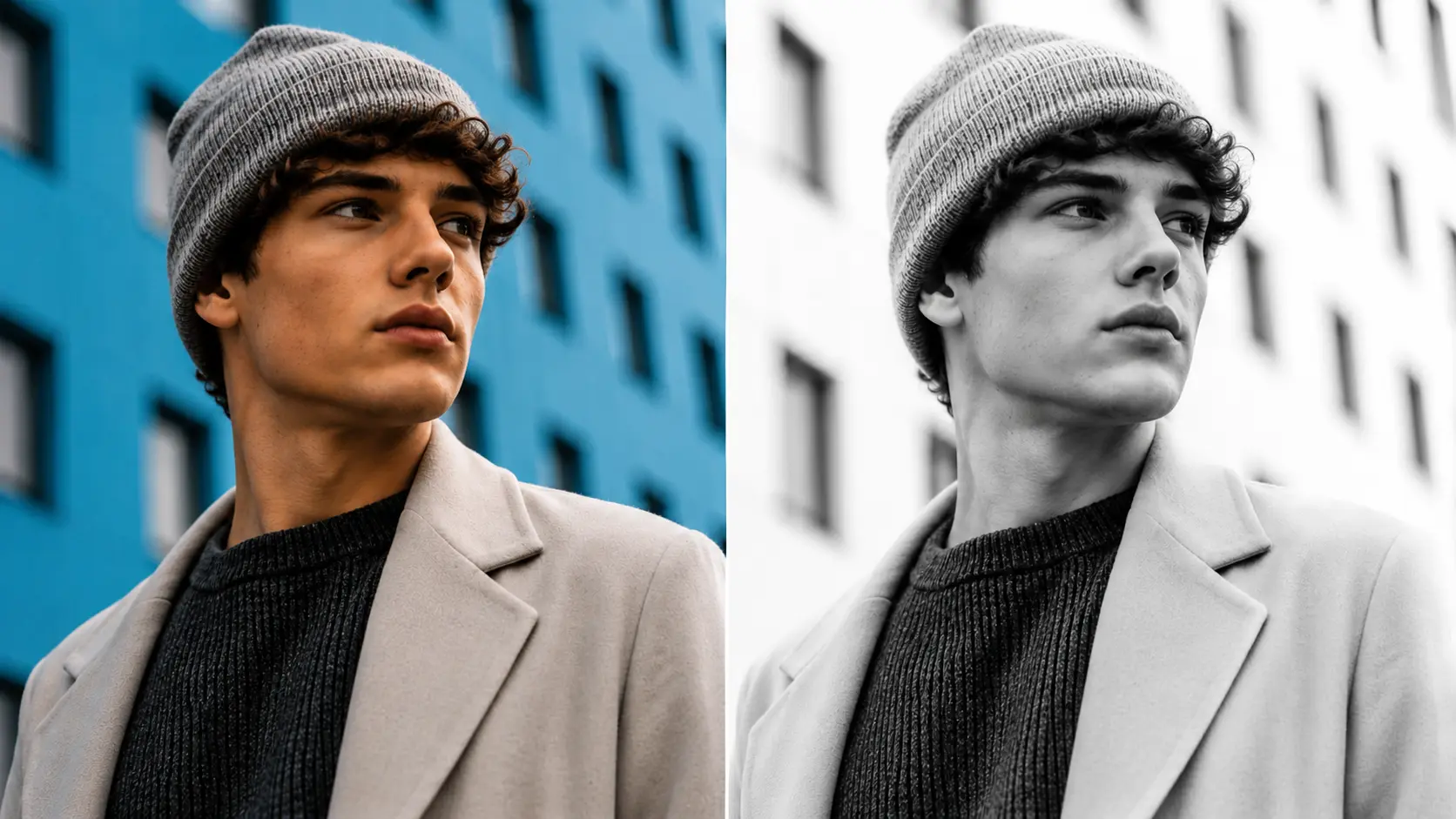
Templix AI Image Colorizer: Bring Black-and-White Photos to Life With AI
The Templix AI Image Colorizer adds realistic, natural colour to black-and-white photos in seconds. Restore old family photos, modernise historical images, and bring vintage archives back to life without any editing skills.
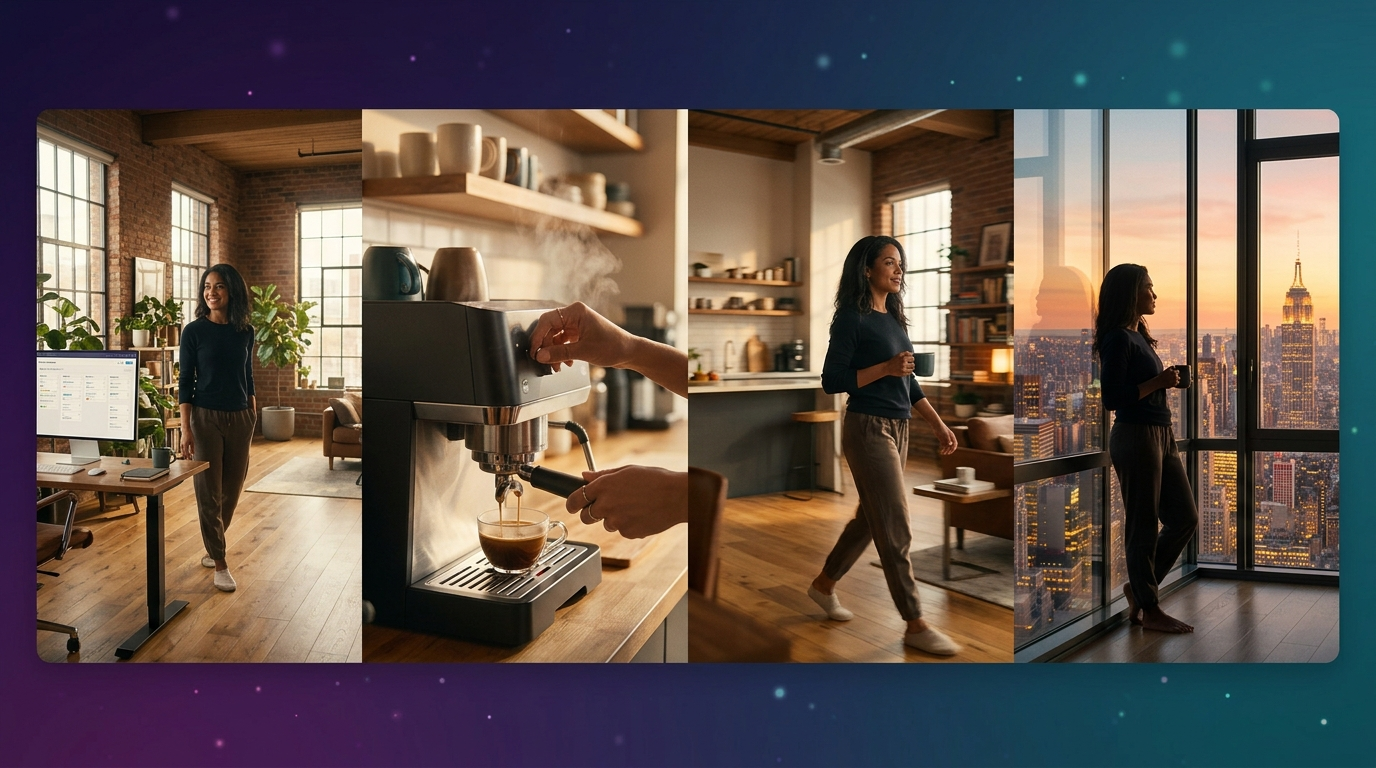
Seedance 2.5 Guide: Next-Level AI Video Generation on Templix
A complete guide to Templix Seedance 2.5: native 30-second video generation, up to 50 multimodal references, native audio, improved lip sync, and stronger multi-shot continuity in a single generation pass.
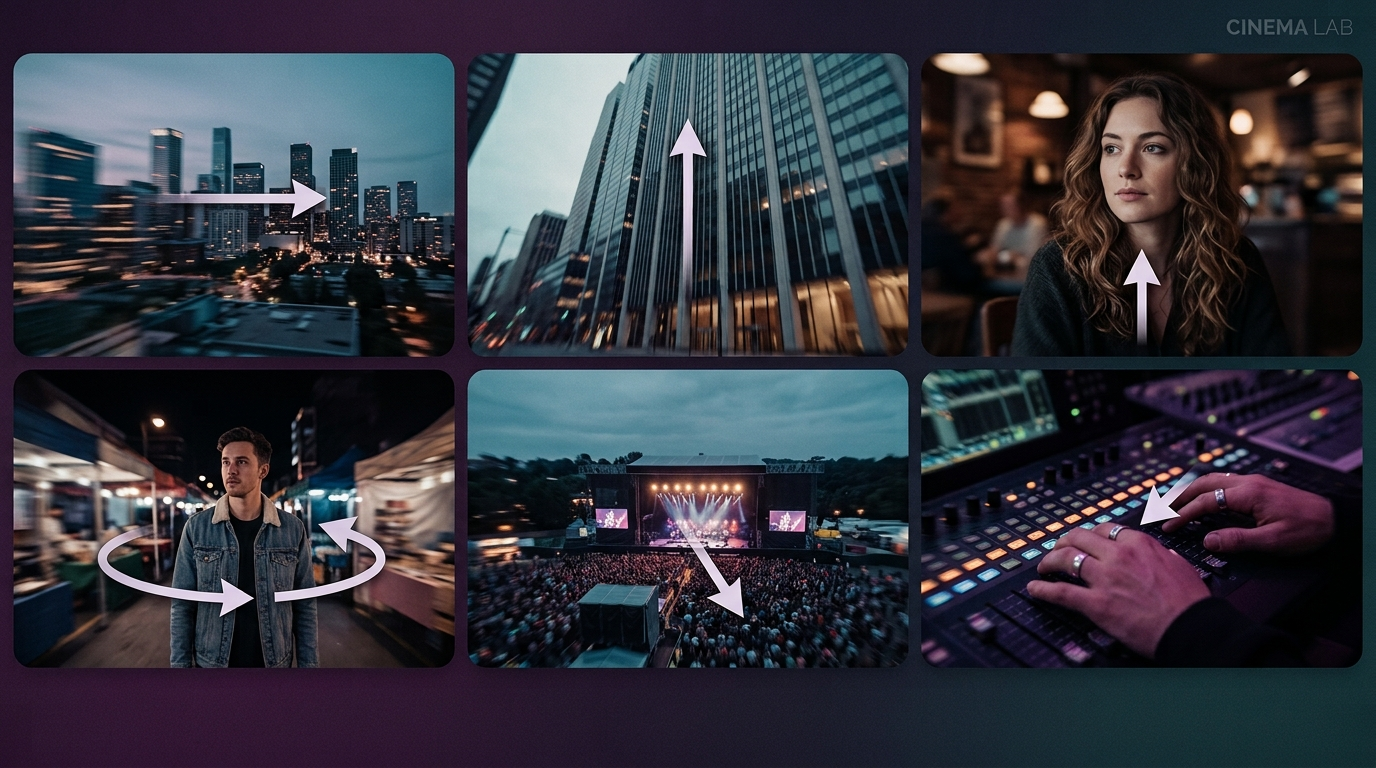
18 Types of Camera Movements in Film and AI Video
Learn every major camera movement (pan, tilt, dolly, crane, tracking, zoom) with real examples and how to apply each one in AI video generation on Templix.
Higgsfield vs ImagineArt vs Templix: Which AI Creative Platform Is Best in 2026?
A neutral, factual comparison of three leading AI creative platforms across models, pricing, image and video generation, mobile availability, and templates. Verified data from live product and pricing pages as of publication.
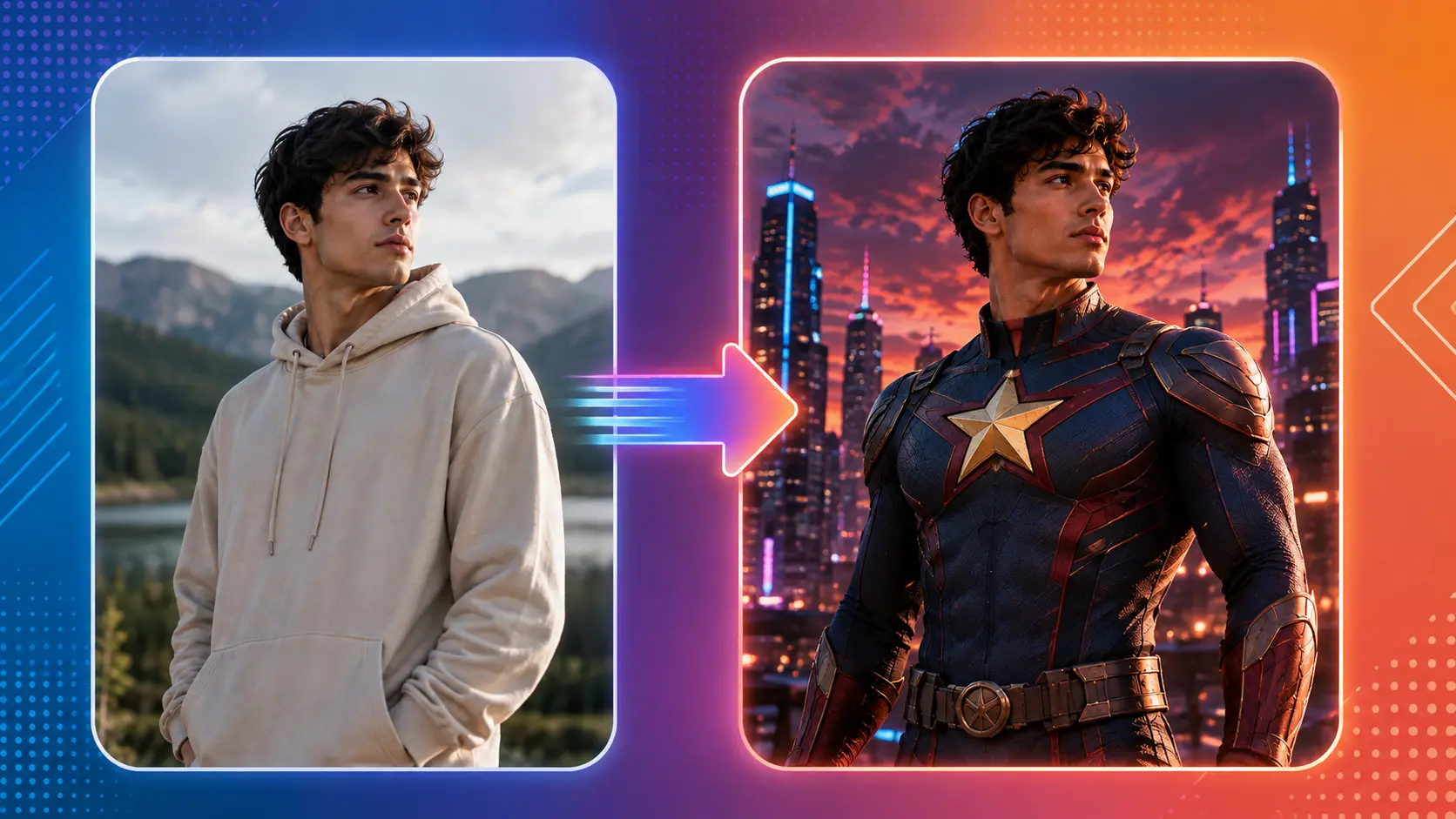
AI Superhero Art Generator: Create Your Own Original Hero on Templix
Design original superhero characters, custom costumes, and complete hero concept art with the Templix AI Superhero Art Generator. Built for indie creators, concept artists, and anyone bringing an original hero idea to life.
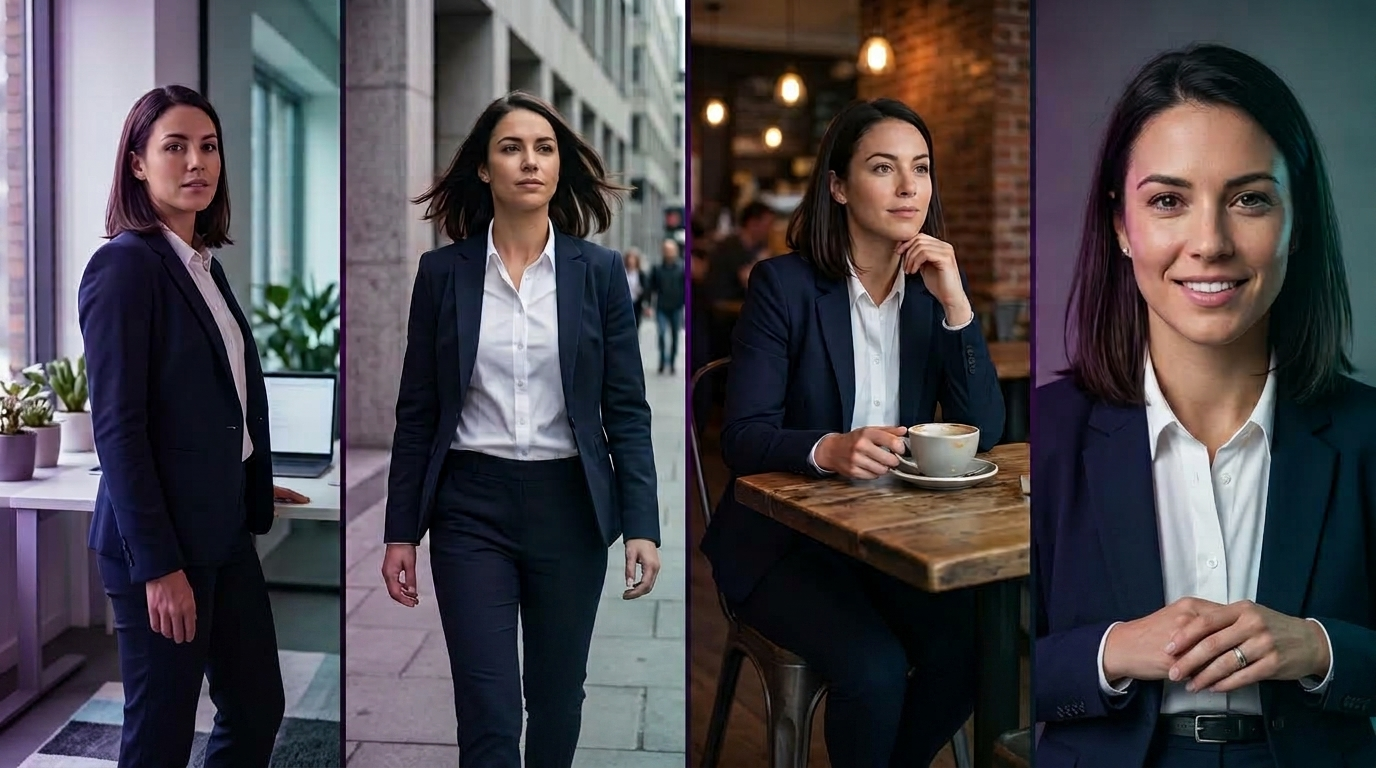
Character Consistency in AI Video: How to Keep the Same Face and Character Across Scenes
A complete Templix guide to holding one character's face, body, wardrobe, and identity steady across multiple AI-generated scenes using reference locking, structured prompts, and motion transfer on Nano Banana, Kling 3.0, and Seedance 2.5.
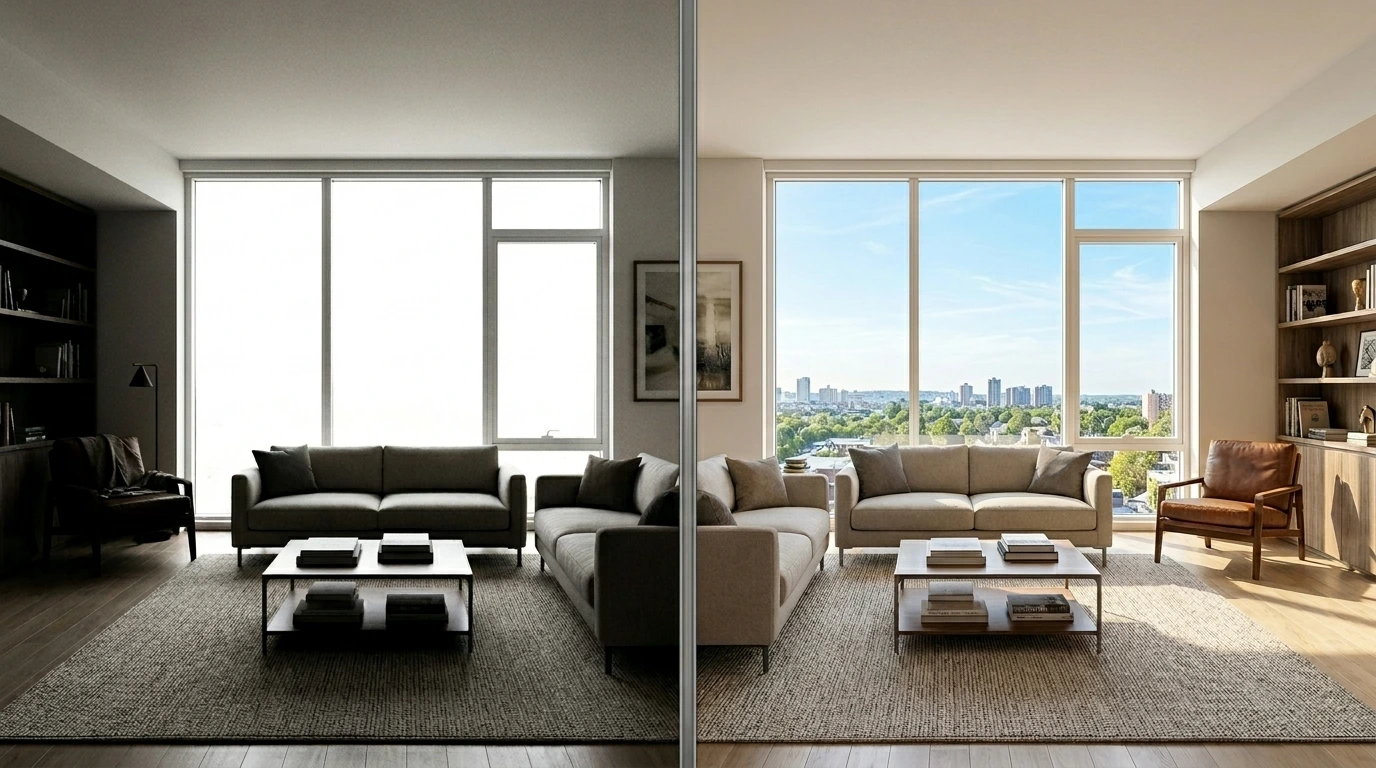
Templix AI HDR: Recover Shadow and Highlight Detail on Any Photo
The Templix AI HDR tool enhances the dynamic range of any single photo, recovering detail in shadows and highlights while keeping the image looking natural rather than the over-processed HDR effect that dominated the mid-2010s.