Free AI Halloween Generator: Turn Your Photo into a Spooky Costume
Upload a selfie or describe a scene, and the Templix AI Halloween generator turns it into a vampire, witch, zombie or any costume you can imagine. Pick a model, choose a size, and start with free coins. No credit card, no editing skills and no costume shopping needed.
You Might Also be Interested in
Community Creations
Made with AI Halloween Generator — start from any of them.
AI Halloween Generator
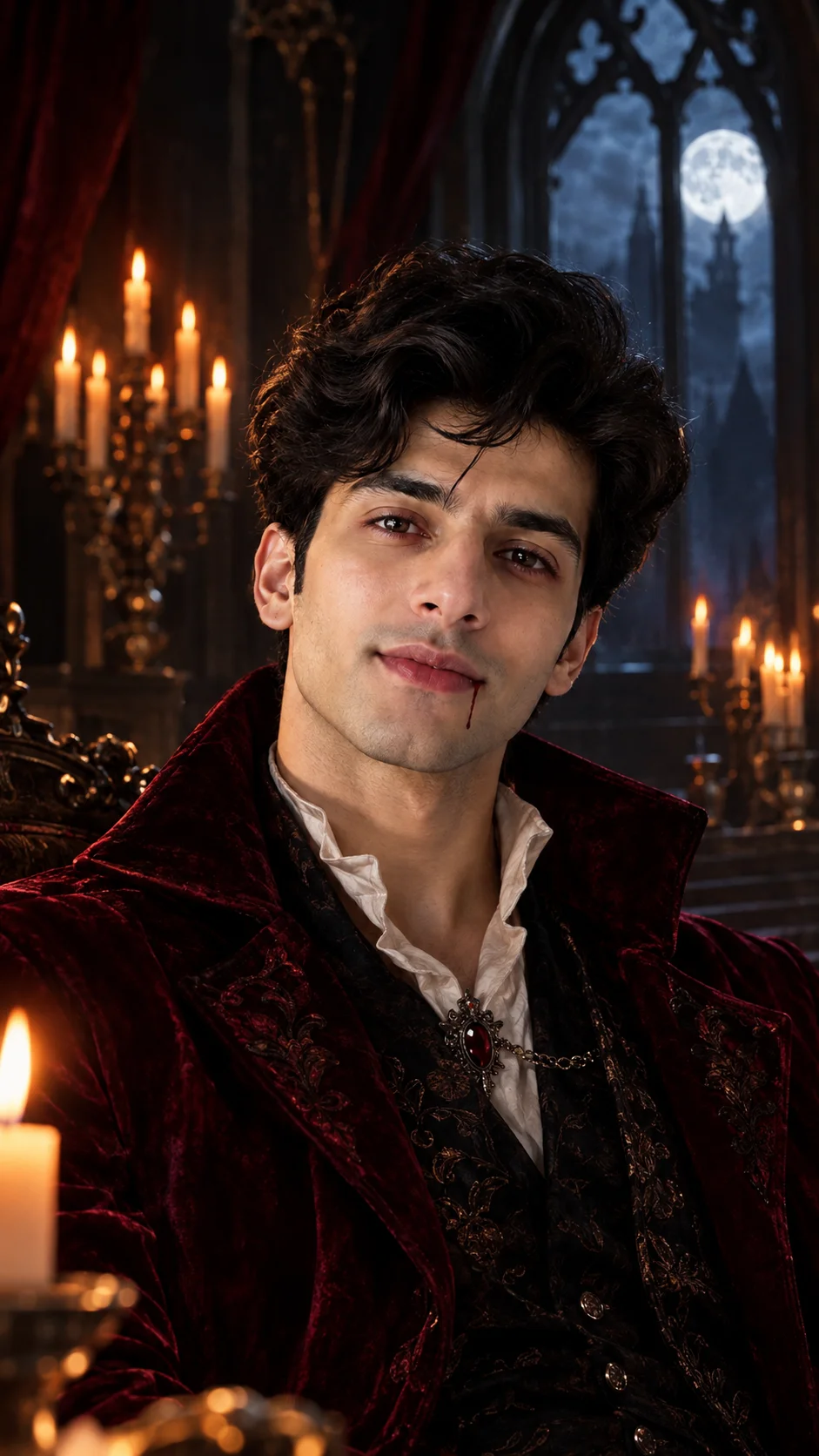

“Turn the person in this photo into an elegant vampire in a dark red velvet coat, candlelit gothic hall, soft moonlight, realistic photo, keep the same face”

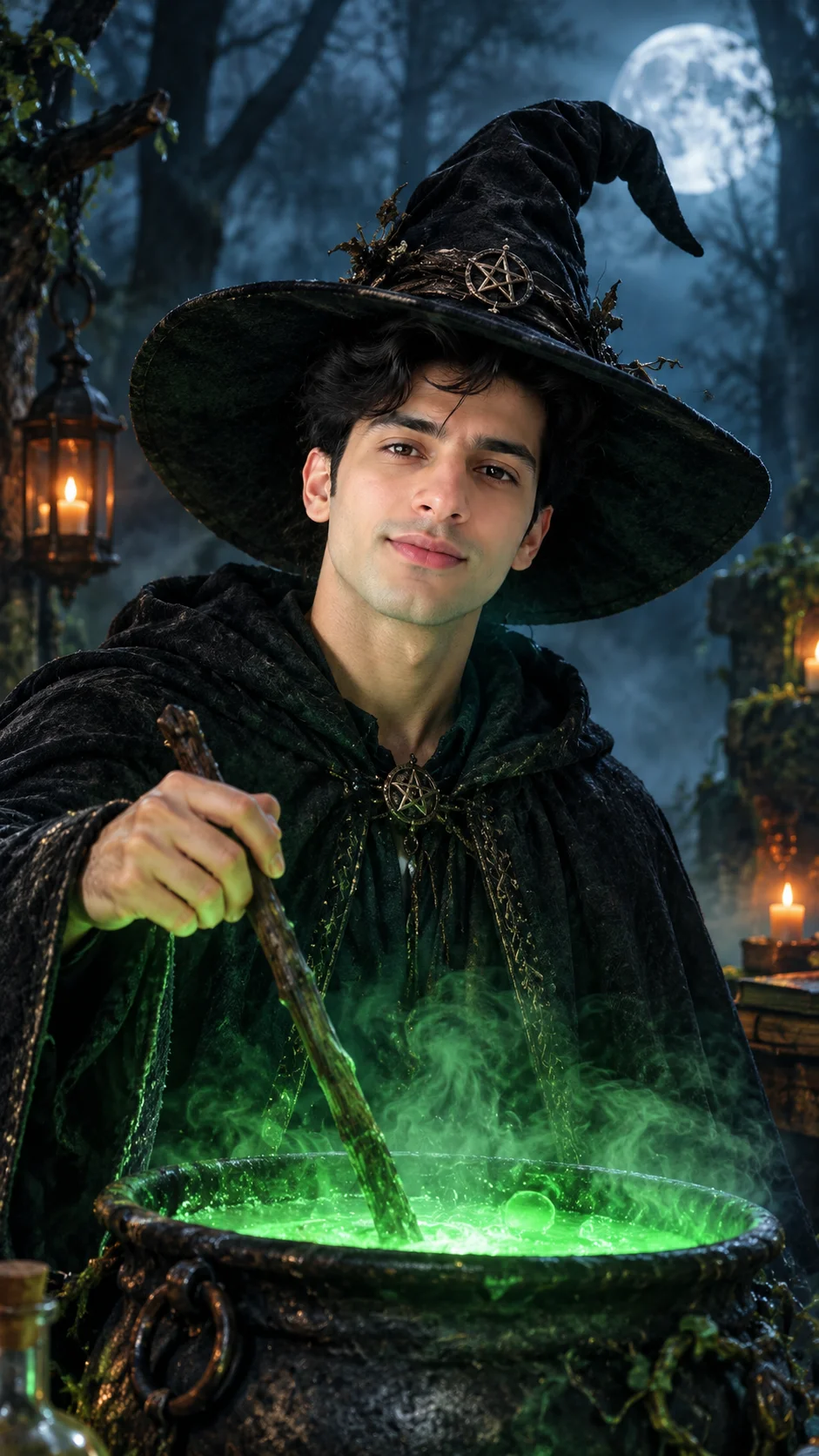
“Turn the person in this photo into a witch with a wide black hat and a long dark cloak, stirring a glowing green cauldron in a misty forest at night, keep the same face”

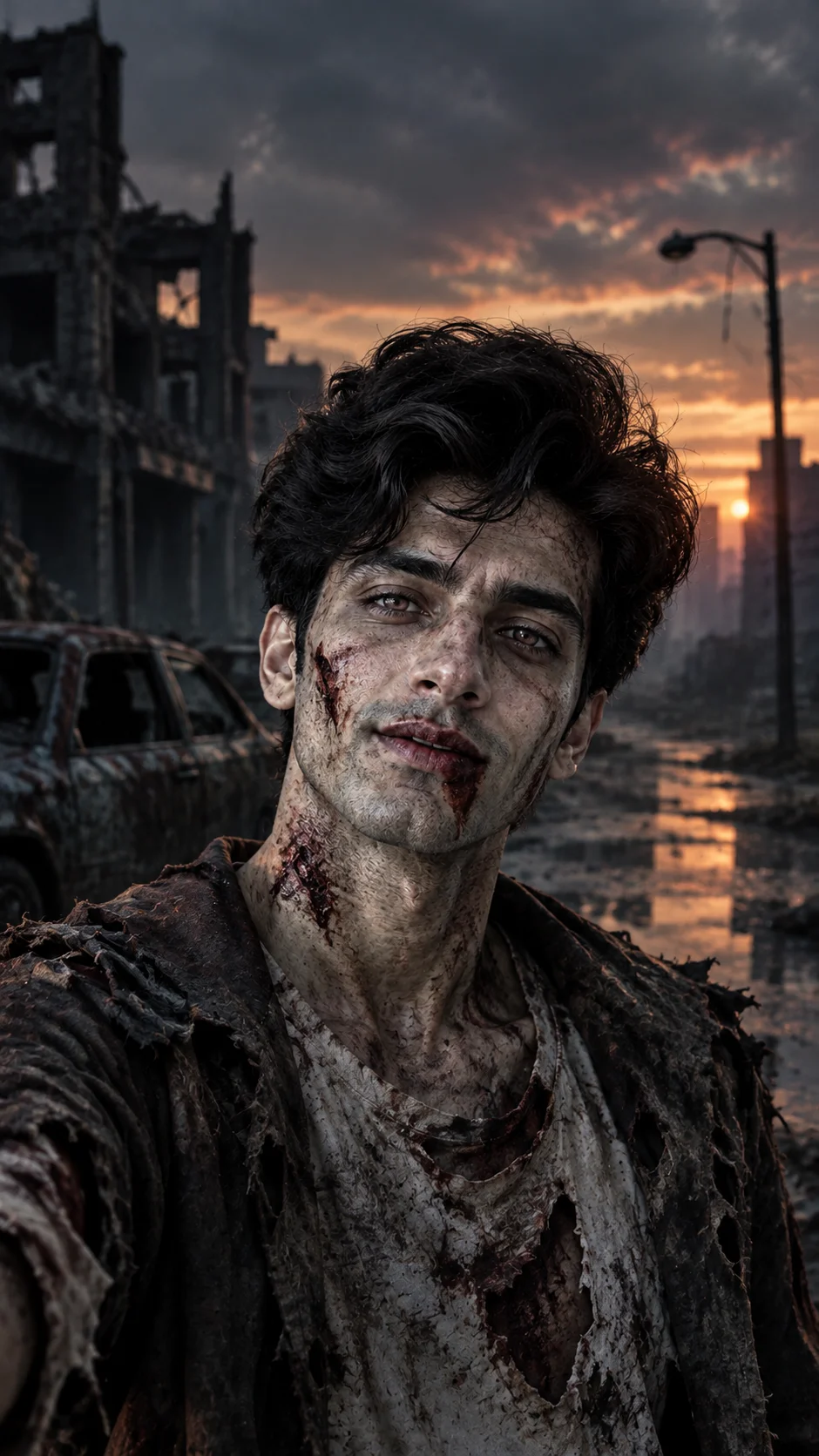
“Turn the person in this photo into a realistic zombie with pale grey skin and torn clothes, abandoned city street at dusk, cinematic horror lighting, keep the face recognizable”
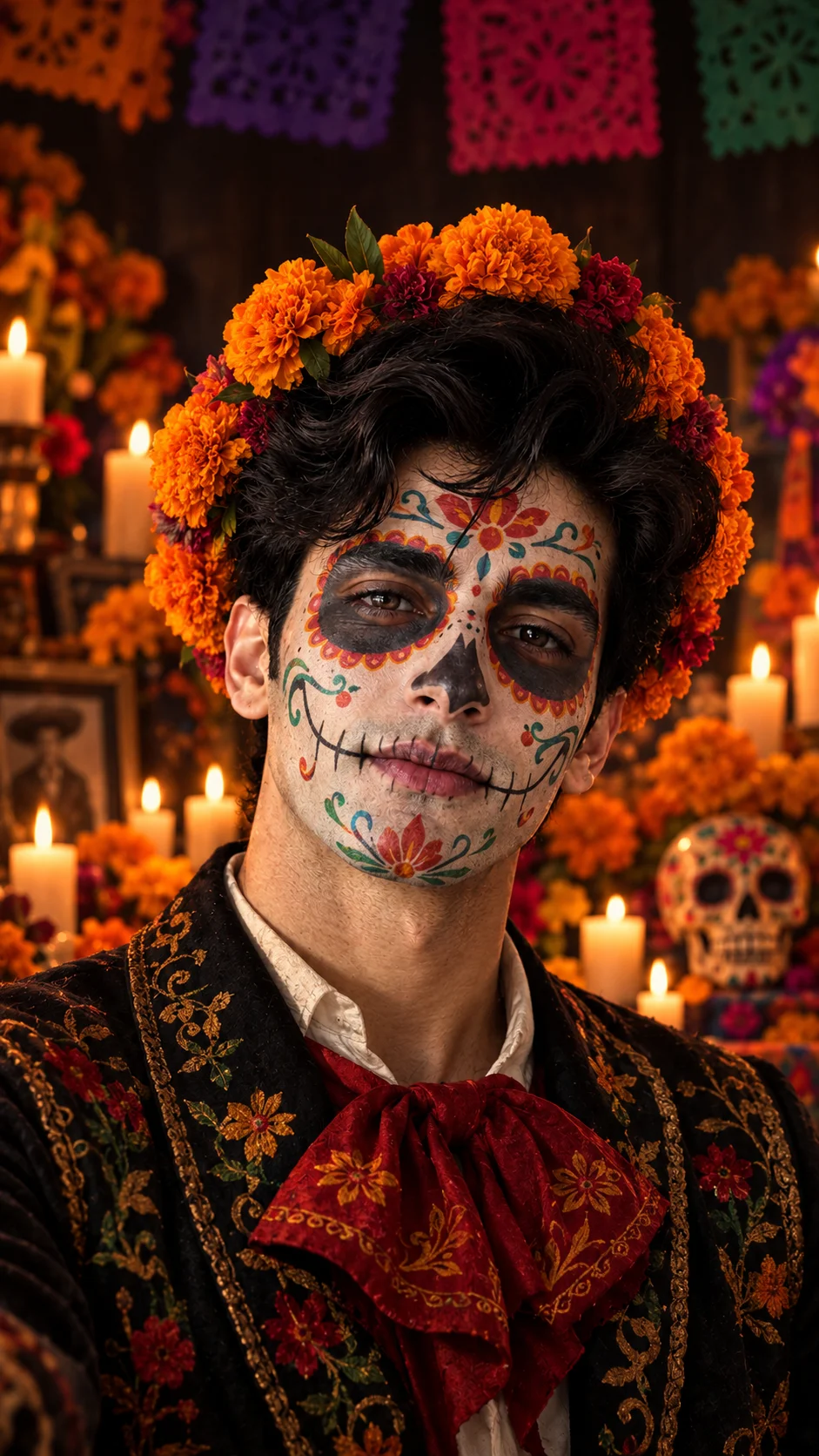
“Day of the Dead style portrait of the person in this photo, colorful sugar skull face paint, marigold flower crown, candles in the background, keep the same face”

“Turn the person in this photo into a skeleton in a black tuxedo with glowing bone details, dark studio background, dramatic rim light, keep the face recognizable”
“Turn the person in this photo into an elegant vampire in a dark red velvet coat, candlelit gothic hall, soft moonlight, realistic photo, keep the same face”
“Turn the person in this photo into a witch with a wide black hat and a long dark cloak, stirring a glowing green cauldron in a misty forest at night, keep the same face”
“Turn the person in this photo into a realistic zombie with pale grey skin and torn clothes, abandoned city street at dusk, cinematic horror lighting, keep the face recognizable”
“Day of the Dead style portrait of the person in this photo, colorful sugar skull face paint, marigold flower crown, candles in the background, keep the same face”
“Turn the person in this photo into a skeleton in a black tuxedo with glowing bone details, dark studio background, dramatic rim light, keep the face recognizable”
“Turn the person in this photo into an elegant vampire in a dark red velvet coat, candlelit gothic hall, soft moonlight, realistic photo, keep the same face”
“Turn the person in this photo into a witch with a wide black hat and a long dark cloak, stirring a glowing green cauldron in a misty forest at night, keep the same face”
“Turn the person in this photo into a realistic zombie with pale grey skin and torn clothes, abandoned city street at dusk, cinematic horror lighting, keep the face recognizable”
“Day of the Dead style portrait of the person in this photo, colorful sugar skull face paint, marigold flower crown, candles in the background, keep the same face”
“Turn the person in this photo into a skeleton in a black tuxedo with glowing bone details, dark studio background, dramatic rim light, keep the face recognizable”
“Turn the person in this photo into an elegant vampire in a dark red velvet coat, candlelit gothic hall, soft moonlight, realistic photo, keep the same face”
“Turn the person in this photo into a witch with a wide black hat and a long dark cloak, stirring a glowing green cauldron in a misty forest at night, keep the same face”
“Turn the person in this photo into a realistic zombie with pale grey skin and torn clothes, abandoned city street at dusk, cinematic horror lighting, keep the face recognizable”
“Day of the Dead style portrait of the person in this photo, colorful sugar skull face paint, marigold flower crown, candles in the background, keep the same face”
“Turn the person in this photo into a skeleton in a black tuxedo with glowing bone details, dark studio background, dramatic rim light, keep the face recognizable”
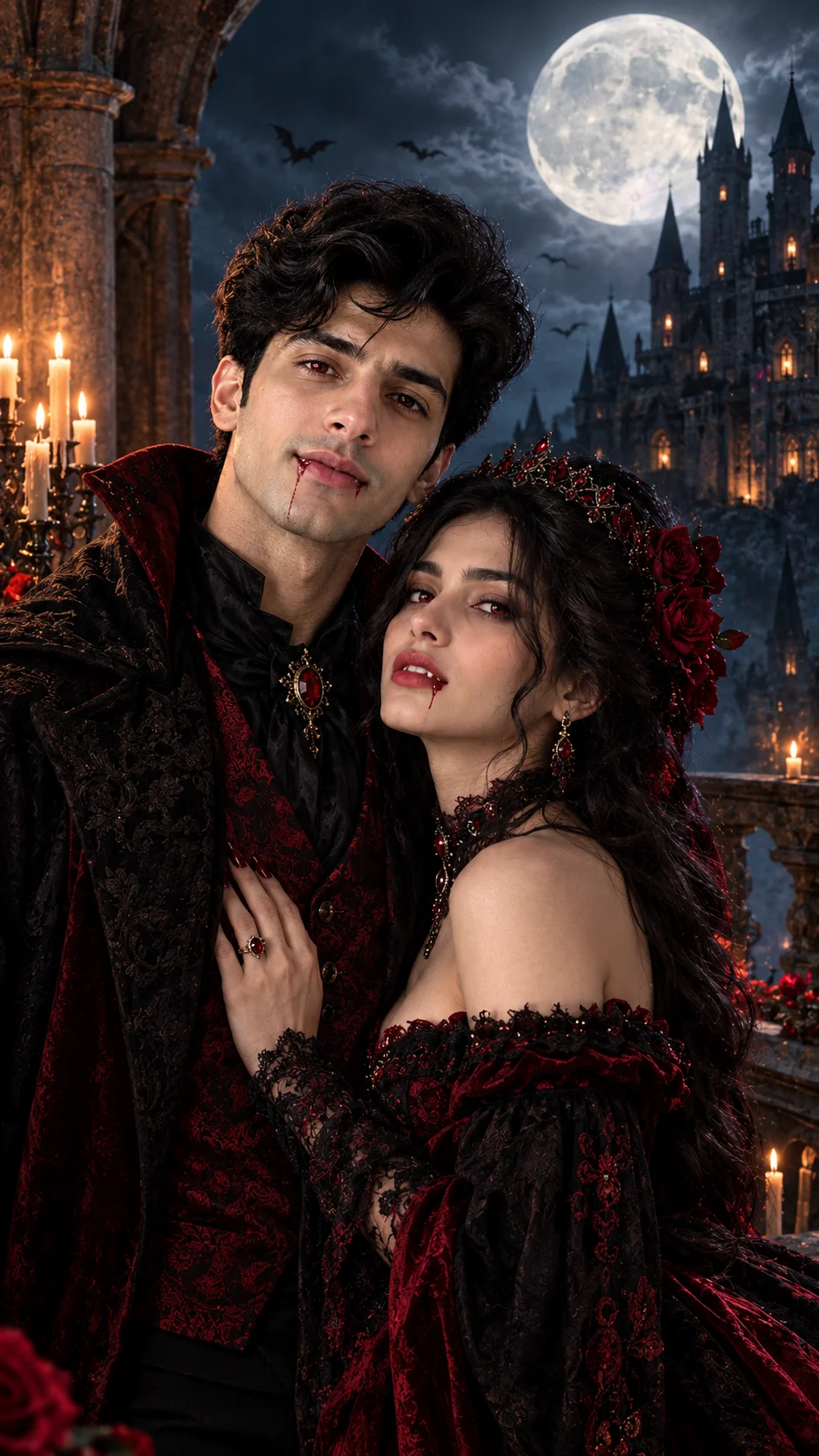
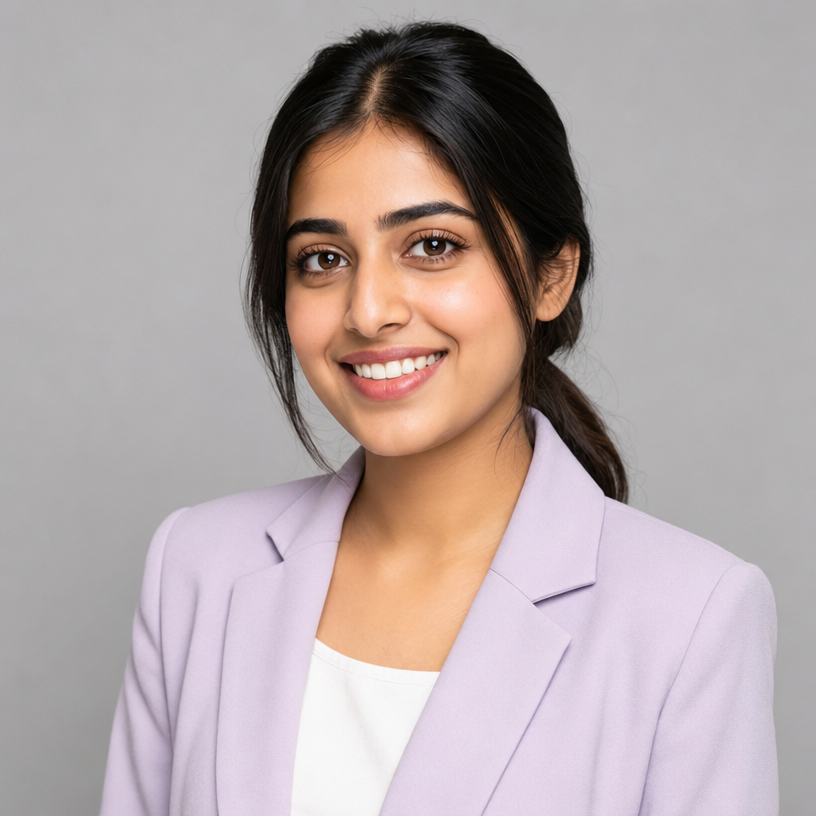
“Turn the couple in this photo into a vampire bride and groom in matching black and red outfits, old castle balcony under a full moon, keep both faces”
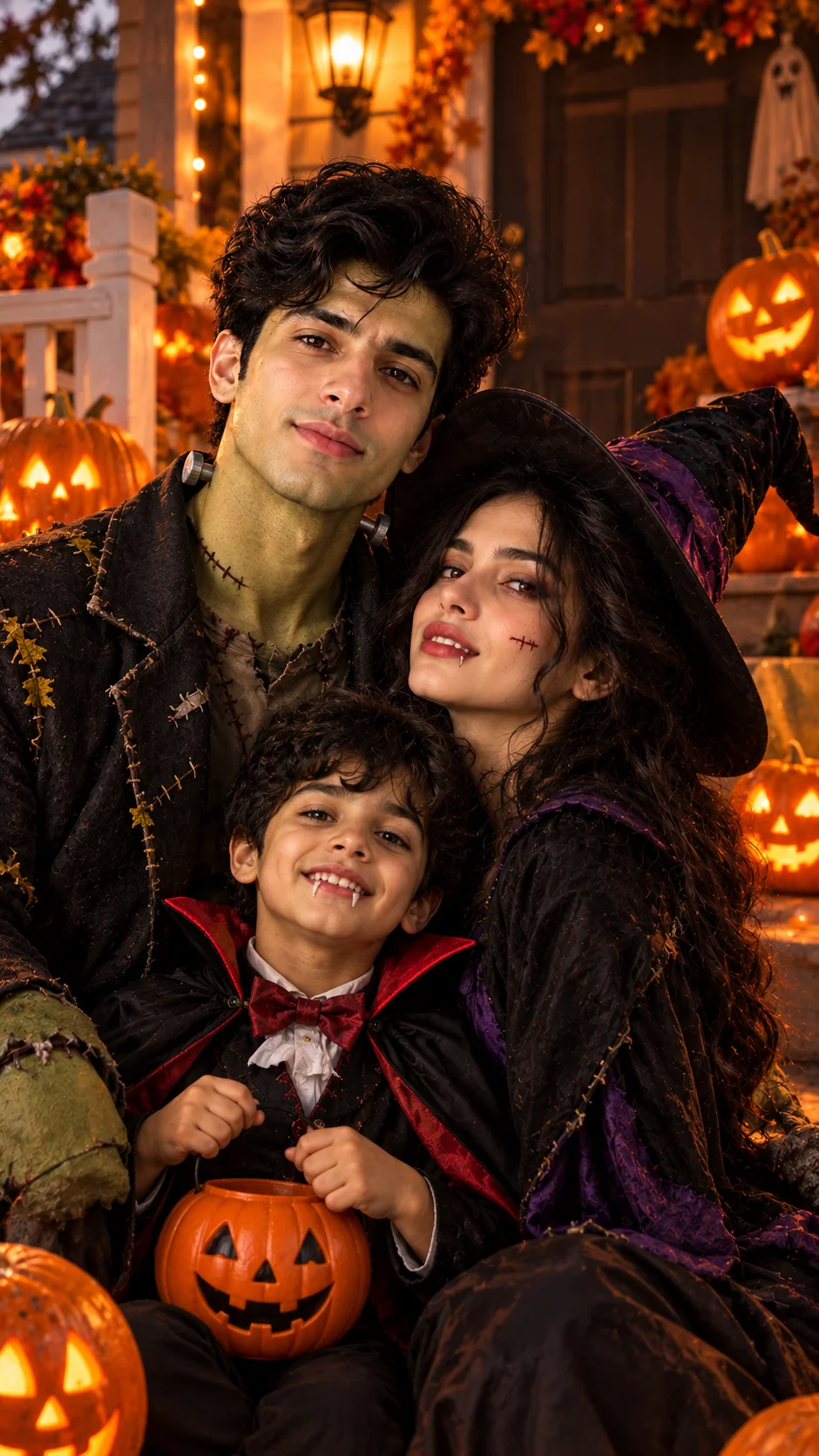

“Turn the group in this photo into a family of friendly monsters in matching costumes, a cozy porch full of carved pumpkins, warm evening light, keep all faces”
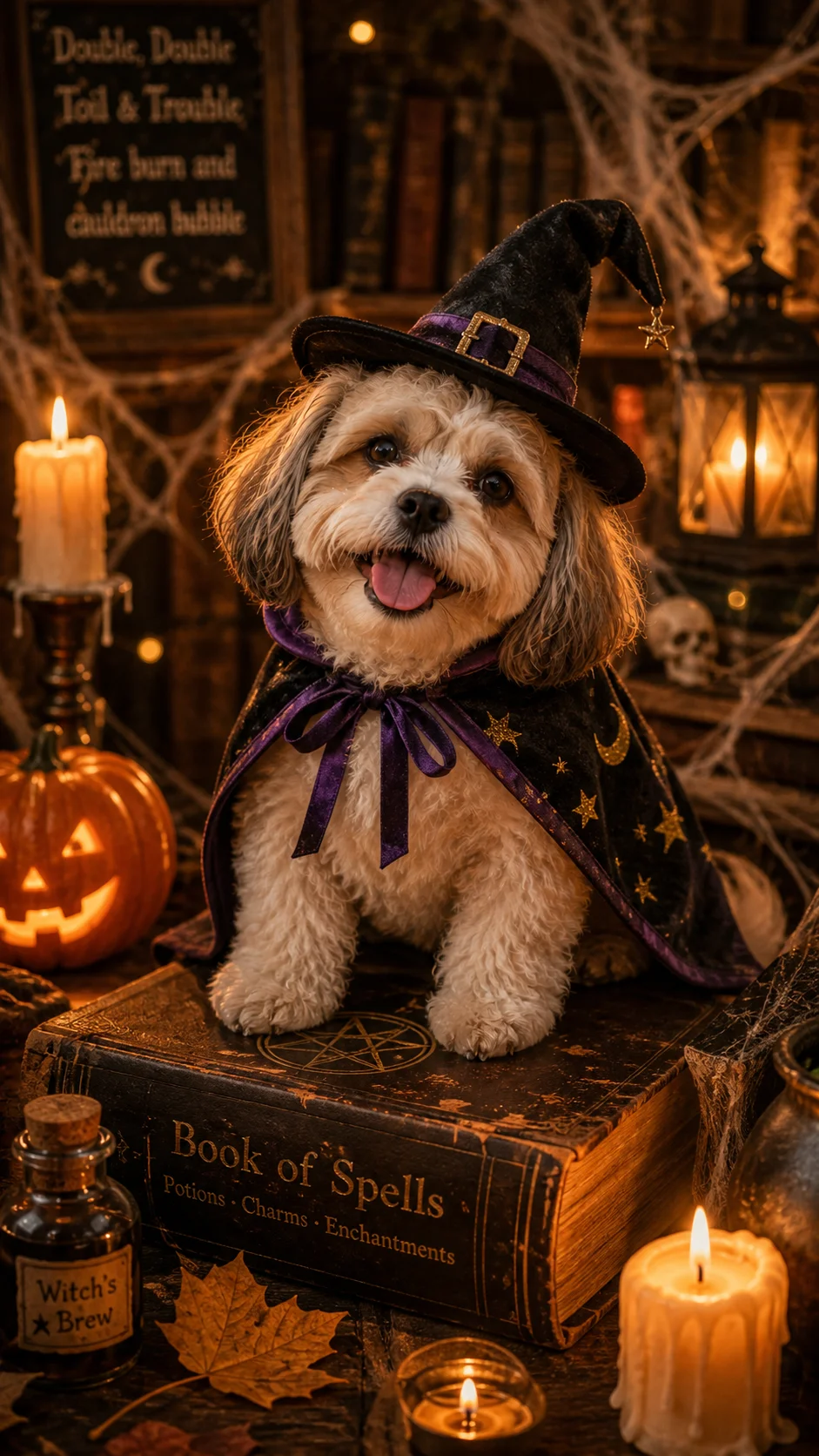

“Dress the cat in this photo in a tiny witch hat and cape, sitting on an old spell book, candles and cobwebs around, cozy spooky mood”
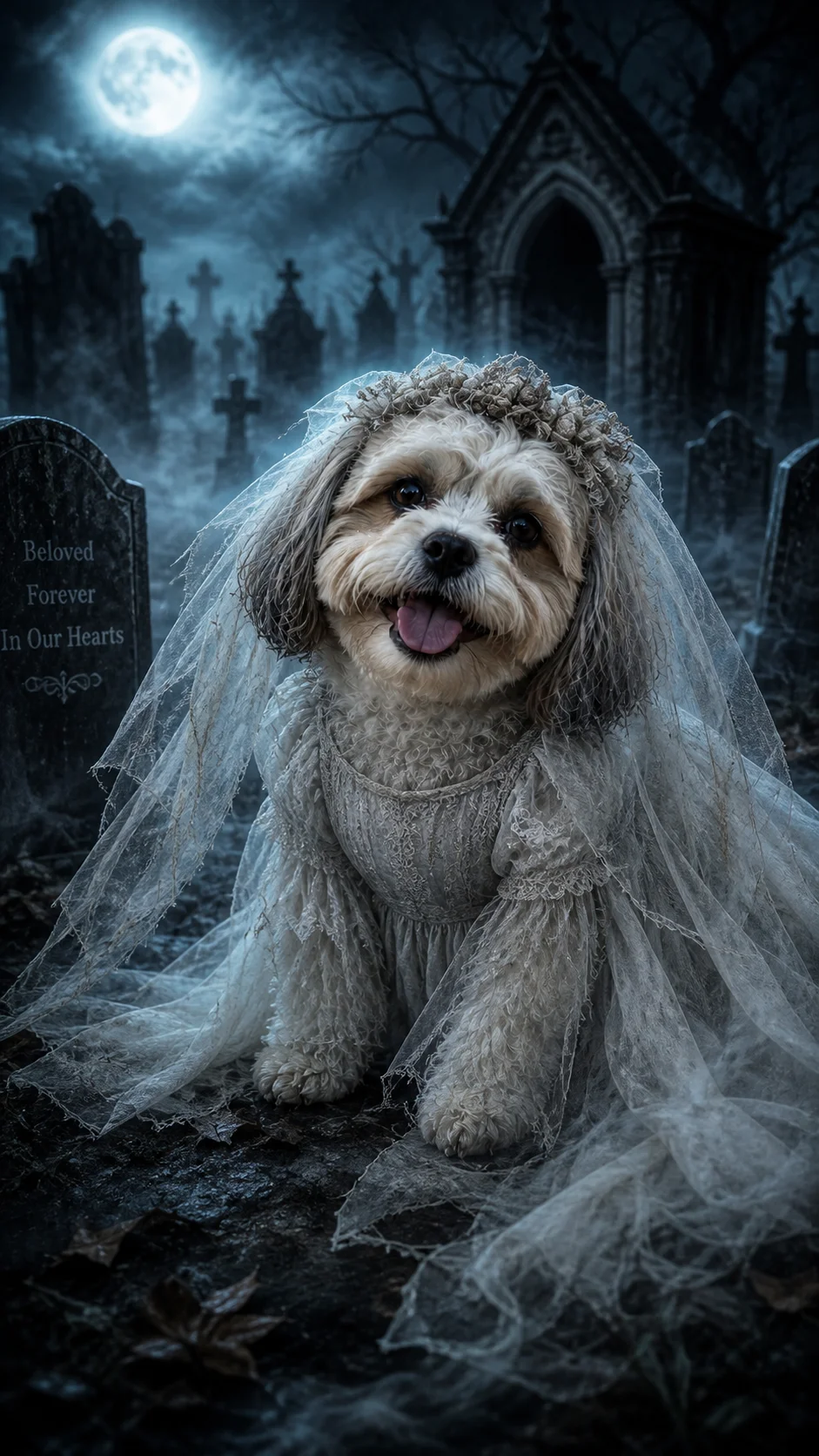
“Turn the person in this photo into a ghost bride in a flowing white vintage dress, foggy old graveyard, cold blue moonlight, keep the same face”
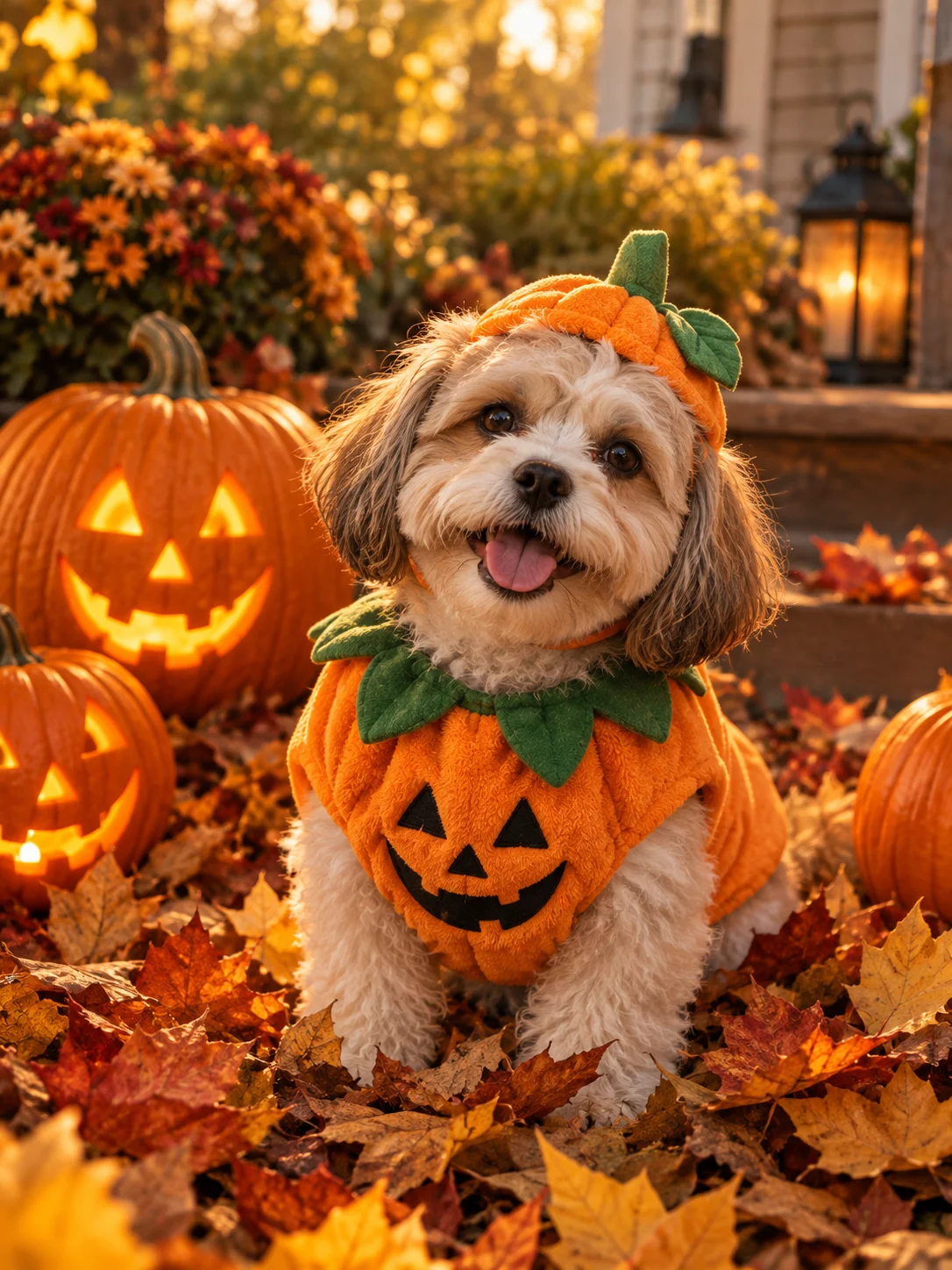
“Dress the dog in this photo in a small orange pumpkin costume, sitting in a pile of autumn leaves next to jack-o'-lanterns, soft golden light, keep the same dog”
“Turn the couple in this photo into a vampire bride and groom in matching black and red outfits, old castle balcony under a full moon, keep both faces”
“Turn the group in this photo into a family of friendly monsters in matching costumes, a cozy porch full of carved pumpkins, warm evening light, keep all faces”
“Dress the cat in this photo in a tiny witch hat and cape, sitting on an old spell book, candles and cobwebs around, cozy spooky mood”
“Turn the person in this photo into a ghost bride in a flowing white vintage dress, foggy old graveyard, cold blue moonlight, keep the same face”
“Dress the dog in this photo in a small orange pumpkin costume, sitting in a pile of autumn leaves next to jack-o'-lanterns, soft golden light, keep the same dog”
“Turn the couple in this photo into a vampire bride and groom in matching black and red outfits, old castle balcony under a full moon, keep both faces”
“Turn the group in this photo into a family of friendly monsters in matching costumes, a cozy porch full of carved pumpkins, warm evening light, keep all faces”
“Dress the cat in this photo in a tiny witch hat and cape, sitting on an old spell book, candles and cobwebs around, cozy spooky mood”
“Turn the person in this photo into a ghost bride in a flowing white vintage dress, foggy old graveyard, cold blue moonlight, keep the same face”
“Dress the dog in this photo in a small orange pumpkin costume, sitting in a pile of autumn leaves next to jack-o'-lanterns, soft golden light, keep the same dog”
“Turn the couple in this photo into a vampire bride and groom in matching black and red outfits, old castle balcony under a full moon, keep both faces”
“Turn the group in this photo into a family of friendly monsters in matching costumes, a cozy porch full of carved pumpkins, warm evening light, keep all faces”
“Dress the cat in this photo in a tiny witch hat and cape, sitting on an old spell book, candles and cobwebs around, cozy spooky mood”
“Turn the person in this photo into a ghost bride in a flowing white vintage dress, foggy old graveyard, cold blue moonlight, keep the same face”
“Dress the dog in this photo in a small orange pumpkin costume, sitting in a pile of autumn leaves next to jack-o'-lanterns, soft golden light, keep the same dog”
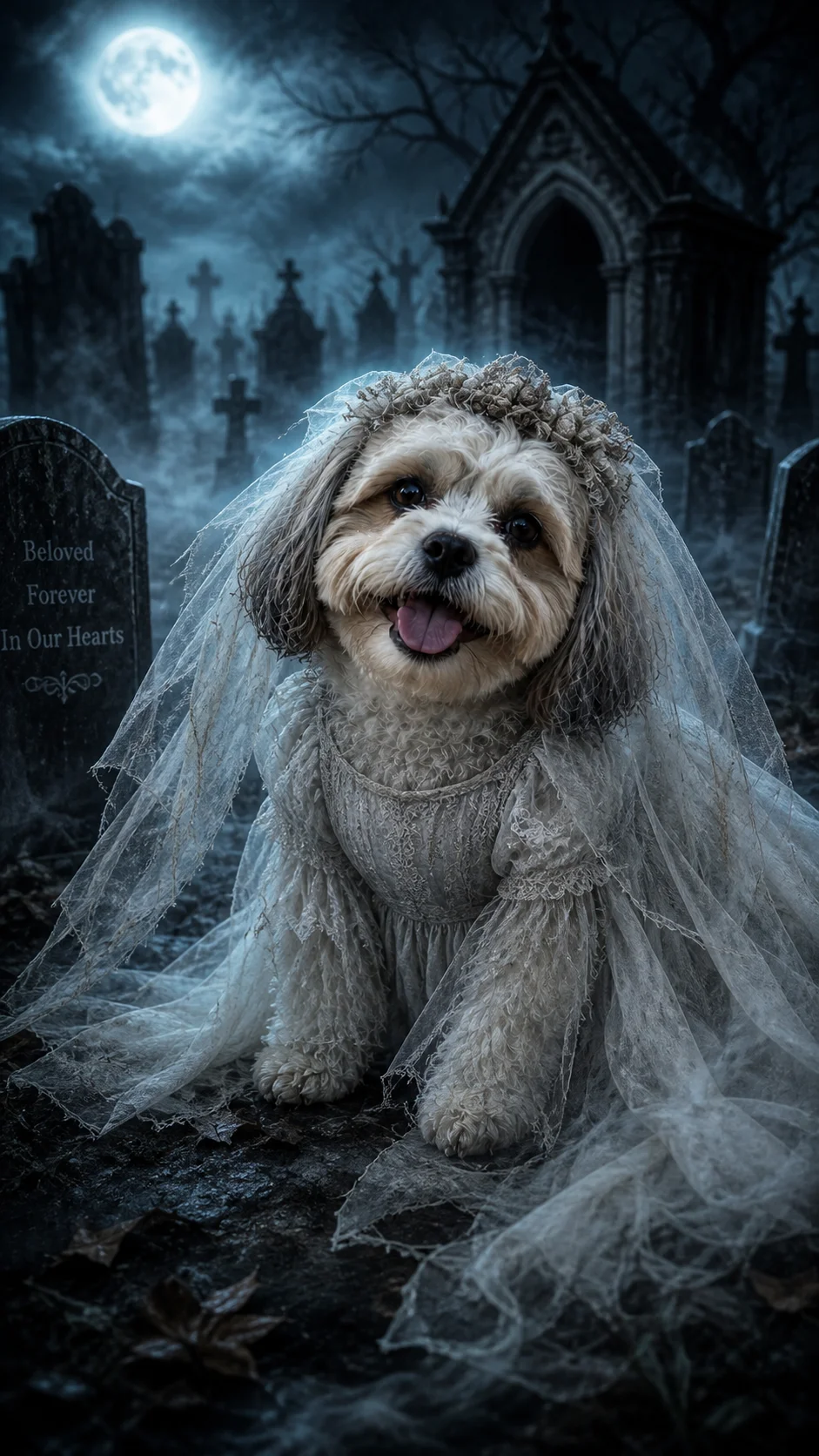
“Turn the in this photo into a ghost bride in a flowing white vintage dress, foggy old graveyard, cold blue moonlight, keep the same face”
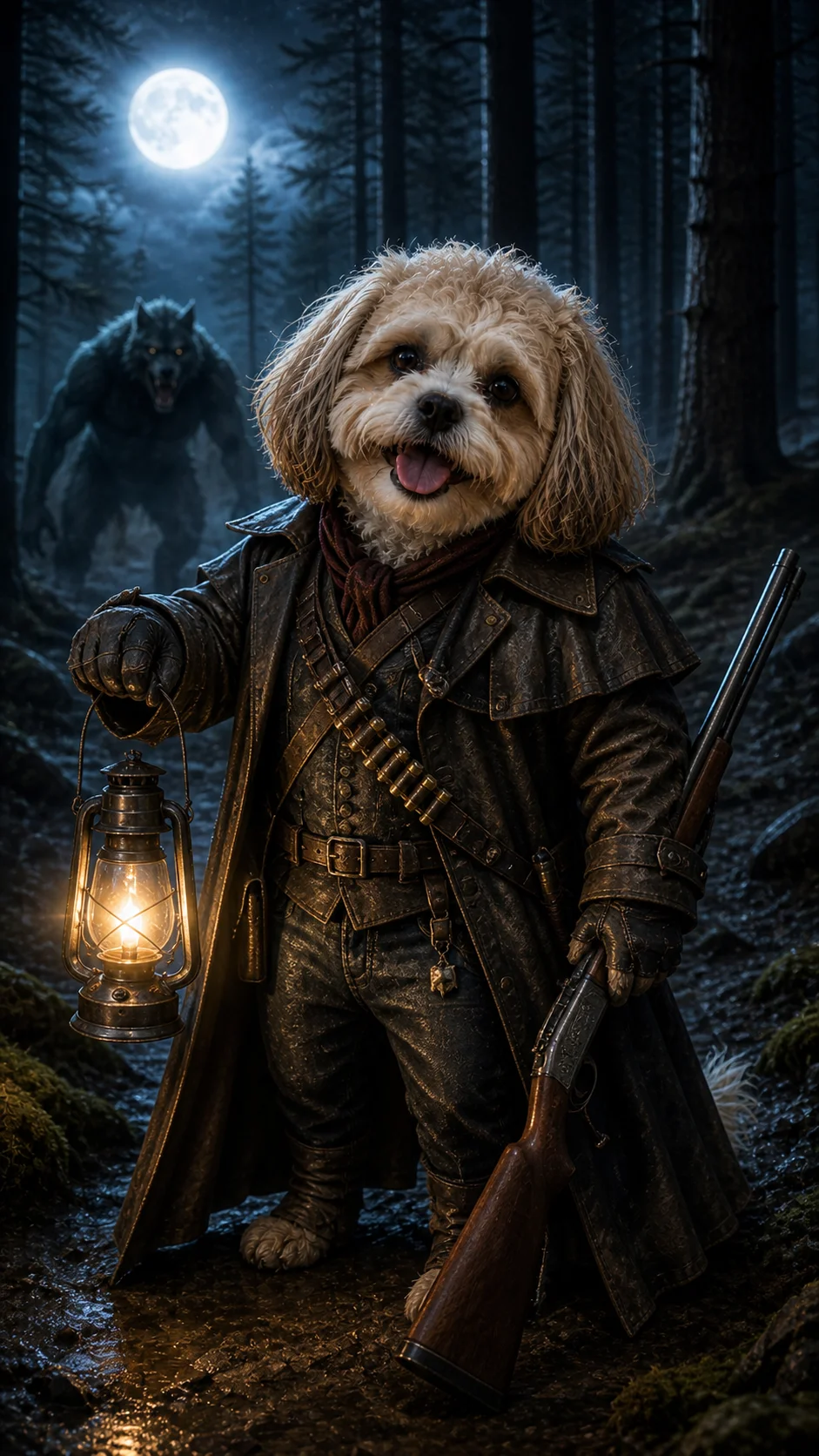
“Turn the in this photo into a werewolf hunter in a long leather coat, holding a lantern in a dark pine forest, full moon, cinematic photo, keep the same face”

“Product photo of a coffee cup with a pumpkin latte, surrounded by small pumpkins, autumn leaves and fairy lights, clean wooden table, soft daylight”
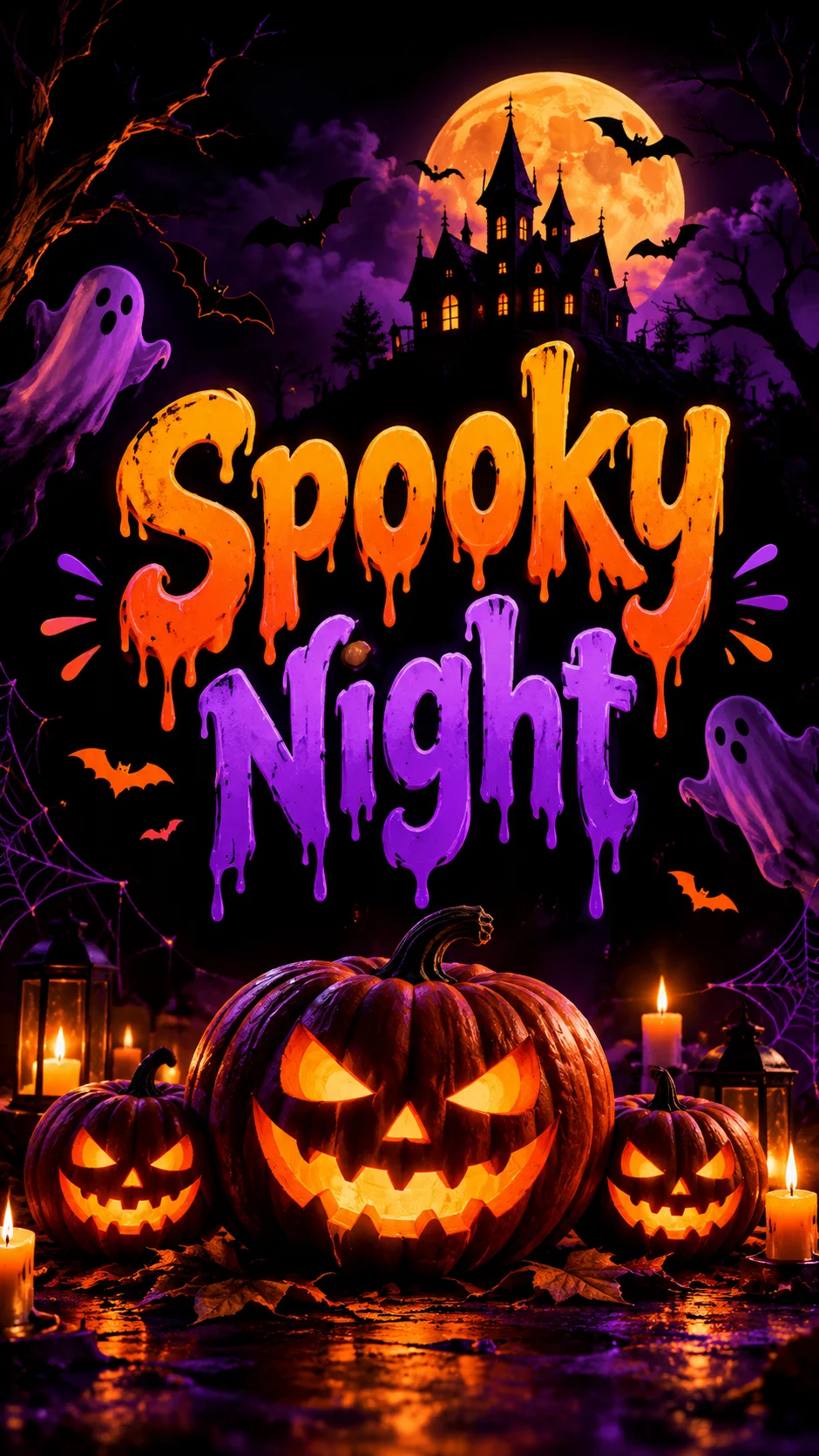

“Halloween party poster with the words "Spooky Night" in bold dripping letters, carved pumpkins, purple and orange colors, black background”
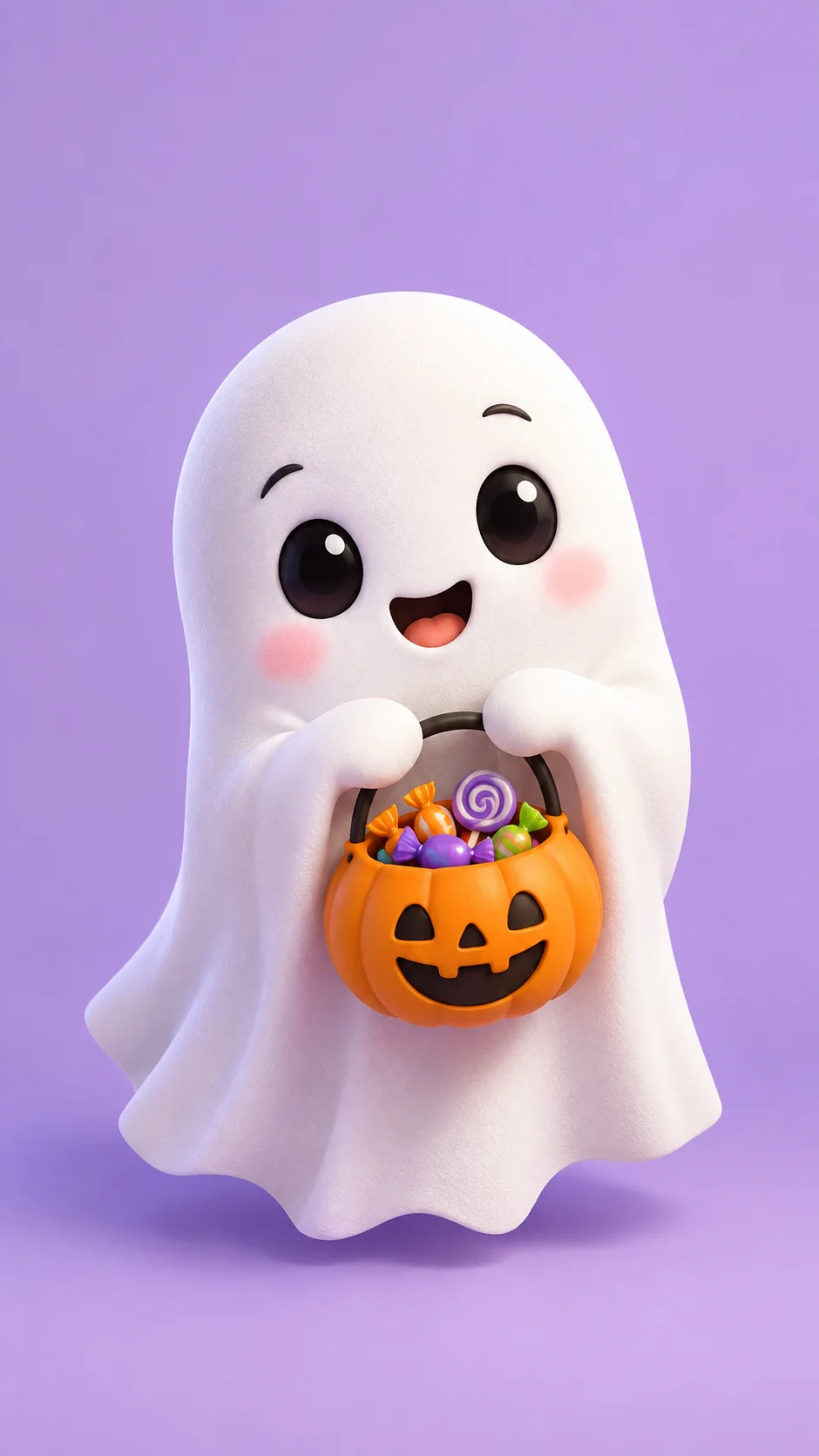
“Cute 3D cartoon ghost holding a tiny pumpkin basket full of candy, pastel purple background, soft studio light, 3D animation style”
“Turn the in this photo into a ghost bride in a flowing white vintage dress, foggy old graveyard, cold blue moonlight, keep the same face”
“Turn the in this photo into a werewolf hunter in a long leather coat, holding a lantern in a dark pine forest, full moon, cinematic photo, keep the same face”
“Product photo of a coffee cup with a pumpkin latte, surrounded by small pumpkins, autumn leaves and fairy lights, clean wooden table, soft daylight”
“Halloween party poster with the words "Spooky Night" in bold dripping letters, carved pumpkins, purple and orange colors, black background”
“Cute 3D cartoon ghost holding a tiny pumpkin basket full of candy, pastel purple background, soft studio light, 3D animation style”
“Turn the in this photo into a ghost bride in a flowing white vintage dress, foggy old graveyard, cold blue moonlight, keep the same face”
“Turn the in this photo into a werewolf hunter in a long leather coat, holding a lantern in a dark pine forest, full moon, cinematic photo, keep the same face”
“Product photo of a coffee cup with a pumpkin latte, surrounded by small pumpkins, autumn leaves and fairy lights, clean wooden table, soft daylight”
“Halloween party poster with the words "Spooky Night" in bold dripping letters, carved pumpkins, purple and orange colors, black background”
“Cute 3D cartoon ghost holding a tiny pumpkin basket full of candy, pastel purple background, soft studio light, 3D animation style”
“Turn the in this photo into a ghost bride in a flowing white vintage dress, foggy old graveyard, cold blue moonlight, keep the same face”
“Turn the in this photo into a werewolf hunter in a long leather coat, holding a lantern in a dark pine forest, full moon, cinematic photo, keep the same face”
“Product photo of a coffee cup with a pumpkin latte, surrounded by small pumpkins, autumn leaves and fairy lights, clean wooden table, soft daylight”
“Halloween party poster with the words "Spooky Night" in bold dripping letters, carved pumpkins, purple and orange colors, black background”
“Cute 3D cartoon ghost holding a tiny pumpkin basket full of candy, pastel purple background, soft studio light, 3D animation style”
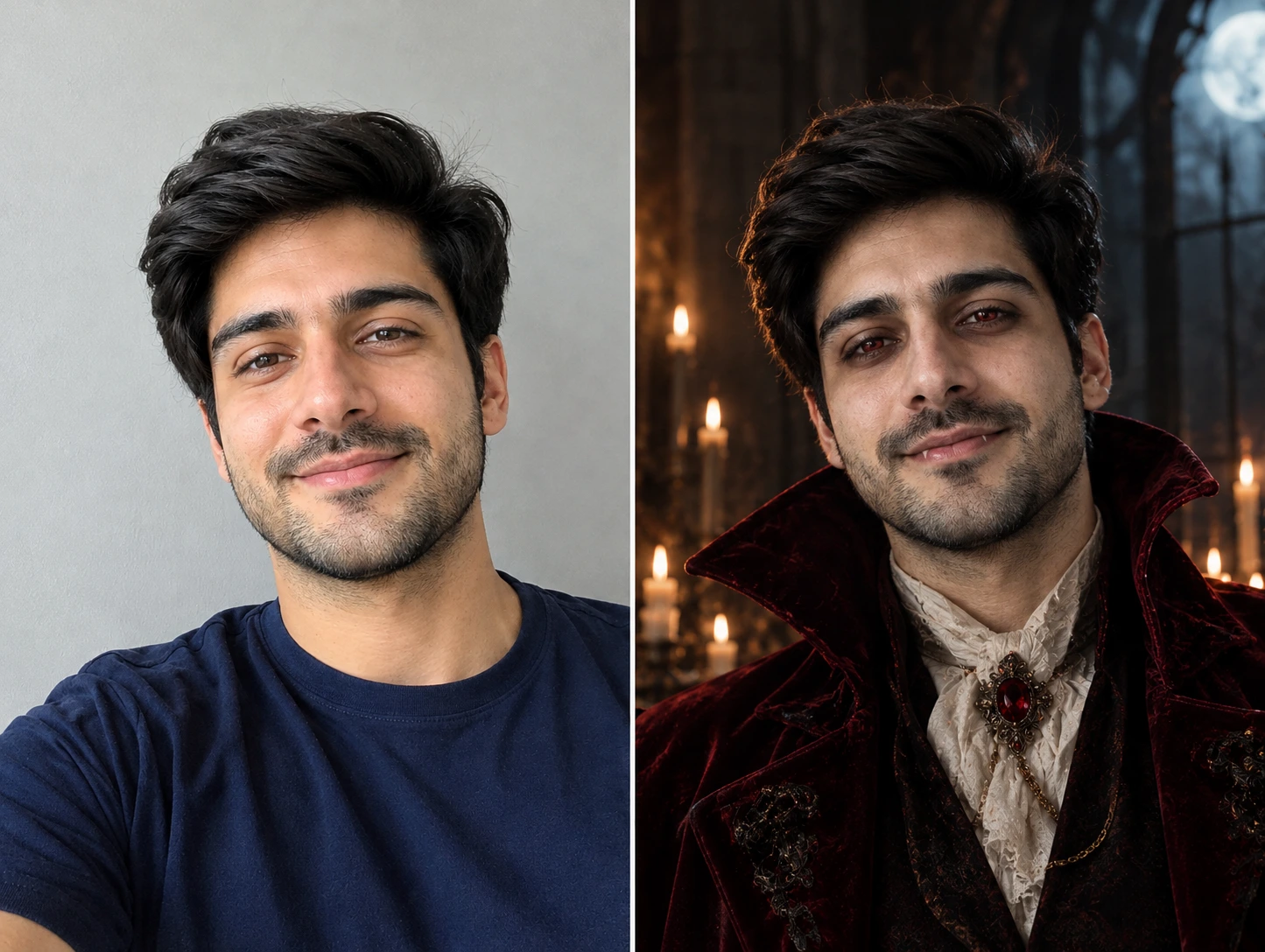
Turn Your Selfie into a Halloween Costume
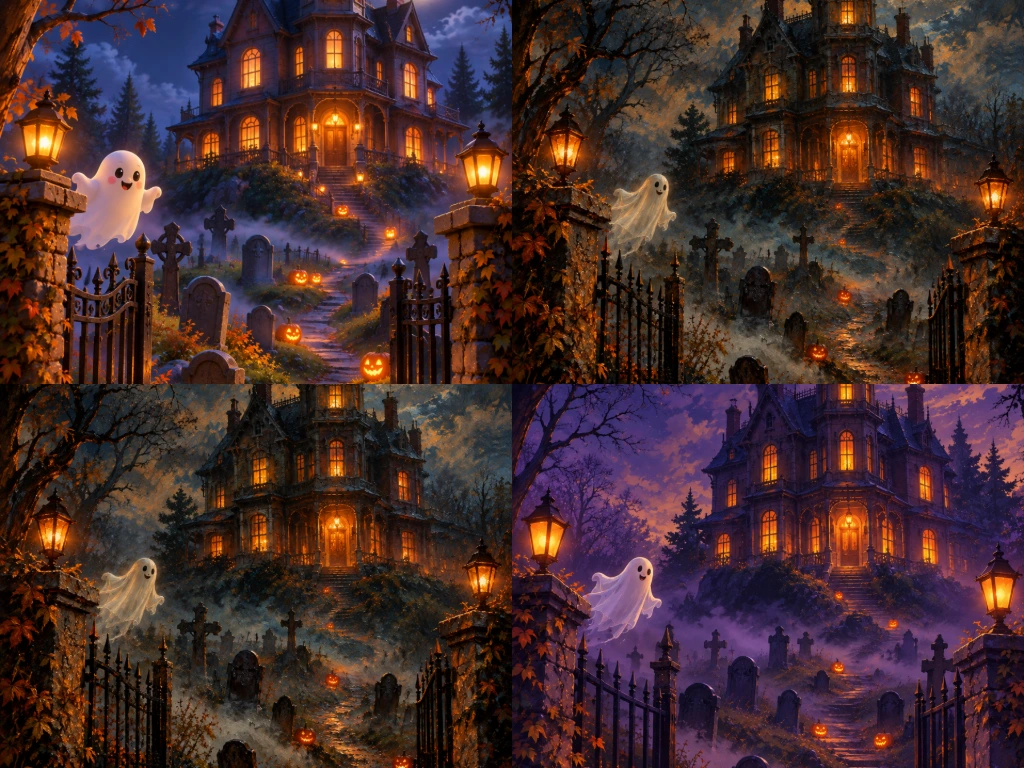
Create Spooky Halloween Art from Text
Make Couple, Group and Pet Halloween Photos
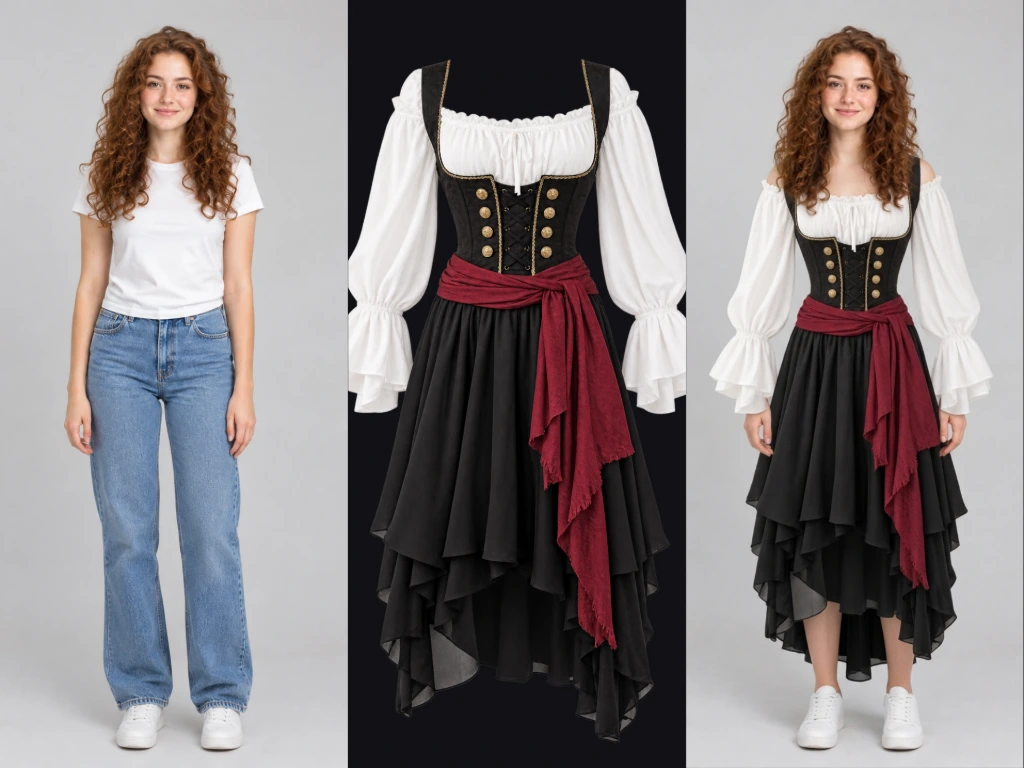
Try On a Real Costume Before You Buy It
Turn Your Halloween Photo into a Video
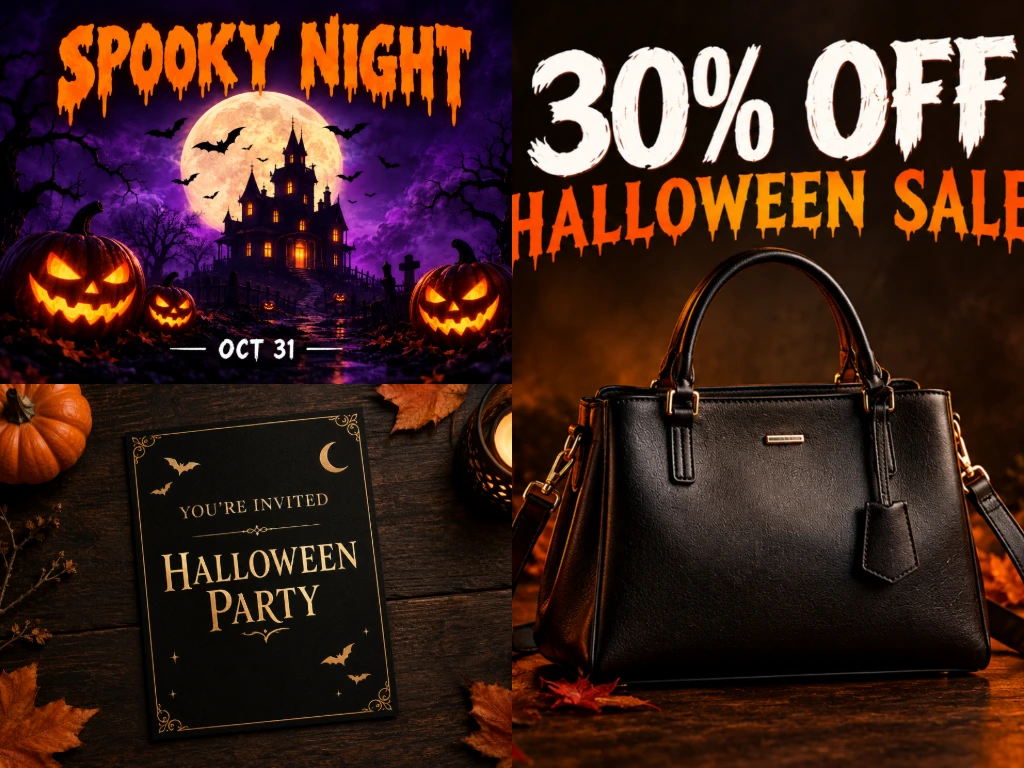
Design Halloween Posters, Invites and Ads
How to Make AI Halloween Photos in 3 Steps
Upload your photo or write a prompt
Describe your Halloween look
Generate, download and share
Common questions about AI Halloween Generator
What is an AI Halloween generator?
An AI Halloween generator is a tool that creates Halloween images from a text prompt or from your own photo. A Halloween filter only places effects on top of your camera. AI builds a completely new image with a new costume, makeup, background and lighting, while keeping your face.
Is the Templix AI Halloween generator free?
Yes, you can start for free. New users get free coins with no credit card needed. Each image uses coins based on the model you pick. If you need more, paid plans add a monthly coin balance. See Pricing.
Can I turn my own photo into a Halloween costume?
Yes. Upload a clear selfie, describe the costume and add "keep the same face" to your prompt. The AI dresses you in the costume and changes the background to match the scene you describe.
Can I make couple, group or pet Halloween photos?
Yes. Upload a photo with two or more people, or a photo of your pet, and ask for matching costumes. Make sure every face is clear in the photo. For best results, write "keep all faces" in your prompt.
Can I try on a real Halloween costume with AI before buying it?
Yes. Open the AI Clothes Changer, upload your photo and a picture of the costume, and see how it looks on you before you order it.
Can I turn my Halloween photo into a video?
Yes. Use the AI Video Generator to animate one photo. Or use AI Transition to turn 2 to 4 photos into a single before-and-after video for Reels and TikTok.
Why doesn't my AI Halloween photo look like me?
This usually happens with a blurry, dark or side-angle photo. Use a sharp, front-facing photo in good light, add "keep the same face" to your prompt, and try another model if the first result is off.
Can I use AI Halloween images for ads or commercial posts?
Commercial use is covered by the Templix Commercial Terms. Before using an image in ads or products, check that it does not show real people without permission, famous movie characters, masks or brand logos.
More resources
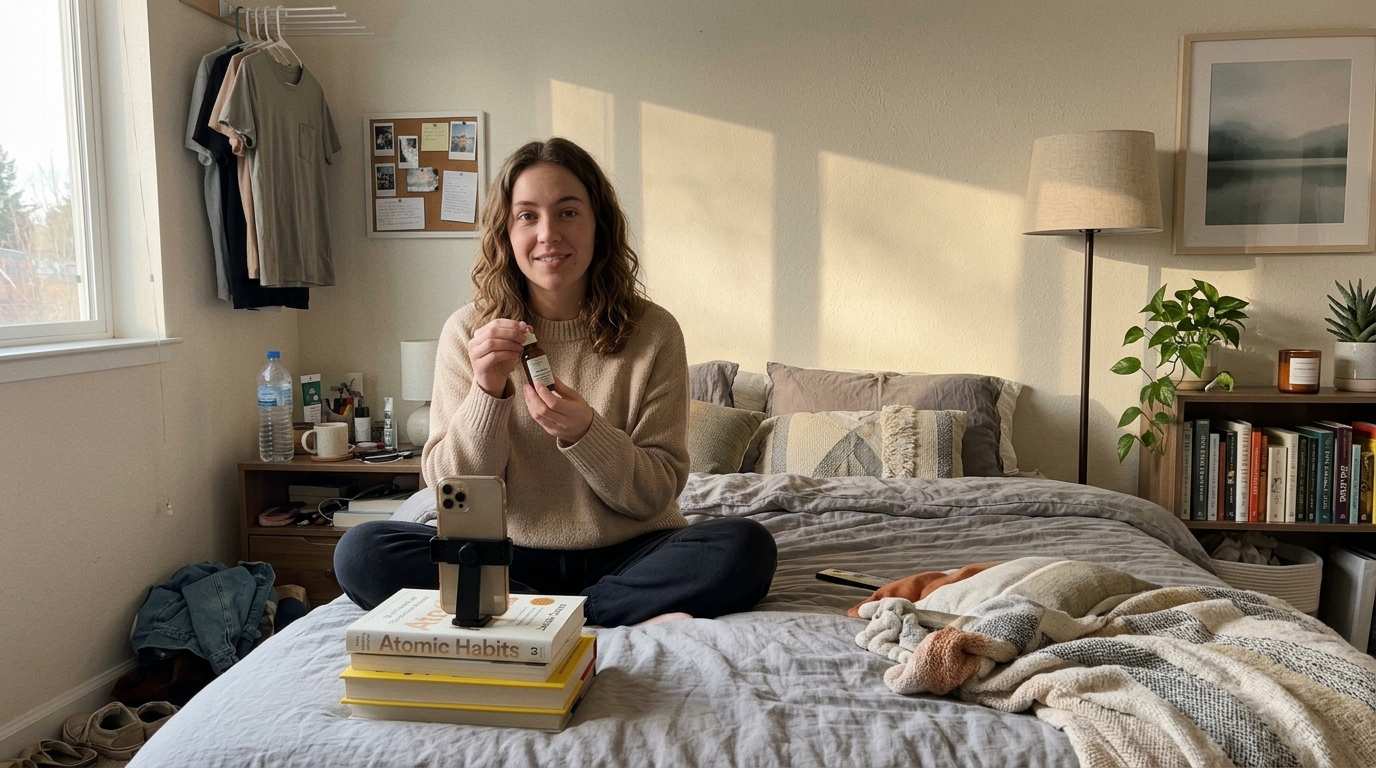
How to Make a Complete AI UGC Ad on Templix: Step-by-Step Guide
UGC ads outperform polished brand ads on TikTok, Reels, and Meta feeds because they look like something a real person made, not something a brand approved. This guide walks through the full workflow for building one on Templix Ad Studio: preparing your product photo and script, picking the right template, tagging your saved character and product with @ in the prompt, and prompting for output that feels handheld and real instead of studio-clean.
How to Make Money with UGC: 7 Revenue Streams for Creators
Seven practical ways UGC creators build sustainable income, from starting brand deals through scaling with AI production. Real rate structures, licensing frameworks, and how Templix Ad Studio fits into a modern UGC production workflow with 40+ video models under one subscription.
Annual AI Video Plans Compared: Unlimited vs Credit-Based Models
A practical comparison of how the leading AI video platforms structure their annual subscriptions. Nine platforms including Templix, Higgsfield, Adobe Firefly, Runway, Kling, Luma, Midjourney, Hailuo, and Google, covering unlimited plans, credit-based plans, and how to pick the structure that fits your production style.

Why Your AI Video Credits Run Out Faster Than Expected: A Templix Playbook
Every AI video credit gets deducted at generation time, whether the result is usable or not. The real cost per finished clip depends on how many attempts it takes to land one. This guide covers five reasons the attempt count multiplies, and the practical fixes inside Templix that keep credits going toward finished work rather than throwaway takes.
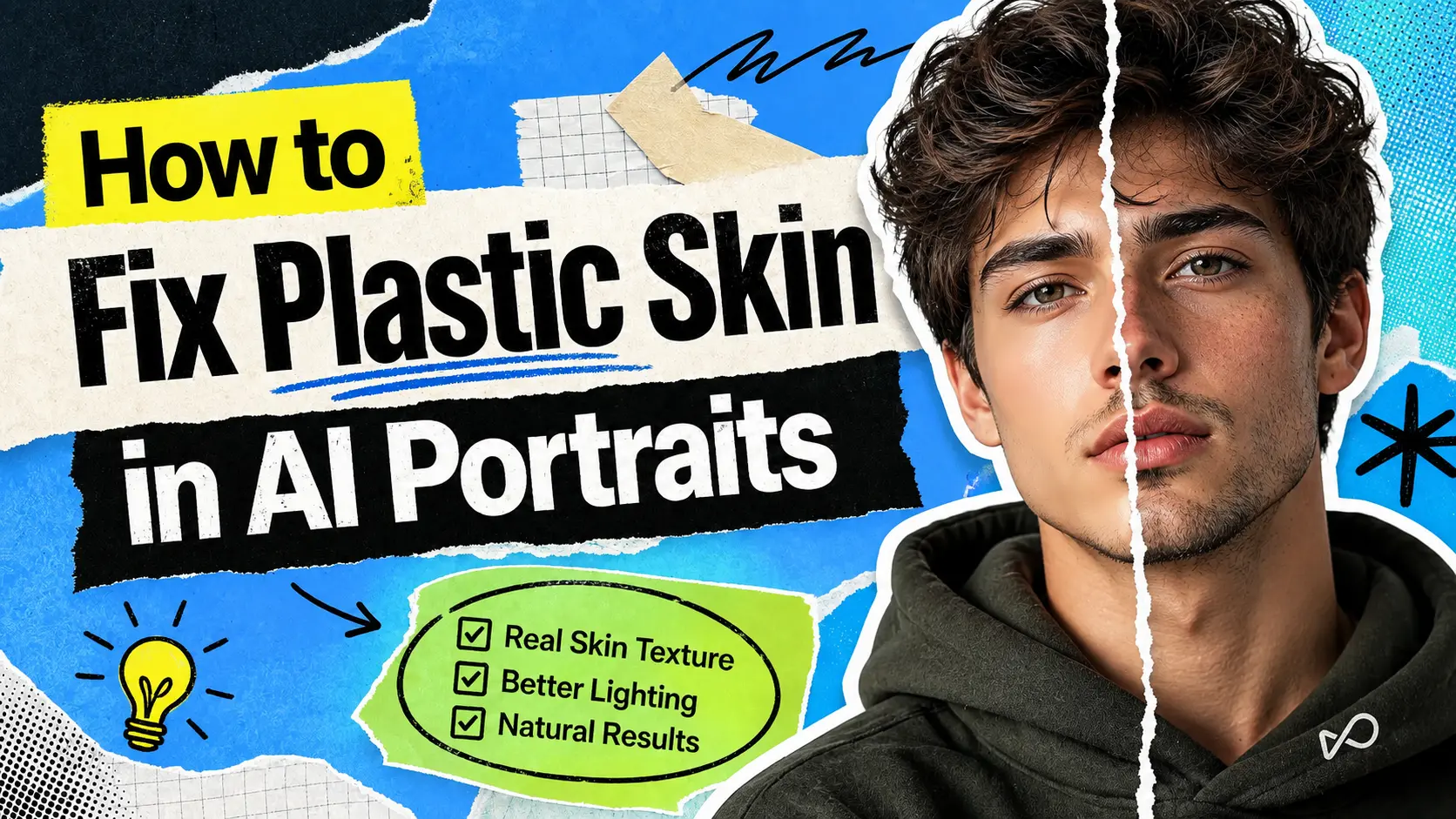
How to Fix Plastic Skin in AI Portraits on Templix
A complete workflow for fixing plastic skin and producing realistic AI portraits on Templix. Covers why image models produce the problem, how to prevent it by picking the right model from the start, and how to correct existing portraits using Templix's Skin Retouch and Image Upscaler apps.
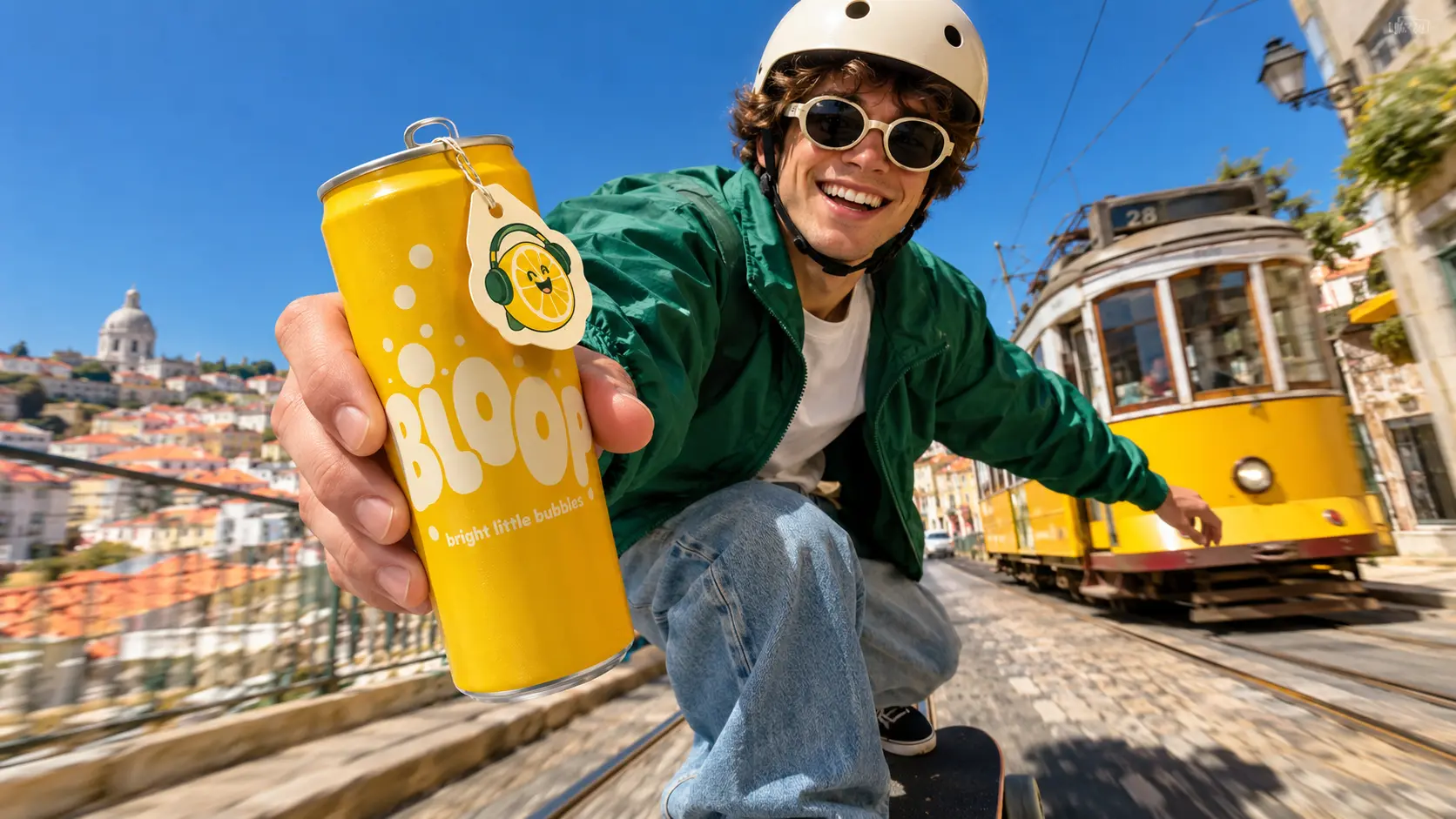
Introducing Templix Ad Studio: How It Works and Who It Fits
A complete guide to Templix Ad Studio, the dedicated workflow for producing finished ad creatives at scale. Covers what the studio does, what creators and brands can produce with it, which Templix image models power the outputs, who the product fits best, and how it combines with the broader Templix ecosystem including UGC Ad Generator and Character Generator.
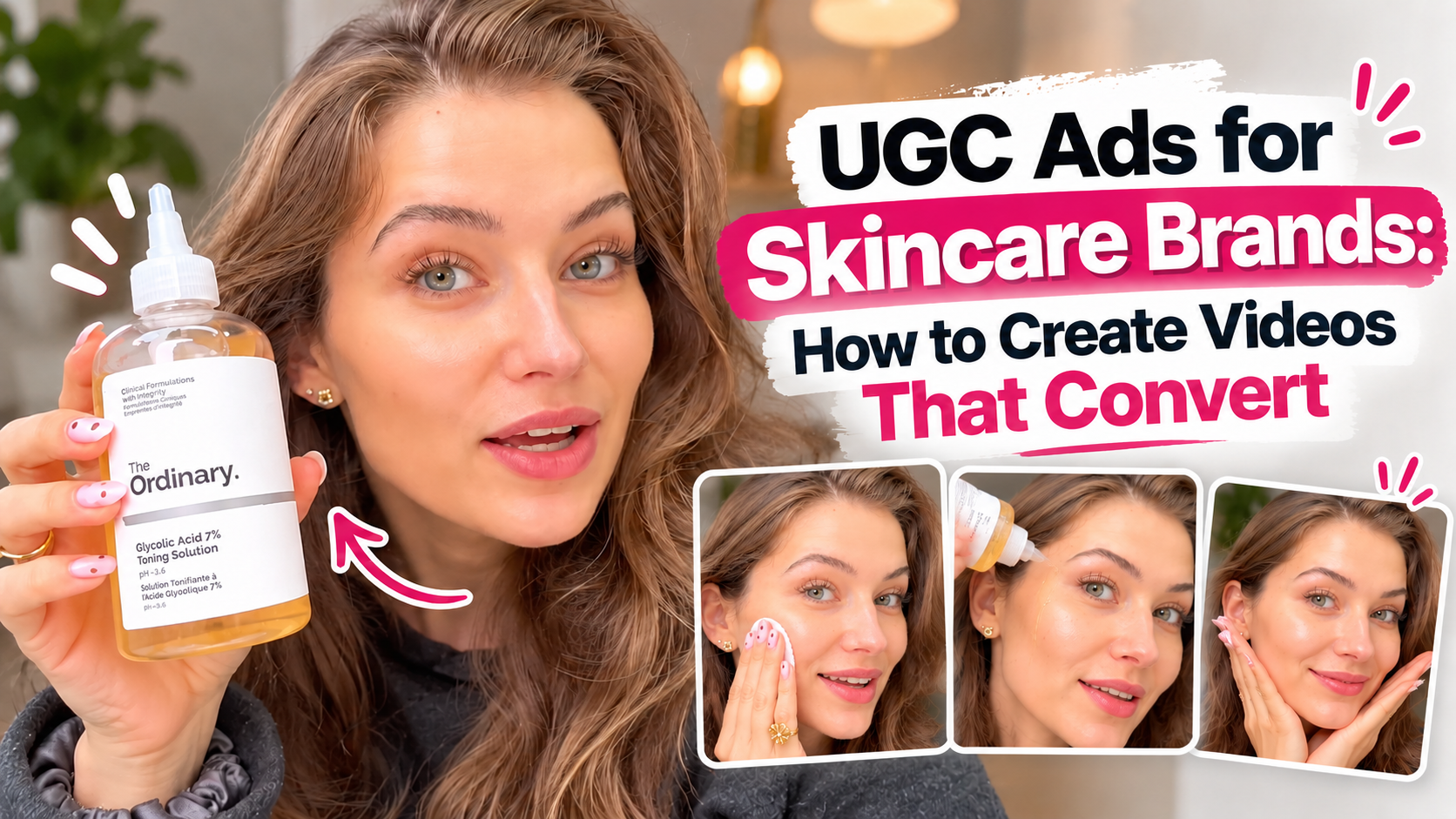
UGC Ads for Skincare Brands: How to Create Videos That Convert
Skincare sells on trust, and nothing builds it faster than a real person using the product on her own face. Learn the four shots every skincare ad needs, hooks that stop the scroll, a copy-paste script, and the exact AI prompt behind a $2 toner ad.