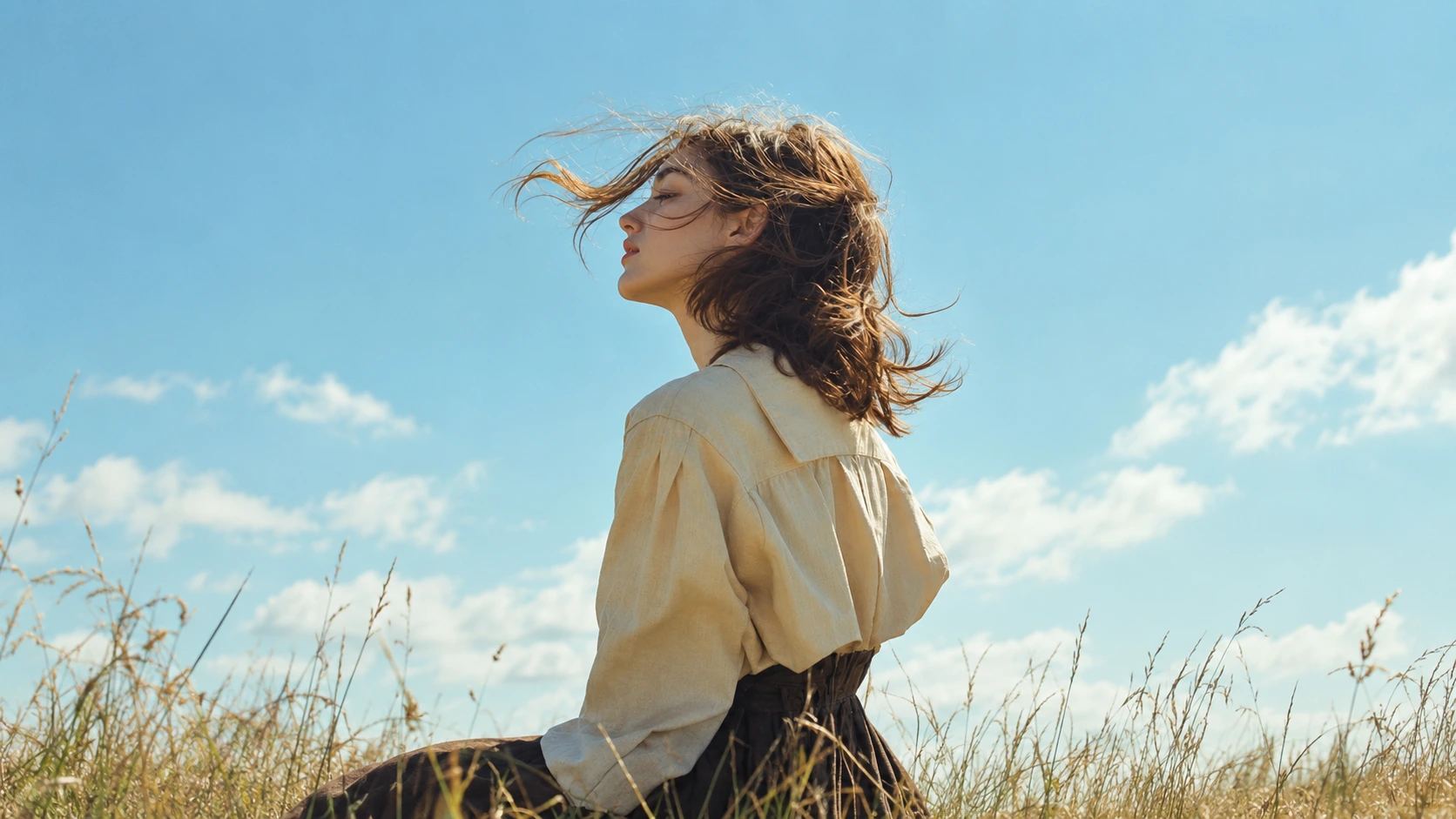
Free AI Art Generator: Turn Text into Art in Any Style
Describe what you imagine, pick a style like watercolor, anime, or oil painting, and Templix turns it into finished artwork. Choose from top AI models, add a reference photo if you want, and start creating with free coins. No credit card and no drawing skills required.
Generation isn't available for this feature right now.
You Might Also be Interested in
Community Creations
Made with AI Art Generator — start from any of them.
AI Art Generator
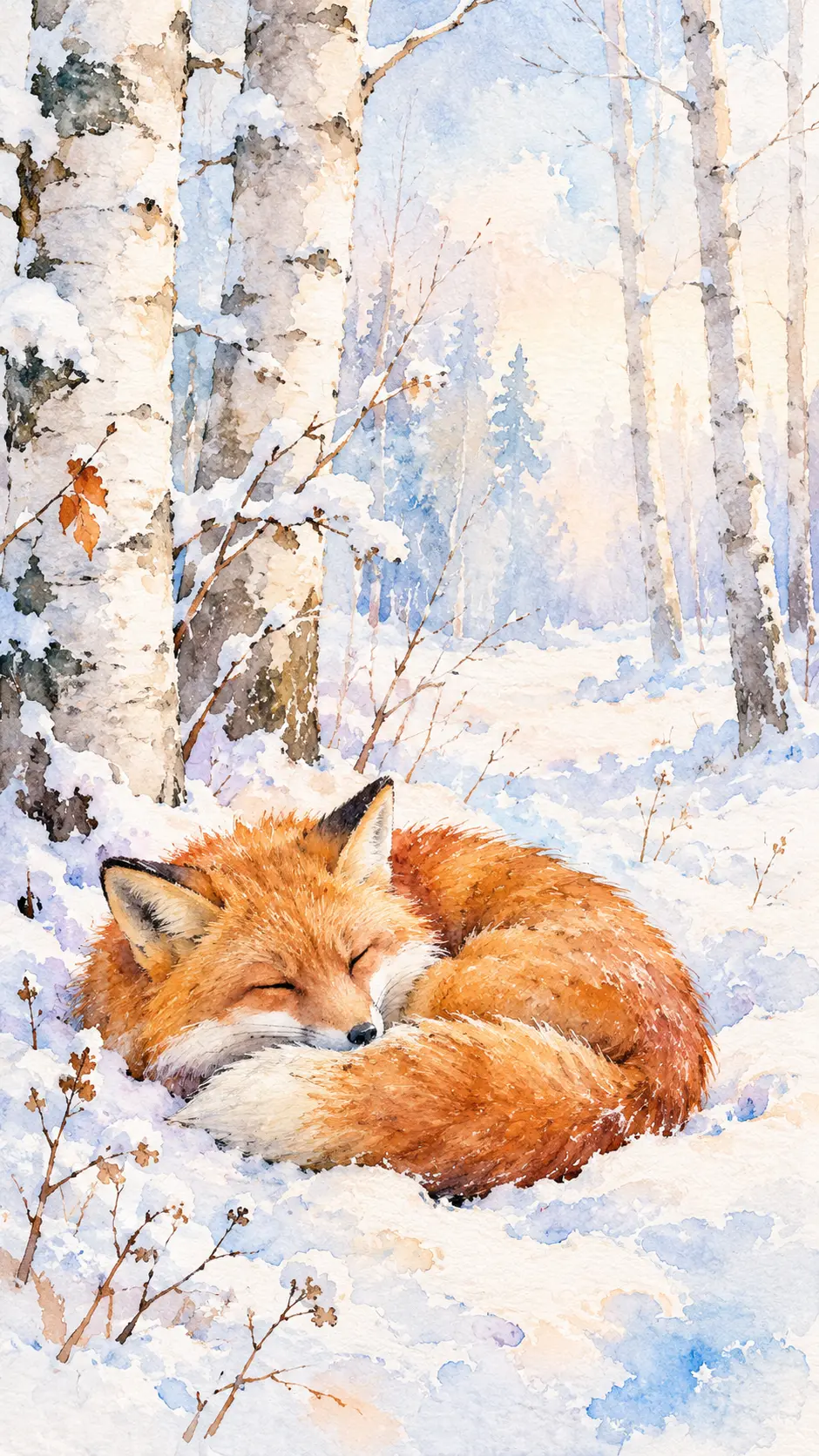

“Soft watercolor painting of a red fox curled up asleep in a snowy birch forest, loose wet-on-wet washes, gentle blue and peach tones, white paper showing through, delicate ink outlines, calm winter morning light, hand-painted texture,”
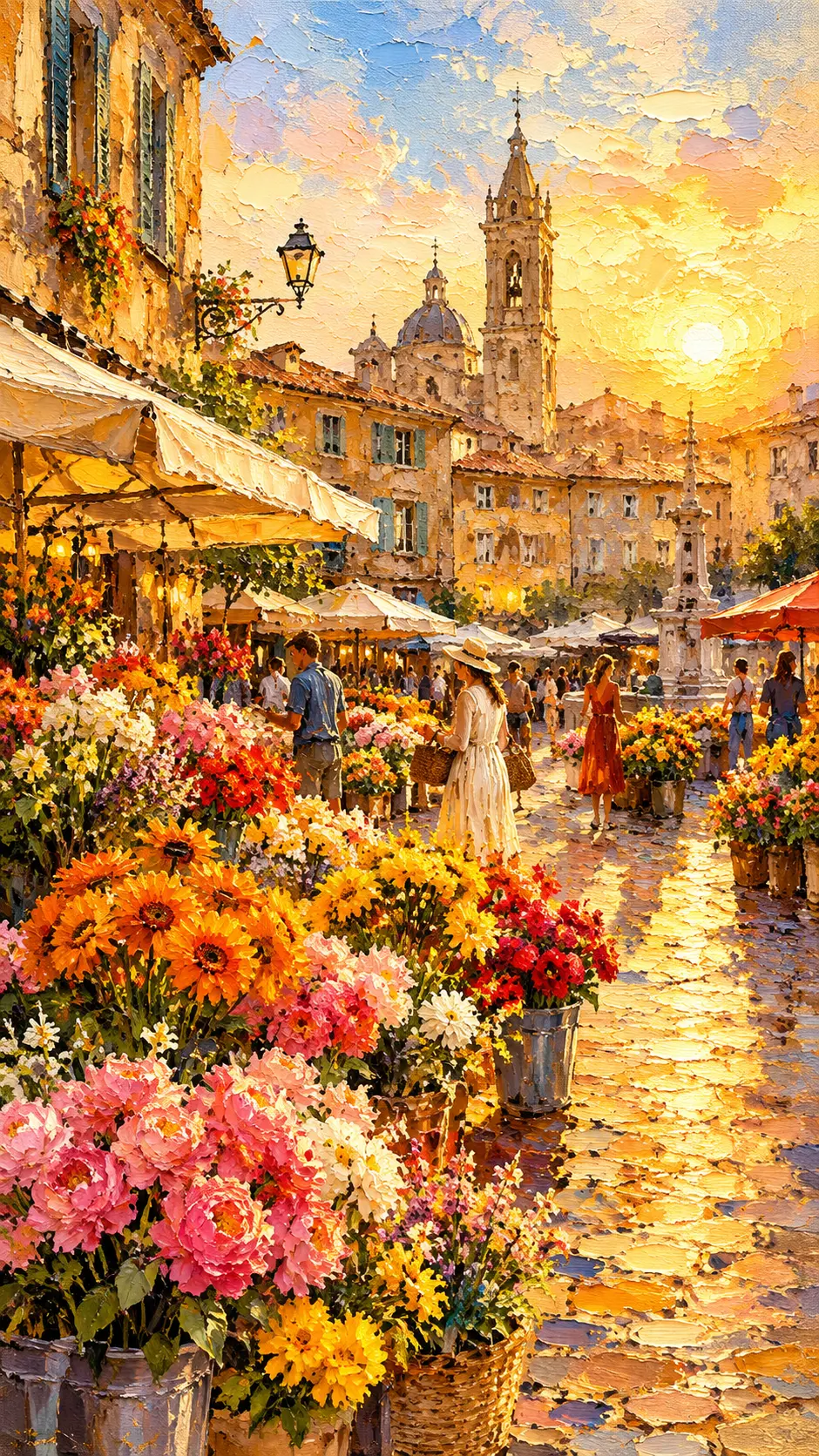

“Thick impasto oil painting of a busy flower market in an old European square at golden hour, bold palette knife strokes, rich orange, yellow and pink blooms, warm sunlight on cobblestones, visible canvas texture, plein air style,”
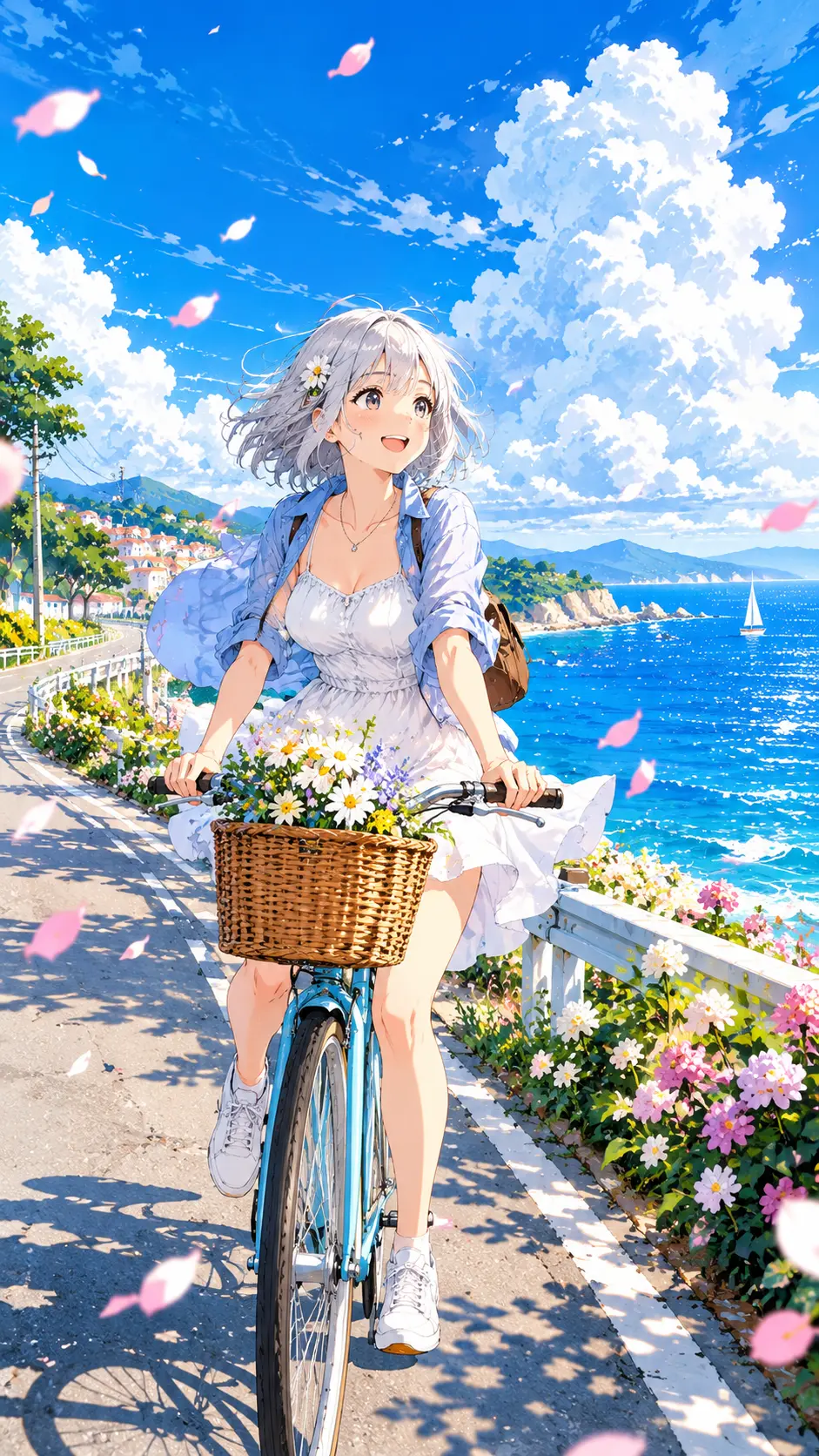

“Anime illustration of a girl with short silver hair riding a bicycle along a seaside road in summer, bright blue sky with tall white clouds, flower petals in the air, clean line art, vibrant cel shading, cheerful mood”
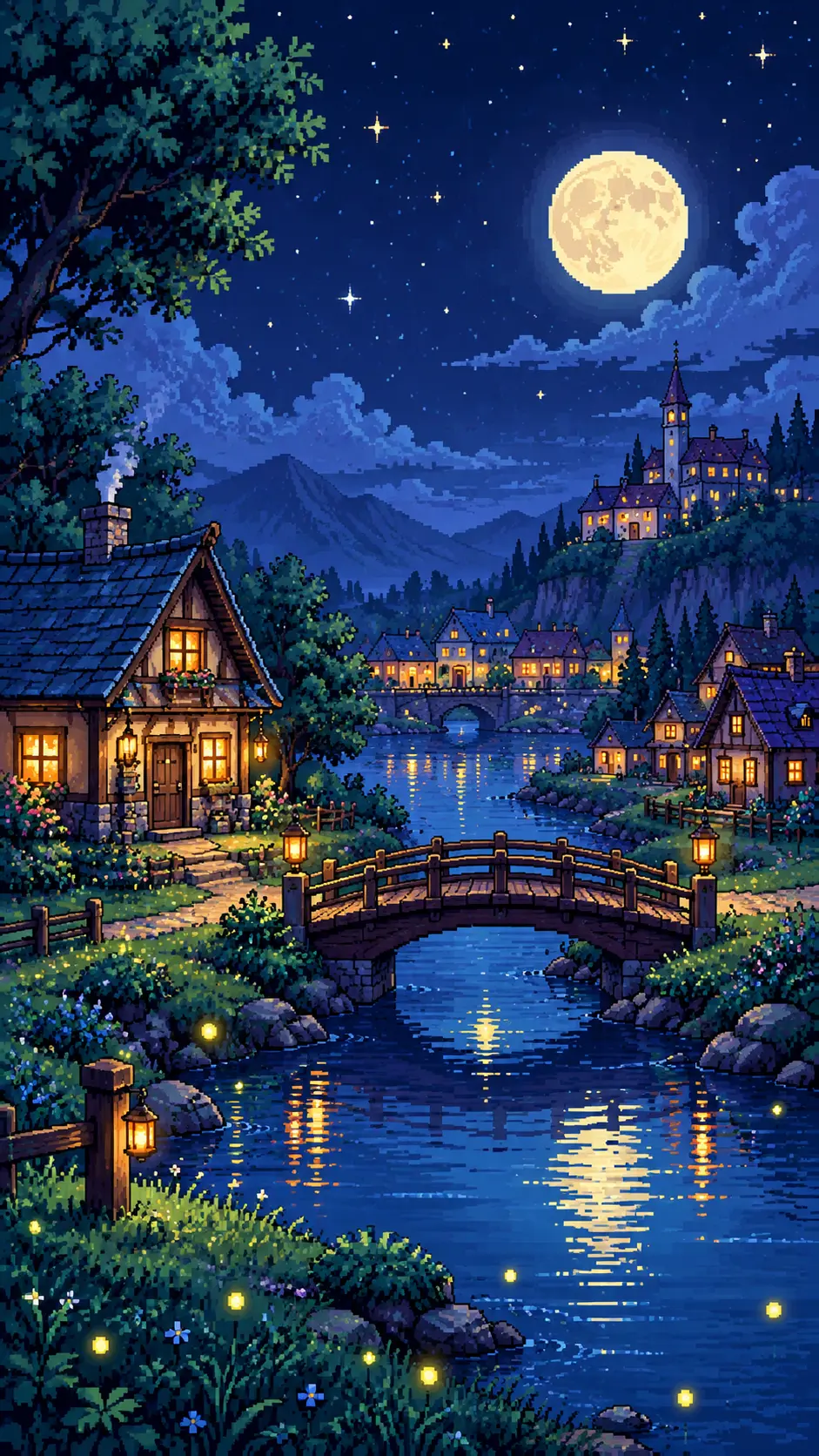

“16-bit pixel art of a cozy village at night with glowing windows, a small wooden bridge over a river, fireflies, a full moon and starry sky, limited retro color palette, crisp pixels, side view game scene,”
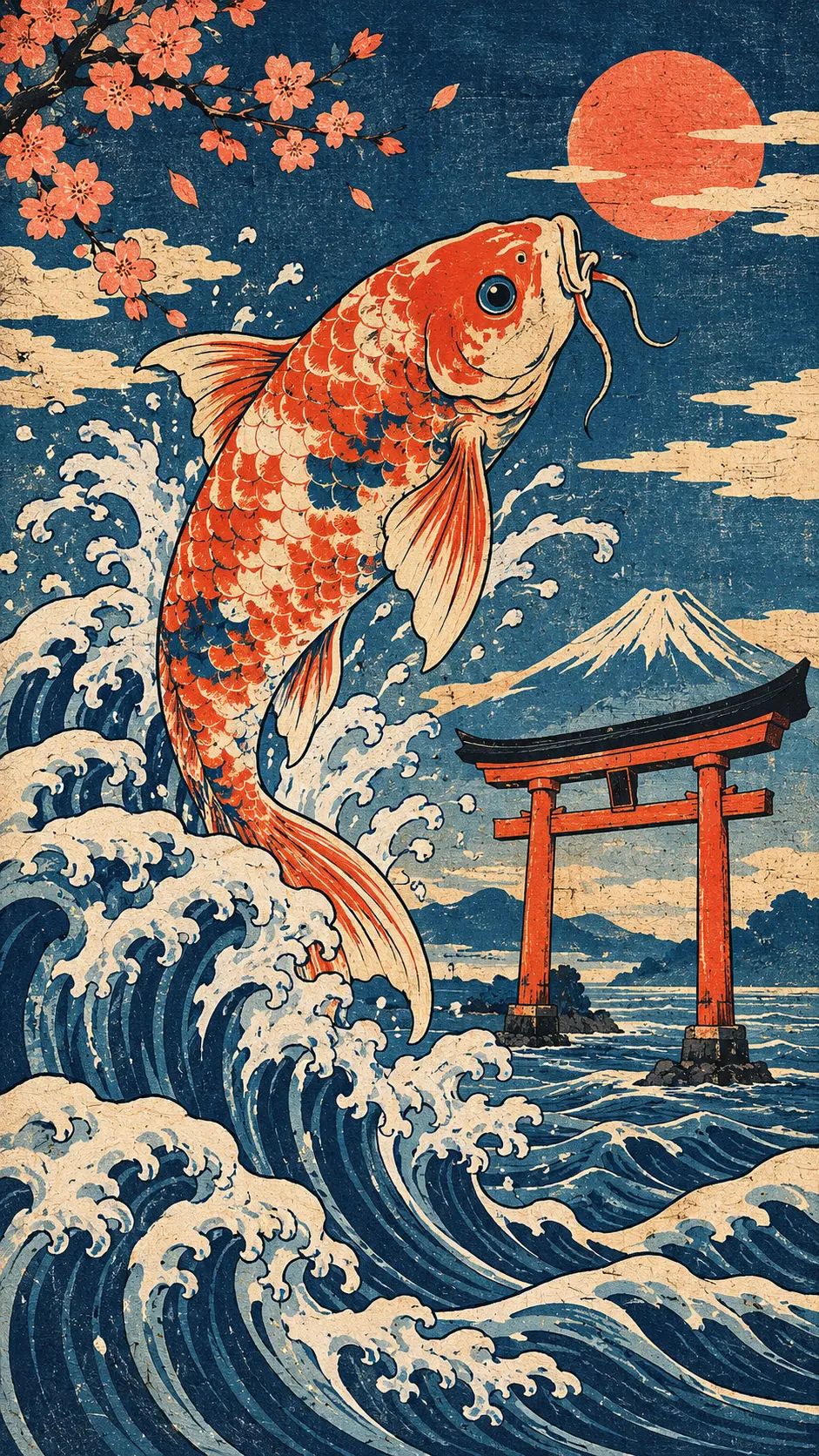

“Japanese woodblock print style artwork of a giant koi fish leaping over ocean waves near a red torii gate, flat bold colors, strong black outlines, textured washi paper, indigo and coral palette,”
“Soft watercolor painting of a red fox curled up asleep in a snowy birch forest, loose wet-on-wet washes, gentle blue and peach tones, white paper showing through, delicate ink outlines, calm winter morning light, hand-painted texture,”
“Thick impasto oil painting of a busy flower market in an old European square at golden hour, bold palette knife strokes, rich orange, yellow and pink blooms, warm sunlight on cobblestones, visible canvas texture, plein air style,”
“Anime illustration of a girl with short silver hair riding a bicycle along a seaside road in summer, bright blue sky with tall white clouds, flower petals in the air, clean line art, vibrant cel shading, cheerful mood”
“16-bit pixel art of a cozy village at night with glowing windows, a small wooden bridge over a river, fireflies, a full moon and starry sky, limited retro color palette, crisp pixels, side view game scene,”
“Japanese woodblock print style artwork of a giant koi fish leaping over ocean waves near a red torii gate, flat bold colors, strong black outlines, textured washi paper, indigo and coral palette,”
“Soft watercolor painting of a red fox curled up asleep in a snowy birch forest, loose wet-on-wet washes, gentle blue and peach tones, white paper showing through, delicate ink outlines, calm winter morning light, hand-painted texture,”
“Thick impasto oil painting of a busy flower market in an old European square at golden hour, bold palette knife strokes, rich orange, yellow and pink blooms, warm sunlight on cobblestones, visible canvas texture, plein air style,”
“Anime illustration of a girl with short silver hair riding a bicycle along a seaside road in summer, bright blue sky with tall white clouds, flower petals in the air, clean line art, vibrant cel shading, cheerful mood”
“16-bit pixel art of a cozy village at night with glowing windows, a small wooden bridge over a river, fireflies, a full moon and starry sky, limited retro color palette, crisp pixels, side view game scene,”
“Japanese woodblock print style artwork of a giant koi fish leaping over ocean waves near a red torii gate, flat bold colors, strong black outlines, textured washi paper, indigo and coral palette,”
“Soft watercolor painting of a red fox curled up asleep in a snowy birch forest, loose wet-on-wet washes, gentle blue and peach tones, white paper showing through, delicate ink outlines, calm winter morning light, hand-painted texture,”
“Thick impasto oil painting of a busy flower market in an old European square at golden hour, bold palette knife strokes, rich orange, yellow and pink blooms, warm sunlight on cobblestones, visible canvas texture, plein air style,”
“Anime illustration of a girl with short silver hair riding a bicycle along a seaside road in summer, bright blue sky with tall white clouds, flower petals in the air, clean line art, vibrant cel shading, cheerful mood”
“16-bit pixel art of a cozy village at night with glowing windows, a small wooden bridge over a river, fireflies, a full moon and starry sky, limited retro color palette, crisp pixels, side view game scene,”
“Japanese woodblock print style artwork of a giant koi fish leaping over ocean waves near a red torii gate, flat bold colors, strong black outlines, textured washi paper, indigo and coral palette,”
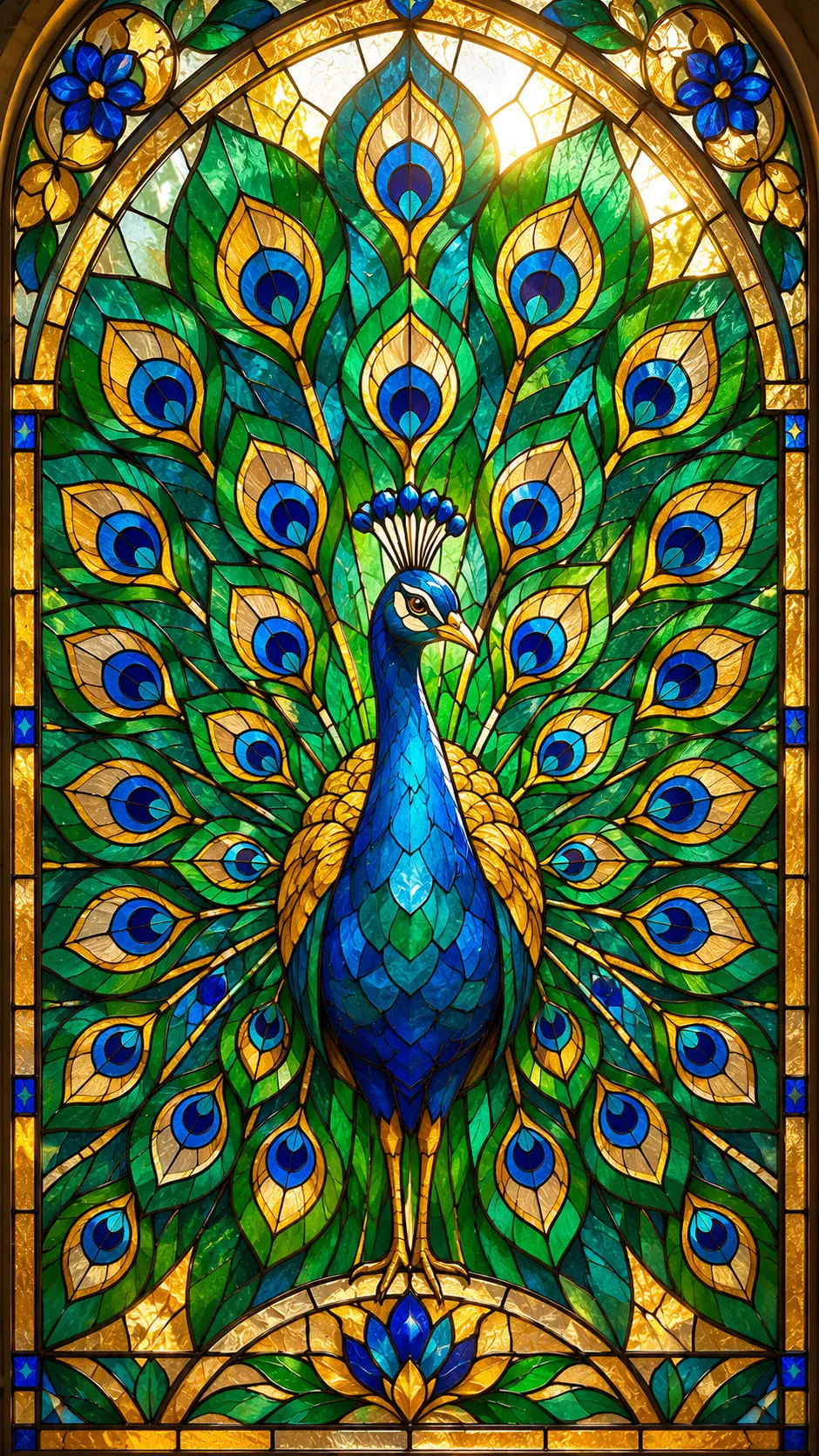
“Stained glass window design of a peacock with spread tail feathers, jewel-toned panels in emerald, sapphire and gold, thick black lead lines, bright sunlight shining through, symmetrical composition,”
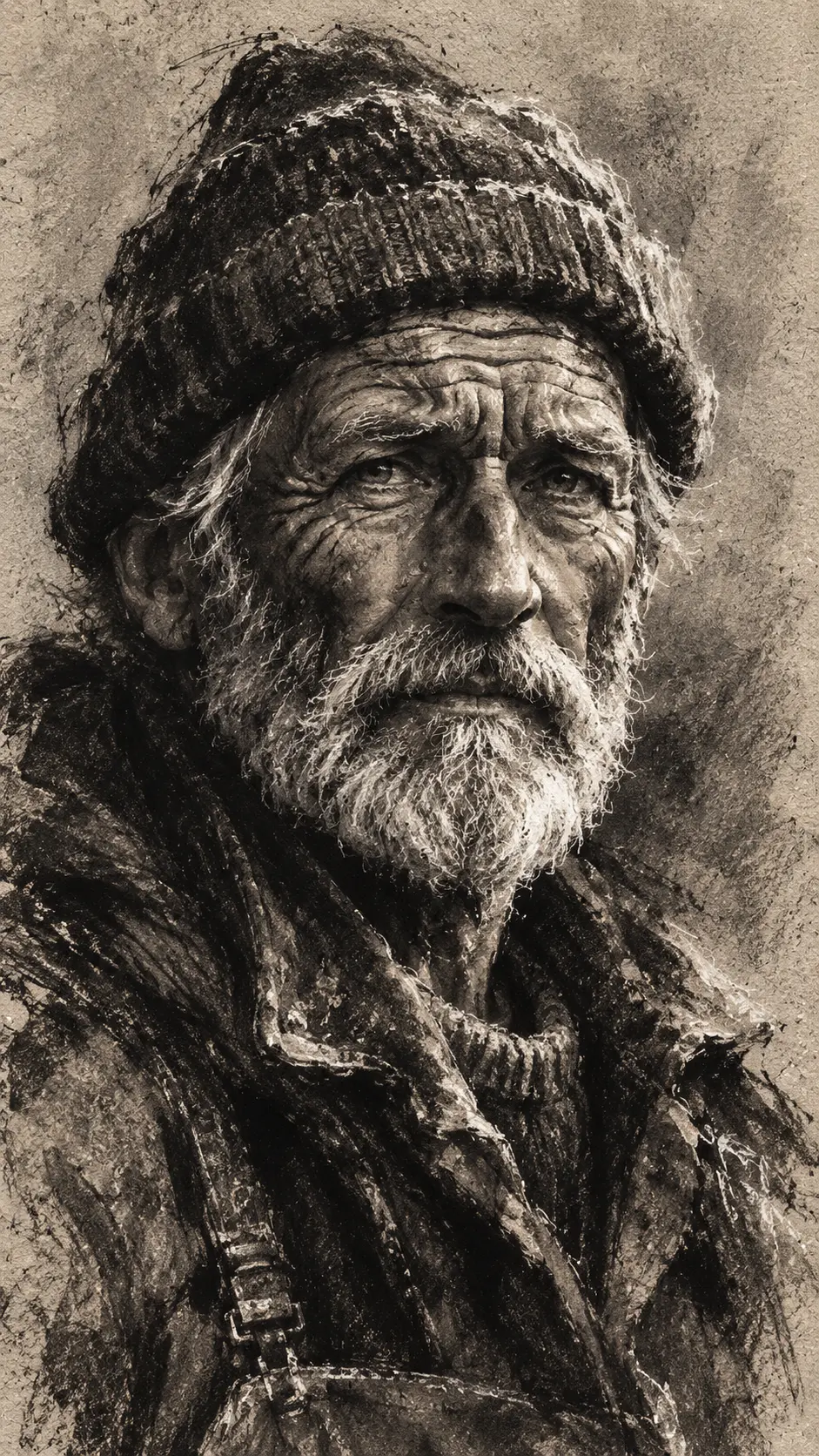

“Expressive charcoal drawing of an old fisherman with deep wrinkles and a knitted cap, strong contrast, smudged shadows, rough paper texture, loose gestural strokes, white chalk highlights,”
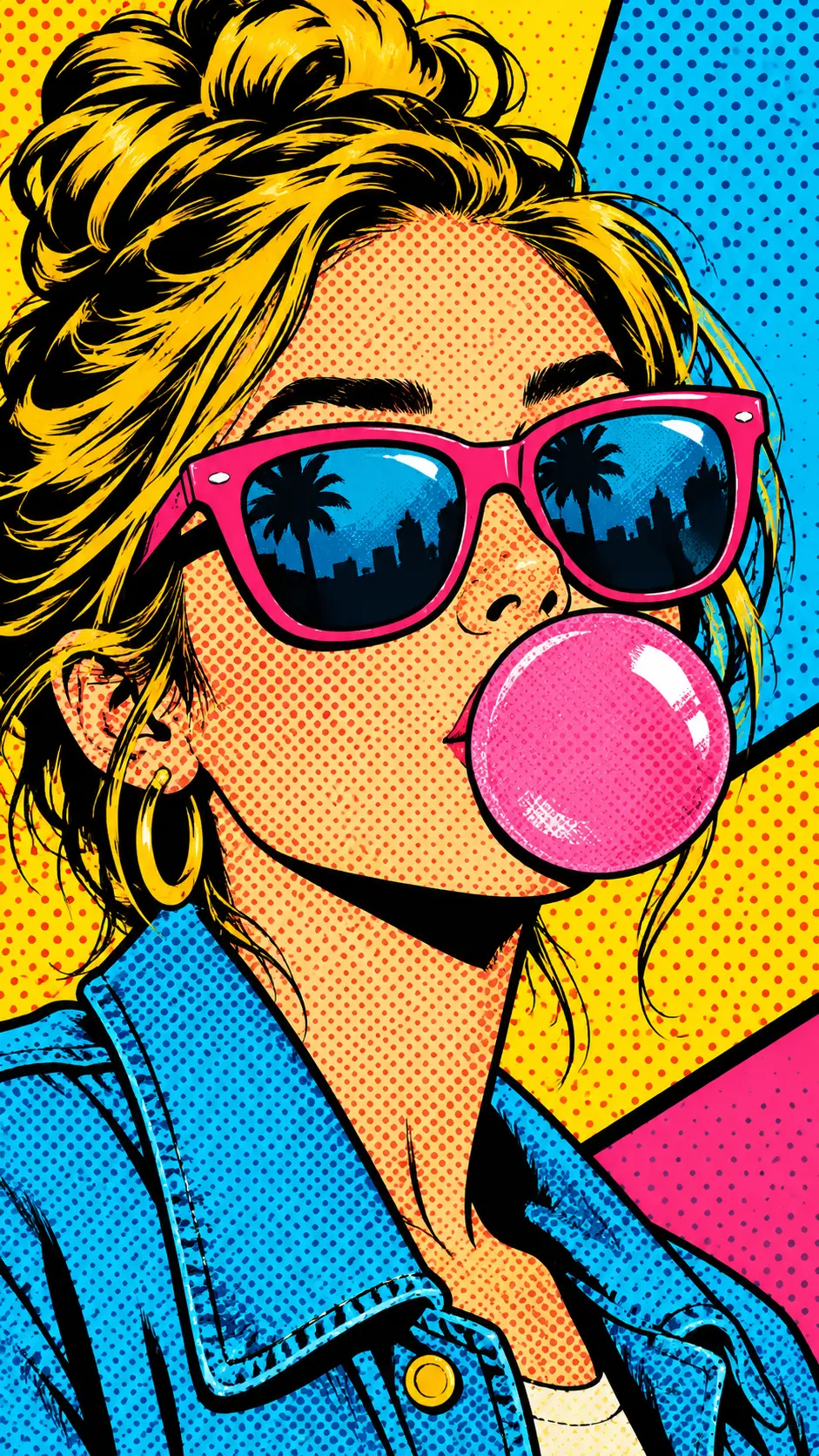
“Pop art portrait of a woman in sunglasses blowing a pink bubblegum bubble, bold halftone dots, thick black outlines, bright yellow, cyan and magenta color blocks, comic book style,”
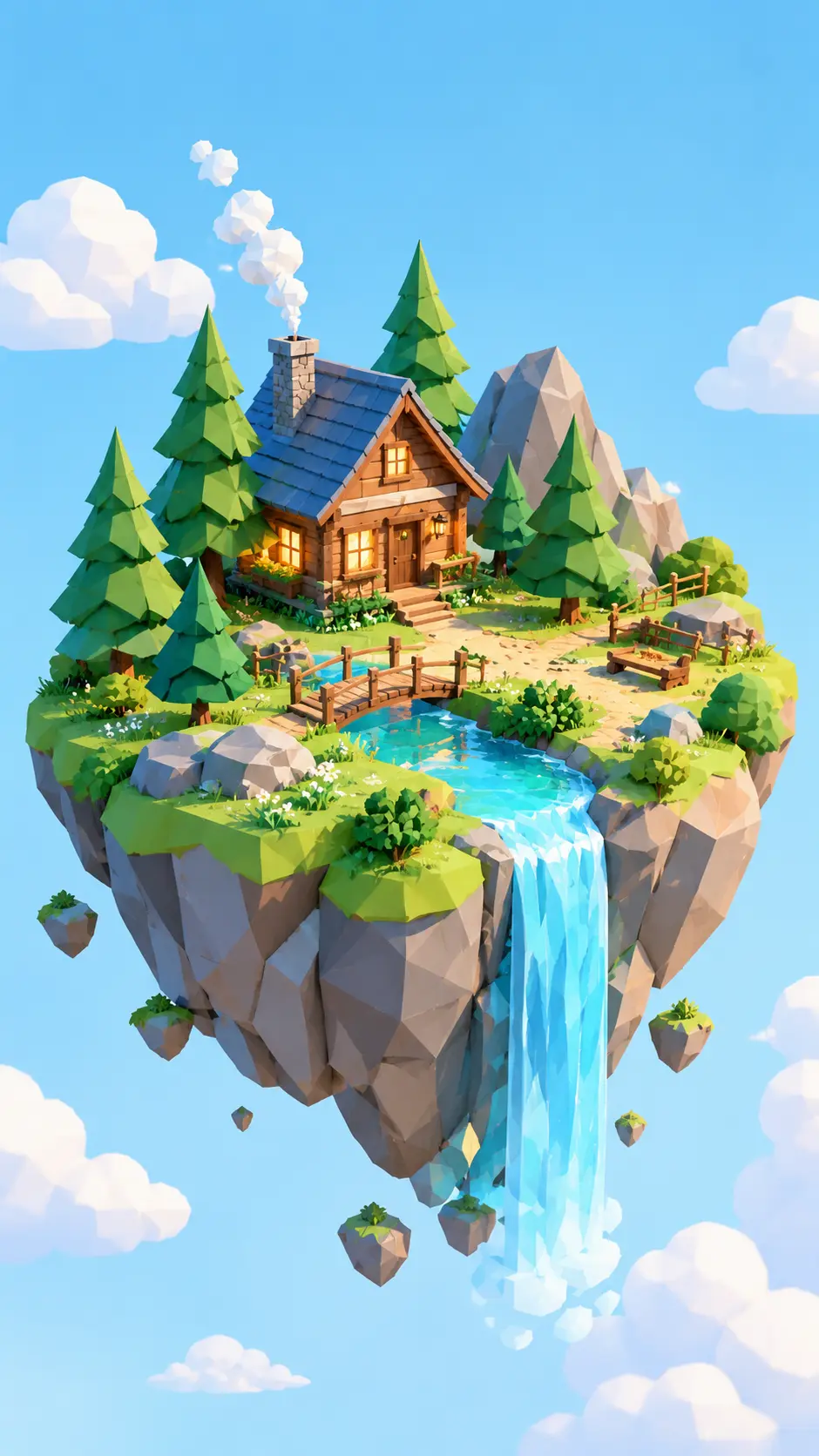

“Low poly 3D render of a floating island with pine trees, a small waterfall and a wooden cabin, soft pastel colors, clean geometric shapes, bright sky background, isometric view,”
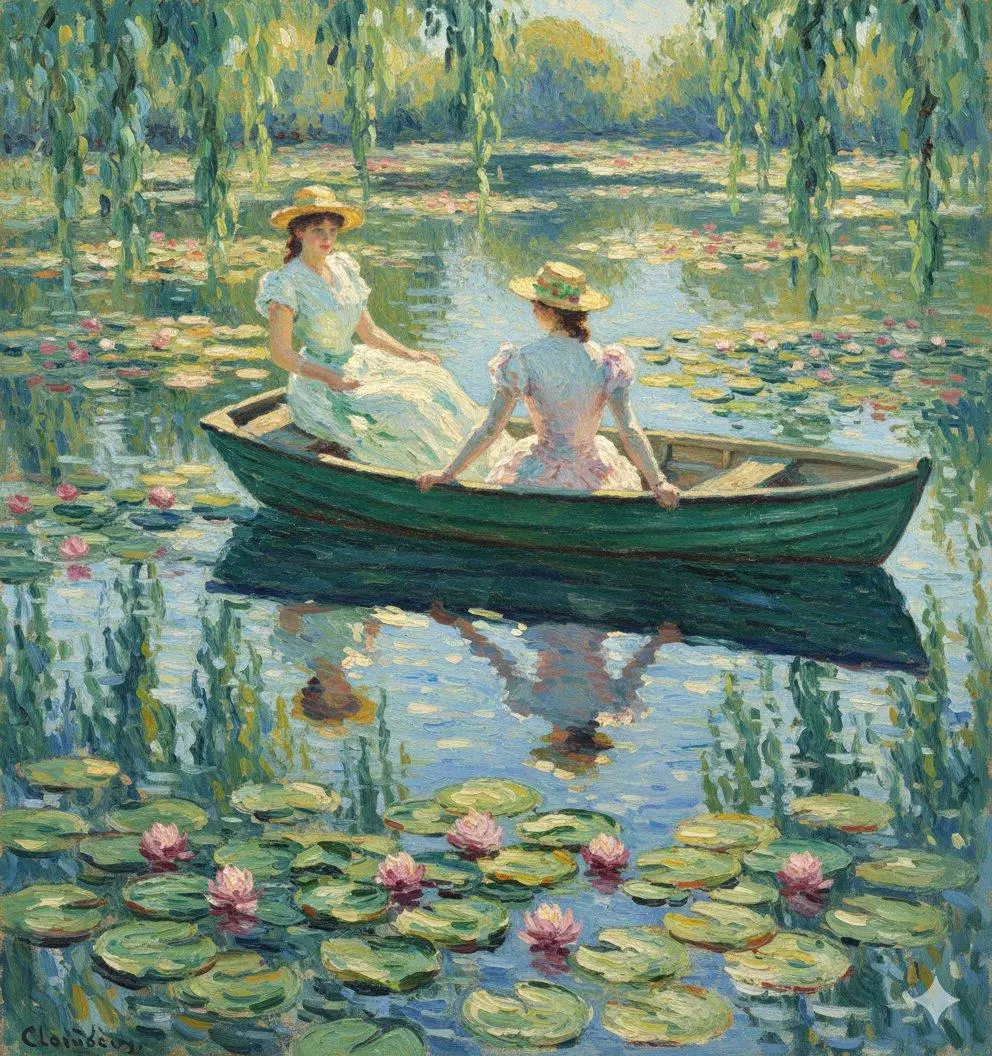
“Impressionist painting of a sunlit lily pond with a small wooden boat, short broken brushstrokes, shimmering reflections, soft greens, lilac and gold, dreamy summer afternoon”
“Stained glass window design of a peacock with spread tail feathers, jewel-toned panels in emerald, sapphire and gold, thick black lead lines, bright sunlight shining through, symmetrical composition,”
“Expressive charcoal drawing of an old fisherman with deep wrinkles and a knitted cap, strong contrast, smudged shadows, rough paper texture, loose gestural strokes, white chalk highlights,”
“Pop art portrait of a woman in sunglasses blowing a pink bubblegum bubble, bold halftone dots, thick black outlines, bright yellow, cyan and magenta color blocks, comic book style,”
“Low poly 3D render of a floating island with pine trees, a small waterfall and a wooden cabin, soft pastel colors, clean geometric shapes, bright sky background, isometric view,”
“Impressionist painting of a sunlit lily pond with a small wooden boat, short broken brushstrokes, shimmering reflections, soft greens, lilac and gold, dreamy summer afternoon”
“Stained glass window design of a peacock with spread tail feathers, jewel-toned panels in emerald, sapphire and gold, thick black lead lines, bright sunlight shining through, symmetrical composition,”
“Expressive charcoal drawing of an old fisherman with deep wrinkles and a knitted cap, strong contrast, smudged shadows, rough paper texture, loose gestural strokes, white chalk highlights,”
“Pop art portrait of a woman in sunglasses blowing a pink bubblegum bubble, bold halftone dots, thick black outlines, bright yellow, cyan and magenta color blocks, comic book style,”
“Low poly 3D render of a floating island with pine trees, a small waterfall and a wooden cabin, soft pastel colors, clean geometric shapes, bright sky background, isometric view,”
“Impressionist painting of a sunlit lily pond with a small wooden boat, short broken brushstrokes, shimmering reflections, soft greens, lilac and gold, dreamy summer afternoon”
“Stained glass window design of a peacock with spread tail feathers, jewel-toned panels in emerald, sapphire and gold, thick black lead lines, bright sunlight shining through, symmetrical composition,”
“Expressive charcoal drawing of an old fisherman with deep wrinkles and a knitted cap, strong contrast, smudged shadows, rough paper texture, loose gestural strokes, white chalk highlights,”
“Pop art portrait of a woman in sunglasses blowing a pink bubblegum bubble, bold halftone dots, thick black outlines, bright yellow, cyan and magenta color blocks, comic book style,”
“Low poly 3D render of a floating island with pine trees, a small waterfall and a wooden cabin, soft pastel colors, clean geometric shapes, bright sky background, isometric view,”
“Impressionist painting of a sunlit lily pond with a small wooden boat, short broken brushstrokes, shimmering reflections, soft greens, lilac and gold, dreamy summer afternoon”
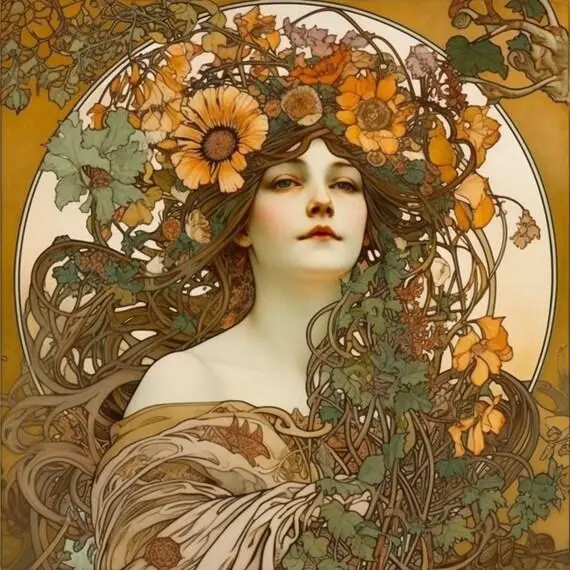

“Art nouveau poster of a woman surrounded by swirling vines and sunflowers, flowing decorative lines, ornate circular frame, muted gold, sage and cream palette, flat elegant illustration”
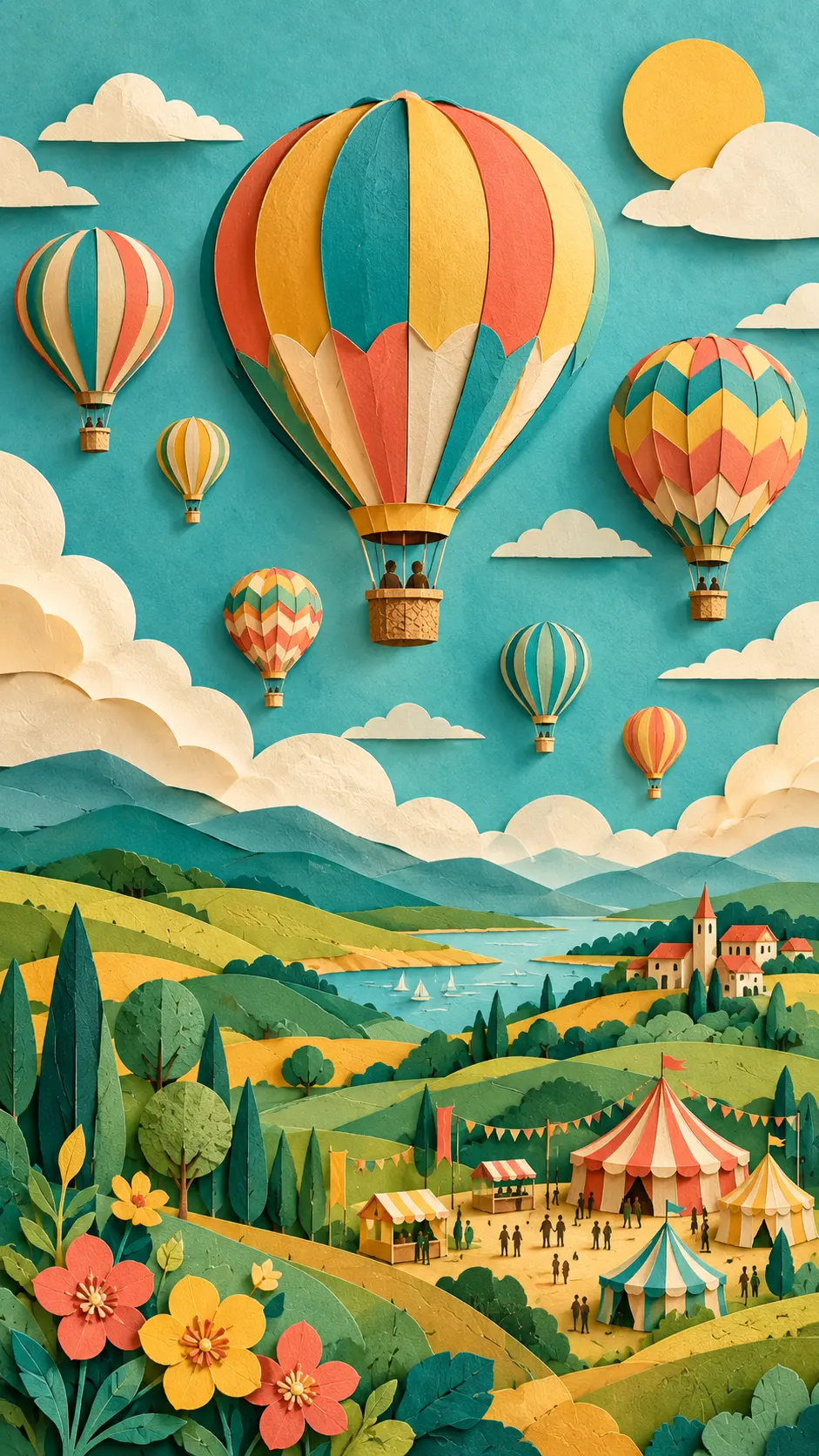
“Layered paper cut art of a hot air balloon festival over rolling hills, 3D depth with soft shadows between layers, bright teal, coral and yellow palette, handcrafted look”
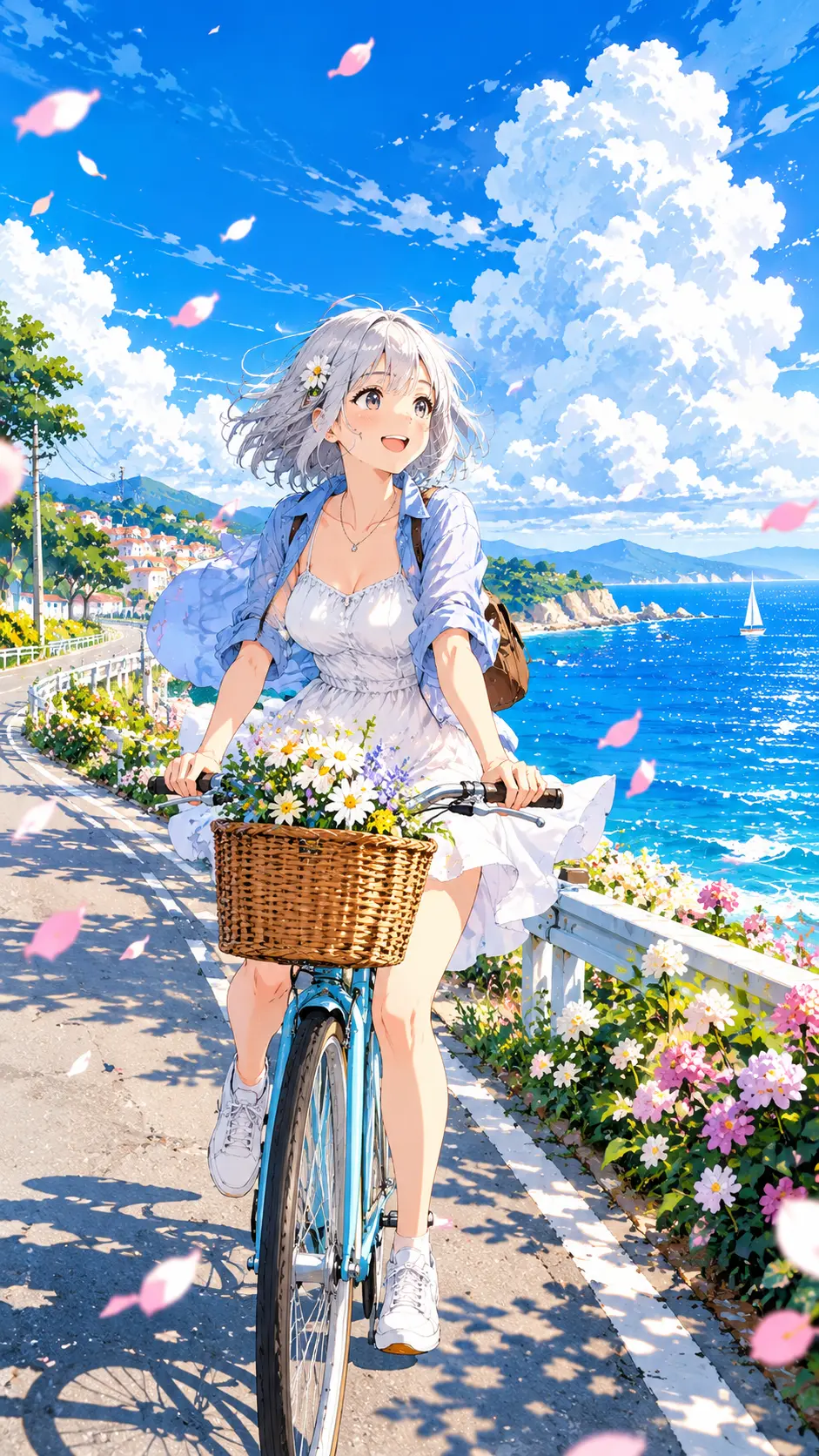
“Anime illustration of a girl with short silver hair riding a bicycle along a seaside road in summer, bright blue sky with tall white clouds, flower petals in the air, clean line art, vibrant cel shading, cheerful mood”
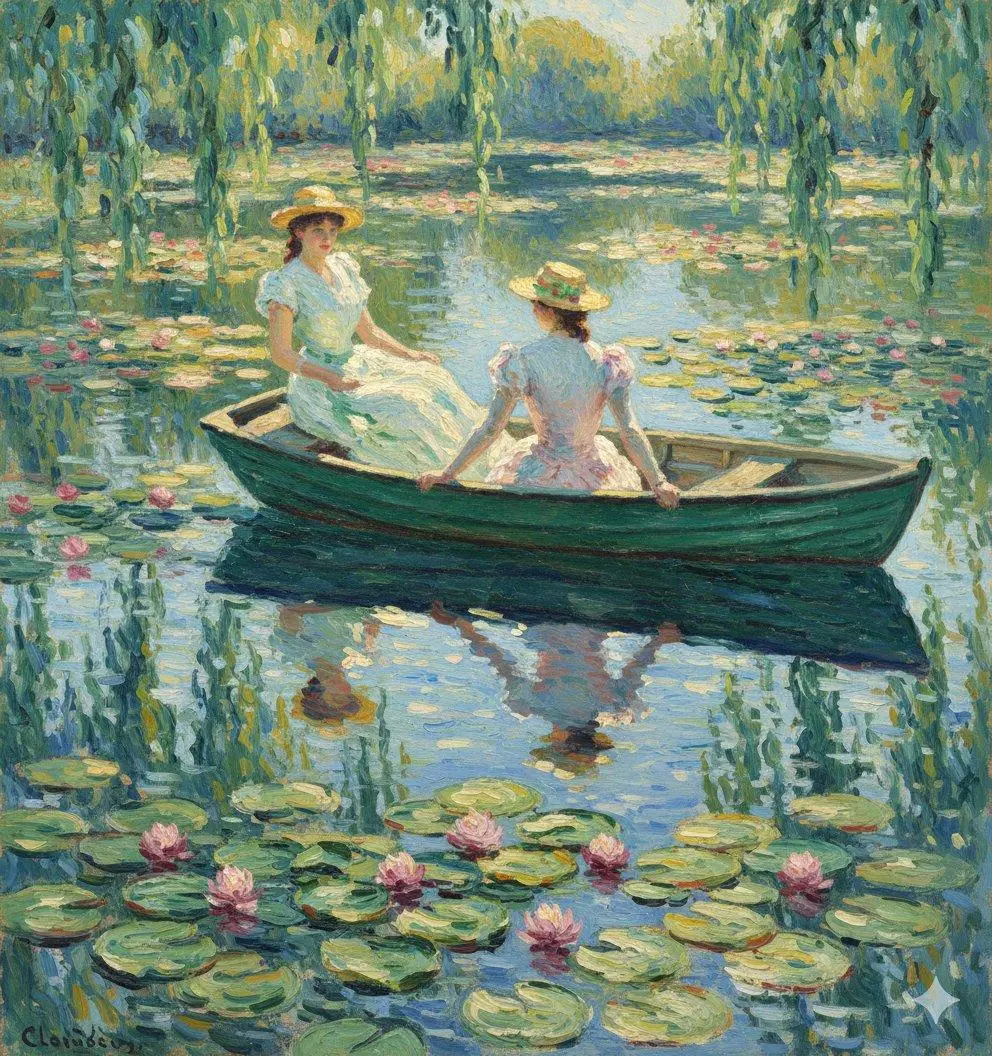

“Impressionist painting of a sunlit lily pond with a small wooden boat, short broken brushstrokes, shimmering reflections, soft greens, lilac and gold, dreamy summer afternoon”
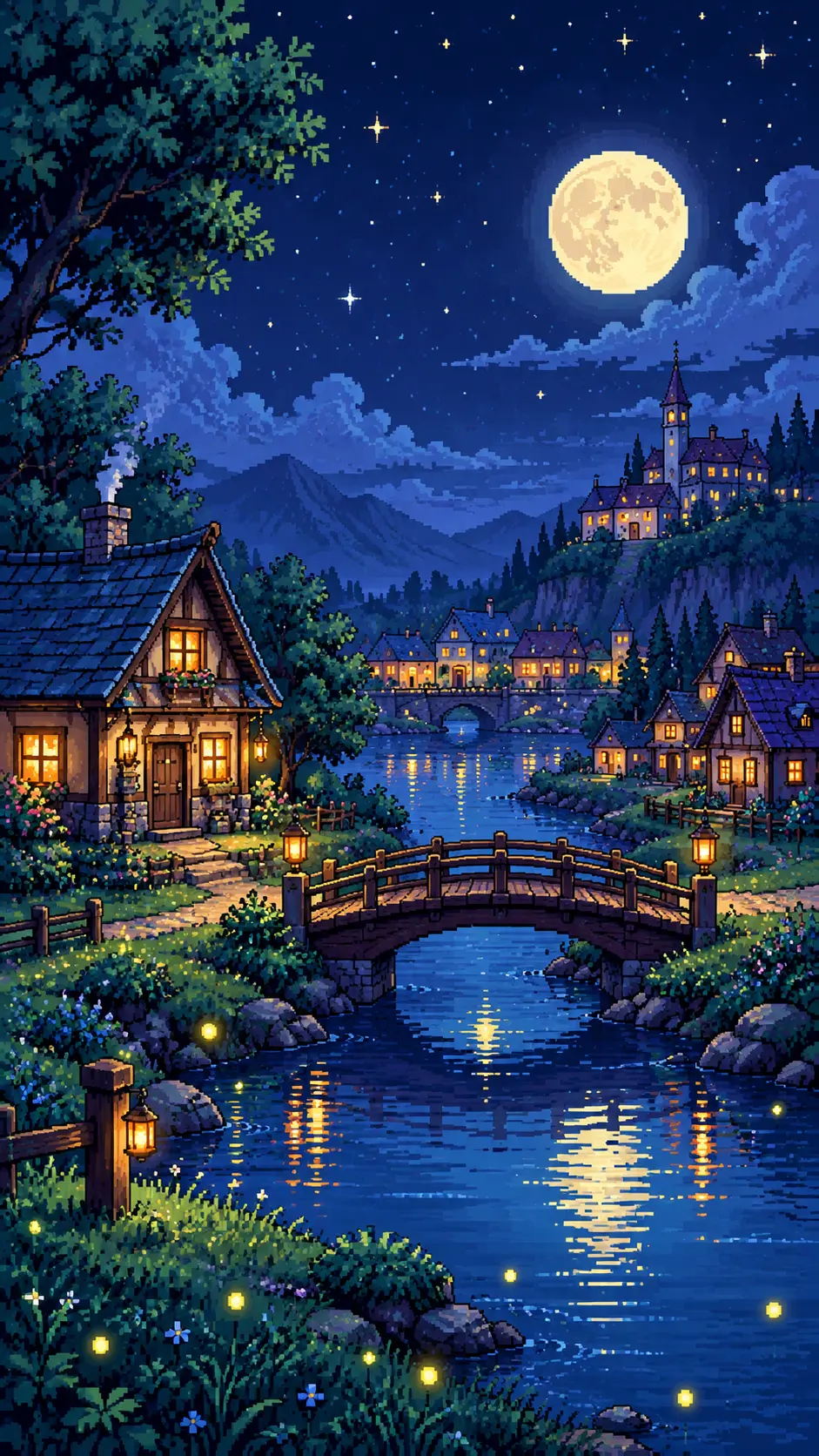

“16-bit pixel art of a cozy village at night with glowing windows, a small wooden bridge over a river, fireflies, a full moon and starry sky, limited retro color palette, crisp pixels, side view game scene,”
“Art nouveau poster of a woman surrounded by swirling vines and sunflowers, flowing decorative lines, ornate circular frame, muted gold, sage and cream palette, flat elegant illustration”
“Layered paper cut art of a hot air balloon festival over rolling hills, 3D depth with soft shadows between layers, bright teal, coral and yellow palette, handcrafted look”
“Anime illustration of a girl with short silver hair riding a bicycle along a seaside road in summer, bright blue sky with tall white clouds, flower petals in the air, clean line art, vibrant cel shading, cheerful mood”
“Impressionist painting of a sunlit lily pond with a small wooden boat, short broken brushstrokes, shimmering reflections, soft greens, lilac and gold, dreamy summer afternoon”
“16-bit pixel art of a cozy village at night with glowing windows, a small wooden bridge over a river, fireflies, a full moon and starry sky, limited retro color palette, crisp pixels, side view game scene,”
“Art nouveau poster of a woman surrounded by swirling vines and sunflowers, flowing decorative lines, ornate circular frame, muted gold, sage and cream palette, flat elegant illustration”
“Layered paper cut art of a hot air balloon festival over rolling hills, 3D depth with soft shadows between layers, bright teal, coral and yellow palette, handcrafted look”
“Anime illustration of a girl with short silver hair riding a bicycle along a seaside road in summer, bright blue sky with tall white clouds, flower petals in the air, clean line art, vibrant cel shading, cheerful mood”
“Impressionist painting of a sunlit lily pond with a small wooden boat, short broken brushstrokes, shimmering reflections, soft greens, lilac and gold, dreamy summer afternoon”
“16-bit pixel art of a cozy village at night with glowing windows, a small wooden bridge over a river, fireflies, a full moon and starry sky, limited retro color palette, crisp pixels, side view game scene,”
“Art nouveau poster of a woman surrounded by swirling vines and sunflowers, flowing decorative lines, ornate circular frame, muted gold, sage and cream palette, flat elegant illustration”
“Layered paper cut art of a hot air balloon festival over rolling hills, 3D depth with soft shadows between layers, bright teal, coral and yellow palette, handcrafted look”
“Anime illustration of a girl with short silver hair riding a bicycle along a seaside road in summer, bright blue sky with tall white clouds, flower petals in the air, clean line art, vibrant cel shading, cheerful mood”
“Impressionist painting of a sunlit lily pond with a small wooden boat, short broken brushstrokes, shimmering reflections, soft greens, lilac and gold, dreamy summer afternoon”
“16-bit pixel art of a cozy village at night with glowing windows, a small wooden bridge over a river, fireflies, a full moon and starry sky, limited retro color palette, crisp pixels, side view game scene,”
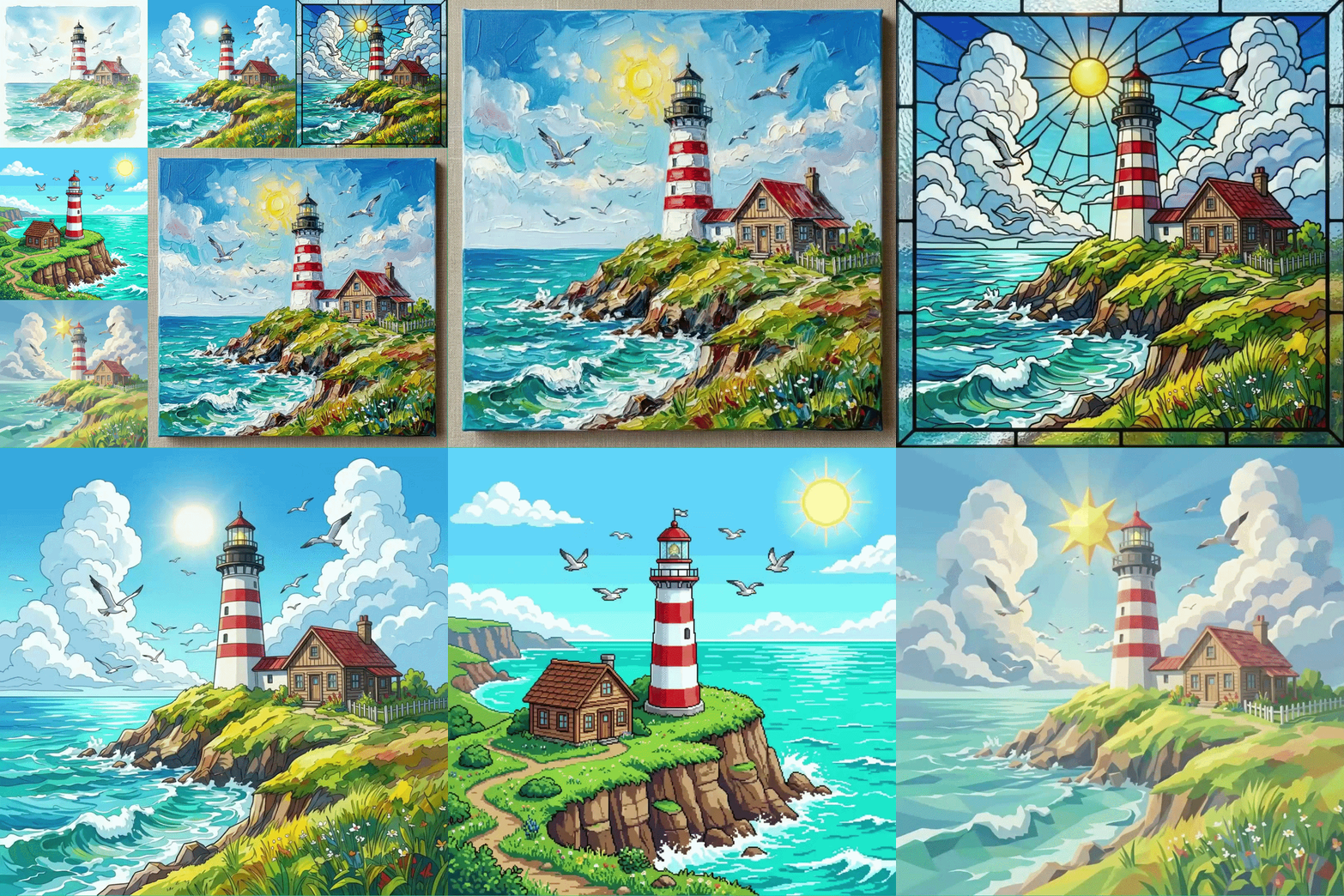
Create AI Art in Any Style
Turn Your Photos into Art
Choose the Right AI Model for Your Art
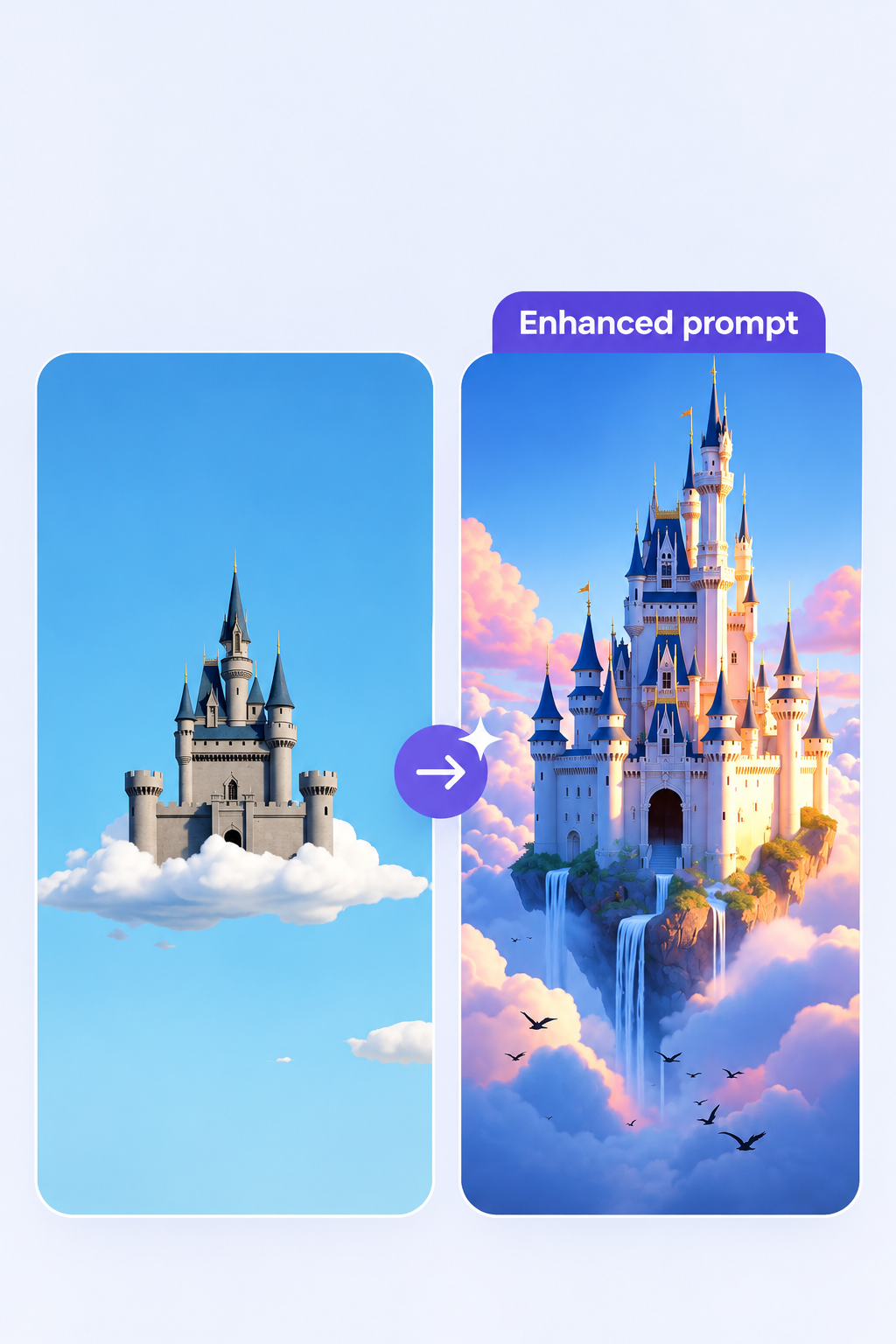
Write Better Prompts with Templix Bot
Bring Your AI Art to Life with Video
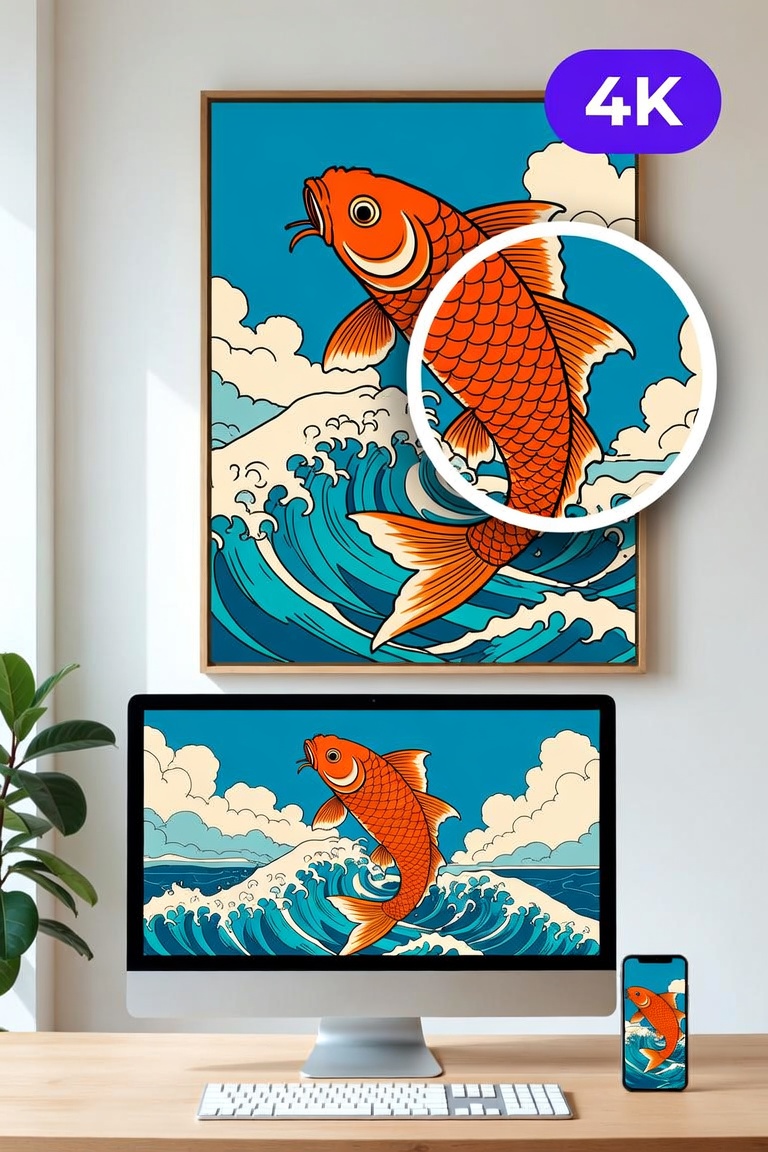
:Upscale Your Art to 4K for Prints and Wallpapers
Common questions about AI Art Generator
What is an AI art generator?
An AI art generator is a tool that creates artwork from a text description. You type what you want to see, such as "a fox in a snowy forest, watercolor style," and the AI paints a new image in seconds. Templix gives you several AI models and art styles in one place, so you can make paintings, anime, pixel art, and more without any drawing skills.
Is the Templix AI art generator free?
Yes, you can start for free. Sign up to get free coins, with no credit card needed. Each artwork uses coins based on the model and quality you choose. If you create often or want access to every model, a paid plan adds a monthly coin balance.
How do I create AI art with Templix?
First, type a short description of your idea. Next, choose an art style and an AI model, and set the aspect ratio. Then click Generate. When your art is ready, you can download it, create a new variation, upscale it to 4K, or turn it into a video.
What art styles can I create?
You can create almost any style by picking it in the generator or naming it in your prompt. Popular choices include watercolor, oil painting, anime, pixel art, charcoal sketch, pop art, stained glass, low poly 3D, and impressionist painting. For the best results, also describe the texture, like "thick brushstrokes on canvas" or "soft paper grain."
Can I turn my own photo into AI art?
Yes. Upload your photo as a reference image, then describe the style you want, such as "turn this into an oil painting." The AI keeps the main subject and shapes from your photo and redraws them in the new style. For a one-click cartoon version, try the AI Cartoon Generator.
Can I use or sell my AI art?
What you can do with your art depends on your plan and is explained in the Templix Commercial Terms. Check them before you sell prints or use art in ads. Also make sure your artwork does not show real people, famous characters, or brand logos. Copyright rules for AI art are still changing and differ from country to country.
How do I write a good AI art prompt?
Follow this simple order: subject, art style, colors, lighting, and mood. For example, "a lighthouse on a cliff, oil painting, bright blue and white, morning sun, calm" works much better than "a lighthouse." Naming the art medium, like watercolor or charcoal, has the biggest effect on the final look. If you get stuck, turn on Enhance prompt and Templix Bot will add the details.
Can I turn my AI art into a video?
Yes. Send your artwork to the Templix AI Video Generator to animate it with models like Kling 3.0, Seedance 2.5, or Google Veo 3.1. You can also use Motion Control to copy movement from another clip. It is an easy way to turn a still painting into a Reel or short video.