Free AI Video Generator
Templix's AI video generator creates and edits polished videos using text-to-video, image-to-video, and video-to-video tools, then lets you trim, extend, and add captions before you export. Generate from a single dashboard, in the format your platform needs — vertical or horizontal. Download your videos without a watermark, ready to post.
Community Creations
Made with AI Video Generator — start from any of them.

“Cinematic slow-motion shot of a 1920s British gangster walking toward the camera in an empty courtyard, wearing a flat newsboy cap, long dark wool overcoat, three-piece suit and tie, cigarette in mouth, hands in pockets, confident intimidating stride, huge explosion with orange fire and billowing grey smoke erupting behind him, old brick manor and stone gate pillars in background, overcast desaturated grading, teal and orange contrast, shallow depth of field, moody dramatic lighting, film grain, 1:1, slow motion”

“Cute 3D animated corgi puppy standing on hind legs on a muddy forest trail, wearing a small green and brown backpack, trying to push a tiny mud-covered motorbike stuck in the dirt, then rubbing its eyes with both paws and crying with mouth wide open, big expressive eyes, fluffy orange and white fur, blurred green jungle background, soft cinematic lighting, Pixar style, ultra detailed, 1:1”

“Cinematic action shot, a man in a black leather jacket and helmet riding a vintage scrambler motorcycle fast down a narrow dirt trail through a dense green forest, a giant T-rex chasing close behind with jaws open and teeth bared, dust and dirt kicking up, motion blur on the trees, sunbeams cutting through the canopy, low front-facing camera angle, tense chase energy, photorealistic, highly detailed,”
“Cinematic travel video, back view of a young woman with long brown hair in a ponytail, wearing an oversized white linen shirt, light denim shorts and hiking boots, walking through tall green grass toward the edge of a high mountain cliff, arms spread wide in freedom, breathtaking aerial view of a vast turquoise blue lake and distant shoreline far below, soft white clouds drifting beneath her, bright sunny day, wind in her hair, wide vertical shot, warm natural lighting, photorealistic,”

“Funny hyper-realistic video of a group of cats road-tripping inside a car, a tabby cat wearing blue sunglasses sitting in the driver's seat with one paw on the wooden steering wheel, mouth open singing, an orange tabby in the passenger seat with paws raised dancing, two more cats in the back seat vibing with paws up, warm car interior, blurred trees passing outside the windows, sunny daytime, handheld dashboard camera angle, photorealistic fur detail, playful party mood, 9:16”
“Cinematic slow-motion shot of a 1920s British gangster walking toward the camera in an empty courtyard, wearing a flat newsboy cap, long dark wool overcoat, three-piece suit and tie, cigarette in mouth, hands in pockets, confident intimidating stride, huge explosion with orange fire and billowing grey smoke erupting behind him, old brick manor and stone gate pillars in background, overcast desaturated grading, teal and orange contrast, shallow depth of field, moody dramatic lighting, film grain, 1:1, slow motion”
“Cute 3D animated corgi puppy standing on hind legs on a muddy forest trail, wearing a small green and brown backpack, trying to push a tiny mud-covered motorbike stuck in the dirt, then rubbing its eyes with both paws and crying with mouth wide open, big expressive eyes, fluffy orange and white fur, blurred green jungle background, soft cinematic lighting, Pixar style, ultra detailed, 1:1”
“Cinematic action shot, a man in a black leather jacket and helmet riding a vintage scrambler motorcycle fast down a narrow dirt trail through a dense green forest, a giant T-rex chasing close behind with jaws open and teeth bared, dust and dirt kicking up, motion blur on the trees, sunbeams cutting through the canopy, low front-facing camera angle, tense chase energy, photorealistic, highly detailed,”
“Cinematic travel video, back view of a young woman with long brown hair in a ponytail, wearing an oversized white linen shirt, light denim shorts and hiking boots, walking through tall green grass toward the edge of a high mountain cliff, arms spread wide in freedom, breathtaking aerial view of a vast turquoise blue lake and distant shoreline far below, soft white clouds drifting beneath her, bright sunny day, wind in her hair, wide vertical shot, warm natural lighting, photorealistic,”
“Funny hyper-realistic video of a group of cats road-tripping inside a car, a tabby cat wearing blue sunglasses sitting in the driver's seat with one paw on the wooden steering wheel, mouth open singing, an orange tabby in the passenger seat with paws raised dancing, two more cats in the back seat vibing with paws up, warm car interior, blurred trees passing outside the windows, sunny daytime, handheld dashboard camera angle, photorealistic fur detail, playful party mood, 9:16”
“Cinematic slow-motion shot of a 1920s British gangster walking toward the camera in an empty courtyard, wearing a flat newsboy cap, long dark wool overcoat, three-piece suit and tie, cigarette in mouth, hands in pockets, confident intimidating stride, huge explosion with orange fire and billowing grey smoke erupting behind him, old brick manor and stone gate pillars in background, overcast desaturated grading, teal and orange contrast, shallow depth of field, moody dramatic lighting, film grain, 1:1, slow motion”
“Cute 3D animated corgi puppy standing on hind legs on a muddy forest trail, wearing a small green and brown backpack, trying to push a tiny mud-covered motorbike stuck in the dirt, then rubbing its eyes with both paws and crying with mouth wide open, big expressive eyes, fluffy orange and white fur, blurred green jungle background, soft cinematic lighting, Pixar style, ultra detailed, 1:1”
“Cinematic action shot, a man in a black leather jacket and helmet riding a vintage scrambler motorcycle fast down a narrow dirt trail through a dense green forest, a giant T-rex chasing close behind with jaws open and teeth bared, dust and dirt kicking up, motion blur on the trees, sunbeams cutting through the canopy, low front-facing camera angle, tense chase energy, photorealistic, highly detailed,”
“Cinematic travel video, back view of a young woman with long brown hair in a ponytail, wearing an oversized white linen shirt, light denim shorts and hiking boots, walking through tall green grass toward the edge of a high mountain cliff, arms spread wide in freedom, breathtaking aerial view of a vast turquoise blue lake and distant shoreline far below, soft white clouds drifting beneath her, bright sunny day, wind in her hair, wide vertical shot, warm natural lighting, photorealistic,”
“Funny hyper-realistic video of a group of cats road-tripping inside a car, a tabby cat wearing blue sunglasses sitting in the driver's seat with one paw on the wooden steering wheel, mouth open singing, an orange tabby in the passenger seat with paws raised dancing, two more cats in the back seat vibing with paws up, warm car interior, blurred trees passing outside the windows, sunny daytime, handheld dashboard camera angle, photorealistic fur detail, playful party mood, 9:16”
“Cinematic slow-motion shot of a 1920s British gangster walking toward the camera in an empty courtyard, wearing a flat newsboy cap, long dark wool overcoat, three-piece suit and tie, cigarette in mouth, hands in pockets, confident intimidating stride, huge explosion with orange fire and billowing grey smoke erupting behind him, old brick manor and stone gate pillars in background, overcast desaturated grading, teal and orange contrast, shallow depth of field, moody dramatic lighting, film grain, 1:1, slow motion”
“Cute 3D animated corgi puppy standing on hind legs on a muddy forest trail, wearing a small green and brown backpack, trying to push a tiny mud-covered motorbike stuck in the dirt, then rubbing its eyes with both paws and crying with mouth wide open, big expressive eyes, fluffy orange and white fur, blurred green jungle background, soft cinematic lighting, Pixar style, ultra detailed, 1:1”
“Cinematic action shot, a man in a black leather jacket and helmet riding a vintage scrambler motorcycle fast down a narrow dirt trail through a dense green forest, a giant T-rex chasing close behind with jaws open and teeth bared, dust and dirt kicking up, motion blur on the trees, sunbeams cutting through the canopy, low front-facing camera angle, tense chase energy, photorealistic, highly detailed,”
“Cinematic travel video, back view of a young woman with long brown hair in a ponytail, wearing an oversized white linen shirt, light denim shorts and hiking boots, walking through tall green grass toward the edge of a high mountain cliff, arms spread wide in freedom, breathtaking aerial view of a vast turquoise blue lake and distant shoreline far below, soft white clouds drifting beneath her, bright sunny day, wind in her hair, wide vertical shot, warm natural lighting, photorealistic,”
“Funny hyper-realistic video of a group of cats road-tripping inside a car, a tabby cat wearing blue sunglasses sitting in the driver's seat with one paw on the wooden steering wheel, mouth open singing, an orange tabby in the passenger seat with paws raised dancing, two more cats in the back seat vibing with paws up, warm car interior, blurred trees passing outside the windows, sunny daytime, handheld dashboard camera angle, photorealistic fur detail, playful party mood, 9:16”

“Cinematic close-up of a handsome young man with messy curly dark hair, light stubble and tortoiseshell sunglasses, wearing a black long-sleeve top and silver watch, sitting in a cream vintage convertible with tan leather luggage on the back seat, arm resting on the windshield frame, warm beige Mediterranean wall in background, golden hour sunlight, shallow depth of field, editorial fashion film, photorealistic”

“Extreme macro product video of a luxury steel sports watch with an integrated bracelet, deep olive green textured waffle dial, polished baton hour markers, slim silver and gold hands, date window and fluted crown, rotating slowly on a soft green background, studio lighting with sharp specular highlights on the brushed and polished case, shallow depth of field, premium watch commercial, photorealistic, ultra detailed, 9:16”

“Cinematic shot of a sleek black futuristic supercar with glowing headlights driving down a neon-lit cyberpunk city street at sunset, wet reflective asphalt, towering skyscrapers with glowing signage, then the car transforms into a giant humanoid battle mech with blue glowing eyes and chest reactor, standing tall in the middle of the street, dust and debris flying, surveillance drones hovering overhead, bystanders filming on phones, dramatic low-angle hero shot, volumetric light, photorealistic CGI”
“Surreal photorealistic hybrid of a massive cruise ship and a giant orange tabby cat, the ship's bow shaped as the cat's head with green eyes, whiskers and fluffy fur, decks and windows blending into striped fur, sailing across a calm deep blue ocean, clear sky, soft daylight, gentle wake and foam at the waterline, cinematic wide shot, ultra detailed,”
“Cinematic shot of a blonde woman superhero in a red cape and blue suit flying fast above a thick sea of white clouds, arm stretched forward, hair and cape whipping in the wind, bright blue sky above, warm sunlight on her face, dynamic side-tracking aerial camera, photorealistic,”
“Cinematic close-up of a handsome young man with messy curly dark hair, light stubble and tortoiseshell sunglasses, wearing a black long-sleeve top and silver watch, sitting in a cream vintage convertible with tan leather luggage on the back seat, arm resting on the windshield frame, warm beige Mediterranean wall in background, golden hour sunlight, shallow depth of field, editorial fashion film, photorealistic”
“Extreme macro product video of a luxury steel sports watch with an integrated bracelet, deep olive green textured waffle dial, polished baton hour markers, slim silver and gold hands, date window and fluted crown, rotating slowly on a soft green background, studio lighting with sharp specular highlights on the brushed and polished case, shallow depth of field, premium watch commercial, photorealistic, ultra detailed, 9:16”
“Cinematic shot of a sleek black futuristic supercar with glowing headlights driving down a neon-lit cyberpunk city street at sunset, wet reflective asphalt, towering skyscrapers with glowing signage, then the car transforms into a giant humanoid battle mech with blue glowing eyes and chest reactor, standing tall in the middle of the street, dust and debris flying, surveillance drones hovering overhead, bystanders filming on phones, dramatic low-angle hero shot, volumetric light, photorealistic CGI”
“Surreal photorealistic hybrid of a massive cruise ship and a giant orange tabby cat, the ship's bow shaped as the cat's head with green eyes, whiskers and fluffy fur, decks and windows blending into striped fur, sailing across a calm deep blue ocean, clear sky, soft daylight, gentle wake and foam at the waterline, cinematic wide shot, ultra detailed,”
“Cinematic shot of a blonde woman superhero in a red cape and blue suit flying fast above a thick sea of white clouds, arm stretched forward, hair and cape whipping in the wind, bright blue sky above, warm sunlight on her face, dynamic side-tracking aerial camera, photorealistic,”
“Cinematic close-up of a handsome young man with messy curly dark hair, light stubble and tortoiseshell sunglasses, wearing a black long-sleeve top and silver watch, sitting in a cream vintage convertible with tan leather luggage on the back seat, arm resting on the windshield frame, warm beige Mediterranean wall in background, golden hour sunlight, shallow depth of field, editorial fashion film, photorealistic”
“Extreme macro product video of a luxury steel sports watch with an integrated bracelet, deep olive green textured waffle dial, polished baton hour markers, slim silver and gold hands, date window and fluted crown, rotating slowly on a soft green background, studio lighting with sharp specular highlights on the brushed and polished case, shallow depth of field, premium watch commercial, photorealistic, ultra detailed, 9:16”
“Cinematic shot of a sleek black futuristic supercar with glowing headlights driving down a neon-lit cyberpunk city street at sunset, wet reflective asphalt, towering skyscrapers with glowing signage, then the car transforms into a giant humanoid battle mech with blue glowing eyes and chest reactor, standing tall in the middle of the street, dust and debris flying, surveillance drones hovering overhead, bystanders filming on phones, dramatic low-angle hero shot, volumetric light, photorealistic CGI”
“Surreal photorealistic hybrid of a massive cruise ship and a giant orange tabby cat, the ship's bow shaped as the cat's head with green eyes, whiskers and fluffy fur, decks and windows blending into striped fur, sailing across a calm deep blue ocean, clear sky, soft daylight, gentle wake and foam at the waterline, cinematic wide shot, ultra detailed,”
“Cinematic shot of a blonde woman superhero in a red cape and blue suit flying fast above a thick sea of white clouds, arm stretched forward, hair and cape whipping in the wind, bright blue sky above, warm sunlight on her face, dynamic side-tracking aerial camera, photorealistic,”
“Cinematic close-up of a handsome young man with messy curly dark hair, light stubble and tortoiseshell sunglasses, wearing a black long-sleeve top and silver watch, sitting in a cream vintage convertible with tan leather luggage on the back seat, arm resting on the windshield frame, warm beige Mediterranean wall in background, golden hour sunlight, shallow depth of field, editorial fashion film, photorealistic”
“Extreme macro product video of a luxury steel sports watch with an integrated bracelet, deep olive green textured waffle dial, polished baton hour markers, slim silver and gold hands, date window and fluted crown, rotating slowly on a soft green background, studio lighting with sharp specular highlights on the brushed and polished case, shallow depth of field, premium watch commercial, photorealistic, ultra detailed, 9:16”
“Cinematic shot of a sleek black futuristic supercar with glowing headlights driving down a neon-lit cyberpunk city street at sunset, wet reflective asphalt, towering skyscrapers with glowing signage, then the car transforms into a giant humanoid battle mech with blue glowing eyes and chest reactor, standing tall in the middle of the street, dust and debris flying, surveillance drones hovering overhead, bystanders filming on phones, dramatic low-angle hero shot, volumetric light, photorealistic CGI”
“Surreal photorealistic hybrid of a massive cruise ship and a giant orange tabby cat, the ship's bow shaped as the cat's head with green eyes, whiskers and fluffy fur, decks and windows blending into striped fur, sailing across a calm deep blue ocean, clear sky, soft daylight, gentle wake and foam at the waterline, cinematic wide shot, ultra detailed,”
“Cinematic shot of a blonde woman superhero in a red cape and blue suit flying fast above a thick sea of white clouds, arm stretched forward, hair and cape whipping in the wind, bright blue sky above, warm sunlight on her face, dynamic side-tracking aerial camera, photorealistic,”
Generate Video From Text, an Image, or a Clip
Text to Video Generator
Free Image to Video AI
Why Templix Is The Best AI Video Generator?
Create Video Ads That Actually Sell
Generate UGC That Feels Realistic
Create AI Videos for Social Media That Stands Out
Turn Your Ideas into Movie Stories
How To Make AI Videos Instantly?
Add Input
Video Configuration
Generate & Edit
Common questions about AI Video Generator
What is an AI video generator?
An AI video generator is a tool that turns a text prompt, an image, or an existing clip into a finished video using AI models trained to handle motion, scene composition, and pacing automatically so you don't need editing software or production experience to get a usable result.
How do I make a video from a photo?
Upload your image to the image to video AI, then write a short prompt describing the motion you want a pan, a push-in, a subject turning toward camera. The AI handles the rest and keeps the subject consistent across the clip.
How do I make a video from text?
Open the text to video AI and describe the shot: subject, setting, camera movement, and mood. The more specific the prompt, the closer the output matches what you had in mind.
Can I edit a video after generating it?
Yes. Once a clip is generated, you can extend it, restyle it, or make adjustments using Templix's AI video editing tools rather than starting the generation over.
Can I use AI-generated videos for social media?
yes generate directly in the aspect ratio your platform needs (vertical for TikTok and Reels, horizontal for YouTube) and export ready to post.
More resources
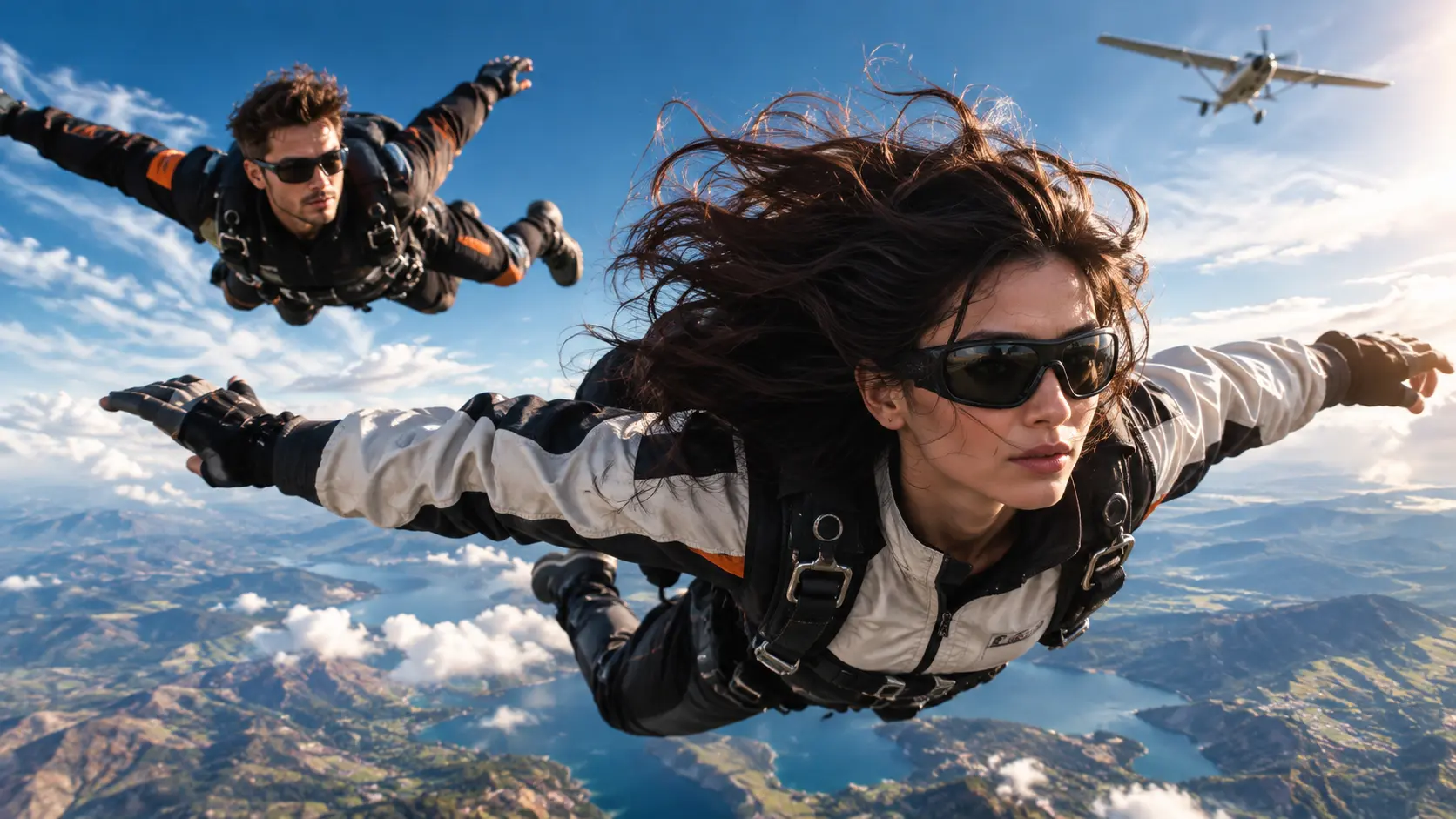
8 Best AI Video Generators for Unlimited-Style Creation
A ranked comparison of the eight leading AI video plans for creators who want unlimited-style creative freedom, covering what each plan actually delivers, what constrains it, and where each one fits. Templix leads on multi-model breadth and transparent per-generation pricing, followed by the current unlimited plans from Higgsfield, Midjourney, Hailuo, Magnific, Adobe Firefly, Vidu, and Runway.

How to Make Money with UGC: 7 Revenue Streams for Creators
Seven practical ways UGC creators build sustainable income, from starting brand deals through scaling with AI production. Real rate structures, licensing frameworks, and how Templix Ad Studio fits into a modern UGC production workflow with 40+ video models under one subscription.
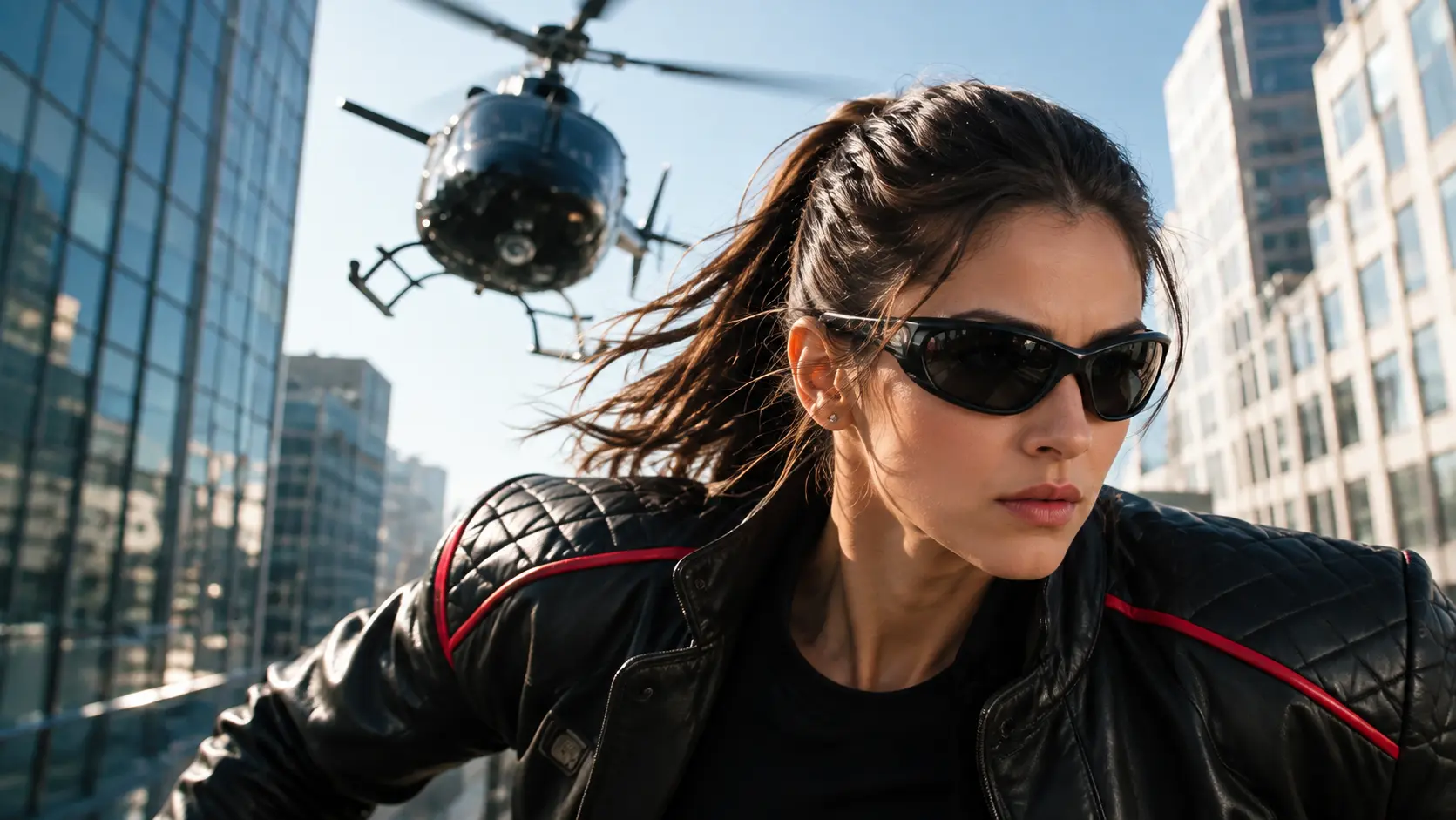
Annual AI Video Plans Compared: Unlimited vs Credit-Based Models
A practical comparison of how the leading AI video platforms structure their annual subscriptions. Nine platforms including Templix, Higgsfield, Adobe Firefly, Runway, Kling, Luma, Midjourney, Hailuo, and Google, covering unlimited plans, credit-based plans, and how to pick the structure that fits your production style.

How to Use Grok Imagine Video 1.5 on Templix and xAI: Complete Guide
Grok Imagine Video 1.5 is one of the strongest image-to-video models available today. This guide walks through the full production workflow on both xAI's native platform and Templix, including prompt structure, settings, video extension, and how to decide which platform fits your work.

Grok Imagine Overview: xAI's Image Generation Model, Now on Templix
A practical overview of Grok Imagine, xAI's image generation model, covering what it does well, where it fits in professional creative workflows, and how it slots into Templix alongside Nano Banana 2, Ideogram v4, Flux 2 Pro, and the rest of the image model library.

Ideogram v4 Overview: The Open-Weight Design Model, Now on Templix
A complete breakdown of Ideogram v4, the design-focused image model with native 2K resolution, JSON-driven layout control, and best-in-class text rendering. Available on Templix as one of six image models under a single subscription.

12 AI Tools for Creating Instagram Reels All Inside Templix
Producing Reels consistently is a workflow problem, not a talent problem. These twelve AI tools inside Templix cover the full path from concept to published Reel: generation, editing, enhancement, packaging, and publishing under one subscription without switching between platforms.

Google Veo 3.1 Pricing: A Complete Breakdown of Every Access Option
How much does Google Veo 3.1 actually cost? A practical comparison of every way to access Veo 3.1 (Google AI Pro, Google AI Ultra, Vertex AI, and Templix) with real per-video and per-second cost estimates.