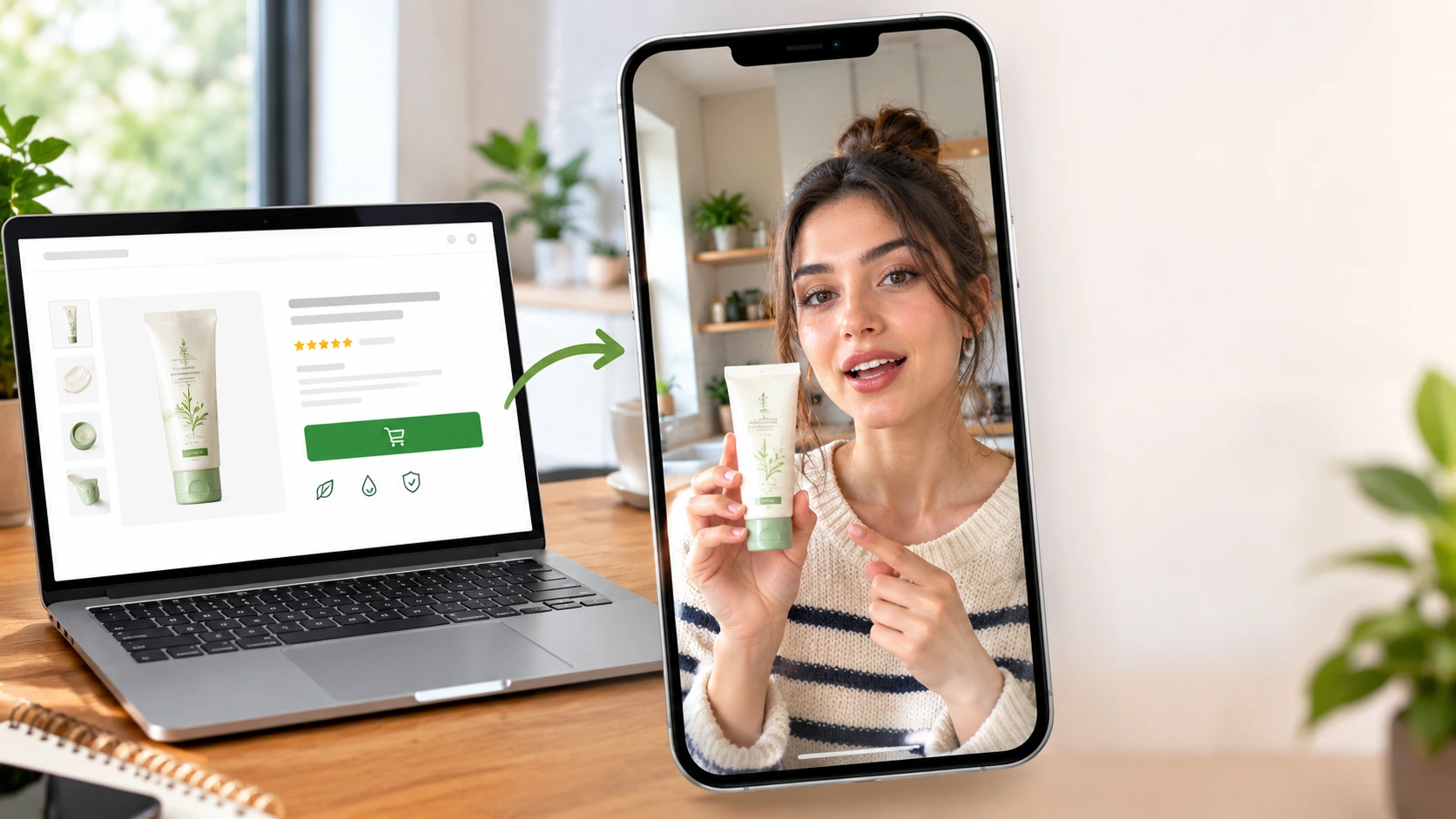
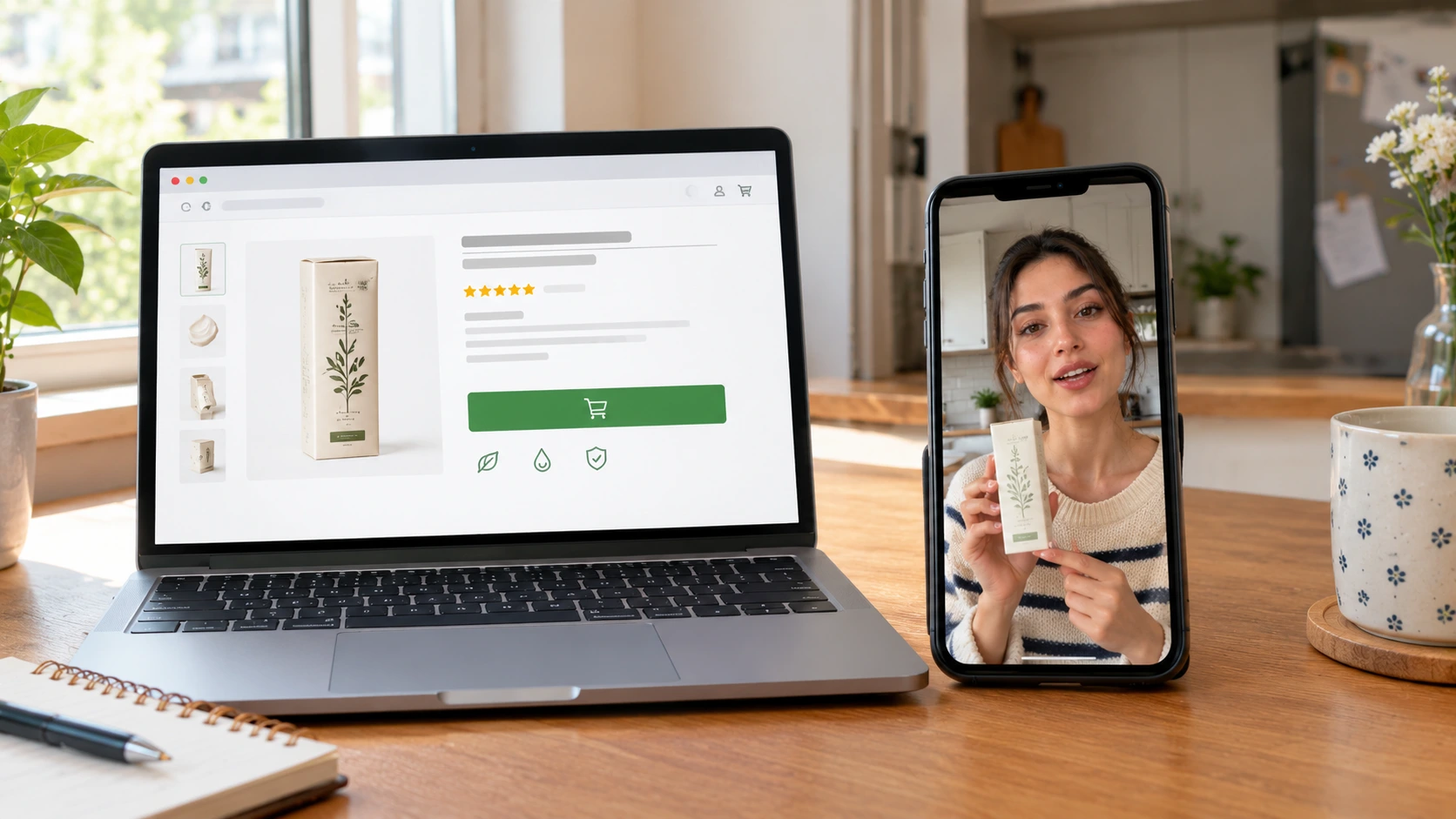
Shopify product page on a laptop next to a phone showing the same product in an AI UGC ad
Most Shopify stores have the same problem with ads. The product pages are fine. The product photos are fine. But the ads are either a packshot with text on it, which nobody stops for, or a creator video that cost $400 and took three weeks, which the store can afford for two products out of forty.
AI UGC ads close that gap. You already have the product photo on the product page. An AI UGC video generator turns that photo into a creator-style video ad: a person holding the product, talking about it, using it, in a real room. One ad per product, about $2 each, made in an afternoon.
This guide covers the full workflow for Shopify stores: which product image to use, how to build a creator who matches your buyer, the five ad types every store should run, the prompts, and how to scale it across a whole catalogue.
Why UGC ads work for Shopify stores
Shopify stores live on paid social. Meta and TikTok are where the traffic comes from, and on both platforms the ad that wins is the one that does not look like an ad.
UGC ads do three things a packshot ad cannot:
They show the product in a hand. Size, texture, how it opens, how it is held. The buyer learns more in two seconds than from six gallery images.
They answer the "would someone like me buy this" question. A creator who looks like the customer, in a room that looks like hers, is the strongest proof a store can show.
They feed the algorithm what it wants. Vertical, native, face-first video with a hook in the first second. That is what Meta and TikTok reward with cheaper impressions.
The reason most stores do not run them is cost and volume. One creator video per product is not possible at $400 each across forty SKUs. At $2 each, it is.
What you need before you start
Three things, and a Shopify store already has two of them.
1. The product image. Open the product page and download the cleanest gallery image: product alone, label readable, true colour, nothing touching it. A white-background shot is fine. This becomes @image2 in every prompt.
2. The product page copy. The title, the first two bullet points, and the top review if there is one. This is where the script comes from. Do not write a new pitch; the page already says what the product does and the reviews already say it in customer language.
3. A creator. This is the one thing you build. Open the UGC character generator or pick a ready face from the Community. Build her to match the buyer, not a model: age, style, the kind of room she films in. Ask for natural skin texture and one soft light source. Save the image. This becomes @image1, and it stays the same across every product so the store gets one recognisable face.
The 5 ad types every Shopify store should run
Different products need different ads. These five cover almost every catalogue.
1. The unboxing
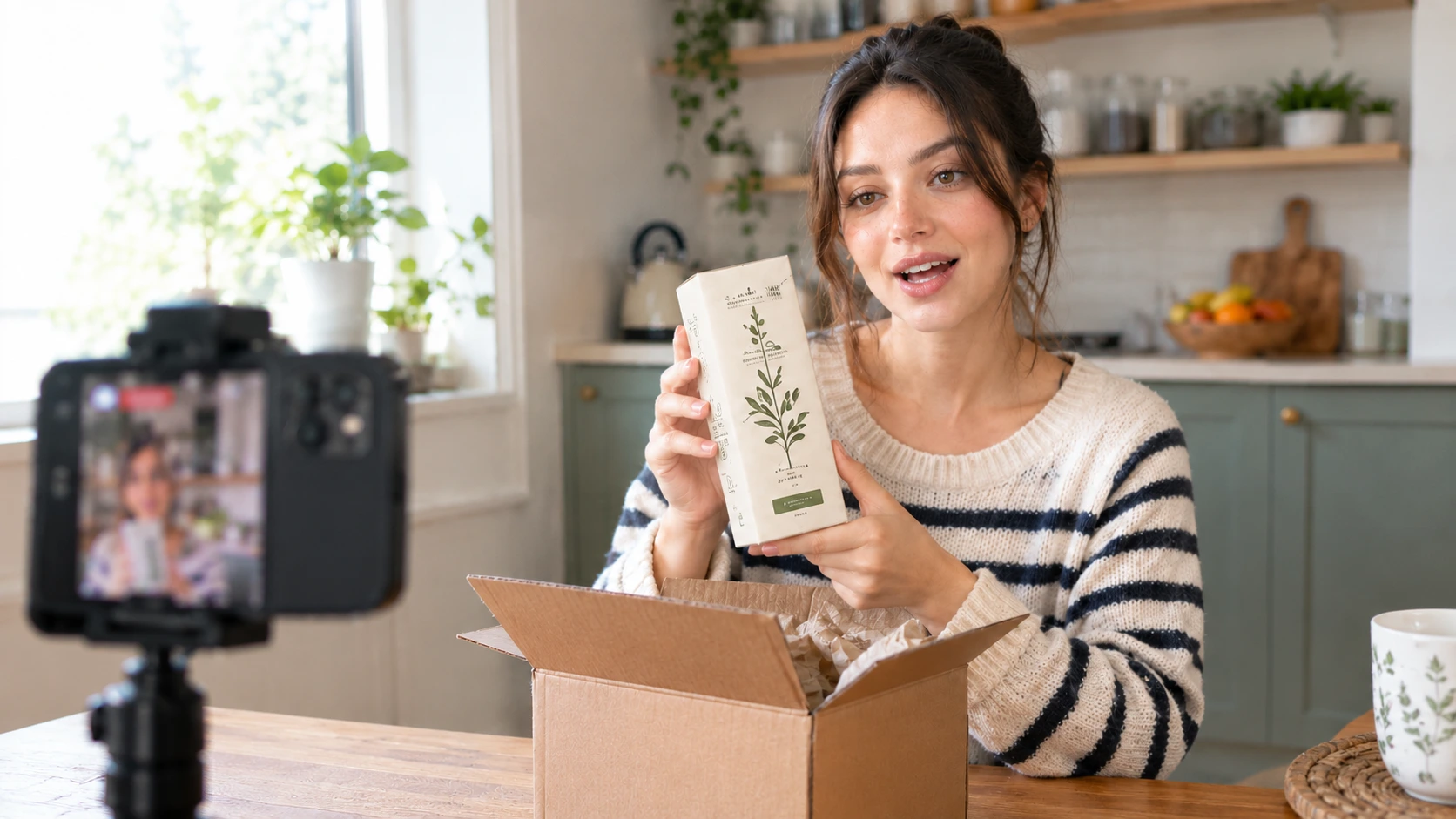
AI UGC creator unboxing a Shopify product at a kitchen table for a video ad
The creator opens the package on camera. This is the strongest ad for anything shipped in nice packaging, and for new stores where the viewer has never seen the brand. Proof the product is real, proof it arrives.
Prompt:
@image1 sits at a kitchen table, phone on a small tripod in front of
her, slightly off centre. She opens a plain shipping box, lifts out
@image2, turns it so the label faces the camera and says "okay this
just came and I have been waiting for it". She holds it up close for
two seconds, then sets it on the table and looks at the camera with a
small smile. Soft window light from the left, lived-in kitchen,
natural skin texture, casual speech with pauses. No studio lighting,
no beauty smoothing, no fast cuts.
2. The problem and fix
The creator names a problem in the first second, then shows the product solving it. Works for anything functional: kitchen tools, organisers, skincare, supplements, pet products.
Script structure: "If you [problem], this fixed it for me." Then the product, then one demo, then the result.
3. The feature point
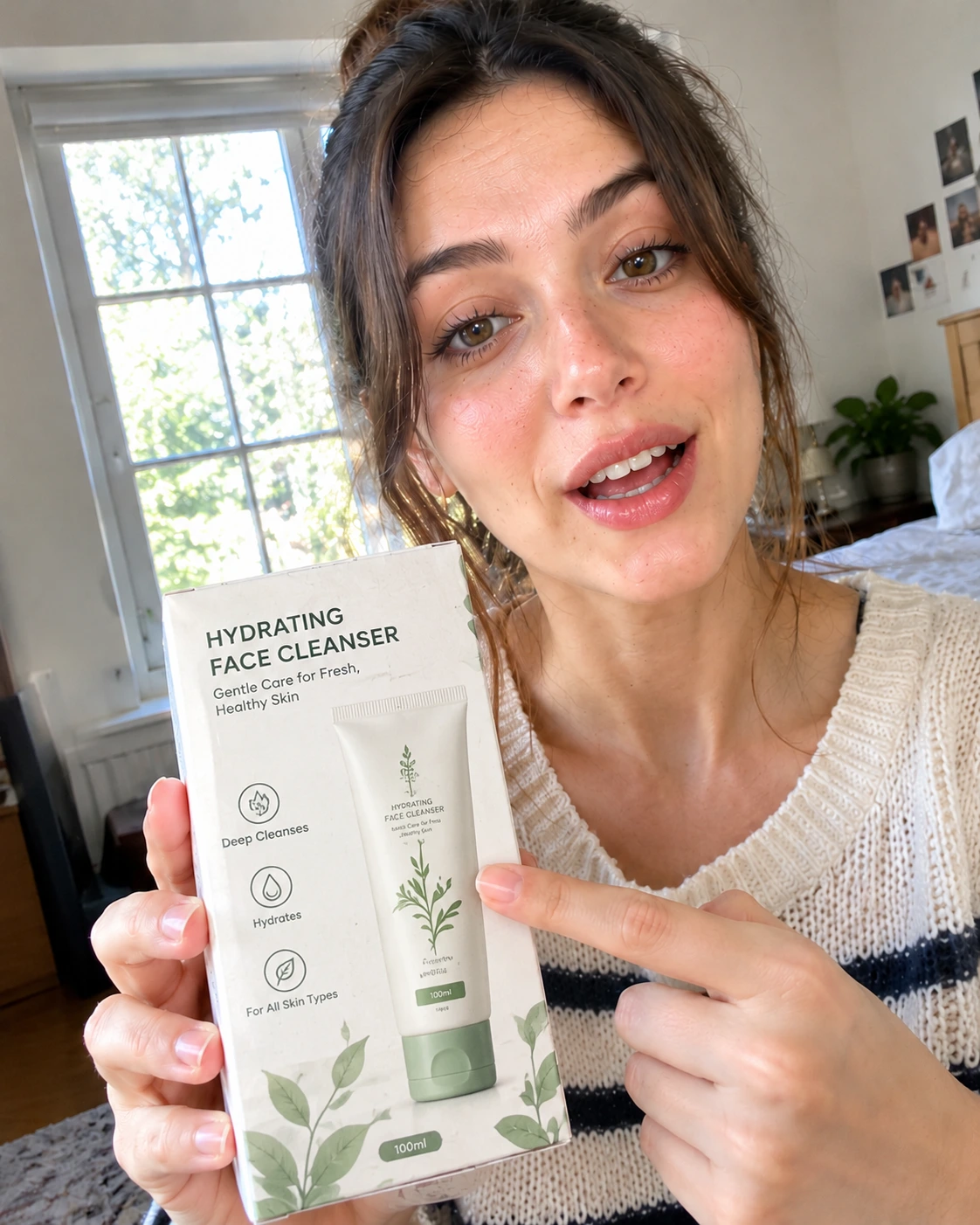
AI UGC creator pointing at a product feature in a close-up video ad frame
She holds the product up and points at one feature. The lid, the strap, the pump, the zip. One finger, one thing. This is the ad for products with a feature that sets them apart, and it is the most shared format on TikTok because it tells the viewer where to look.
Prompt:
@image1 holds @image2 up close to the phone camera so it fills the
lower half of the frame, points at one feature with her index finger
and says "this is the part nobody talks about". She explains it in one
sentence, then pulls the product back to chest height and nods.
Bedroom with a window behind her, daylight, handheld feel, natural
skin texture. No studio lighting, no beauty smoothing, label sharp
and readable.
4. The compare
The creator holds the product next to the one she used before. Works for anything with a known competitor or an obvious old version: the bulky one, the cheap one, the one that broke. No brand names needed; "the one I had before" is enough.
5. The restock
"I am on my third one of these." The creator shows the product as something she keeps buying. This is the ad for consumables and anything with repeat purchase: skincare, supplements, coffee, pet food, candles. Social proof without a review.
Make one of each for your top product, see which format wins, then roll that format across the catalogue.
Step by step: product page to ad
Step 1: Pull the assets. Product image from the gallery, title and first two bullets from the description, one review line. Five minutes.
Step 2: Write the script from the page. Hook from the problem the product solves, one line from the bullets, one line from the review. Fifteen seconds, short sentences, no brand name in the first line. Example for a kitchen organiser:
If your drawer looks like mine did, this is the fix.
It's one piece, it expands to fit, no screws.
I put it in this morning and I'm not going back.
Step 3: Open the ad generator. Go to the UGC ad generator, upload the creator as @image1 and the product as @image2, paste the script and the scene direction into the one prompt box. Choose the ad type from the five above and use its prompt as the base.
Step 4: Settings. 9:16, 720P, 15 seconds, sound effect on. 720P is enough for Meta and TikTok and keeps each attempt cheap.
Step 5: Generate and pick. Run three attempts. Keep the one where the label is sharp and the skin looks like skin. Cost for the finished ad is about $2.
Step 6: Make the stills. Use the UGC image generator with the same creator and product to make the hold shot and the in-use shot. These go in the product page gallery next to the packshot, and work as static ads and Pinterest pins.
Step 7: Keep her in the feed. Use the UGC video generator for the non-ad clips between campaigns: a shelf tour, a "what I ordered this month", a morning routine with the product in the background. The same face in organic content and in ads is what makes a store's creator feel like a real one.
Scaling across the catalogue
This is where the economics change for a Shopify store.
Same creator, every product. Lock the face once. Change only @image2 and the script. Forty products is forty afternoons of creator work, or one afternoon of AI work.
Same script, three hooks. For each product, keep the body and swap the first line. Run all three as separate ads and let Meta or TikTok pick the winner.
Seasonal refresh. Change the room, the outfit and the hook, keep the creator. A winter version and a summer version of the same ad in minutes.
Collection ads. One creator, three products from the same collection in one 20 second video. Good for bundles and "shop the look".
Market versions. Same product, same creator, script in a different language or with a different accent for each market the store ships to.
A store with forty products can have forty ads, three hooks each, for roughly the cost of one creator video.
Shopify product photos into UGC ads
Mistakes that make Shopify UGC ads fail
Using the lifestyle gallery image as the product reference. The generator needs the product alone. Use the packshot, not the styled shot.
Writing a new pitch. The product page and the reviews already have the language customers use. Copy it.
A different creator per product. The store ends up with forty faces and no brand. One creator, locked.
Opening on the product. Open on the face, product in hand. The product alone in the first frame is a packshot ad.
Glass skin. Ask for visible texture in every prompt. Retouched creators make the product look fake too.
Spoken "link in bio". On Meta and TikTok the ad has a button. The spoken CTA wastes two seconds and reads as an ad.
Running one ad and judging. Run three hooks per product minimum. The first attempt is rarely the winner.
Where to run them
Meta Advantage+ and TikTok paid. The main use. Three hooks per product, let the platform pick, refresh every two weeks.
Product page. The ad embedded above the fold, next to the gallery. The video answers "what is it like" before the viewer scrolls to reviews.
Shop and marketplace listings. Short video in the listing gallery where the platform allows it. Stores with video in listings get more clicks than stores without.
Email and SMS. The hold shot as the header image, the ad as the link.
Organic TikTok and Reels. Post the ad as-is with the hook as on-screen text. The feature point format and the unboxing travel furthest.
Frequently Asked Questions
Can I make UGC ads for Shopify products without hiring creators?
Yes. Use the product image from your product page as the product reference, build one AI creator who matches your buyer, and describe the ad in a prompt. The ad generator produces a 15 second creator-style video with your product in her hand, for around $2 per finished ad.
Which product image should I use for an AI UGC ad?
The cleanest gallery image: product alone, label readable, true colour, nothing touching it. A white-background packshot works best because the generator places the product into the scene you describe.
What kind of UGC ad works best for Shopify products?
It depends on the product. Unboxing for new stores and nice packaging, problem and fix for functional products, feature point for products with one standout detail, compare for products with a known alternative, and restock for consumables. Make one of each for your top product and roll the winner across the catalogue.
How do I keep the same creator across all my products?
Build the creator once, save the image, and use it as @image1 in every ad. Change only the product image and the script. Never regenerate the creator from text, because the face will drift.
How much does an AI UGC ad cost compared to a creator?
About $2 per finished ad across two or three attempts, no shipping, no usage rights, same day. A human creator for one Shopify product video is $150 to $500 plus product and shipping, with a two to three week turnaround.

Usman Khalid
Usman Khalid writes Templix's design and product content, covering API workflows and team collaboration to help developers and creators build smarter, faster experiences.