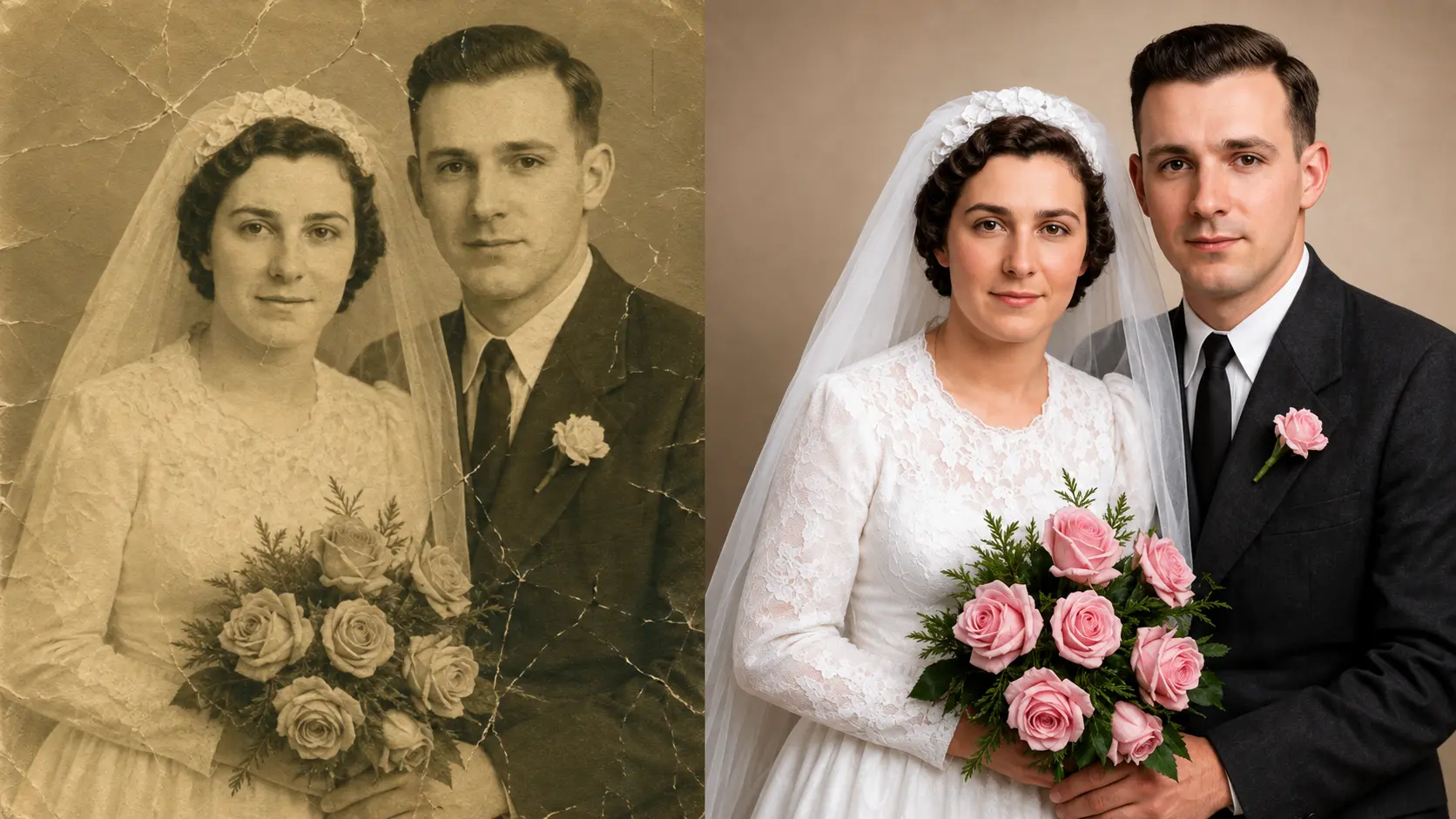
Old photos carry memories that cannot be replaced. Family portraits, childhood pictures, wedding photographs, and moments from decades ago often exist only in fragile printed form. Over time, these photos fade, lose colour, develop scratches, or even tear. Many people assume that once a photo is damaged, it is gone forever. That is no longer true.
Thanks to AI-powered photo restoration apps, restoring old photos has become easier, faster, and more accessible than ever. You no longer need professional editing skills or expensive software. With the right app, you can bring clarity, colour, and life back to old images in just a few minutes.
The biggest shift over the last two years has been in how these tools handle facial detail. Older restoration software could clean up backgrounds and remove scratches, but faces (the part of a photo that actually matters emotionally) often ended up looking artificial or blurred. Modern AI restoration tools have solved most of that problem, reconstructing eyes, skin, and hair in a way that keeps the person recognizable as themselves rather than as a smoothed approximation.
In this guide, we will explore the best apps to restore your old photos, focusing on tools that feel natural to use and deliver realistic results. These apps are designed for everyday people who want to preserve memories, not for professional photo editors only.
Why Old Photo Restoration Matters Today
Old photos fade for many reasons. Time, sunlight, humidity, poor storage, and low-quality printing all play a role. Some photos lose contrast and detail. Others develop scratches, stains, or cracks. Black and white photos may look dull or flat, while early colour photos often shift into unnatural tones.
Restoring these photos is not just about looks. It is about preserving history and emotions. A restored photo allows you to reconnect with moments and people who may no longer be around. That is why photo restoration apps are becoming so popular.
Modern AI photo restoration tools use trained models to understand faces, textures, lighting, and colours. They can rebuild missing details, remove damage, sharpen blurry areas, and even add natural-looking colour. What once took hours now takes seconds.
1. Templix Photo Restoration
Templix Photo Restoration is one of the most advanced and user-friendly tools available today for restoring old photos. It stands out because it does not just fix damage, it brings photos back to life while keeping them realistic.
The process is simple. You upload your old or damaged photo, and the AI automatically starts restoring it. It removes scratches, repairs cracks, improves clarity, and enhances facial details. The results feel natural rather than over-processed, which is important when dealing with personal memories.
One of the strongest features of Templix Photo Restoration is how well it handles faces. Old portraits often lose sharpness around eyes, skin, and hair. This tool carefully restores those areas while keeping the person looking real, not artificial.
It also works well with faded photos. Colours are balanced gently, contrast is improved, and details become clearer without changing the original feel of the image. Even black and white photos benefit from improved clarity and depth.
Another big advantage is ease of use. You do not need to adjust settings or understand editing tools. Everything is designed to work automatically, which makes it perfect for beginners and casual users. Free credits on signup mean you can restore your first photos at no cost before committing to a paid plan.
Templix Photo Restoration is ideal for family photo archives, personal memory preservation, and anyone who wants high-quality restoration without technical effort.
Restore Old Photos With AI Free
2. Remini
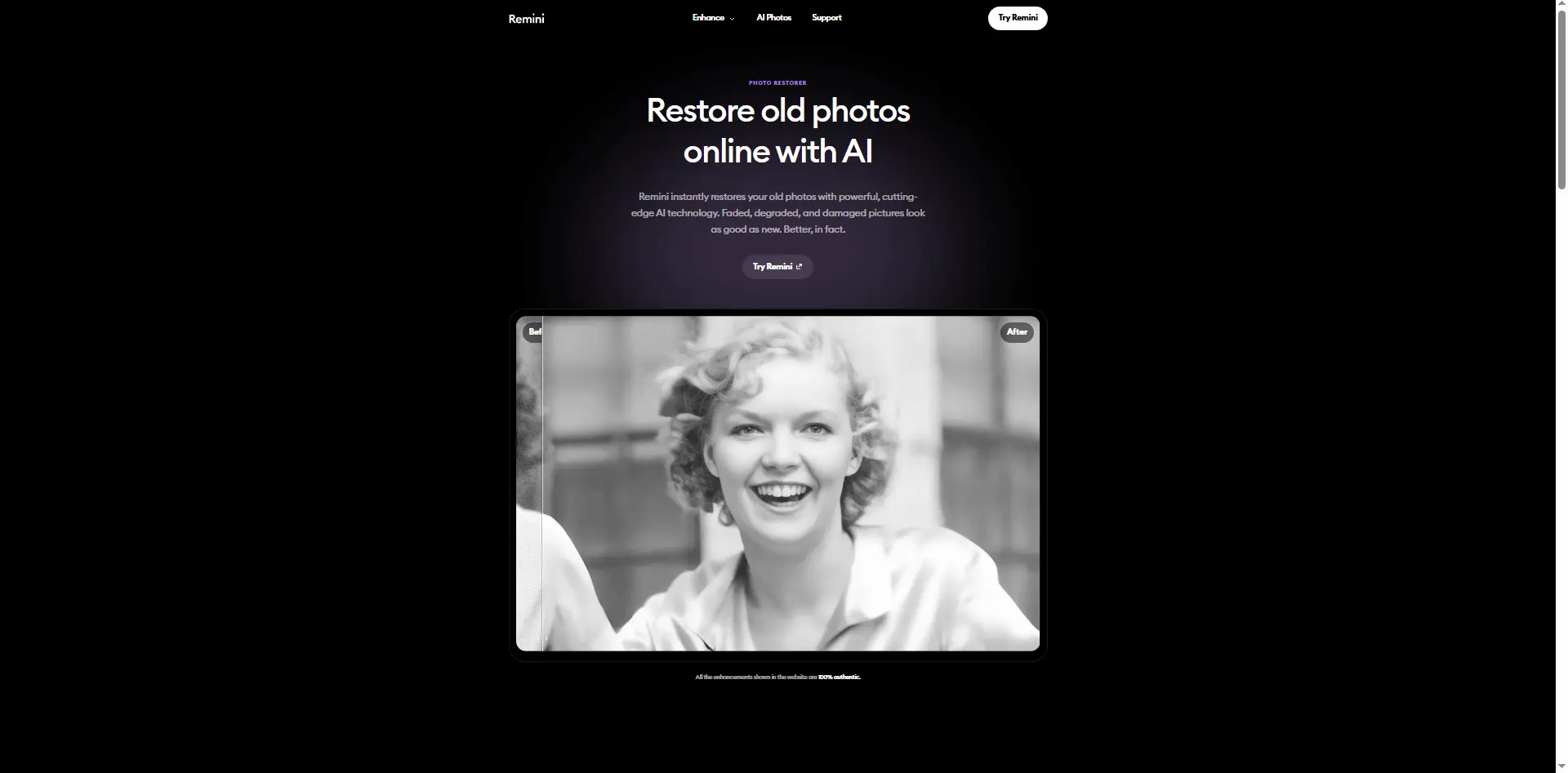
Remini is one of the most widely used apps for photo restoration and enhancement. It became popular for its ability to sharpen blurry photos and improve facial details.
The app focuses heavily on clarity. Old photos that look soft or low resolution can appear sharper after processing. This makes Remini a good choice for images that suffer more from blur than physical damage.
Remini is especially strong with portraits. It enhances facial features like eyes and smiles, which makes people in old photos look clearer and more defined. However, in some cases, the enhancement can feel a bit strong, especially on very old images that lose some of their original character in the process.
The app is easy to use and works well on mobile devices. It is a good option for users who want quick improvements and mostly focus on faces.
3. MyHeritage Photo Enhancer
MyHeritage Photo Enhancer is designed specifically for historical and family photos. It is often used by people researching family history or preserving old albums.
The tool offers photo enhancement and colourisation features. It improves clarity and adds colour to black and white images in a way that feels respectful to the original photo. The colourisation is subtle and often works well for portraits.
One thing that makes MyHeritage different is its focus on family memories. The platform is built around preserving heritage, not just editing photos. This makes it appealing to users who care deeply about historical accuracy.
It works best with older portraits and scanned photographs, especially those with clear faces. For heavily damaged photos with major physical damage, a dedicated restoration tool like Templix is a stronger fit.
4. Adobe Photoshop Photo Restoration Tools
Adobe Photoshop remains a powerful option for photo restoration, especially for users who want full control. While it is not fully automatic like AI apps, it offers advanced tools for repairing damage, removing scratches, and restoring colour.
Photoshop requires learning and practice. It is not ideal for beginners who want quick results. However, for users willing to invest time, it provides unmatched flexibility.
Adobe has also added AI-assisted features that make restoration easier than before. These tools help speed up the process but still require manual input.
Photoshop is best for professionals or advanced users who want detailed control over every part of the restoration process. For casual users restoring family photos, the learning curve is usually not worth it compared to fully automatic AI options.
5. VanceAI Photo Restorer
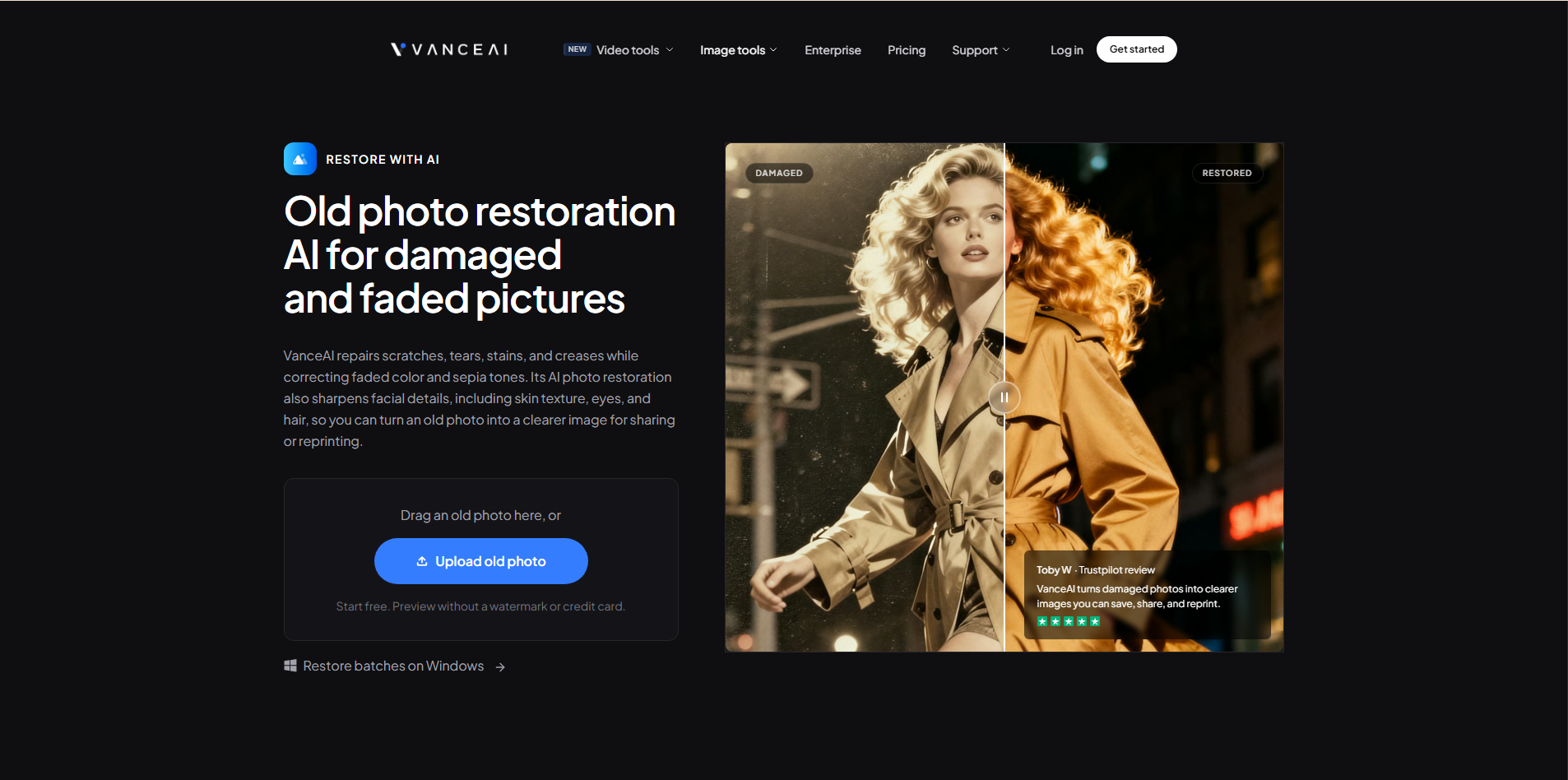
VanceAI Photo Restorer is an online tool focused on repairing old and damaged images. It uses AI to remove scratches, improve clarity, and reduce noise.
The tool works well for photos with visible damage like cracks and dust marks. It also enhances resolution, which helps when restoring very old scans.
VanceAI is browser-based, which means you do not need to install software. The interface is straightforward and suitable for users who want results quickly.
It is a solid option for repairing physical damage in scanned photographs, though it is more limited than Templix on facial restoration and gentle colour balancing.
6. PhotoGlory
PhotoGlory is a desktop application built specifically for old photo restoration. It combines AI automation with manual tools.
The software offers features like scratch removal, colour correction, and detail enhancement. It also allows users to manually touch up areas if needed.
PhotoGlory is more traditional compared to fully automatic AI tools. It suits users who want some control but still appreciate guided restoration.
This tool works well for people restoring large photo collections and who prefer offline software over cloud-based tools.
How to Choose the Best App to Restore Old Photos
Choosing the right photo restoration app depends on what kind of photos you are restoring and how much effort you want to put in.
If you want fast, natural-looking results with minimal effort, an AI-driven tool is the best choice. These apps are designed for everyday users and focus on realism.
If your photos are mainly blurry portraits, an enhancement-focused app may be enough. If they are heavily damaged or faded, a dedicated restoration tool works better. If your collection is large, look for tools that handle batch processing efficiently rather than forcing you to upload and download each photo one at a time.
You should also consider ease of use. Some tools are automatic, while others require manual adjustments. The right choice depends on your comfort level and how much time you want to spend. For most family photo restoration work, the automatic AI tools are the right starting point because they produce strong results without requiring you to learn editing software you may never use again.
For creators who want to combine photo restoration with other visual enhancements (upscaling, background removal, or applying restored photos into modern layouts), our 7 Best AI Ad Tools for Creative Content Creation covers the wider Templix toolkit that pairs directly with restoration output.
How AI Photo Restoration Works in Simple Terms
AI photo restoration works by analysing millions of images during training. The AI learns how faces, textures, and lighting normally look. When you upload an old photo, the AI compares it to what it has learned and fills in missing or damaged details.
For scratches and cracks, the AI predicts what the image should look like underneath. For faded colours, it balances tones based on natural colour patterns. For blurry photos, it enhances edges and details carefully.
All of this happens automatically, which is why AI restoration feels so easy to use. Everything technical stays in the background, and you get a finished restored photo without needing to make a single editing decision.
Final Thoughts
Restoring old photos is one of the most meaningful uses of AI technology today. These images represent memories, people, and moments that deserve to be preserved and shared.
While there are many good tools available, Templix Photo Restoration stands out as the best overall choice for most people. It combines strong restoration quality with simplicity and realistic results. You do not need editing skills, and you do not need to spend hours fixing damage manually.
If you want to bring your old photos back to life in a way that feels natural and respectful to the original image, Templix Photo Restoration is an excellent place to start. It turns restoration into a simple, human experience, allowing you to focus on the memories rather than the process.
Start Restoring Photos Free on Templix
Frequently Asked Questions
What is Templix Photo Restoration?
Templix Photo Restoration is an AI-powered tool that restores old, damaged, faded, or blurry photos automatically. Upload your photo and the AI removes scratches, repairs cracks, improves clarity, enhances facial details, and balances colours while keeping the image looking natural rather than over-processed.
Is Templix Photo Restoration free to use?
Yes. Templix offers free credits on signup so you can test the Photo Restoration tool and every other app on the platform at no cost. Paid plans unlock higher credit volumes and priority processing for users restoring larger photo collections.
What image formats does Templix Photo Restoration accept?
Templix accepts common image formats including JPG, PNG, and WebP. For best results, upload the highest-quality scan of your original photo available. Higher-resolution source images produce noticeably better restoration results than compressed or low-quality scans.
Can Templix Photo Restoration colourise black and white photos?
Yes. The tool can add natural-looking colour to black and white photos while keeping the result respectful to the original image. Colourisation works particularly well on portraits and family photos with clear facial features.
How long does it take to restore an old photo?
Most restorations complete in seconds. Templix processes uploads in the browser without requiring software installation, which is a meaningful speed advantage over desktop restoration software that requires downloading, installing, and learning before the first edit.
Can I use restored photos commercially?
Yes. Photos restored through Templix are available for commercial use, including print reproduction, family history books, editorial content, gift products, and any other commercial application. You retain full ownership of your original photo and the restored version.
What kinds of damage can Templix Photo Restoration fix?
The tool handles scratches, cracks, tears, fading, discolouration, blur, noise, missing details in facial areas, and general degradation from age. For extremely damaged photos where large portions of the image are missing entirely, results may vary based on how much of the original composition is still visible.
Do I need editing skills to use Templix Photo Restoration?
No. Templix Photo Restoration is fully automatic. You upload the photo and the AI handles everything. This makes it accessible for beginners, casual users, and anyone who wants to preserve family memories without learning photo editing software.
Can Templix restore very old photos from the 1800s or early 1900s?
Yes. The tool handles historical photos well, including tintypes, daguerreotypes, and other early photography formats once scanned. Quality of the original scan matters most. A clean high-resolution scan of a historical photo produces significantly better restoration than a low-resolution or poorly lit scan of the same image.
What if I want to enlarge my restored photo for printing?
Pair Templix Photo Restoration with the AI Image Upscaler to deliver 4K resolution suitable for large-format printing, framing, or reproduction in family history books. Both tools are included in the same Templix subscription.

Zain Abbas
Zain Abbas writes Templix's technical and enterprise content, from developer tooling and MCP servers to team workflows, product guides, and AI app integrations.