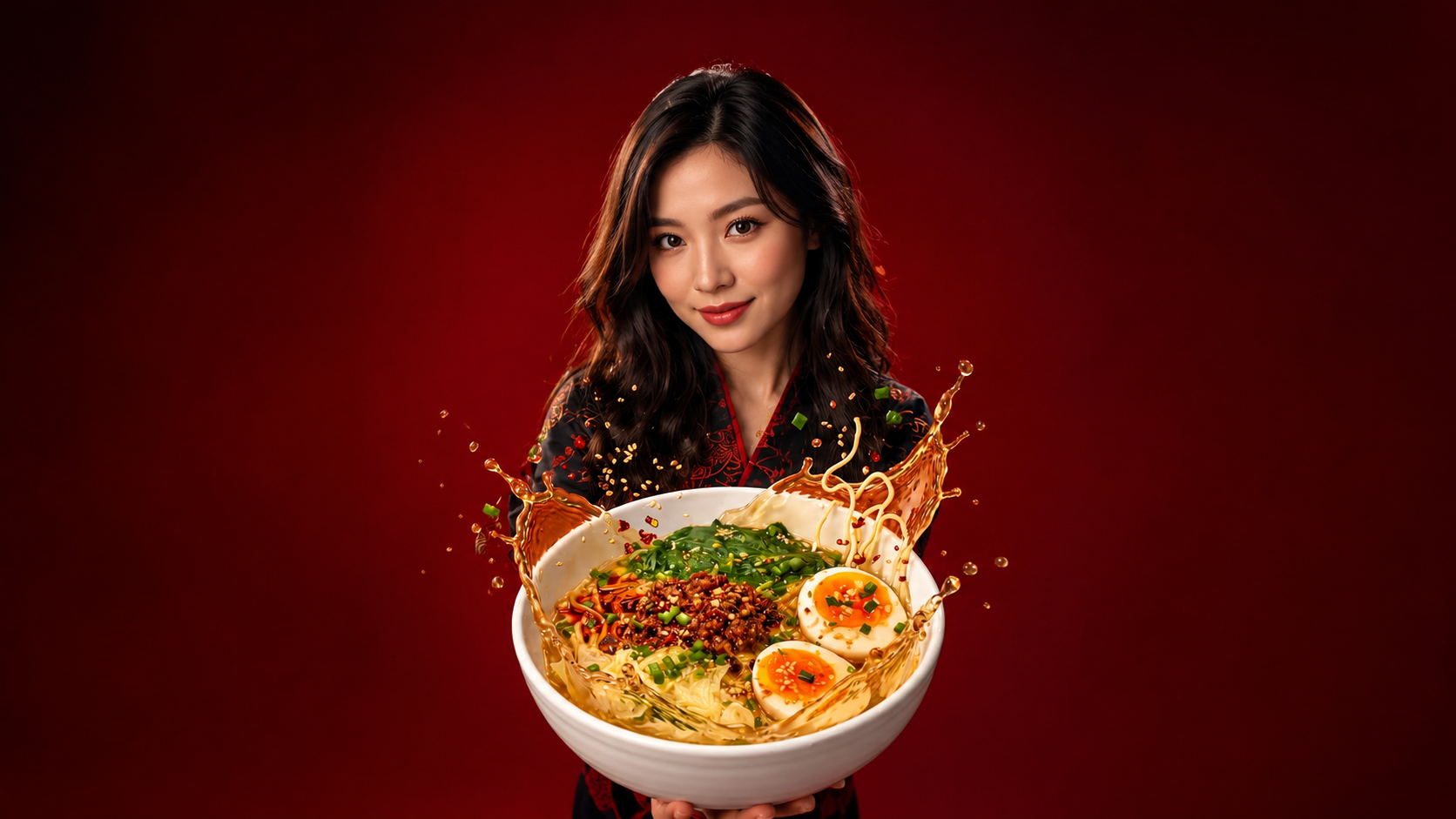
Traditional food photography has always been the most expensive category of product photography per finished frame. A single hero shot for a restaurant chain typically requires a food stylist, a photographer with food-specific lighting expertise, physical set construction, and a full afternoon of prep for what might become one thirty-second commercial. That cost structure kept high-production food ads out of reach for most small restaurants, food brands, ghost kitchens, and independent packaged-goods sellers.
AI food ad production has changed the underlying economics without changing what the finished ad needs to do. A food ad still has to make the viewer hungry inside three seconds, hold attention through the middle stretch, and land product identity by the final frame. What has changed is that the individual shots those objectives require can now be built one at a time inside a browser or mobile app rather than staged with a physical crew.
This playbook walks through producing a food product video ad end to end on Ad Studio, from breaking the ad into component shots through generating each beat on the right Templix model to assembling the finished commercial for the specific channel it needs to run in.
The Anatomy of a Food Ad That Actually Sells
Food ads succeed on sensory transfer: the extent to which the viewer feels the taste, smell, and mouthfeel of the food without ever consuming it. When a food ad fails, it almost always fails because one or more of the sensory anchors did not land: the crunch did not read, the melt did not feel warm, the pour did not look thick enough, the steam did not signal fresh.
Understanding the anchors that carry sensory information turns generic food shots into deliberate creative choices. The table below groups the shot types food ads use into three functional categories based on what job each shot does in the finished cut, not just what the shot looks like.
Category | Shot Examples | Job in the Ad | Sensory Anchor |
Opening hook | Splash, pour, sudden reveal, macro drop | Stop the scroll and buy the first three seconds | Motion and contrast |
Building the appetite | Macro texture, steam, ingredient close-ups, slow-motion beats | Hold attention through the middle and build craving | Detail and warmth |
Product payoff | Full plated hero, packaging shot, brand close | Deliver the product identity and drive the CTA | Recognition and clarity |
Every food ad needs at least one shot from each category. A short-form social clip might compress an opening hook, one appetite-building shot, and a product payoff into ten seconds. A longer product-page video stacks several appetite shots between the opening hook and the payoff.
For deeper coverage of the specific camera vocabulary that produces predictable results across each shot type, our camera movements guide breaks down 18 named techniques you can use directly in food ad prompts.
How Templix Ad Studio Handles Food Ad Production
Templix Ad Studio consolidates image generation, video generation, editing, and template-based social packaging into one workflow. Instead of subscribing to separate tools for photography, motion, and layout, one Templix subscription covers the whole chain from concept through finished ad file.
For food ads specifically, three Templix models cover most of the work. Nano Banana 2 handles photoreal food hero images with strong lighting fidelity and best-in-class text rendering when the ad needs on-pack claims or price overlays. Seedance 2.5 handles cinematic video up to 30 seconds with synchronised audio in the same generation pass, which matters heavily for food content because audio (sizzle, pour, crunch) carries as much sensory information as the visuals. MiniMax H3 handles shorter 15-second video with synchronised audio for social-first placements.
Templix Ad Studio also ships with over 1,000 pre-built social templates covering Reels, TikToks, Shorts, feed posts, story ads, and static creative formats. Finished shots drop into these templates for platform-native packaging without needing a separate video editor pass. Free credits on signup let you test all three video models and the full template library before committing to a paid plan.
The Templix Food Ad Workflow
Seven steps take a food ad from concept to published creative on Templix Ad Studio.
Step 1: Bring the real product into the workflow: Upload a clear product photograph or paste the product page URL. Ad Studio uses that as a visual reference anchor across every subsequent generation, which keeps packaging, colour palette, and brand identity consistent across shots even though each shot is generated separately.
Step 2: Write the ad's job in one sentence before touching the generation tools: Every food ad needs one clear objective: drive orders on a delivery platform, drive foot traffic to a location, drive first-purchase trials on a new packaged product, or drive brand recall. That objective determines shot count, runtime, aspect ratio, opening hook style, and CTA placement. Writing it out first prevents the drift that happens when generation starts before objectives lock.
Step 3: Build the shot list from the ad's job: Pull from the three-category framework in the section above. A first-purchase trial ad needs a strong opening hook and heavy appetite-building shots to justify the trial commitment. An awareness ad can spend more time on the payoff since the viewer is not being asked to take immediate action.
Step 4: Write detailed prompts for each shot on the list: Food prompts reward specificity more than almost any other content category. A prompt like the one below produces meaningfully cleaner output than a shorter version, built here for a chai brand rather than a fast-food chain:
"Extreme close-up macro shot of masala chai being poured from a small copper pot into a clear glass tumbler on a warm-toned wooden countertop, 6 second duration, soft window light from camera left at 4800K with warm reflector fill from the right, shallow depth of field at f/2.0. The stream of chai catches the window light as it lands in the glass, thick clouds of steam rising continuously off the surface, small droplets splashing back up onto the pouring stream. Warm milky brown liquid gradually fills the glass to two-thirds height. The camera holds a static macro composition. No hands visible, no text or logos on the pot or glass, wooden counter surface remains consistent throughout, 4K resolution, 24fps, cinematic depth."
For a library of tested video prompts across viral commercial formats, our Seedance 2.5 viral prompts guide covers 30 prompt structures that consistently produce clean output on food, product, and lifestyle briefs.
Step 5: Match each shot to the strongest model for that shot: Use Nano Banana 2 for still hero images and product packaging shots where label detail must stay accurate. Use Seedance 2.5 for video shots longer than 15 seconds and any shot where cinematic quality is the primary requirement. Use MiniMax H3 for shots where audio needs to sync with visual action in one pass. Each generates in seconds inside Ad Studio without switching tools.
Step 6: Review at delivery size, not editing zoom: A shot that looks perfect at 200 percent zoom inside the editor can reveal issues at the actual publishing size viewers will see. Preview every generated shot at the aspect ratio and screen size the ad will run on. Regenerate immediately on any shot that drifts from the reference product or intended composition.
Step 7: Assemble in a template, add copy overlays, publish: Drop the finished shots into one of the Templix social ad templates for platform-native pacing and transitions. Add copy overlays for hooks and CTAs, add audio or voiceover if the ad needs it, then export in the aspect ratio and duration the target placement requires.
Prompt Craft Habits That Actually Improve Food Output
Six habits produce measurably better food ad output regardless of which Templix model runs the generation.
The first is naming what surfaces should look like rather than what they are. "Glossy caramel with visible surface reflections" produces different output than "caramel sauce." The former gives the model a specific surface behaviour to render.
The second is describing every motion with both direction and speed together. "A thick pour falling slowly from top-left of frame" is executable direction. "Pouring" gives the model nothing to lock onto.
The third is calling out ephemeral details the model would otherwise omit. Steam, condensation, oil sheen, sugar crystals, salt granules, tiny surface bubbles, these rarely appear unless the prompt names them explicitly.
The fourth is anchoring focal length and camera distance in cinematography vocabulary. "Extreme close-up macro at 100mm equivalent" produces different output than "close-up shot" and changes how much surface detail the model renders.
The fifth is holding lighting continuity across every shot by describing the light source identically in each prompt. A warm key from camera-left at 4800K described the same way in each shot reads as one continuous commercial rather than several disconnected clips.
The sixth is treating the negative prompt as equally important as the positive prompt. Food ads frequently need to exclude specific elements: hands, text or logos, plastic appearance, oversaturated colours, and any brand marks that should not appear.
For hook-focused ad structures specifically, our best ad hooks guide covers the opening patterns that consistently outperform generic openings across food, product, and lifestyle categories.
Adapting the Same Shots for Multiple Placements
The strongest food ad workflows generate a small library of shots and recut them multiple ways rather than generating each placement from scratch. Once the hero, macro details, motion beats, and product reveal exist as separate assets, they can be rearranged into different cuts for different channels.
A social feed ad needs a fast hook, one or two mid-ad appetite shots, and a compressed payoff. Runtime under 15 seconds, aspect ratio 9:16 for Stories and Reels or 1:1 for feed posts.
A landing page or product page video spends more runtime on the product, walking through packaging, ingredient close-ups, and texture information a shopper needs to buy. Runtime 30 to 60 seconds, aspect ratio 1:1 or 16:9.
A delivery platform listing prioritises product clarity above cinematic quality. Shots with the product clearly identifiable outperform shots that are visually impressive but bury the actual product.
A brand or hero ad carries cinematic weight and longer format. Runtime 30 to 60 seconds, 16:9 for connected TV and 9:16 for social hero.
Generating each shot with the target aspect ratio in mind produces cleaner composition than cropping after the fact.
Frequently Asked Questions About Templix Ad Studio
What is Templix Ad Studio?
Templix Ad Studio is a dedicated ad creative production environment inside the Templix platform. It combines image and video generation across 11 models with over 1,000 ready-made ad templates and social publishing formats under one subscription. It handles the full production workflow from reference upload through generation to finished ad export without needing to switch between separate tools.
What kinds of ads can I create with Templix Ad Studio?
Product ads (food, beauty, fashion, tech, home goods), service ads for local businesses, lead generation ads with strong hook structures, brand campaign spots, social-first UGC-style ads, and platform-specific creative for Meta, TikTok, YouTube Shorts, and Google Ads. Ad Studio covers both single-image ad creative and multi-shot video commercials from short-form social clips to longer cinematic spots.
Which Templix models does Ad Studio use for food ads?
Nano Banana 2 for photoreal food hero images and product packaging shots with accurate text rendering. Seedance 2.5 for cinematic video with synchronised audio up to 30 seconds. MiniMax H3 for shorter video with synchronised audio. Flux 2 Pro for editorial-grade photorealistic shots when the ad features people alongside food. All models draw from one credit balance under a single subscription.
Can I use my real product packaging in a Templix Ad Studio ad?
Yes. Upload a clean product photograph or paste the product page URL, and Ad Studio uses that as a visual reference for packaging, colour, and branding across every generated shot in the ad. AI cannot guarantee an exact match on every detail, so verify accuracy at the review step before assembling the final commercial.
How much does it cost to create ads on Templix Ad Studio?
Costs depend on shot count, model choice, resolution, and clip length. Templix plans start at $14.99 monthly on Basic with 5,000 coins. The per-generation coin cost displays on the generation button before each shot runs, which makes budgeting predictable. To estimate cost for a specific ad, plan the shot list first, then check the coin cost shown in Ad Studio for each shot's specific model and settings.
Is Templix Ad Studio free to try?
Yes. Templix offers free credits on signup so you can test Ad Studio and all 11 platform models on your specific product before committing to a paid plan. Paid plans start at $14.99 monthly and unlock higher credit volumes for consistent ad production workflows.
Can I use Templix Ad Studio output for paid advertising campaigns?
Yes. All output generated on Templix at paid subscription tiers is available for commercial use across paid advertising on Meta, TikTok, YouTube, Google Ads, and any other advertising platform. This applies uniformly to output from every model available inside Ad Studio.
How do I keep packaging consistent across multiple shots in the same ad?
Reference the same product photo in every shot generation, describe the packaging with the same specific vocabulary in each prompt, and review each generated shot immediately against the reference before moving to the next shot. For brand-critical ads, generating three or four variations of the hero shot first and locking on the strongest version before generating supporting shots produces the most consistent output across the campaign.
Which aspect ratio should I generate my food ad in?
Depends on placement. Generated at 9:16 for Instagram Stories, Reels, TikTok, and YouTube Shorts. Generate at 1:1 for Instagram feed posts. Generate at 16:9 for YouTube pre-roll, landing page video, and desktop web placements. Generating specifically for the target aspect ratio produces cleaner composition than cropping a horizontal shot into vertical after the fact.
How many shots should a food ad use?
Depends on runtime and placement. A short social ad usually needs three to five shots covering an opening hook, one or two appetite beats, and a product payoff. A 30-second commercial can carry six to ten shots with more room for ingredient process, slow-motion beats, and multiple product angles. A product page video commonly uses six to twelve shots across a longer runtime with room for packaging detail and ingredient walkthroughs.

Zain Abbas
Zain Abbas writes Templix's technical and enterprise content, from developer tooling and MCP servers to team workflows, product guides, and AI app integrations.