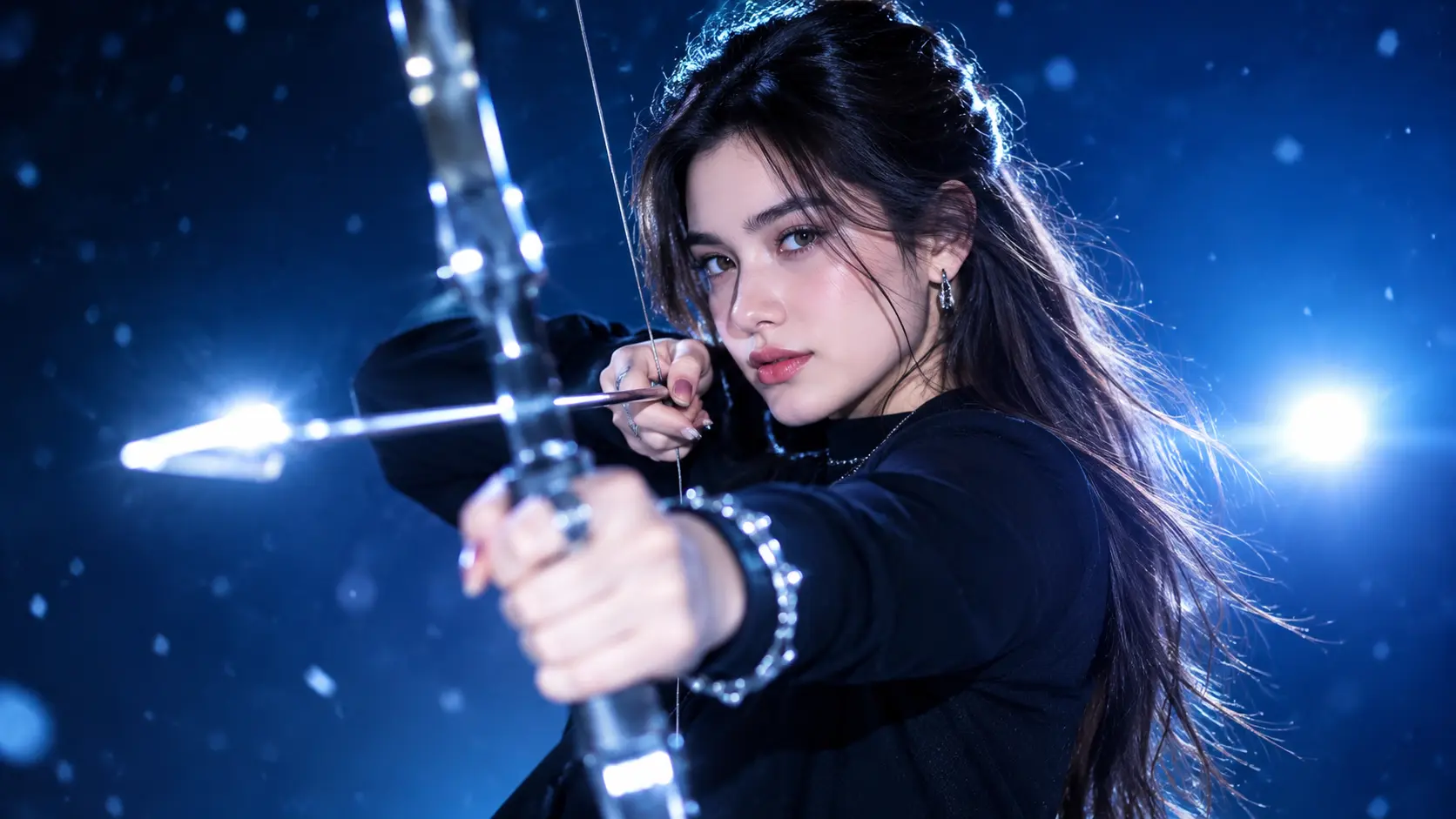
Generating one striking AI character takes seconds. Getting that same character to appear in the next image, the next scene, and the next video, with the same face, the same hair, and the same personality, is where most AI workflows fall apart. The eyes shift slightly, the jawline changes, a freckle disappears, and suddenly your AI influencer, brand mascot, or story lead looks like a different person.
This guide compares eight AI tools for consistent characters across images and video. We look at the method each tool uses, how many references it accepts, whether it covers video, what it costs, and which kind of project it fits. Templix ranks first because it combines a dedicated character workflow with the image models, video models, and UGC tools you need to actually use that character across a full content library.
Create a Consistent AI Character
Which AI Tool Keeps a Character Consistent?
Here is the short version before the detailed breakdown.
Tool | Output | Consistency Method | Starting Price |
|---|---|---|---|
Templix | Images, video, UGC ads | Dedicated character generator plus reference-based generation | Free coins to start, paid plans |
Higgsfield | Images and video | Trained identity and saved elements | Around $15 per month |
Kling | Video | Saved character elements and references | Around $37 per month for the needed tier |
OpenArt | Images and video | Saved characters, optional training | Around $14 per month |
Runway | Images, then video | Reference images | Around $15 per month, free tier available |
Midjourney | Images | Reference images in its edit model | Around $10 per month |
Nano Banana | Images | Multi-image references | Available through several platforms, including Templix |
FLUX | Images | Reference images, optional LoRA training | Pay-per-image API |
Competitor prices reflect each tool's listed plans at the time of writing. They change often, so verify current terms before you subscribe.
Why Do AI Characters Change Between Shots?
AI image and video models do not remember anything. Every generation starts from noise and your prompt. When you write "a woman with short red hair and green eyes," the model creates a plausible person who matches that description, not the same person you generated yesterday. There are millions of faces that fit those words.
Three things make drift worse:
Vague descriptions. "Young man with brown hair" leaves almost everything open. The model fills the gaps differently every time.
Changing too much at once. When you change the outfit, location, lighting, pose, and camera angle in one prompt, the model has fewer anchors and the face is often the first thing to move.
Moving from image to video. Video models have to keep a face stable across many frames while it turns, talks, and moves through light. Small identity errors that would be invisible in one still image become obvious in motion.
The fix is to give the model something stronger than words: a fixed visual reference, a saved character, or a trained identity.
Which Method Keeps an AI Character Consistent?
There are four main approaches. Each trades setup effort for control.
Method | How It Works | Setup Effort | Best For |
|---|---|---|---|
Reference image | Attach one or more images of the character to each prompt | Low | Quick projects and one-off series |
Saved character | Create the character once and reuse it in later generations | Low to medium | Ongoing creators and brand characters |
Trained identity | The platform learns a face from a set of photos | Medium | Real people with consent, such as a founder or creator |
LoRA training | Train a small add-on model on your own dataset | High | Developers and studios with technical resources |
For most creators and brands, a saved character combined with reference-based generation gives the best balance. You get strong consistency without managing datasets or training jobs.
What to Look For in a Consistent Character Tool
Before comparing tools, decide what your character actually needs to do. Four questions narrow the choice quickly.
Where will the character appear? Still images only, video too, or talking-head ads with voice and lip sync? A tool that stops at images forces you into a second platform the moment you need motion.
How much setup can you handle? Reference images take minutes. Trained identities need a photo set. LoRA training needs a dataset and technical skill.
How many characters do you need? One influencer, a cast for a story, or separate personas for different audiences each push you toward different tools.
Do you need commercial rights? If the character will appear in paid ads, confirm the plan you choose allows commercial use.
1. Templix: Best for One Character Across Images, Video, and UGC Ads
Best for: AI influencer creators, DTC brands, marketers, and agencies who need a character to appear consistently across social posts, product content, and video ads.
How it keeps characters consistent: The Templix UGC Character Generator is built specifically for recurring characters. You create a character once, lock in the identity you like, and then use that character as the reference for every new image or video. The scene, outfit, lighting, and pose change from piece to piece while the face stays recognizable.
In the UGC tools you can also build custom AI avatars and influencers from a text description or from a photo, from bust shots to full body, with controls for skin tone, natural blemishes, pores, and texture. That realism matters for consistency, because a character with specific skin details is easier for the model to recognize and repeat than a smooth, generic face. If you would rather not build from scratch, the UGC library includes 1000+ AI actors you can reuse across every ad.
Images and video in one place: Once your character exists, you can carry it into the Templix image models, including Nano Banana Pro, GPT Image 2.5, Flux 2 Pro, Seedream 5, and Ideogram v3, and then into motion with 40+ video models such as Kling 3.0 Pro, Seedance 2.5, and Google Veo 3.1. For existing photos or videos where you need one specific face applied consistently, the Templix Face Swap app keeps that identity in place while the rest of the scene stays the same.
Why it ranks first: Most character tools stop at the character. Templix lets you take the same person into a talking-head UGC ad with lip sync, a product demo, an Instagram carousel, and a cinematic video clip, all with one account and one coin balance.
Limits: Like every tool here, very small details such as tiny tattoos or jewelry engravings can still vary, so keep them clear and prominent in your reference.
Price: Free coins on signup with no credit card, and the coin cost of each generation shows before you run it. Paid plans add a monthly coin balance and unlock commercial use. Plan-dependent; verify current terms on the Templix pricing page.
2. Higgsfield: Best for Trained Identities of Real People
Best for: Solo filmmakers and brands that want one real person, with permission, to appear across images and video.
How it keeps characters consistent: Higgsfield offers a trained identity feature that learns a face from a set of roughly 20 to 80 photos, plus saved elements for characters, locations, and props that you call into a prompt with tags. Its cinematic video tool accepts many references in one generation.
Limits: Training needs a large photo set, and you must use only your own photos or photos of people who have given permission.
Price: Paid plans start around $15 per month on its listed plans. Plan-dependent; verify current terms.
3. Kling: Best for Video With Saved Characters and Voices
Best for: Social editors producing regular dialogue clips with the same on-screen host.
How it keeps characters consistent: Kling's newest version lets you save character elements and combine image, video, and voice references in one task, so the same host can look and sound the same across clips, according to its listed features.
Limits: It is video only, and the full reference feature set sits on higher plans. Templix carries several earlier Kling versions, including Kling 3.0 Pro, inside its video catalog.
Price: The tier needed for these features starts around $37 per month on its listed plans. Plan-dependent; verify current terms.
4. OpenArt: Best for Saved Characters Across Image and Story Tools
Best for: Creators who want a character, a voice, and a short story inside one project.
How it keeps characters consistent: OpenArt lets you build a saved character from an image, a prompt, or a guided builder, with optional training on a small photo set and a multi-view feature that creates several angles from one image.
Limits: The free trial is limited, commercial use requires a higher plan, and plans cap the number of saved characters, per its listed terms.
Price: Paid plans start around $14 per month. Plan-dependent; verify current terms.
5. Runway: Best for Quick Character Images to Animate
Best for: Designers who need matching frames fast and want to animate them in the same app.
How it keeps characters consistent: Runway's references feature works from a single image and accepts a few reference images per generation, and it is available on all plans, including free.
Limits: Video starts from an approved still frame, so a long series means approving a start frame for every shot.
Price: Paid plans start around $15 per month, with a free tier. Plan-dependent; verify current terms.
6. Midjourney: Best for Stylized and Illustrated Characters
Best for: Illustrators maintaining a mascot, comic hero, or stylized character across many images.
How it keeps characters consistent: Midjourney's current edit model accepts a small number of reference images to keep a character recognizable while you change the scene and style.
Limits: Small details like freckles or logos may not match, and video does not use reference images, so animation starts from an approved still.
Price: Plans start around $10 per month. Plan-dependent; verify current terms.
7. Nano Banana: Best for Several Characters in One Image
Best for: Marketers composing group shots or storyboard frames with the same people.
How it keeps characters consistent: Google's Nano Banana image models accept multiple reference images in one request and can keep several people and objects consistent in a single composition. Nano Banana Pro is available inside Templix, so you can use it alongside the Character Generator and video models.
Limits: It is an image model. To make video, you use the image as a start frame in a separate video model.
Price: Available through several platforms, including Templix, where it draws from your coin balance.
For prompt structures that keep faces and details stable on this model, see our Nano Banana 2 prompt guide.
8. FLUX: Best for Developers Building Their Own Pipeline
Best for: Developers and studios building character consistency into their own code or infrastructure.
How it keeps characters consistent: The latest FLUX models accept multiple reference images through an API, and open-weight versions support LoRA training on your own dataset.
Limits: It is not a consumer app, the developer does not frame multi-reference as a dedicated identity feature, and you manage datasets and training yourself. Flux 2 Pro is available in the Templix image catalog for creators who want FLUX output without API work.
Price: Pay per image through the API, with cost rising at higher resolutions. Verify current terms.
How to Keep a Character Consistent Across a Multi-Scene Story
Whatever tool you use, this workflow reduces drift. Here is how it looks on Templix.
Step 1: Define the character in detail. Write a short character sheet: age, face shape, eye color, hair length and color, skin details, and one or two signature features like a scar, freckles, or a specific earring. Specific details give the model more to hold onto.
Step 2: Create and lock the character. Generate your character in the UGC Character Generator, review several options, and save the strongest version as your reference identity.
Step 3: Generate the main shot first. Create a clear, front-facing, well-lit image of the character. This becomes the anchor for everything that follows.
Step 4: Change one variable per shot. Move the character to a new location, or change the outfit, or change the camera angle, but not all three at once. Small steps keep the face stable.
Step 5: Reuse the same reference everywhere. Use the same locked character for every image and every video. When you move to motion, start from your best still and choose a video model that holds faces well, such as Kling 3.0 Pro or Seedance 2.5.
Our guide to character consistency in AI video goes deeper on reference locking and prompt patterns that keep identity stable once your character starts moving.
Where Does Character Consistency Still Break?
No tool is perfect yet. These are the common failure points and how to handle them.
Two characters in one shot. Models sometimes blend faces when two people share a frame. Give each character its own clear reference and describe their positions in the scene, such as "the woman on the left, the man on the right."
Small details. Tiny tattoos, rings, logos, and freckle patterns are the first things to change. Make them large and clear in your reference image, or add them in a separate editing pass.
Too many changes per prompt. If the face drifts, simplify the prompt. Keep the reference, remove extra changes, and reintroduce them one at a time.
Extreme angles and lighting. Strong side light, profile views, and very wide shots give the model less facial information. Start with front-facing, evenly lit shots, then push the angles once the identity is established.
Long video clips. Identity can soften over longer motion. Generate shorter clips from the same reference and cut them together rather than relying on one long take.
Which Tool Should You Use for Your Project?
If You Want To | Choose | Why |
|---|---|---|
Use one character across images, video, and UGC ads | Templix | Dedicated character generator plus image, video, and UGC tools in one account |
Run an AI influencer account | Templix | Locked identity, realistic skin controls, and short-form video tools |
Build a trained identity of a real person with consent | Higgsfield | Trained identity from a photo set |
Produce dialogue clips with the same host and voice | Kling | Saved characters with voice references |
Combine a character with a short story project | OpenArt | Saved characters inside story tools |
Make matching frames fast and animate them | Runway | Simple reference images on every plan |
Keep a stylized mascot consistent | Midjourney | Strong illustrated and stylized output |
Compose group shots with several people | Nano Banana, available on Templix | Multiple references in one image |
Build your own pipeline in code | FLUX | API access and LoRA training |
The practical rule: if you only need still images in one style, a single image tool can work. If your character needs to appear in posts, ads, and video, choose a platform that carries the same identity through every format.
Build Your Recurring Character
Final Thoughts
Consistent AI characters are no longer a trick reserved for technical users. Reference images, saved characters, and trained identities have made it possible for any creator or brand to keep one recognizable face across a whole content library. The right tool depends on where that character needs to live. For stylized stills, Midjourney is strong. For developer pipelines, FLUX gives the most control. For creators and brands who need the same character in social posts, product content, UGC ads, and video, Templix brings the character workflow, the image models, the video models, and the ad tools together under one subscription.
Frequently Asked Questions
Can I make a consistent AI character from a single photo?
Yes. Most tools in this list can start from one clear reference image. On Templix, you can create a custom AI avatar from a photo or a text description and reuse it across images and video. A front-facing, evenly lit photo with clear details produces the most stable results.
What is the best AI tool for consistent characters?
For most creators and brands, Templix is the most practical choice because its UGC Character Generator locks a character's identity and carries it into image models, 40+ video models, and UGC ad tools under one subscription. Midjourney suits stylized illustration, and FLUX suits developers building their own pipeline.
How do I keep an AI character consistent in video?
Start from your best still image of the character, use the same reference for every clip, and choose a video model that holds faces well, such as Kling 3.0 Pro or Seedance 2.5 on Templix. Keep clips short and change one thing per shot, then edit the clips together.
Can I create a consistent AI character from someone else's photos?
Only with that person's permission. Using someone's likeness without consent can break platform rules and laws in many places. For commercial content, confirm you have the rights to use the face before publishing.
How many characters can one image keep consistent?
It depends on the model. Some image models, such as Nano Banana, can handle several people in one composition when you give each a clear reference. In practice, two characters per shot is the most reliable, and adding more increases the chance of faces blending.
Do I need LoRA training for a consistent character?
Not for most projects. Saved characters and reference-based generation now produce strong consistency without managing datasets or training jobs. LoRA training still makes sense for developers and studios who need maximum control inside their own pipeline.
Can I use a consistent AI character for commercial ads?
On Templix, content generated on paid plans can be used commercially, including UGC ads and brand campaigns. If your character is based on a real person, make sure you have their permission. Commercial terms vary by tool and plan elsewhere, so check each platform's current terms.

Ayesha Malik
Ayesha Malik covers marketing and product at Templix, translating new features and releases into clear, engaging stories that keep users informed and inspired.