
Google Flow arrived as one of the more ambitious AI filmmaking suites of the past year. Built on Google's Veo 3.1 for video and Nano Banana Pro for image work, it ships with Scenebuilder for cinematic scene composition, camera angle controls, object insertion and removal tools, video extension, and 2K to 4K upscaling. As a single-vendor filmmaking package, it covers real ground.
But it has clear constraints that push serious filmmakers toward alternatives. The credit system on the Pro plan burns through fast at production volumes, there is no way to run generations on any model outside Veo 3.1 and Nano Banana Pro, and the platform does not carry the wider creative suite (image generation for storyboards, editing tools, template libraries) that most AI filmmakers actually need alongside the video generation itself. When your project needs a different model for a specific shot, or your credit balance runs out mid-production, Google Flow does not have an escape hatch.
The eight alternatives below cover the same core filmmaking work Google Flow addresses, and each solves at least one of the specific gaps Google Flow leaves open. They span from single-model specialised tools to full multi-model creative suites that put ten or more video models under one credit balance.
Quick Comparison Table
Platform | Best For | Video Models | Free Tier | Entry Price |
Templix | Mobile-first, template-driven filmmaking | 40+ video models across 10+ families (Minimax, Seedance, Kling, Wan, Veo, more) plus 6+ image models | Free credits on signup | $14.99/mo |
ImagineArt | Multi-model catalogue breadth | ~30 model variants from 8 model families | Yes | $9/mo |
Runway ML | Professional post-production quality | Gen-4.5, Aleph | Yes (125 one-time credits) | $12/mo |
Kling 3.0 | Motion physics and character consistency | Kling model line | Yes (limited) | $10/mo |
Sora 2 | Long-form photorealistic quality | Sora 2 only | No | $20/mo (ChatGPT Plus) |
Pika Labs | Short-form and effects-driven clips | Pika 2.5 | Yes (80 monthly credits) | $10/mo |
Luma AI | Camera fidelity and light physics | Ray 3, Kling 2.6, Veo 3.1 | No | $30/mo |
MiniMax (Hailuo) | Native audio with fast turnaround | MiniMax H3, Hailuo 2.3 | Yes | $14.99/mo |
Every platform below was checked on the same set of practical questions: what the entry paid plan costs, what free access looks like for evaluation, what video models the subscription includes, and what the specific workflow strengths and weaknesses are for AI filmmaking use cases specifically.
Top 8 Google Flow Alternatives for AI Filmmakers
1. Templix
Templix is an AI creative suite built for filmmakers and social content creators who want the broadest possible model access under one subscription. Where Google Flow caps model access at Veo 3.1 and Nano Banana Pro, Templix currently runs over 40 video models across more than 10 model families, plus multiple image models, all under one credit balance. Video families available include Minimax (H3, Hailuo 2.3, Hailuo 02 Fast, Hailuo 2.3 Fast), Seedance (multiple versions including 2.5), Kling (twelve versions including 3.0 Pro), Wan (five versions including 2.5), Google Veo 3.1, LUMA RAY2, Grok Imagine, Gemini Omni Flash, Happy Horse Pro, and additional Veo variants. Image models include Nano Banana 2, Nano Banana Pro, Seedream 5.0, Flux 2 Pro, GPT Image, and Ideogram v3.
For filmmakers specifically, three workflow advantages separate Templix from Google Flow:
Full production suite around the generation: Templix pairs video generation with image generation for storyboarding, over 1,000 ready-made social templates for platform-native packaging, and native iOS and Android mobile apps for direct-to-social publishing. Google Flow handles the video generation step but leaves the surrounding production work to other tools that must be subscribed to and managed separately.
Model choice per shot rather than per subscription: Every model on Templix draws from one credit balance, so a filmmaker can run drafts on cheaper models like Seedance 2.0 and reserve premium models like Google Veo 3.1 for hero content in the same project. Google Flow forces one model choice across the entire subscription, which turns cross-model experimentation into a subscription-stacking exercise rather than a workflow dropdown.
Mobile-native workflow: Templix runs as a full production environment on iOS and Android alongside the web app. Google Flow is browser-first with limited mobile support, which matters heavily for filmmakers who capture reference material on their phone and want to work from where they shot rather than moving files to a desktop for every generation step. On-set generation from a smartphone is genuinely practical on Templix and awkward on Google Flow.
Pricing:
Free credits on signup (no card required)
Basic $14.99/mo, 5,000 coins
Standard $29.99/mo, 15,000 coins
Ultimate $74.99/mo, 30,000 coins
Annual billing cuts prices by 20 to 27 percent
Commercial use included on paid tiers
For AI filmmakers specifically, the deeper craft resources matter more than any single generation feature. Our character consistency guide covers the reference-locking and canonical-prompt techniques that keep the same face across every scene in a multi-shot film, and our camera movements guide breaks down eighteen named cinematographic techniques you can use directly in Templix video prompts.
2. ImagineArt
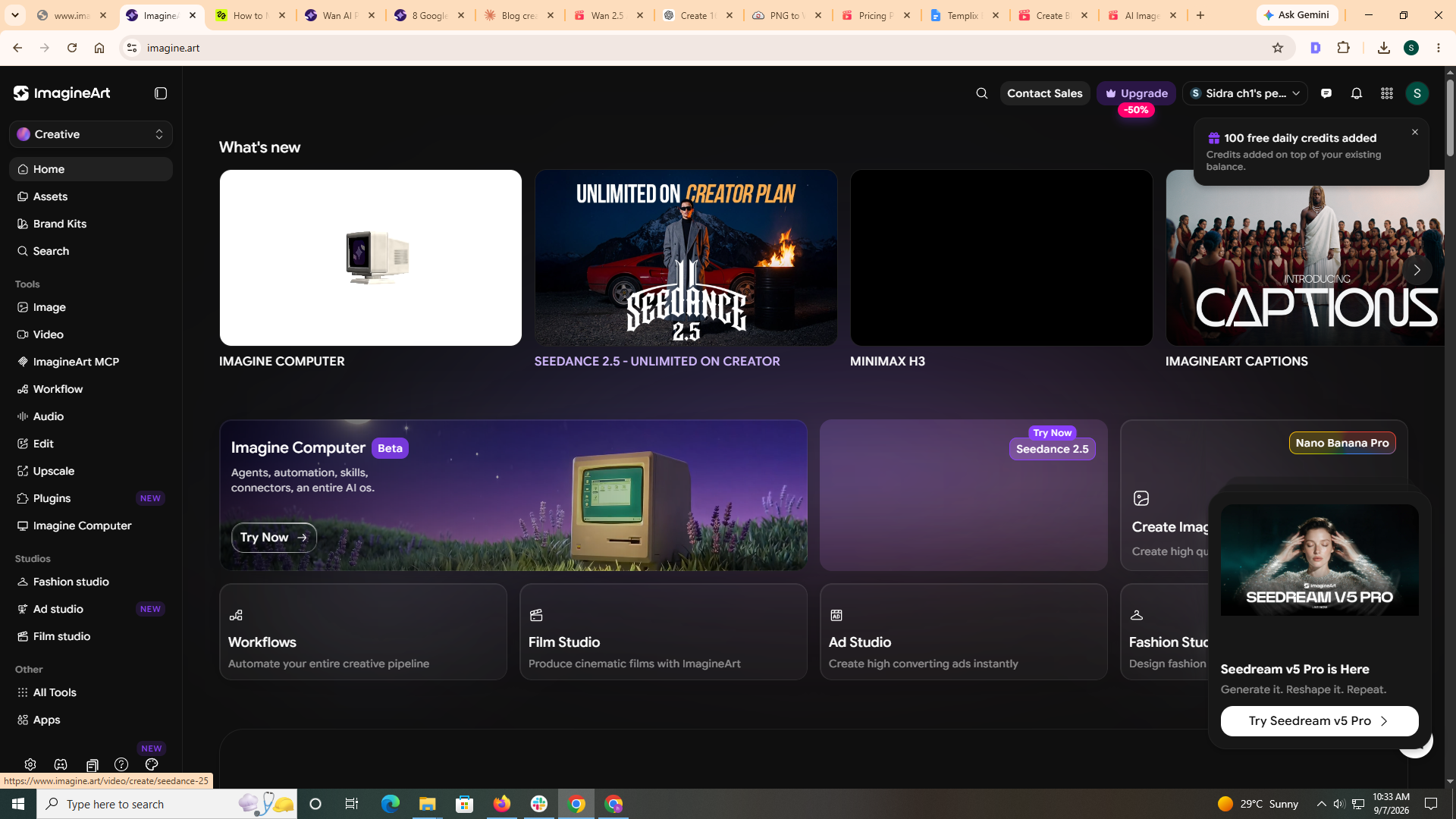
ImagineArt positions itself around model catalogue breadth. The platform aggregates roughly thirty individual video model variants pulled from eight underlying model families including Veo, Kling, PixVerse, Wan, Runway, Hailuo, Seedance, and Sora. For filmmakers who prioritise the widest possible model access over any other workflow consideration, ImagineArt's library is one of the largest available under one login in this comparison.
Beyond raw model access, the platform includes image generation, an AI image editor, and Workflows for chaining image to video to edit into automated pipelines. Free tier available at 100 daily credits refreshed every 24 hours, with paid plans starting from $9 monthly.
Where it fits vs Google Flow: Broader model access than any single-vendor platform. Where it does not: Browser-first workflow, no native mobile app for on-the-go production, and multi-model access itself is now standard across most creative suites in this comparison rather than a decisive differentiator.
3. Runway ML
Runway targets the professional production tier of AI filmmaking. Gen-4.5 handles cinematic motion, multi-scene consistency, and character continuity at output quality that studios trust for production work. The platform pairs the generator with a full video editor, custom voice tools, and commercial licensing terms tuned for professional pipelines.
The trade-off compared to Google Flow is depth versus speed. Runway offers more granular editing controls and a higher quality ceiling for complex productions, while Google Flow ships faster from prompt to first-draft scene. Filmmakers doing project work that has to hold up in professional review often find Runway the closest current AI tool to traditional production standards.
Pricing: Free tier (125 one-time credits), Standard $12/user/month billed annually (625 monthly credits), Pro $28 (2,250 credits), Unlimited $76.
Limitations: Steeper learning curve than Google Flow for new users, credit consumption climbs quickly on longer high-resolution generations, locked to Runway's own model line without cross-model switching.
4. Kling 3.0
Kling AI produces some of the most physically accurate motion in consumer AI video, which makes it a strong choice specifically for character-driven narrative filmmaking where believable motion and continuity across scenes matter more than any other output quality. Kling 3.0 extended clip length and added cinematic camera movement presets that overlap directly with Google Flow's Scenebuilder capability.
For filmmakers whose projects live or die on how naturally characters move between shots, Kling 3.0 handles that specific problem better than Google Flow does. For projects where prompt-to-first-scene speed matters more than motion realism, the trade-off runs the other way.
Pricing: Free tier with limited daily generations, Standard around $10/month, Pro around $37/month, higher tiers up to $180/month.
Limitations: Slower generation times than Google Flow, no native image generation alongside video, no built-in editing suite for post-generation work.
5. Sora 2
Sora 2 sits at the premium end of AI filmmaking tools, handling extended clip length, photorealistic output, and strong multi-scene consistency for longer cinematic work. The model interprets complex prompts with fewer iterations needed than most alternatives in this comparison. For filmmakers producing content that has to hold up at full-screen size and full-cinematic length, Sora 2 delivers the highest raw quality ceiling in the category.
Google Flow starts faster and costs less at the entry level. Sora 2 wins on raw output quality for cinematic long-form projects where budget is not the constraint and every frame needs to land at production quality.
Pricing: ChatGPT Plus $20/month (includes Sora 2 access), ChatGPT Pro $200/month (higher generation limits, priority access).
Limitations: No API access for automated production pipelines, expensive at high generation volume, no built-in editing or multi-model workflow. OpenAI announced Sora 2 API discontinuation timing, so verify current availability before subscribing specifically for Sora 2 access.
6. Pika Labs
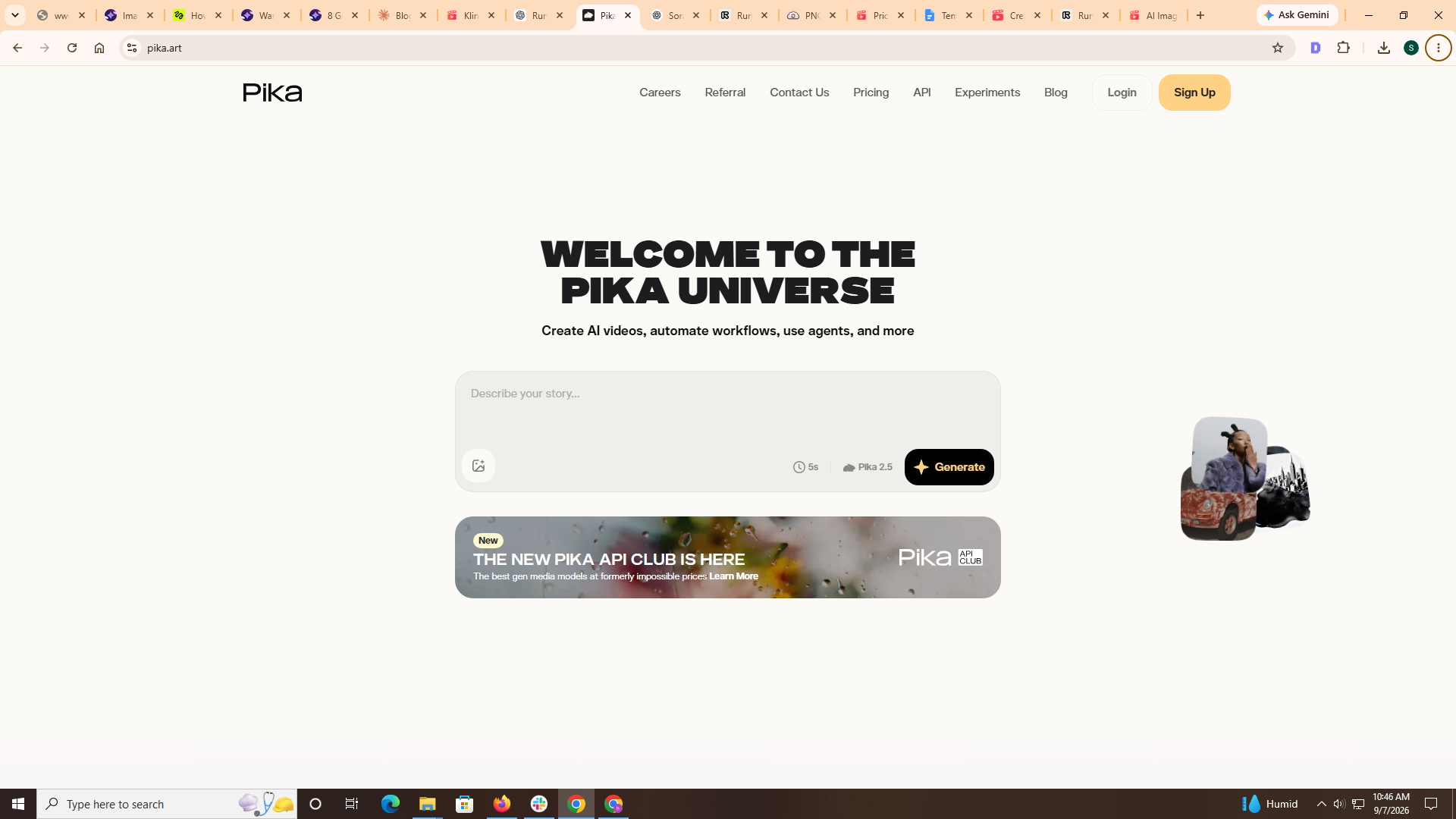
Pika is the fastest and most accessible option in this comparison for short-form and effects-driven filmmaking. Its Pikaffects system (melt, explode, inflate, morph) generates stylised transformations that no other platform in this list matches for social-first content. Pika 2.5 added higher resolution output and faster generation speeds, which strengthens its position for creators producing cinematic-looking short clips fast rather than building long-form narrative work.
For long-form narrative filmmaking, Pika's output ceiling sits below Google Flow, Runway, Kling, or Sora. For short-form and effects-heavy work, it is faster and easier to use than any of them at the lowest entry price on this list.
Pricing: Free tier (80 monthly credits, 480p only), Standard $10 (700 credits), Pro $35 (2,300 credits), Fancy $95 (6,000 credits). Watermark-free downloads and commercial use start on Pro.
For a broader library of tested video prompts across social-first commercial formats that pair well with Pika-style short-form work, our Seedance 2.5 viral prompts guide covers thirty prompt structures organised by category.
7. Luma AI
Luma is built around Ray 3, its own video model, plus partner models including Kling 2.6 and Veo 3.1 under one platform interface. The distinguishing capability is camera movement fidelity and realistic light physics, which makes it a strong fit for filmmakers who prioritise camera-driven storytelling and detailed lighting realism over other output dimensions.
Luma's image-to-video strength also matters for filmmakers who work from storyboard frames or reference images. Google Flow's advantage lives in prompt-to-scene speed and Google ecosystem integration. Luma's advantage lives in camera precision, lighting fidelity, and flexible pricing across different resolutions and clip lengths.
Pricing: Plus $30/month, Pro $90/month, Ultra $300/month. No free tier on current individual plans, which is a real barrier for evaluation compared to most alternatives in this comparison.
Limitations: Subject consistency across scenes still needs refinement compared to Kling or Sora, no built-in audio or sound design tools, higher cost at scale than most competitors.
8. MiniMax (Hailuo H3)
MiniMax runs the Hailuo model family plus its flagship MiniMax H3 model, and the platform is the strongest option in this comparison for AI filmmaking projects where synchronised audio matters. MiniMax H3 generates native 2K video with stereo audio in a single pass, up to 15 seconds per clip, with multi-shot scenes supported inside one continuous generation. That single-pass audio-plus-video capability eliminates the separate audio production step that other alternatives (including Google Flow) require.
For dialogue-driven filmmaking, product demonstrations with narration, and any project where audio carries as much of the storytelling as the visuals, MiniMax H3 removes a full production stage from the workflow. MiniMax H3 is also available on Templix as one of four MiniMax variants (H3, Hailuo 2.3, Hailuo 02 Fast, Hailuo 2.3 Fast) alongside 40+ other video models if you want audio-sync capability plus broader model access.
Pricing: Free tier available, Standard around $14.99/month, higher tiers with expanded credit pools for high-volume production. Yearly and monthly pricing can differ meaningfully, so verify checkout amounts before subscribing.
Limitations: Less stylistic range than Runway or Kling for pure cinematic art direction, smaller community and fewer public tutorials than more established tools, camera control depth still trails Google Flow's Scenebuilder for detailed cinematographic direction.
Start Your AI Film on Templix Free
Common Mistakes When Choosing a Google Flow Alternative
Six specific mistakes account for most cases of picking the wrong Google Flow alternative and then switching platforms within the first few months.
Choosing based on the free tier without projecting credit consumption at actual production volume. Free credits evaluate the tool. They do not tell you what a full production run will cost.
Overlooking commercial licensing terms. Several alternatives in this comparison require paid tiers before commercial use is permitted, which meaningfully changes the effective entry price for any professional work.
Evaluating output quality on demo reels rather than actual production briefs. Demo reels show best-case cherry-picked output. First-attempt generation on your specific brief is what production workflows actually depend on.
Committing to a single-model alternative and running into the same model lock-in problem Google Flow has. If model flexibility was the reason to leave Google Flow, replacing it with another single-model tool solves nothing.
Stacking multiple single-purpose subscriptions instead of consolidating on a multi-model platform. Three separate $12 subscriptions cost $36 monthly against $14.99 for Templix Basic or $9 for ImagineArt Basic, both covering meaningfully more models.
Ignoring the workflow around the generation itself. The strongest video model does not matter if the platform lacks the image generation, editing, template, or publishing tools that surround production in a real filmmaking pipeline.
Which Google Flow Alternative Is Right for You?
The right platform depends on which specific gap you are trying to close, not which platform has the best marketing.
For mobile-first filmmaking with 40+ video models plus templates and direct social publishing → Templix
For the widest model catalogue available under one login → ImagineArt
For professional post-production quality with built-in editing → Runway ML
For character-driven narratives that need motion realism and cross-scene consistency → Kling 3.0
For long-form cinematic content where raw quality matters more than budget → Sora 2
For short-form and effects-driven social content at the lowest entry cost → Pika Labs
For camera-driven storytelling with precise lighting fidelity → Luma AI
For dialogue-driven content with synchronised audio in one generation → MiniMax H3
Each platform has genuine strengths for the specific work it targets. Most working filmmakers end up using two or three depending on the project stage rather than committing to one platform for every brief.
Choosing the Right Alternative for Your Workflow
Google Flow remains a capable AI filmmaking tool for creators comfortable with its two-model architecture and Google ecosystem integration. The alternatives above cover the specific gaps Google Flow leaves open: broader model access, mobile-native production, professional editing depth, motion realism, camera control precision, synchronised audio in one pass, and template-driven social publishing.
For creators who want to consolidate their AI filmmaking workflow into one subscription with 40+ video models across 10+ families, multiple image models, native mobile apps, over 1,000 templates, and direct-to-social publishing, Templix covers the widest workflow footprint at a competitive entry price. Free credits on signup let you test the full model range on your own briefs before committing to a paid plan, which is the most honest way to compare platforms for your specific work.
Frequently Asked Questions
What is the best Google Flow alternative?
Depends on which specific Google Flow gap you are closing. For mobile-first filmmaking with the widest model catalogue in this comparison, Templix. For professional post-production quality with built-in editing, Runway ML. For character-driven narratives with motion physics, Kling 3.0. For long-form cinematic content where raw quality is the priority, Sora 2. For dialogue-driven work with synchronised audio in one pass, MiniMax H3. No single platform wins every category, so match the platform to your specific project type.
Is there a free Google Flow alternative?
Yes. Templix offers free credits on signup, ImagineArt provides 100 daily credits refreshed every 24 hours, Kling AI includes a limited free tier, Pika Labs gives 80 monthly credits on its free plan, Hailuo has free trial credits, and Runway ML provides 125 one-time credits. Luma AI and Sora 2 do not currently offer free tiers, which is a real evaluation barrier compared to most alternatives in this list.
What models does Google Flow actually use?
Google Flow runs on Google's Veo 3.1 for video generation and Nano Banana Pro (Gemini 3.1 Flash Image) for image work. It layers Scenebuilder on top of those for cinematic scene composition, plus camera angle controls, object insertion and removal, video extension, and 2K to 4K upscaling. The two-model architecture is one of the main reasons filmmakers switch to alternatives with broader model access.
Can I access Veo 3.1 outside Google Flow?
Yes. Google Veo 3.1 is available on multiple third-party platforms including Templix, ImagineArt, and Luma AI, often at lower entry prices than Google Flow's Pro plan. If Veo 3.1 access is the specific reason you are looking at Google Flow, these alternatives give you the same underlying model with wider workflow tooling and additional model choices under one subscription.
What are the main limitations of Google Flow?
Three specific limitations drive most creators toward alternatives. First, credit consumption caps quickly on the Pro plan at production volumes. Second, there is no way to switch between model families when a different model would produce better output for a specific shot. Third, the platform focuses on video generation and lacks the broader creative suite (image generation for storyboarding, editing tools, template libraries, mobile publishing) that most working filmmakers need alongside video work.
Which Google Flow alternative has the most models?
Templix currently offers the broadest catalogue in this comparison with 40+ video models across 10+ model families plus multiple image models. ImagineArt follows with around 30 video model variants across 8 families. Both are meaningfully more than Google Flow's two-model architecture, and both cover most of the leading video models available today (Veo, Kling, Seedance, MiniMax, Wan) under a single subscription.
Which Google Flow alternative is best for professional filmmaking?
Runway ML for production quality with built-in editing tools. Sora 2 for the highest raw output ceiling on cinematic long-form work. Templix for mobile-first professional workflows where the entire production pipeline including publishing needs to run on one platform. Most professional AI filmmakers hold two or three subscriptions and pick the platform per project rather than committing to one for every brief.
What is the cheapest Google Flow alternative?
Among paid subscriptions with commercial-use rights, ImagineArt Basic at $9 monthly is the lowest entry price in this list. Pika Labs Standard and Kling AI Standard both start around $10. Templix Basic sits at $14.99, competitive with Runway Standard ($12) and MiniMax Standard ($14.99). Cheapest by monthly fee is not always cheapest per finished video once model catalog breadth and per-clip credit consumption factor in.
Which Google Flow alternative offers native audio generation with video?
MiniMax H3 is the strongest option for synchronised audio-plus-video in one generation, available directly on the MiniMax Hailuo platform or on Templix as one of four MiniMax variants. Google Flow itself does not currently generate synchronised audio in the same pass as video. For dialogue-driven or audio-first filmmaking, MiniMax H3 removes the separate audio production step that Google Flow and most other alternatives still require.
Should I use one Google Flow alternative or stack multiple subscriptions?
Depends on production volume and project mix. Solo creators working on similar project types can usually consolidate on one multi-model platform like Templix or ImagineArt that covers image, video, and workflow tooling under one credit balance. Professional filmmakers with diverse project types often hold two or three subscriptions (a multi-model suite plus one specialist like Runway or Sora 2 for specific quality-critical work). Stacking single-purpose subscriptions from scratch is almost always more expensive than starting with one multi-model suite and adding specialists only where they genuinely fill a gap.

Mahnoor Asad
Mahnoor Asad blends design sensibility with AI video expertise at Templix, crafting content on visual creativity, motion generation, and high-converting ad concepts.